Scanova vs QR Tiger

Scanova 与 QR Tiger
Scanova 与 QR Tiger

Which of the two is the better choice?

QR Codes are everywhere and their usage has soared especially high with the advent of smartphones and easy internet access.

If you are looking for a QR Code Generator, you may have come across QR Tiger and want to know whether it would be the right choice for your use case.

So we have curated a detailed feature-based guide for you to compare QR Tiger with Scanova QR Code Generator. Let’s get started.

Do you need Static or Dynamic QR Codes (or both)?

Features

Static QR Code

Dynamic QR Code

功能图标
Editability
Permanent—cannot be changed once generated
Flexible—content can be updated anytime
功能图标
Tracking & Analytics
No tracking available
Can track scans (based on location, time, device, etc.)
功能图标
Scan Limit
Unlimited scans
Unlimited scans (some providers may limit based on plan)
功能图标
Cost
Free (once created, no additional cost)
Usually requires an ongoing subscription
功能图标
Best for
Simple and basic use cases like business cards and WiFi QR Codes
Versatile and advanced use cases such as marketing campaigns, trackable promotions, events, restaurant menus, etc.
Features
Static QR Code
Dynamic QR Code
图标
Editability
Permanent—cannot be changed once generated
Flexible—content can be updated anytime
图标
Tracking & Analytics
No tracking available
Can track scans (based on location, time, device, etc.)
图标
Scan Limit
Unlimited scans
Unlimited scans (some providers may limit based on plan)
图标
Cost
Free (once created, no additional cost)
Usually requires an ongoing subscription
图标
Best for
Simple and basic use cases like business cards and WiFi QR Codes
Versatile and advanced use cases such as marketing campaigns, trackable promotions, events, restaurant menus, etc.

Static QR Codes are permanent in nature. They directly store the targeted content. This is why, once created, you cannot edit them. To edit it, you would need to create a new QR Code. In addition, they are not trackable either. That means they don’t help you monitor the impact of your campaign.

It’s safe to say that Static QR Codes are suitable only for basic use cases with unchanging content.

On the contrary, Dynamic QR Codes are both editable and trackable. Once created, you can edit their content anytime, yet the QR Code will remain the same and show updated content to the end-users.

In addition, you can also monitor their scanning activity. It helps you assess your campaign performance and make data-driven decisions in the future.

ScanovaQRTiger
Static QR Codes勾选勾选
Dynamic QR Codes勾选勾选

With QR Tiger and Scanova, you get to create Static as well as Dynamic QR Codes based on your use case.

Scan tracking and analytics capabilities

Ever thought of running a marketing campaign without tracking its performance? No, right?

Then make sure your QR Code provider helps you track scanning activity too. And we are not just talking about the number of scans but scans by time, location, device, browsers, audience behavior, and more.

Such detailed analytics help you thoroughly understand your audience to fine-tune your campaigns for success. This is why businesses prefer Dynamic QR Codes.

Here’s a detailed comparison of both tools based on their scan-tracking capabilities. 

ScanovaQRTiger
Analytics勾选勾选
Weekly email reports勾选勾选
Event tracking勾选叉号
Bot traffic filter勾选叉号
Conversion tracking勾选叉号
Scans by
Time of the day
Location
Device type
OS type
Exact GPS location
Top performing QRs
Least performing QRs
勾选
勾选
勾选
勾选
勾选
勾选
勾选
勾选
勾选
叉号
勾选
勾选
叉号
叉号
Integrations
Google Analytics
Webhooks - Zapier
勾选
勾选
勾选
勾选
Analytics Export (format)PD,PNG,JPEG,XLS,XLSXCSV

Both QR Code Tiger and Scanova offer scan tracking. However, they differ when it comes to detailed tracking features.

Scanova easily allows you to track scans by device type while also helping you monitor user behavior via Google Analytics. In addition, it also helps you readily see reports based on your top-performing and least-performing QR Codes.

With Scanova, you can even monitor user behavior after scanning the QR Code (event tracking).

However, QR Tiger doesn’t offer these features. With QR Code Tiger, you can export analytics reports in CSV format. On the other hand, Scanova allows you to export the data in PNG, PDF, XLS, XLSX, and JPEG formats for better visualization.

QR Code design customization

Did you know that you can customize your QR Codes to look branded? In fact, many businesses do it to maintain branding in their business assets.

Customized QR Codes often also act as a point of engagement to attract more scans.

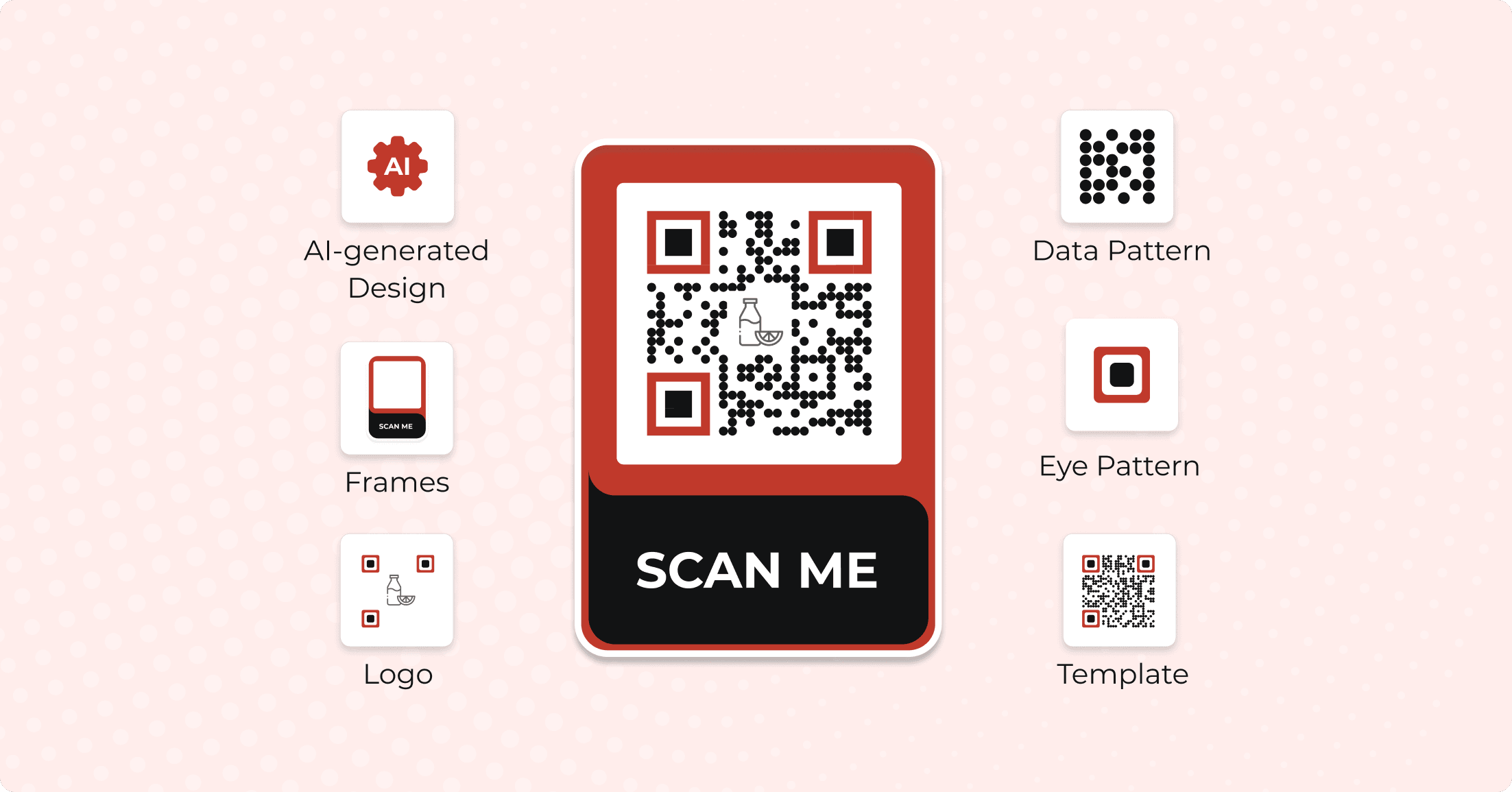
You can do so by adding colors, patterns, and logo to your QR Code. Some advanced service providers even help you do so using AI.
QR Code design customization
ScanovaQRTiger
Design Customization勾选勾选
Readymade Templates勾选勾选
Logo
As image
As text
勾选
勾选
勾选
叉号
Eye Pattern Customization
Pattern
Color
勾选
勾选
勾选
勾选
Data Pattern Customization
Pattern
Color
Gradient
勾选
勾选
勾选
勾选
勾选
勾选
Background Customization
Color
Transparent
勾选
勾选
勾选
勾选
Error Correction Adjustment勾选叉号
Save Design as Template勾选勾选

Both tools help you design your QR Codes. You get readymade design templates, add logo, eye color & pattern customization, data pattern customization, and background customization with both.

In addition, they also help you save your own design as a template for easy future use.

However, QR Tiger doesn’t let you add text as a logo in the center of the QR Code. In addition, it doesn’t allow users to adjust the error correction—a feature that helps ensure that a QR Code remains scannable even after being damaged by up to 30%. 

With design customization, a small error is introduced into the QR Code —as adding a logo removes some data patterns from the center. Hence, it’s important to ensure higher levels of error correction in custom-designed QR Codes.

QR Code export options

It’s important to have a high-resolution QR Code image to ensure good scannability. Pixelated or blurred QR Codes are difficult for the scanners to decode.

So your QR Code Generator must allow you to export QR Codes in various formats. Why is this important? It helps you ensure flexible usage across different platforms.

Digital use cases (such as digital displays) work just fine with raster formats such as PNG and JPG. For print resolutions (such as billboards, magazines, and business cards), vector formats are highly recommended. These include SVG, PDF, and EPS formats.
ScanovaQRTiger
JPG勾选叉号
PNG勾选勾选
SVG勾选勾选
EPS勾选勾选
PDF勾选勾选

Both tools are quite comparable in terms of the export formats they offer. 

Advanced QR Code features

Dynamic QR Codes offer a plethora of advanced and useful features often sought after by businesses. For example:
卡图标

Password protection

Need to share confidential content? It could be business agreements such as NDA, financial reports, etc. To restrict the access to these QRs, you can password-protect them. On scanning password-protected QR Codes, users first need to enter the password to be able to see the encoded content

卡图标

Custom domain

Dynamic QRs use redirecting URL (for example, qr-code-xyz.com) given by your service provider. However, some businesses prefer using their own domain name (qr.yourdomain.com) in the redirecting URL to ensure consistent branding. If you want this functionality too, make sure your service provider offers it

卡图标

Lead generation

Yes, QR Codes can also help you capture leads. On scanning a lead gen-enabled QR Code, end users are prompted to fill out a lead form before accessing the target content (such as a coupon or document).

卡图标

Conditional redirection

Would you want to redirect end-users to different web pages depending on their location, device, and more? That’s what conditional redirection does. It’s most often used by global businesses having multilingual websites

卡图标

AI QR Codes

Now, these are quite famous. You might have seen some pretty intriguing AI-generated QR Codes already. If you would like to generate the same for your business, make sure your service provider offers this feature

Based on the availability of various advanced features, here’s a consolidated overview of both tools:
ScanovaQRTiger
Advanced Features
Lead generation
Password protection
Conditional redirection (country, device, OS)
Custom domain
AI QR Codes
White labeling
QR Code Health Center
Folders with folder-level analytics
Block-based landing page editor with per-page SEO
勾选
勾选
勾选
勾选
勾选
勾选
勾选
勾选
勾选
叉号
勾选
叉号
勾选
勾选
叉号
叉号
叉号
叉号
While QR Tiger allows for password protection, custom domain, and white labeling, it lacks some features. These include lead generation, conditional redirection, and AI-generated QR Codes (offered by Scanova).

Mobile-optimized landing pages

Many users seek service providers who help them create mobile-optimized customized landing pages linked to QR Codes. These landing pages don’t need the users to have any professional software development expertise.

They easily help them create visually appealing and functional landing pages in minutes. These pages could include:
页面预览页面预览
Wedding Invitation
页面预览页面预览
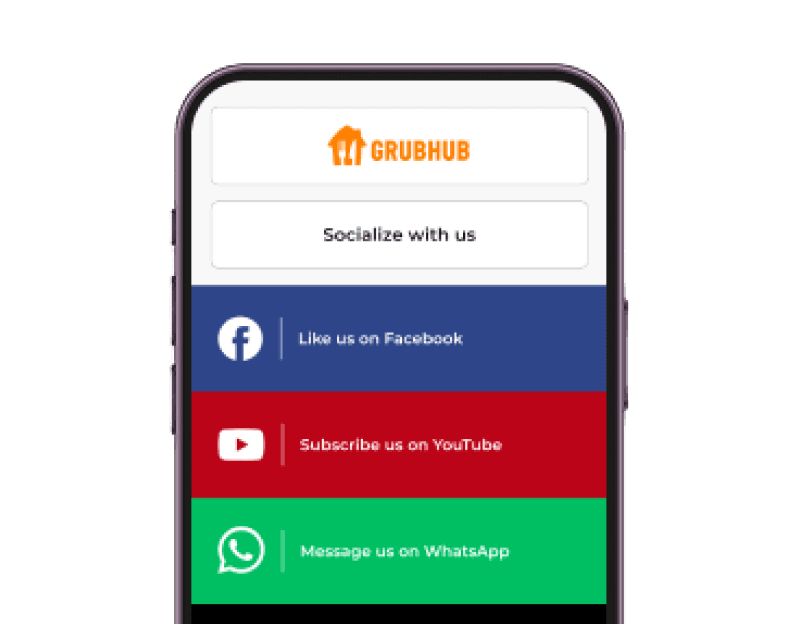
Social Media
页面预览页面预览
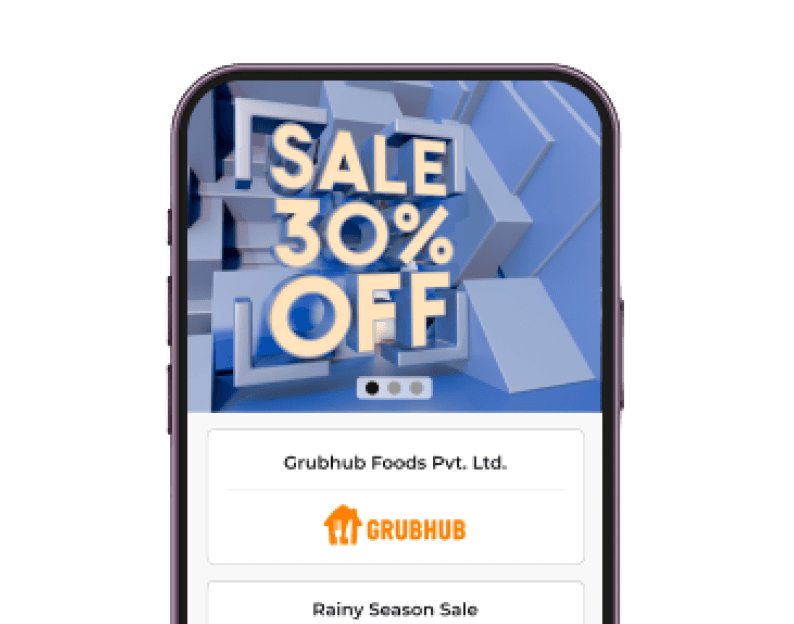
Coupon
页面预览页面预览
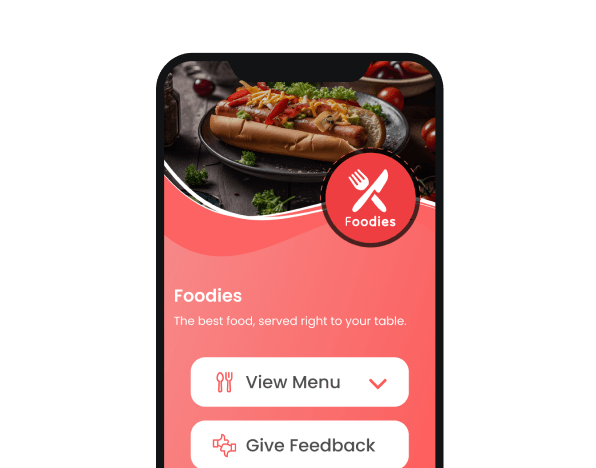
Restaurant
页面预览页面预览
Event Invitation
页面预览页面预览
Custom Page
页面预览页面预览
Product
页面预览页面预览
Business Card
ScanovaQRTiger
Mobile Landing Pages勾选叉号
Both contenders help you create mobile landing pages for a great user experience. 

User interface and experience

When evaluating QR Code Generators, ease of use is a critical parameter that significantly influences user experience.
ScanovaQRTiger
Ad-free勾选勾选
User ExperienceIntuitiveOverwhelming
Scanova is designed with simplicity in mind. The step-by-step creation process guides users through generating QR Codes, making it straightforward and efficient. This makes it accessible even for users with no technical background.

Users can easily save designs for future use and employ filters to sort their QR Codes effectively. The platform allows for custom labels/tags, enhancing organization and identification.

While QR Tiger offers a range of features, its interface can be overwhelming due to the dense arrangement of options. New users may find it less intuitive compared to Scanova.

The platform lacks a structured step-by-step creation process, which may complicate the user experience for those unfamiliar with QR Code generation.

QR Code security and management

For businesses of all sizes, management and security are important features.

QR Code management helps you create, organize, and track QR Codes to give you better control over QR Codes, their analytics, and performance. Using it, you can do a lot, such as:
卡图标

Tags

You can assign tags to each QR Code to keep your account well-organized. This is especially helpful if you need to create QR Codes on a large scale for varied use cases like inventory, marketing, etc.

卡图标

Tags

You can assign tags to each QR Code to keep your account well-organized. This is especially helpful if you need to create QR Codes on a large scale for varied use cases like inventory, marketing, etc.

卡图标

Auto-deactivation

It gives you the flexibility to activate or deactivate QR Codes based on your needs. It comes in handy for time-sensitive campaigns (say festival-based offers).

卡图标

Auto-deactivation

It gives you the flexibility to activate or deactivate QR Codes based on your needs. It comes in handy for time-sensitive campaigns (say festival-based offers).

卡图标

Multi-user access

It helps you get your team to collaborate and help you manage your QR Code campaigns better.

卡图标

Multi-user access

It helps you get your team to collaborate and help you manage your QR Code campaigns better.

卡图标

Assign roles

You might not want to give the same level of (or full) access to every user added to the account. Some of these levels include viewer, analyst, billing manager, manager, and admin.

卡图标

Assign roles

You might not want to give the same level of (or full) access to every user added to the account. Some of these levels include viewer, analyst, billing manager, manager, and admin.

ScanovaQRTiger
Tags勾选勾选
Auto deactivation勾选勾选
Multi-users勾选勾选
Roles勾选勾选
In addition to management, security is another important factor to ensure your data is in safe hands. Hence, individuals and businesses need to ensure that the chosen QR Code Generator is compliant with various security standards.
ScanovaQRTiger
Security
ISO (27001:2022)
SOC2
GDPR
SSO
Multi-Factor Authentication
URL detection for phishing
勾选
勾选
勾选
勾选
勾选
勾选
勾选
叉号
叉号
勾选
勾选
叉号
While QR Tiger complies with ISO, it lacks other important security checks such as GDPR and SOC2. It also doesn’t offer URL detection for phishing which is paramount for QR Code Generators.

Bulk operations for scalability

Would you need a large number of QR Codes to be generated for your business use case? Then make sure your service provider offers bulk generation without fail.

It helps generate QR Codes at scale while saving time and effort. 

If you have your own website or information system, you can also integrate QR Code generation into the same using API.
ScanovaQRTiger
Bulk Operations
Static
Dynamic
API
勾选
勾选
勾选
勾选
勾选
勾选
Quite clearly, both the contenders offer bulk generation feature for Static and Dynamic QR Codes along with a robust API.

Customer support

For any digital service, a robust customer support is very important.

Imagine using a QR Code Generator that doesn’t offer adequate support. If you end up running into an issue, it would be quite challenging to get timely help.

Hence, make sure your service provider offers adequate support options offering you flexibility.
ScanovaQRTiger
Support
Chat
Email
Phone
Relationship Manager
勾选
勾选
勾选
勾选
叉号
勾选
叉号
叉号
QR Tiger only offers support via email. Now, this could be inconvenient in case of pressing issues that need immediate attention (since email conversations can get delayed).

Scanova helps users reach out via live chat support (24 hours), email, phone, and even assigns them a relation manager.

QR Code pricing

Both Scanova and QR Tiger offer a free and paid version of their services. The free version is Static QR Code Generator which suffices for basic use cases.

The premium version helps create Dynamic QR Codes with advanced features.
ScanovaQRTiger
Plan #1
Yearly
Monthly
Pro - $900
Pro - $100
Professional - $1,068
NA
Plan #2
Yearly
Monthly
Standard - $420
Standard - $50
Premium - $444
NA
Plan #3
Yearly
Monthly
Lite - $108
Lite - $15
Adv - $192
NA
Plan #4
Yearly
Monthly
Basic - $60
NA
Regular - $65
Regular - $7
QR Tiger offers four different plans based on yearly subscriptions. However, it doesn’t allow a monthly payment option for flexibility

Scanova offers 5 plans that users can choose from but is comparatively more price-efficient. In addition, it also allows users to opt for both monthly and yearly subscriptions as per their needs.

Final take: Choosing the best QR Code for your business

By now, you might have made a decision already. Both the QR Code Generators have competitive features. Both of them are being used by many businesses globally.

However, Scanova stands out—with a comparatively wider range of benefits such as better security measures, versatile support, and affordable pricing.

Based on your judgment of cost and benefits, you are now well-equipped to make a decision. 

In case you would like to try out Scanova, get started here:

立即开始使用 Scanova

14 天免费试用 | 无需信用卡

不确定 Scanova 是否符合您的要求?

预约演示