Scanova vs QRCode Monkey

Scanova 与 QR Monkey
Scanova 与 QR Monkey

Which QR Code Generator reigns supreme?

Looking for QR Codes? You have some great options to help you get the job done.

But with multiple options comes a little confusion too. Every QR Code Generator is made differently and varies in terms of capabilities.

Now, you want to see which one between QRCode Monkey and Scanova will be a better choice for your use case.

Scanova

Scanova is a premium QR Code generation and management tool for individuals as well as businesses of all sizes. While it offers a free QR Code generation tool, the premium version offers advanced features such as Dynamic QRs, campaign tracking, and API.

另一方面,

QRCodeMonkey

QRCode Monkey is purely a free service with some customization options. It helps you generate only Static QR Codes.

但在得出结论之前,让我们详细比较一下这两个竞争者。

Types of QR Codes: Static and Dynamic

Features

Static QR Code

Dynamic QR Code

功能图标
Editability
Cannot be edited after creation
Can be edited anytime
功能图标
Tracking & Analytics
No tracking available
Tracks scans by time, location, device type, and more.
功能图标
Short URL/Redirection
Directly encodes the final content
Uses a short URL that redirects to the destination
功能图标
Use Case
Best for unchanging content
Best for marketing and promotional campaigns that require flexibility
Features
Static QR Code
Dynamic QR Code
图标
Editability
Cannot be edited after creation
Can be edited anytime
图标
Tracking & Analytics
No tracking available
Tracks scans by time, location, device type, and more.
图标
Short URL/Redirection
Directly encodes the final content
Uses a short URL that redirects to the destination
图标
Use Case
Best for unchanging content
Best for marketing and promotional campaigns that require flexibility

Static QR Codes are permanent. Once you add content (say a URL or text), you can’t change it. To do it, you would need to create a new QR Code. Additionally, they are not trackable either. That means you can’t monitor their scanning activity.

Hence, Static QR Codes are great for basic use cases where the content is permanent and you don’t need analytics.

In contrast Dynamic QR Codes , are much more flexible in terms of editability. They also allow you to monitor their scanning activity based on time, location, devices, and more.

They also come with advanced features like password protection, lead generation, and white labeling. Hence, Dynamic QR Codes are used for professional use cases like marketing and advertising.

ScanovaQRCodeMonkey
Static QR Codes勾选(Unlimited)勾选(Unlimited)
Dynamic QR Codes(Paid)No option to create Dynamic QRs

With Scanova, you can create unlimited Static QR Codes for free without even signing up.

If you need Dynamic QR Codes, you can sign up for a free trial and explore advanced features and functionalities.

With QRCode Monkey too, you can create as many Static QR Codes as you want for free. However, they don’t directly offer Dynamic QR Codes for professional use cases.

Design customization

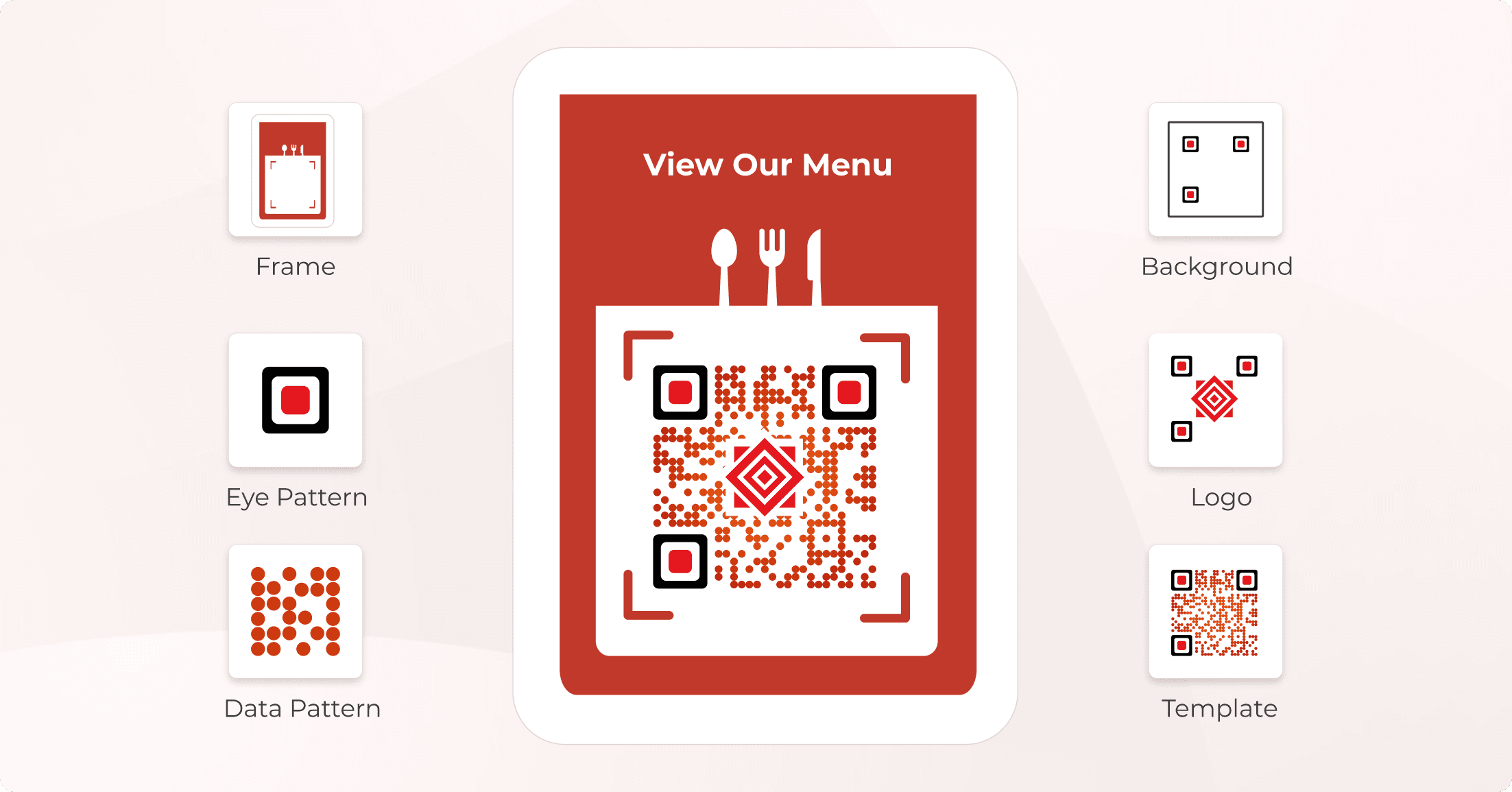
Why stick to black-and-white QR Codes when you can add branding details and customize your QR Code?

You can do it by adding colors, logo, frames, and much more. Some service providers also help you customize the QR Codes via AI.

We have a detailed comparison of design customization offered by both players. But before that, let’s see which elements of the QR Code can be customized:

  • • Eyes (inner and outer): Pattern and color
  • • Data matrix: Colors and pattern
  • • Logo: As image or text
  • • Background: Colored or transparent
Design customization
ScanovaQRCodeMonkey
Design Customization勾选勾选
Readymade Templates勾选勾选
Logo
As image
As text
勾选
勾选
勾选
叉号
Eye Pattern Customization
Pattern
Color
勾选
勾选
勾选
勾选
Data Pattern Customization
Pattern
Color
Gradient
勾选
勾选
勾选
勾选
勾选
勾选
Background Customization
Color
Transparent
勾选
勾选
勾选
勾选
AI-based Design Customization勾选叉号

Both QRMonkey and Scanova have decent QR Code customization options. Both of them offer ready-made design templates that you can quickly go ahead with.

If not, you can also design a QR Code from scratch using either. QR Monkey doesn’t allow you to design modern QR Codes using AI. However, Scanova has AI-generated design feature that helps create futuristic designs.

QR Code analytics

A QR Code campaign without analytics is like having a marketing campaign without performance tracking. If you are a professional, it’s important to monitor the impact of your QR Code campaigns to gauge their effectiveness and ROI.

With scan tracking, you can monitor QR Code scans by:

图标Time of the day
图标Location
图标Device type
图标Operating system
图标Top performing QR Code
图标Least performing QR Code

Also, make sure your service provider helps you export QR Code analytics so you can analyze the data comfortably.

Smart brands leverage QR Codes not just for linking, but for tracking customer behavior and optimizing marketing campaigns in real-time.
Ann Handley

Chief Content Officer - MarketingProfs

ScanovaQRCodeMonkey
Analytics勾选叉号
Weekly email reports勾选叉号
Event tracking勾选叉号
Bot traffic filter勾选叉号
Conversion tracking勾选叉号
Scans by
Time of the day
Location
Device type
OS type
Exact GPS location
Top performing QRs
Least performing QRs
勾选
勾选
勾选
勾选
勾选
勾选
勾选
叉号
叉号
叉号
叉号
叉号
叉号
叉号
Integrations
Google Analytics
Webhooks - Zapier
勾选
勾选
叉号
叉号
Analytics Export (format)PDF, PNG, JPEG, XLS, XLSXNA

If your use case is quite basic and low-stakes, QRCode Mokney with no scan tracking might suffice. For a business-oriented use case, analytics data is a must. Hence, Scanova would be the better choice.

QR Code export formats

Having multiple QR Code export formats ensures flexible usage across different platforms. There are two types of image export formats—raster and vector.

Raster formats may lose quality when sized. These include JPG and PNG formats. They are most frequently used for web use, social networking, emails, and presentations.

Vector formats are mostly used in print media creatives as they help prevent pixelation. These include SVG, EPS, and PDF formats. These are used on large-scale print media (such as banners), business cards, labels, packaging, etc.
ScanovaQRCodeMonkey
Raster Formats
JPG
PNG
勾选
勾选
叉号
勾选
Vector Formats
SVG
EPS
PDF
勾选
勾选
勾选
勾选
勾选
勾选

Scanova has five different export formats to offer users the flexibility to choose as per their needs. On the other hand, QR Monkey also offers mostly similar formats with only JPG (raster format) not available to the users.

Mobile-optimized landing pages

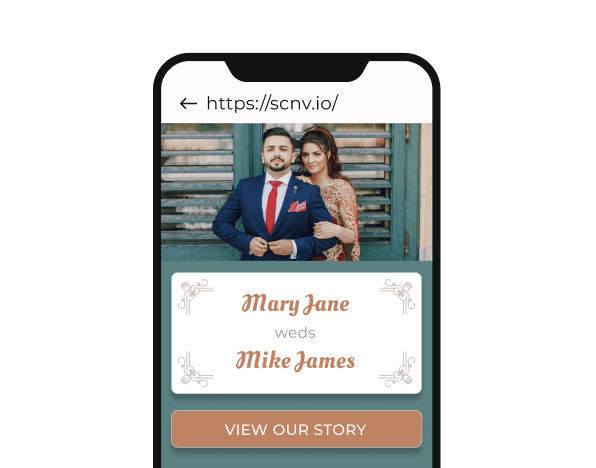
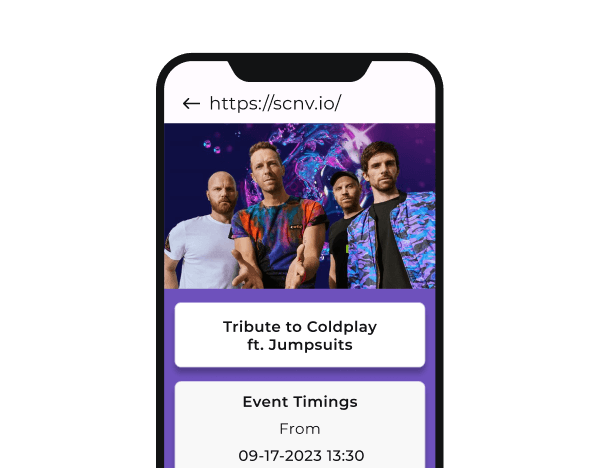
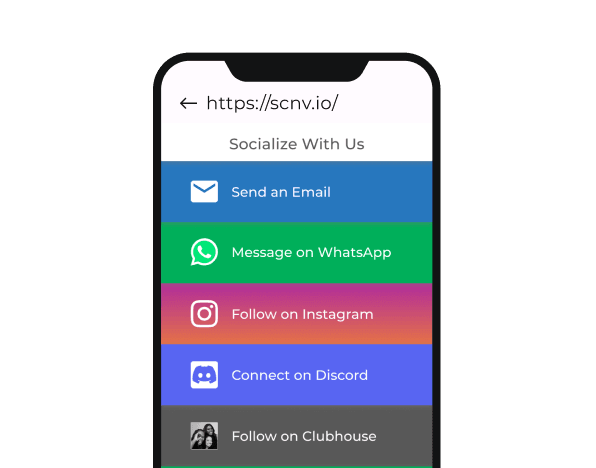
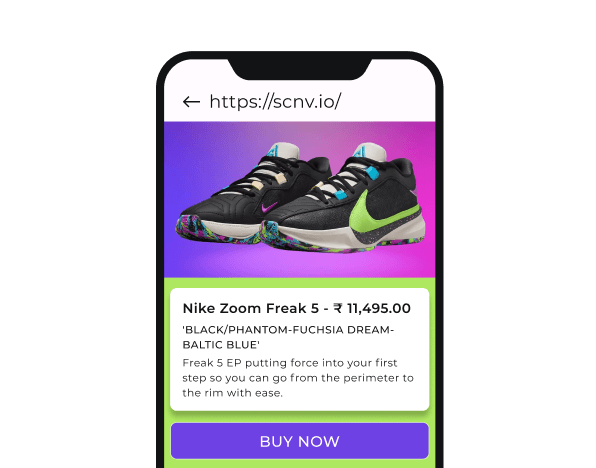
This feature is important for users who want to create mobile-optimized landing (web) pages linked to QR Codes without even having a website of their own. Hence, no need for you to host or design a website yourself.

A QR Code service provider does that for you. There are many categories of mobile landing pages offered by service providers like Scanova. For example:
页面预览页面预览
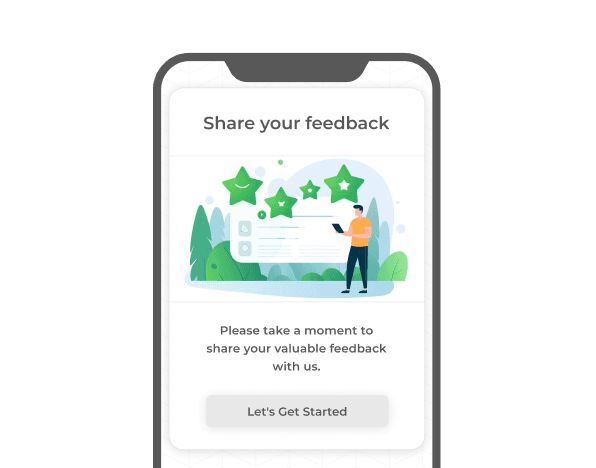
Feedback
页面预览页面预览
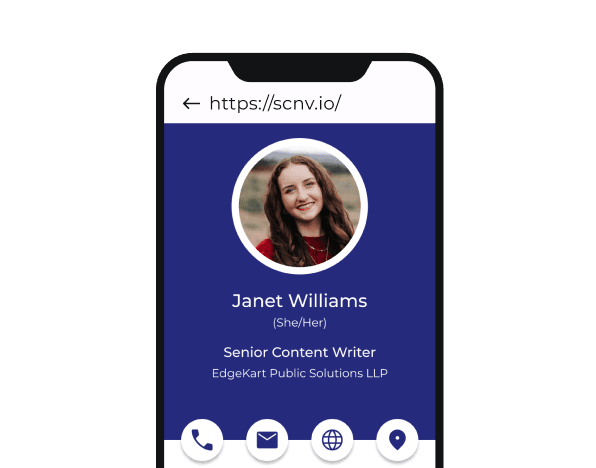
Business Card
页面预览页面预览
Wedding
页面预览页面预览
Event
页面预览页面预览
Social Media
页面预览页面预览
Product
页面预览页面预览
Custom Page
页面预览页面预览
Restaurant
ScanovaQRCodeMonkey
Mobile Landing Pages勾选叉号
Categories (if any)Yes, 10+Nil
Note that landing pages are unique to Dynamic QR Codes. Hence, QRCode Monkey doesn’t offer the mobile landing pages feature. But with Scanova, you can easily create a mobile landing page in minutes. 

Advanced features

Dynamic QR Codes offer many advanced features. These include:
卡图标

Lead generation

Helps you integrate a leads form with the QR Code. On scanning the QR, the end-users can see the leads form. Only after they fill it out, they are taken to the next step (such as a thank you page, coupon code, website, video, and images).

卡图标

Password protection

Want only authorized users to access your QR Code’s content? It could be to share confidential official documents, health certificates, etc. In such cases, it’s a great idea to password-protect the QR Code. Scanning such QRs prompts the end users to enter a password to access the linked content.

卡图标

Conditional redirection

Got a multilingual website and want your global users to be redirected to the suitable version of your content? This is where conditional redirection comes in handy. It can redirect people to different web pages depending on the country, device, or even operating system.

卡图标

Custom domain

It helps businesses to use their own branded domain (like qr.yourbrand.com) instead of the QR Code service provider’s default domain (like qr-code-gen.io) for their Dynamic QR Codes.

Hence, instead of a generic redirecting URL (qr-code-gen.io), you can get a branded URL (yourdomain.com/123) as the redirecting URL. It’s especially useful for businesses looking to maintain consistency and branding.

卡图标

White labeling

With white labeling, you get to remove the QR Code service provider’s branding from your mobile landing pages. Just like custom domain, it helps you ensure consistent branding in your campaign

ScanovaQRCodeMonkey
Advanced Features
Lead generation
Password protection
Conditional redirection (country, device, OS)
Custom domain
White labeling
QR Code Health Center
Folders with folder-level analytics
Block-based landing page editor with per-page SEO
勾选
勾选
勾选
勾选
勾选
勾选
勾选
勾选
叉号
叉号
叉号
叉号
叉号
叉号
叉号
叉号

QR Code management and security

Management and security are the most important features for businesses looking to securely use QR Codes.

QR Code management refers to creating, organizing, and tracking QR Codes for better control, analytics, and performance. Under this, there’s a lot you can do. For example:
卡图标

Tags

Assign tags to each QR Code to keep them well-organized, especially if you need to create multiple QRs for different functions like marketing, inventory, and other business uses.

卡图标

Tags

Assign tags to each QR Code to keep them well-organized, especially if you need to create multiple QRs for different functions like marketing, inventory, and other business uses.

卡图标

Auto-deactivation

Auto-deactivate QR Codes once your campaign is over and you want to stop them from working. This is especially useful for time-sensitive campaigns (say a Christmas campaign).

卡图标

Auto-deactivation

Auto-deactivate QR Codes once your campaign is over and you want to stop them from working. This is especially useful for time-sensitive campaigns (say a Christmas campaign).

卡图标

Multi-user access

Add multiple users to your account to help you manage, track, and optimize QR Codes.

卡图标

Multi-user access

Add multiple users to your account to help you manage, track, and optimize QR Codes.

卡图标

Assign roles

Assign different role to each user you add based the the desired level of access—viewer, analyst, billing manager, manager, and admin.

卡图标

Assign roles

Assign different role to each user you add based the the desired level of access—viewer, analyst, billing manager, manager, and admin.

ScanovaQRCodeMonkey
Tags勾选叉号
Auto deactivation勾选叉号
Multi-users勾选叉号
Roles勾选叉号
In addition to management, security is another important factor to ensure your data is in safe hands. Hence, individuals and businesses need to ensure that the chosen QR Code Generator is compliant with various security standards.
ScanovaQRCodeMonkey
Security
ISO (27001:2022)
SOC2
GDPR
SSO
Multi-Factor Authentication
URL detection for phishing
勾选
勾选
勾选
勾选
勾选
勾选
叉号
叉号
叉号
叉号
叉号
叉号
Scanova excels in QR Code management and security features, making it a top choice for professionals and businesses. On the other hand, QRCode Monkey mostly lacks them.

User interface and experience

A well-designed UI/UX makes it easy for you to use the service. Better user experience means a seamless, intuitive, and enjoyable experience. In addition, an ad-free experience also positively contributes to a good user experience.
ScanovaQRCodeMonkey
Ad-free勾选勾选
User ExperienceGood (slightly more intuitive)Fairly good
Both tools provide an ad-free experience to their users.

When talking about the overall user experience, Scanova is a little more intuitive.

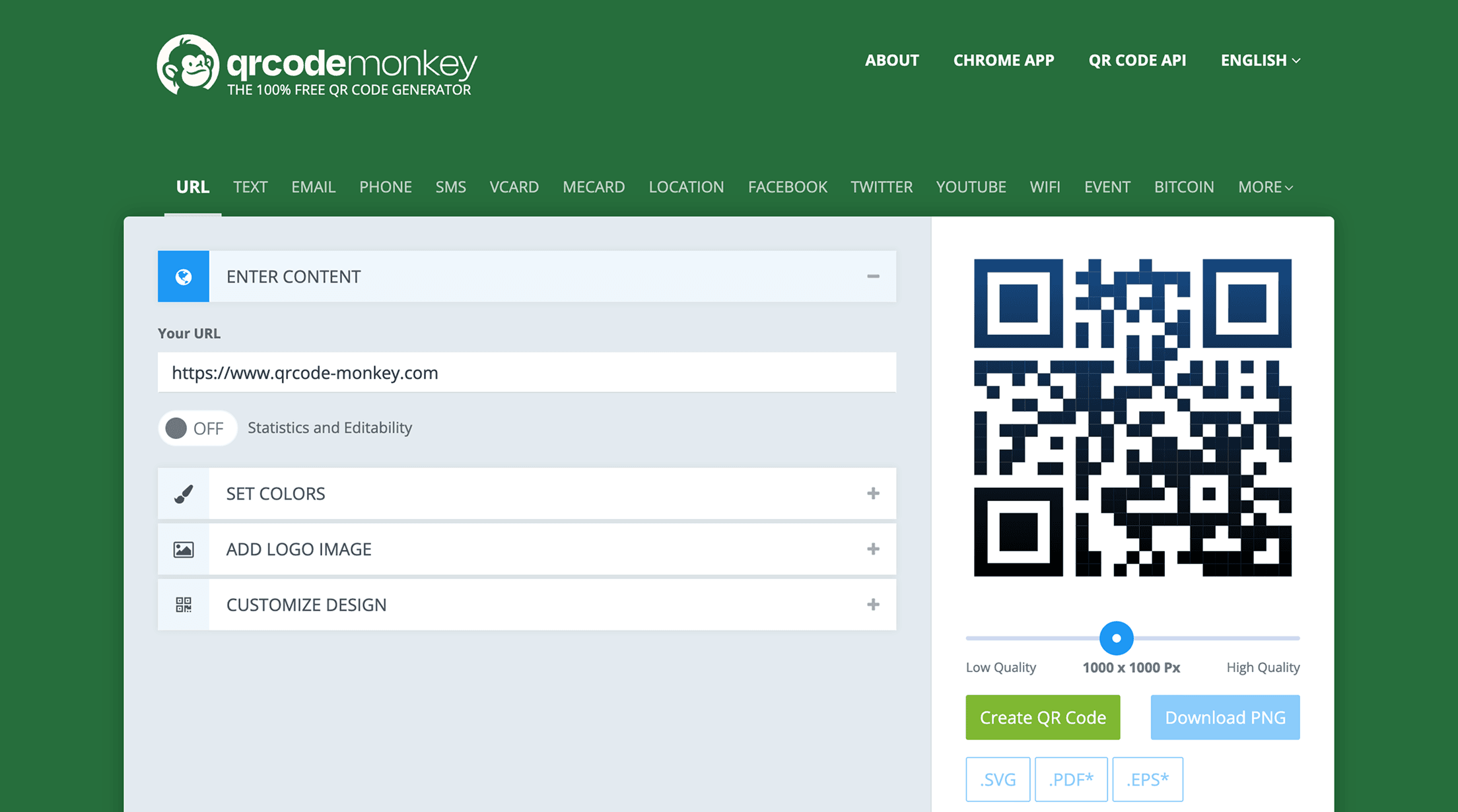
With QR Monkey, users need to hit the Create QR Code button repeatedly to preview each change or edit they make to the QR Code.
User interface and experience
This can be confusing for first-time users who are (say) trying to design a QR Code by trying different customizations but can’t see any changes in the preview unless they click on the mentioned button after each change.

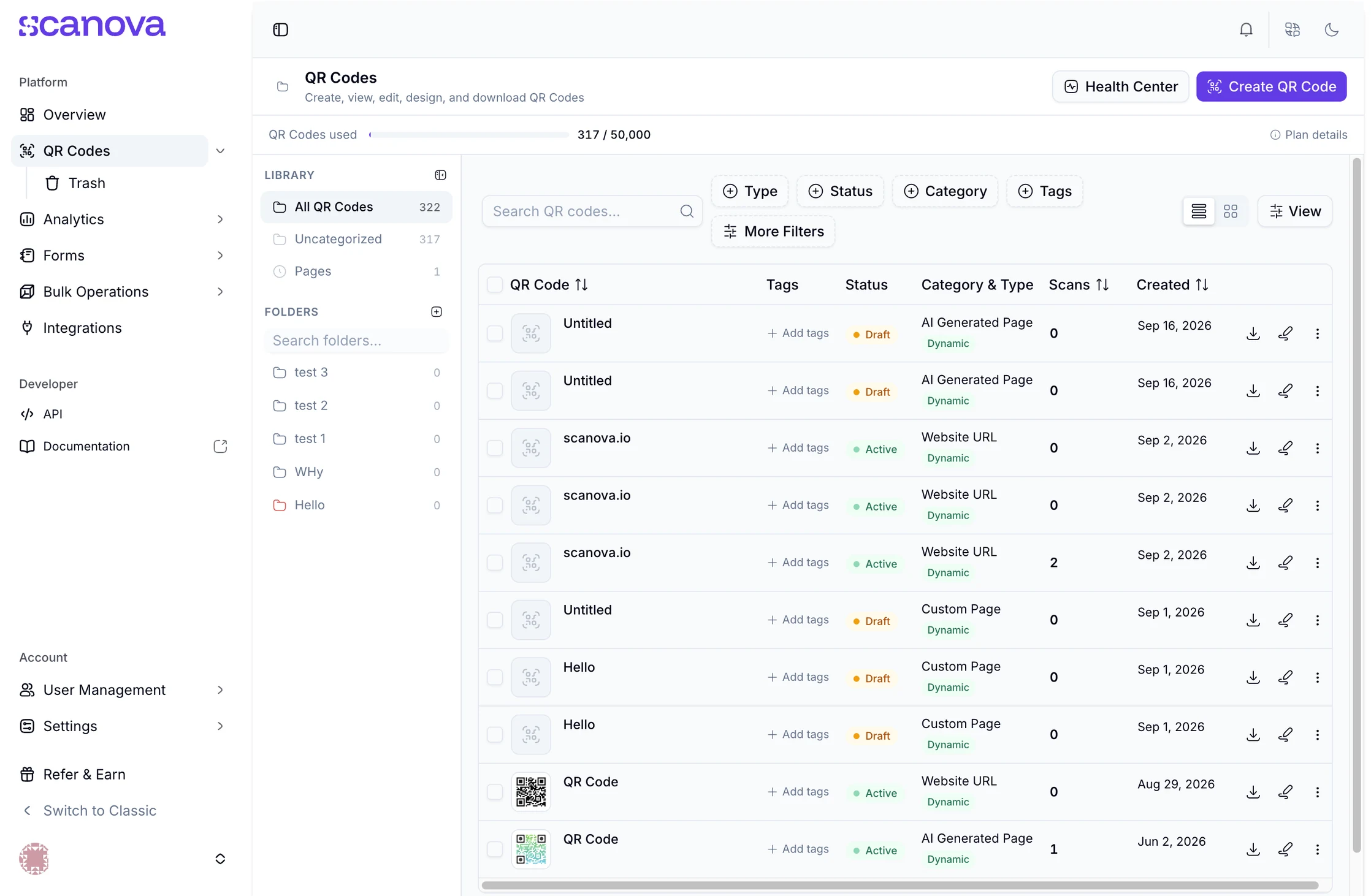
On the other hand, Scanova is a bit more straightforward.
User interface and experience
With each change or edit you try, you can readily see changes being reflected in the QR Code.

Bulk operations

This is especially useful if you need to create QR Codes in bulk (say hundreds of them). Here, it won’t be scalable to keep creating each QR one by one.

That would just take a lot of time and effort. Hence, for large-scale operations, bulk generator and API are a must-have.
ScanovaQRCodeMonkey
Bulk Operations
Static QR Codes
Dynamic QR Codes
API
勾选
勾选
勾选
叉号
叉号
勾选
While QRCode Monkey doesn’t allow for bulk operations at all, it offers users QR Code generation API.

On the other hand, Scanova helps users create both Static and Dynamic QRs in bulk. It also helps them integrate QR Code generation into their own information system (via API) for automated QR Code generation.

Pricing and support

QR Monkey is free of cost for its users (since it only helps you create basic Static QR Codes).

Similarly, Scanova’s Static QR Code Generator is also free for all. However, the ones who need Dynamic QR Codes and advanced features can purchase a suitable subscription plan as per their needs. You can go through the various plans and pricing , to see which plan works best for your use case.

Here’s a quick brief of the pricing options:
ScanovaQRCodeMonkey
Plan #1
Yearly
Monthly
Pro - $900
Pro - $100
Free of cost
Free of cost
Plan #2
Yearly
Monthly
Standard - $420
Standard - $50
Free of cost
Free of cost
Plan #3
Yearly
Monthly
Lite - $108
Lite - $15
Free of cost
Free of cost
Plan #4
Yearly
Monthly
Basic - $60
NA
Free of cost
Free of cost
Coming to one of the most important features: customer support. It is crucial as businesses rely on QR Codes for marketing, product tracking, payments, and customer engagement.

Any issue—such as broken links, scanning errors, or expired QR Codes—can lead to lost revenue and frustrated users.

Hence, a responsive support team is vital to ensure smooth operations, quick issue resolution, and better customer satisfaction. It’s also important that you get multiple support options to make sure that users can reach out using the option most convenient for them.
ScanovaQRCodeMonkey
Support
Chat
Email
Phone
Relationship Manager
勾选
勾选
勾选
勾选
叉号
叉号
叉号
叉号
Scanova offers many flexible support options but that’s not the case with QRCode Monkey.

Choosing the best QR Code tool for your use case

You have seen a detailed comparison between Scanova and QR Monkey. To conclude, if you are looking for Static QR Codes for low-stake use cases, you can go ahead with either of the two options.

However, for more sophisticated business campaigns, Scanova is the better choice. With its Dynamic QR Codes, advanced features, and support it offers everything you need to run successful end-to-end QR Code campaigns.

You are well-equipped to make a decision now. In case you would like to try Scanova, you can get started with a free trial:

立即开始使用 Scanova

14 天免费试用 | 无需信用卡

不确定 Scanova 是否符合您的要求?

预约演示