QR Code Generator for individuals and businesses
Generate free QR Codes with Scanova for 25+ use cases and turn every print touchpoint into a trackable engagement channel.
Update codes anytime, no reprinting needed.
Select Category


 Product
 Image
Image Restaurant
 Custom Page
 Event
Event Wedding
 App Store
 Audio
Audio Feedback
 Coupon
 Phone
Phone Email
Email Calendar Event
 Text Message


Enter a valid URL



























Sign up to use AI-generated pages
Sign up to create product QR Codes
Sign Up to design and personalize your QR Codes
- No sign-up required
- Secure & safe to scan
- Download in any format


QR Codes explained
Here's what you need to know about QR Codes
What is a QR Code?
Why QR Codes matter in 2026?
What is the difference between Static and Dynamic QR Codes?
How do I scan QR Codes?
How to create a QR Code for free?
Follow 3 simple steps to make a QR Code using Scanova's QR Builder
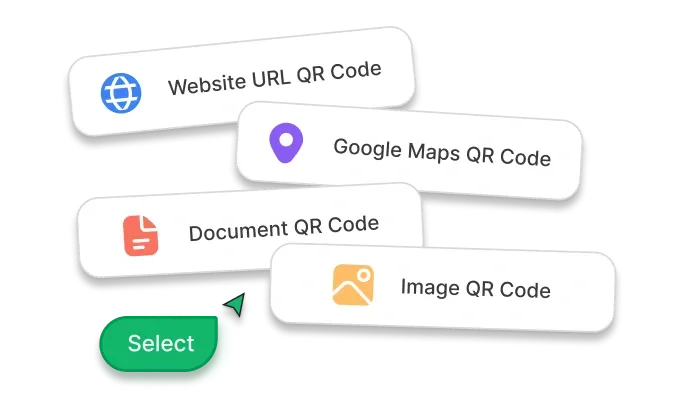
Pick Your Route
Log In to Scanova. Choose Quick Code, Build a Page, or AI Studio depending on what you want your QR Code to do
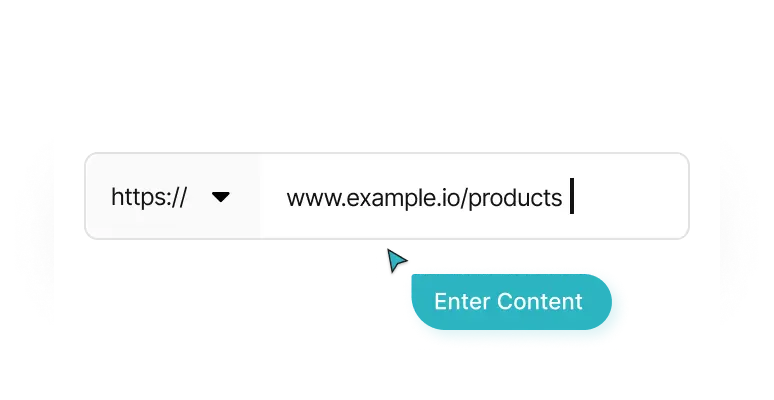
Enter Content
Add required content like Website URL, text, contact info, and more
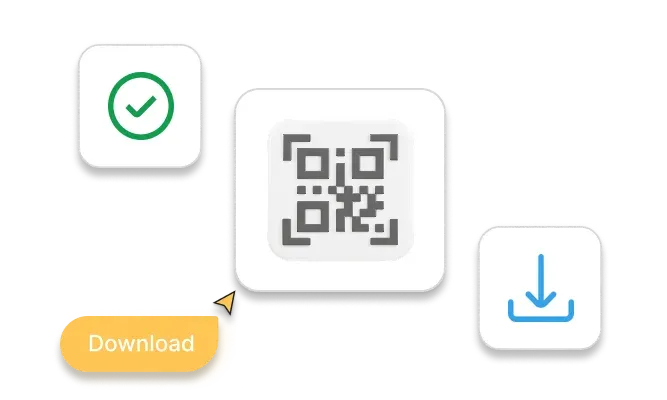
Check & Download
Scan and test your Static QR Code, then download the image as a PNG
All 26 QR Code categories accessible via 3 routes
Quick Code
For anything that sends people somewhere: a website, a document, a map location, an app store listing, a phone number. Pick it, paste the destination, download the code.
Build a Page
For every landing page category, from a restaurant menu to a wedding invitation. Add blocks, drag them into order, and the page publishes behind the QR Code.
AI Studio
Type what the page is for and AI generates a complete landing page for you, which you can edit or build on easily before making it live.
How do QR Codes work their magic?
Incorporating QR Codes into print collateral can streamline operations, enhance customer interaction, and drive growth across industries
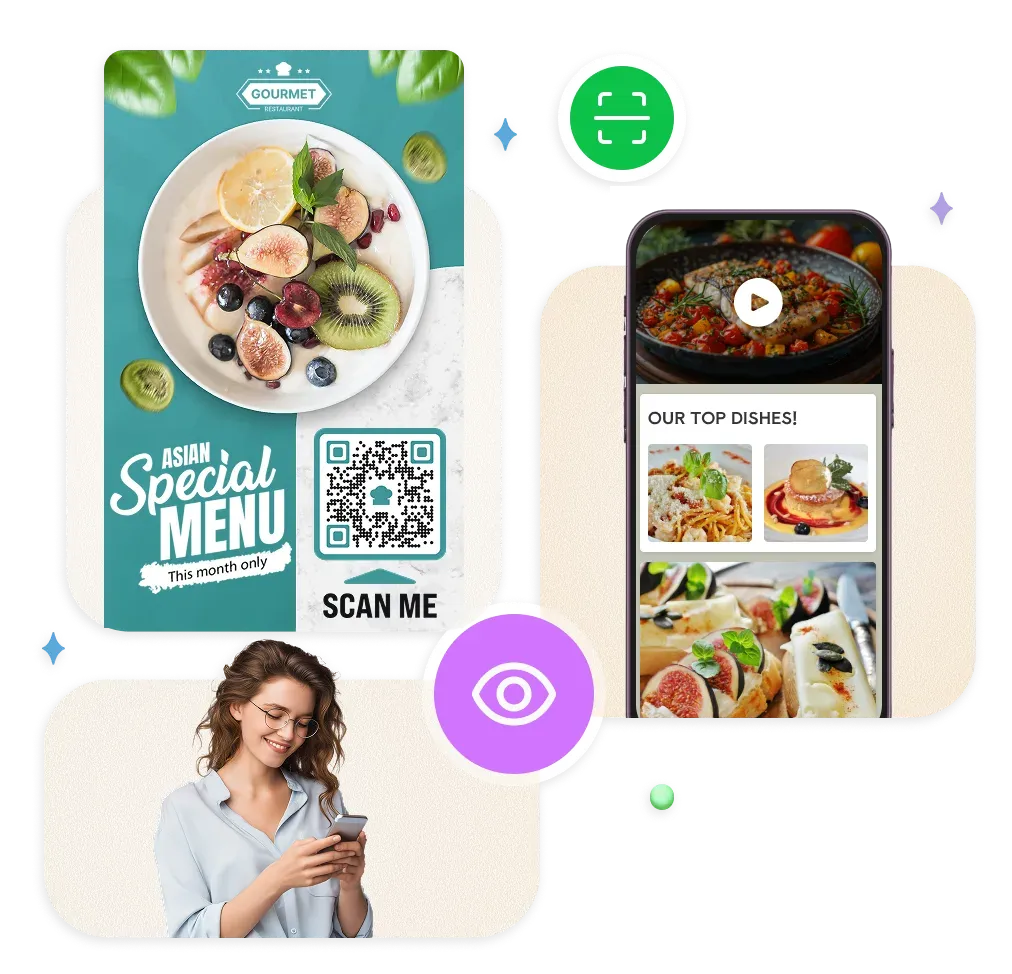
Turn paper into instant access
Never lose another business card
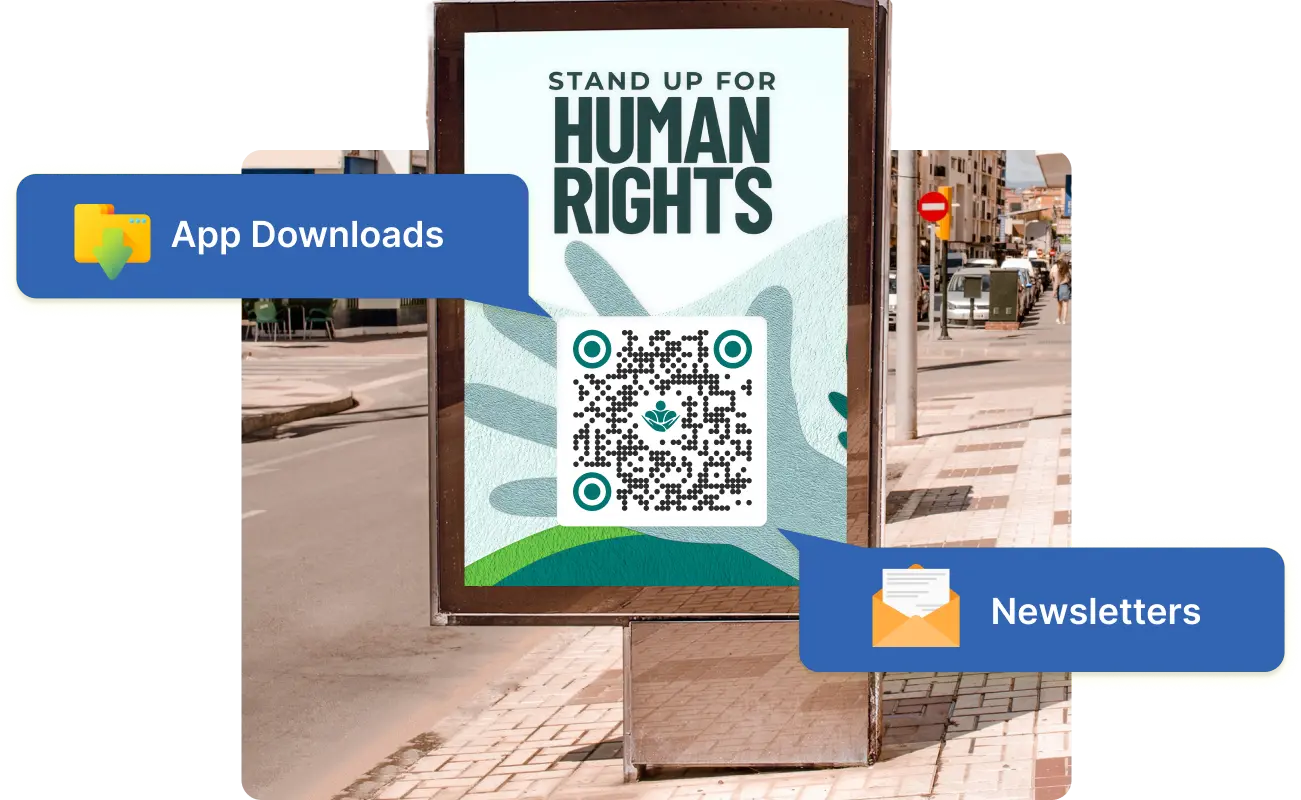
One-scan app installs
Skip the search, go straight to follow
GPS navigation made simple
Event details at lightning speed
Feedback collection that actually works
Content downloads without the hassle
Why create QR Codes? Big wins, small effort.
Stop leaving money on the table, make every print collateral work harder

Turn static print into a sales machine

Bridge offline to online in one scan
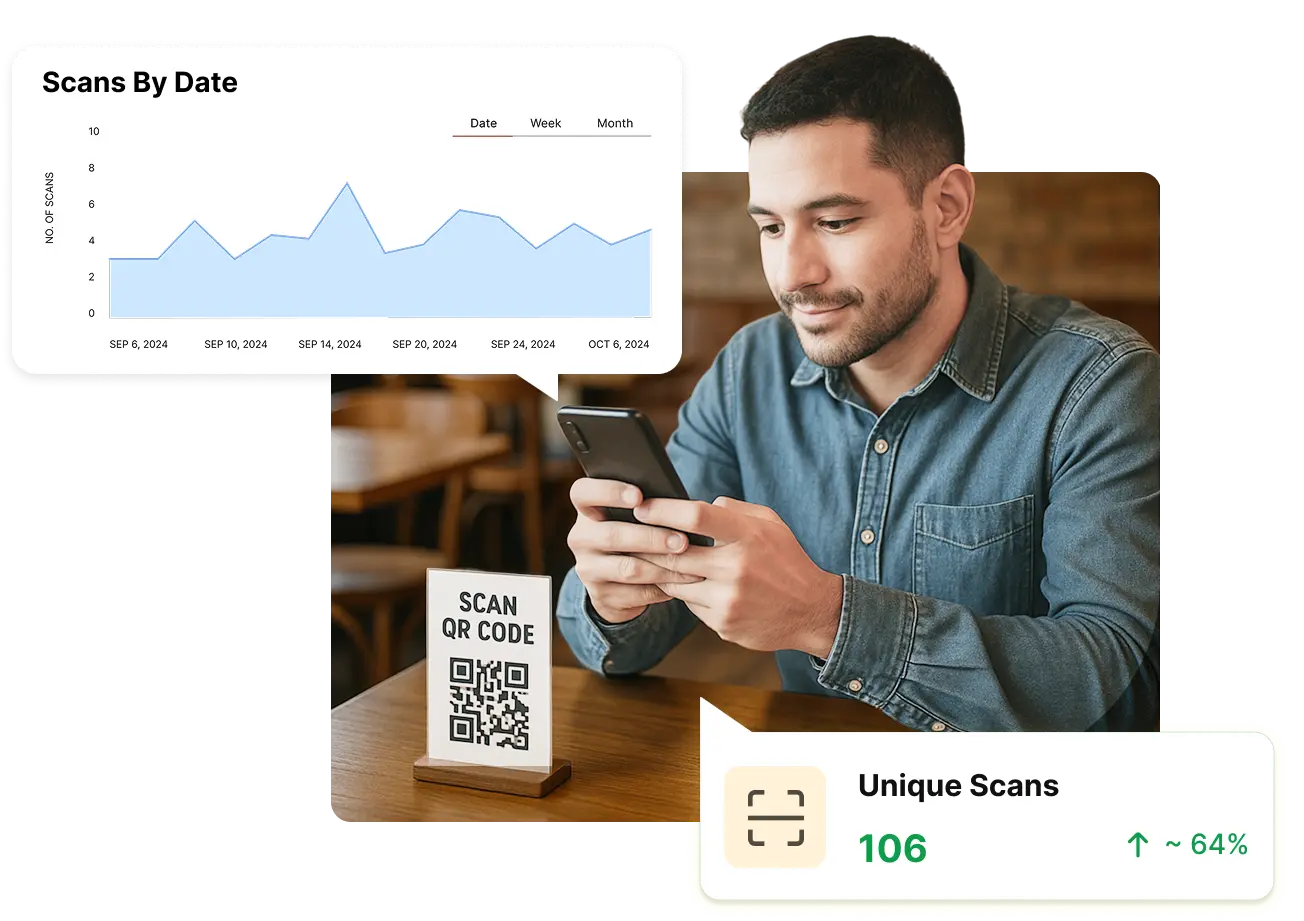
Track your print campaign ROI accurately
Turn scanners into lifelong customers

Marketing made simple and smart
Ready to unlock even more with Scanova's online QR Code Generator?


Built for unbreakable data safety
At Scanova, your security and privacy are our top priorities. Our platform adheres to ISO/IEC 27001:2022, GDPR, and SOC2 compliance standards, ensuring your data is always handled with the highest level of protection.



Types of QR Codes you can create using Scanova's free tool
These Static QR Codes will work forever and cannot be edited or tracked

Website URL QR Code
When scanned, redirects user to the specified website

Document QR Code
When scanned, redirects user to the uploaded document(s)

Image QR Code
When scanned, user can view or download image(s)

Google Maps QR Code
When scanned, displays a location on Google Maps

Simple Business Card QR Code
When scanned, prompts scanning device to save contact

Social Media QR Code
When scanned, displays link to social media profiles of your choice

Audio QR Code
When scanned, redirects user to uploaded audio files

Text QR Code
When scanned, displays the specified text on the scanning device

Phone QR Code
When scanned, prompts scanning device to dial specified phone number

Email QR Code
When scanned, prompts user to specified email content

Calendar Event QR Code
When scanned, prompts scanning device to save event in calendar

WiFi QR Code
When scanned, prompts scanning device to automatically join a Wi-Fi network
6 proven ways to double your scans
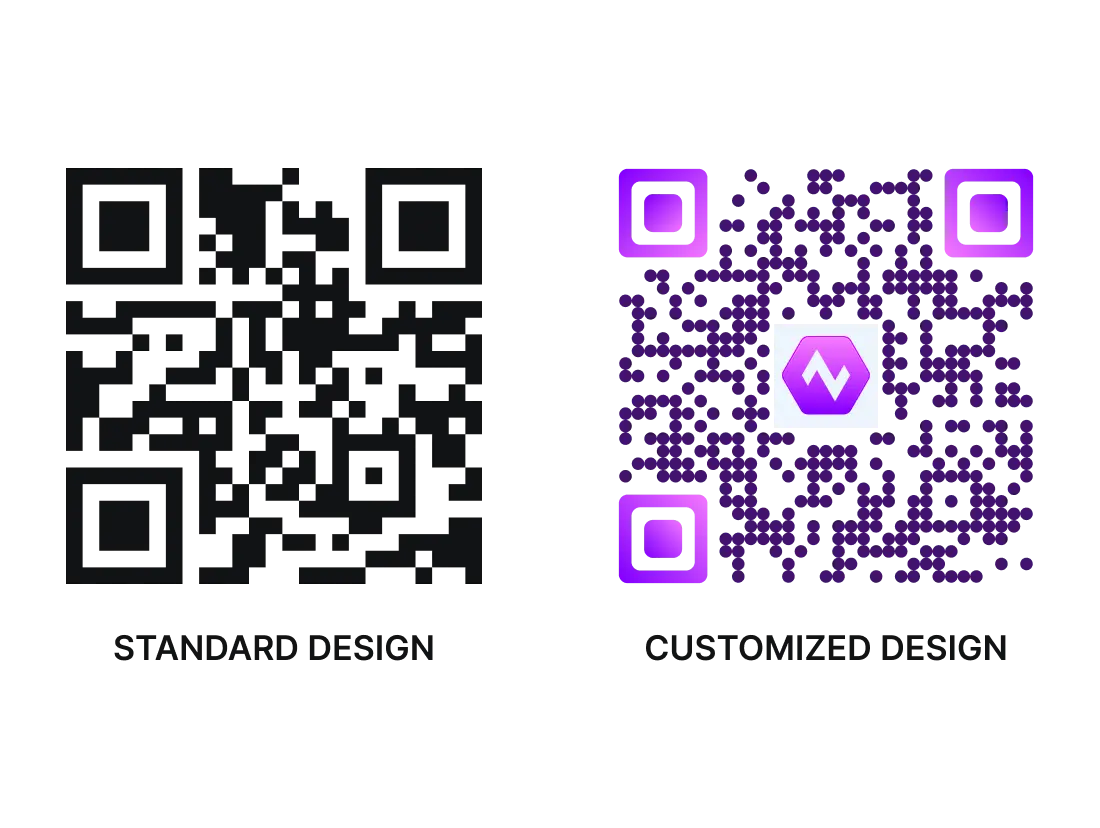
Customize QR Code design
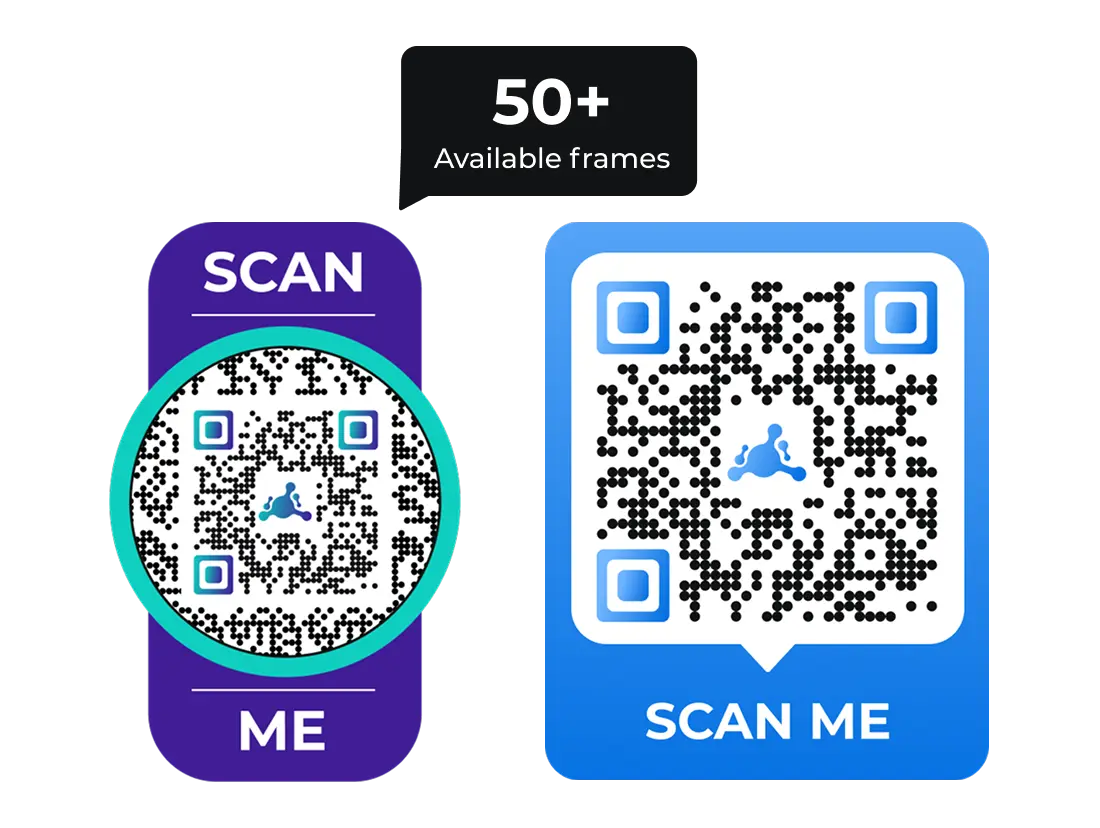
Add converting frames to QR Codes
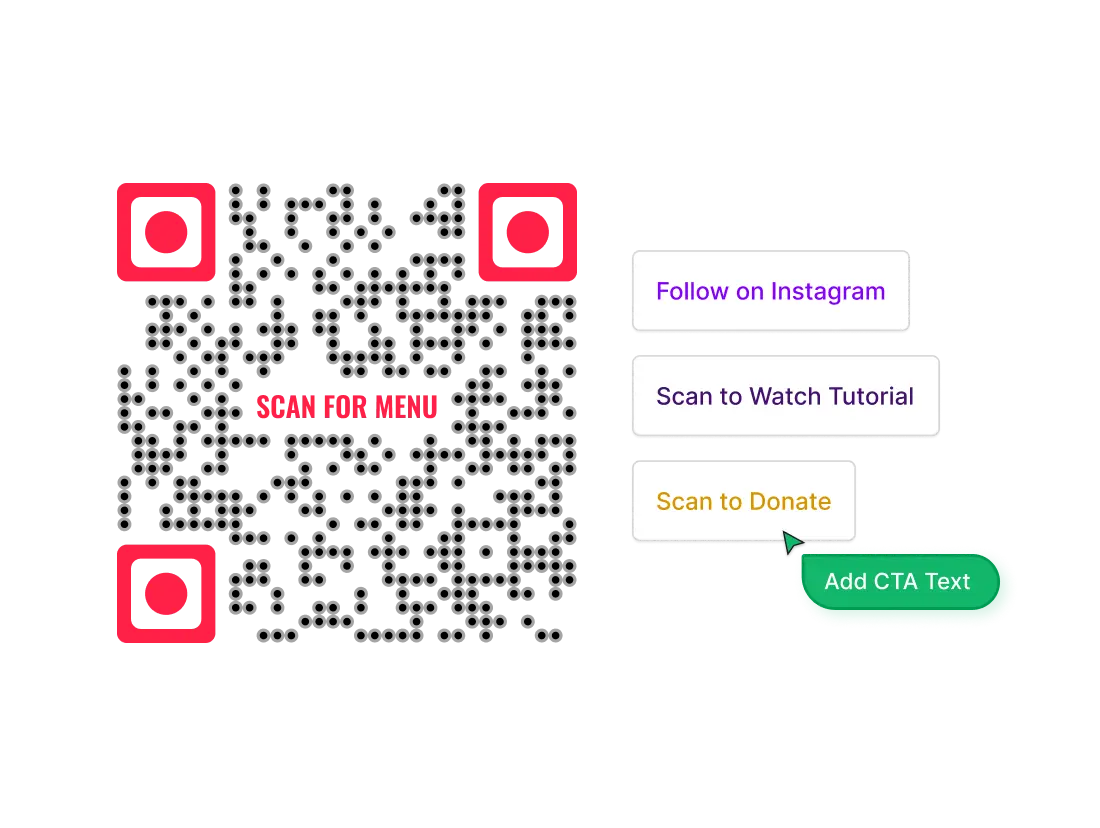
Add a call-to-action
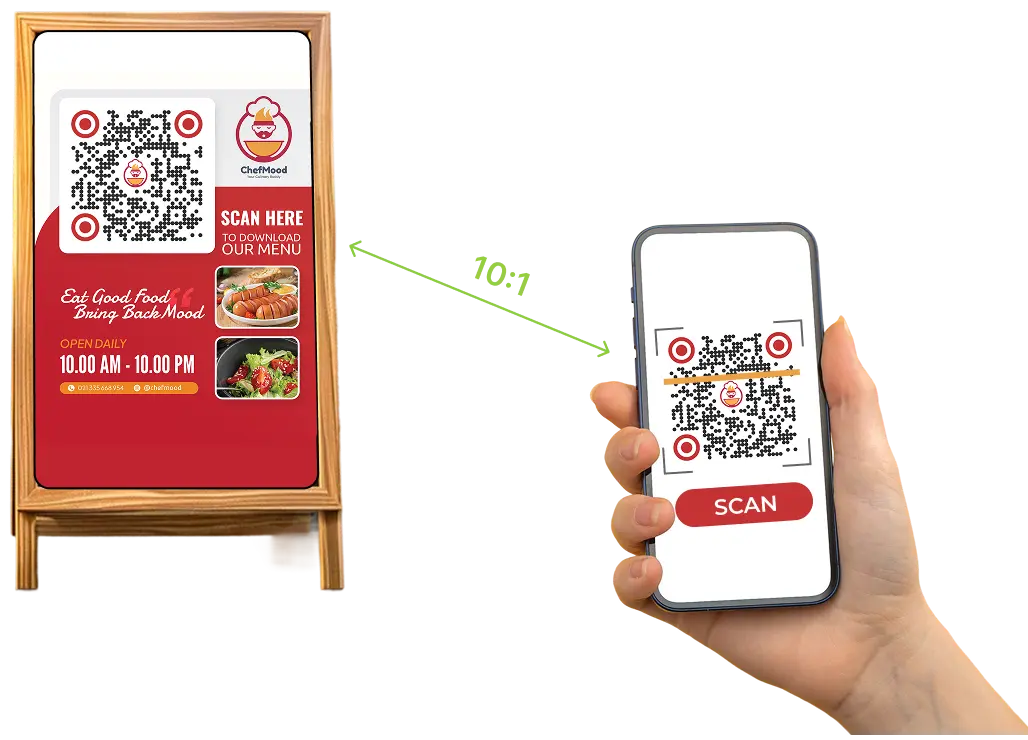
Ensure scannability
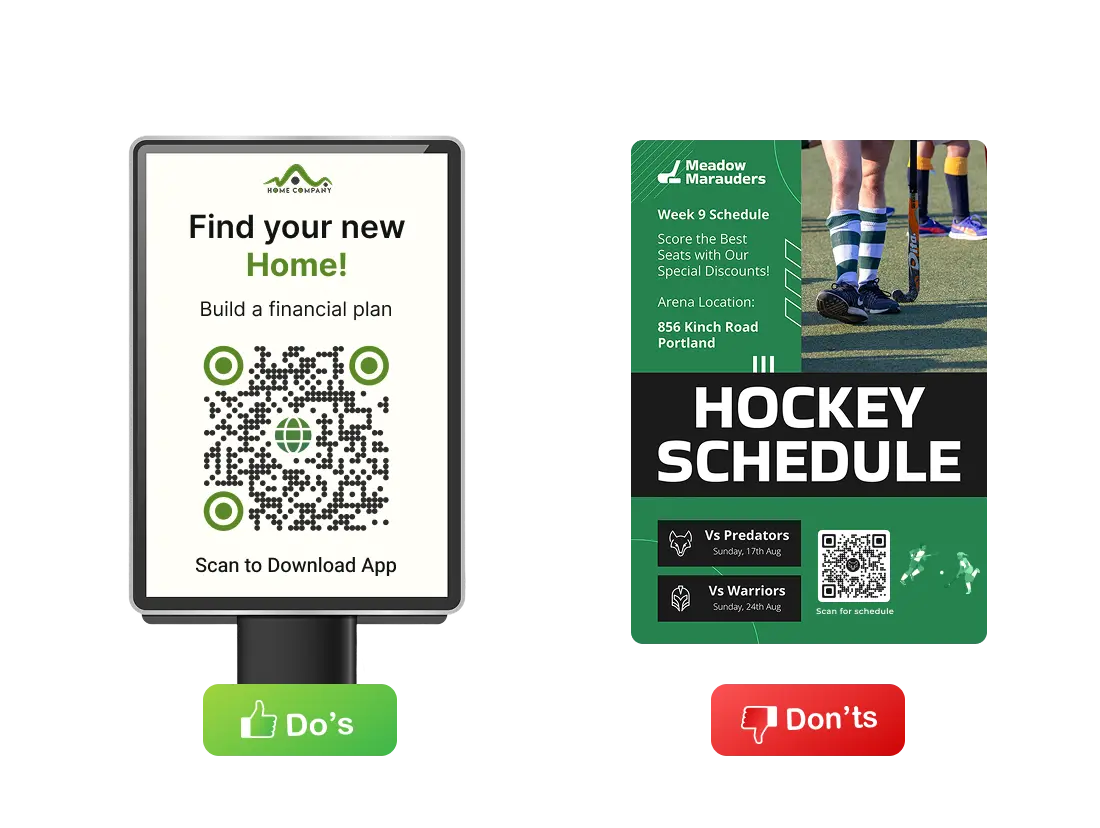
Make it accessible
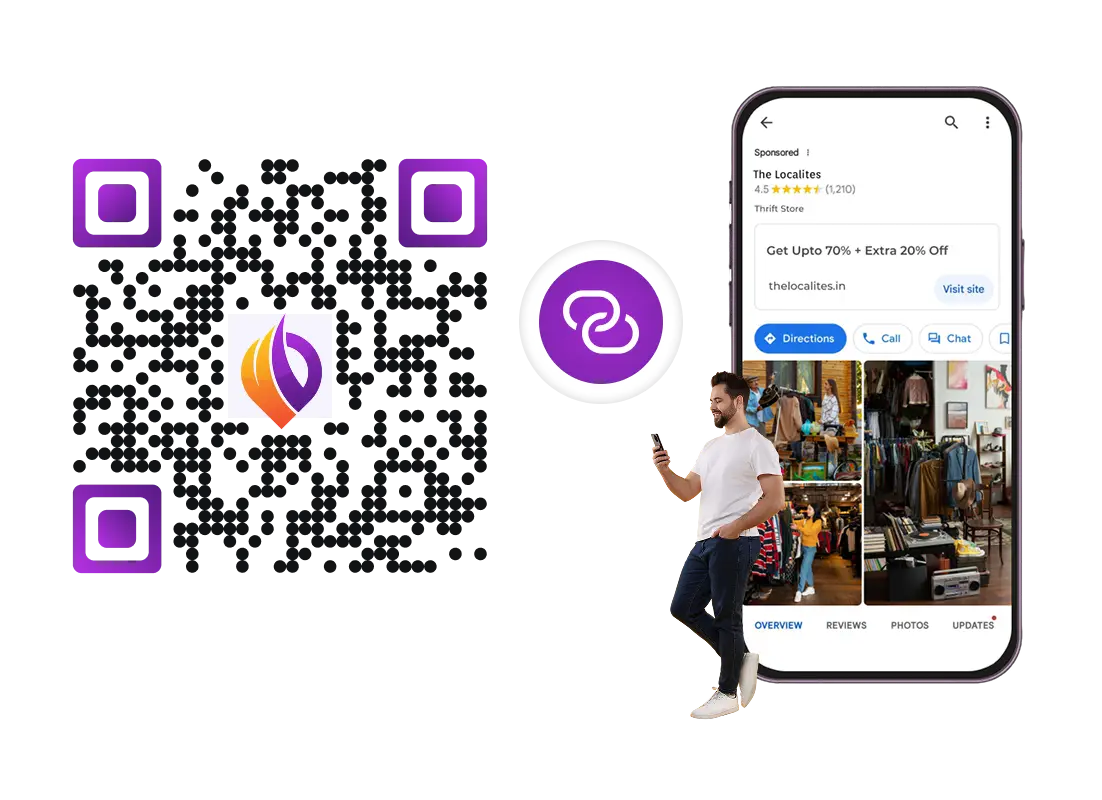
Link to mobile-optimized content
From solopreneurs to Fortune 500—all have grown with Scanova
See what our customers are saying about our online QR Code Generator
“The simplicity of this tool makes it easy for even non-tech users”
Easy to use and achieve successful outcomes with Scanova. The simplicity of this tool makes it easy for even non-tech users. Scanova solves the concern of tracking websites and data sheets efficiently.


Embracing the future of QR Codes
QR Codes have evolved into indispensable tools for businesses, marketers, and professionals, bridging the gap between offline and online worlds. With benefits like instant access, customization, robust analytics, and security, a QR Generator software empowers you to create engaging, interactive experiences for your audience.
Ready to generate your QR Codes? Explore Scanova's free trial and experience a professional QR Code Generator tool designed for ease, security, and maximum impact.
14-day free trial | No credit card required
Frequently Asked Questions
Get quick answers related to Scanova QR Code Generator