QR Codes in Retail
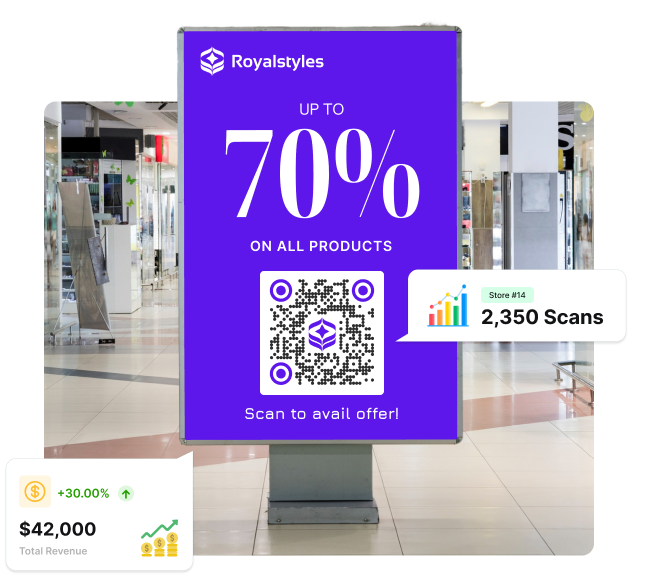
Top retail chains use Scanova QR Codes to turn every shelf, endcap, and SKU into a measurable touchpoint. Track which store drove the scan, which campaign converted — all from one dashboard.
Scanova is built for multi-location retail teams wanting to manage multiple QR Codes from a central dashboard.
For most retail teams, getting actionable insights from a QR Code scan is the missing piece needed for strategic scaling. Scanova QR Codes in retail can be printed on shelves and packaging to tell you which store, SKU, or campaign is driving scans.
According to QRTRAC's QR Code Statistics Report 2026, 45% of shoppers have used a QR Code to get product information in-store, making QR a critical bridge between physical retail store shelves and digital product-related content.
The same report also states that the retail industry accounts for 28% of all global QR Code scans, driven by product information, loyalty programs, and promotions.
According to the 2025 GS1 US consumer survey, 79% of consumers are more likely to purchase a product after scanning a QR Code that provides additional product information.
14-day free trial · No credit card required
Trusted by retail brands like AutoZone and Tesco
to monitor and optimize campaigns






Years of Expertise
Scans Tracked
Countries Trust Us
Rated on
Rated on

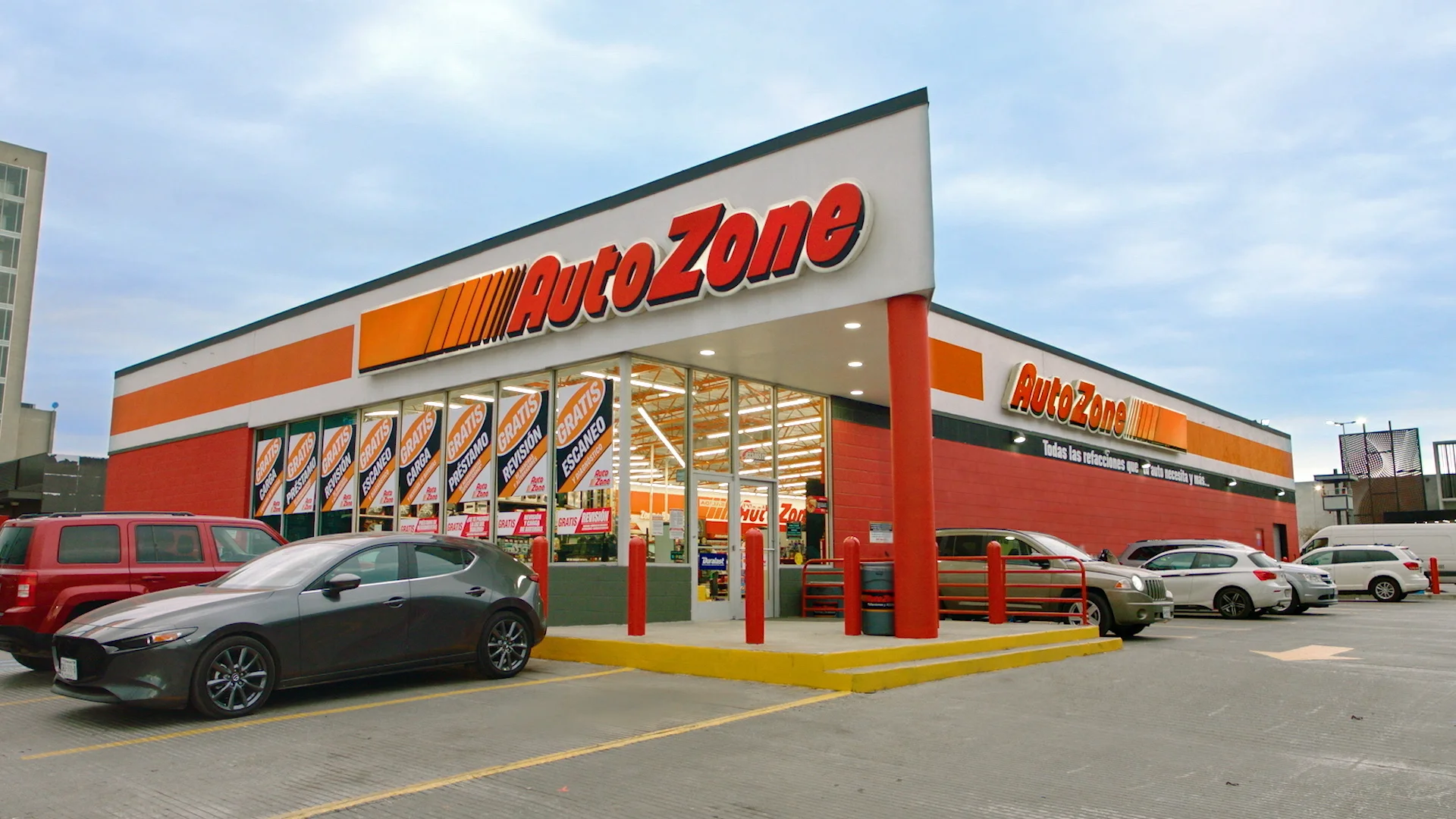
How AutoZone made product information instantly accessible
AutoZone used Scanova's QR Codes to increase customer engagement, achieving 12 million+ total scans, a surge in app downloads, and huge cost savings
For most brands, a QR Code in retail stores drives scans, but they don't know which ones are working.
What most retail teams have
Static QR Codes that don't show any trackable scan data for retail stores
One fixed destination URL that can't change after printing
A QR Code generator built for one store, one campaign
No GS1 compliance path before the GS1 Sunrise 2027 deadline
What multi-location retail needs
Dynamic QR Codes that show data by location, SKU, shelf placement, and date
Destination that updates after printing — no reprint needed
A QR Code management platform built for chains running at scale
GS1 Digital Link support is built in before the shift happens
Turn every shelf, endcap, and SKU into a measurable touchpoint
Know which display or retail store QR Code drove scans
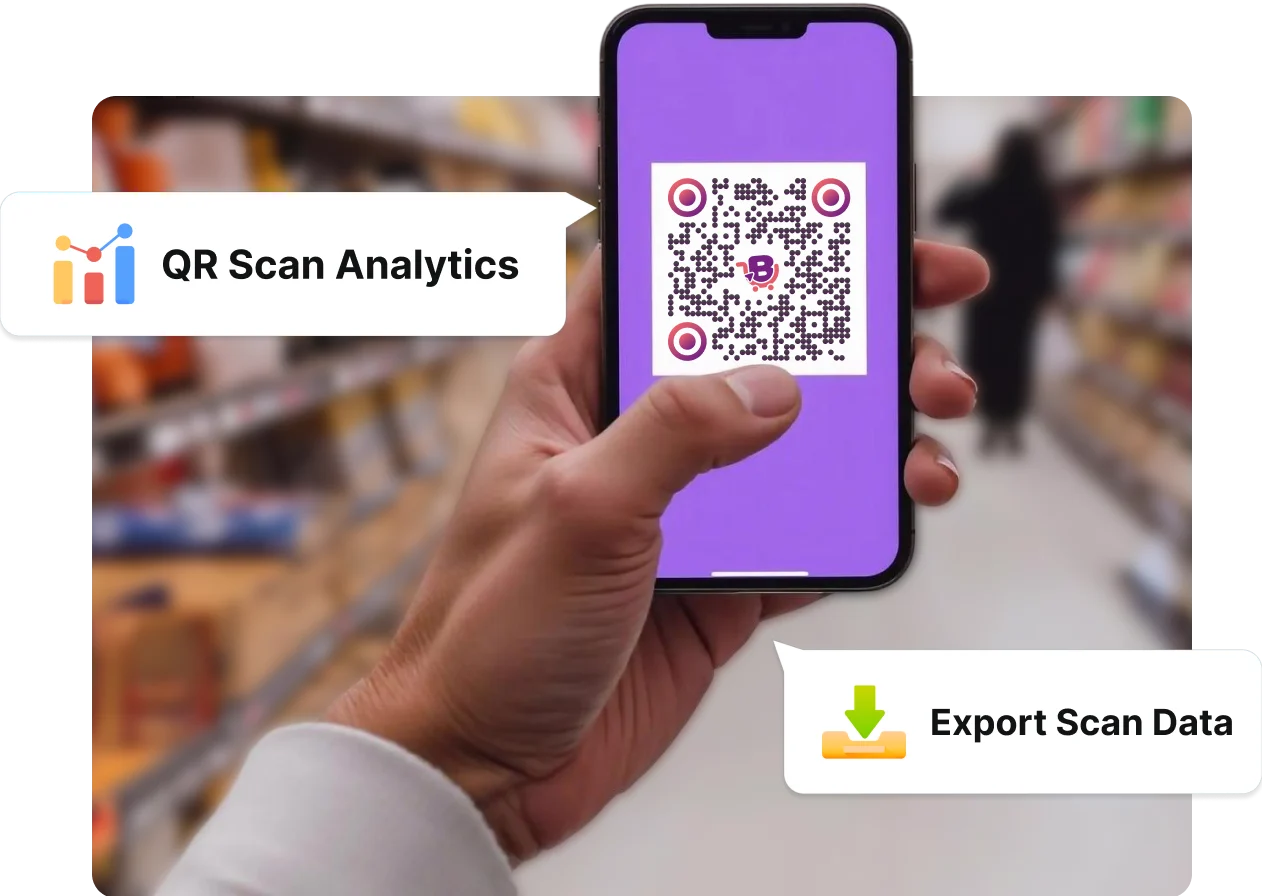
Scanova's scan analytics break down performance by location, device, time, and scan source for your regional teams to see which store's shelf drove the most traffic.
Your campaign team can export this data via Scanova's CRM integration, run retargeting marketing campaigns on Meta, Google, and LinkedIn, and compare performance across markets.
Guide shoppers from discovery to repeated purchases
A QR Code can be useful at every stage — for discovery, a product detail page while browsing, a loyalty sign-up at checkout, or a warranty/reorder link post-purchase.
Scanova lets you manage all QR Codes created in bulk from one intuitive dashboard that provides actionable insights.
Update your QR Codes without reprinting anything
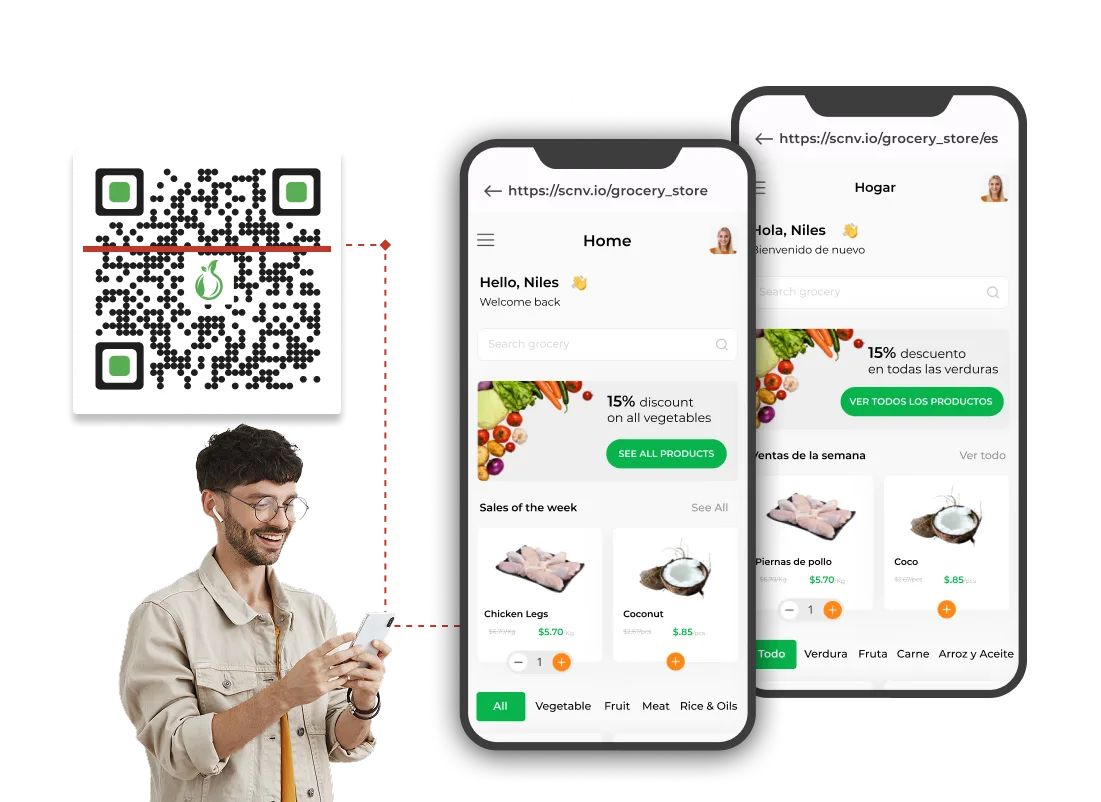
Dynamic QR Codes let you change the destination URL after your signage, shelf talkers, or packaging is already printed and deployed. When a promotion ends, you can even swap the destination to the next campaign. You can also use Scanova's QR Code scheduling feature to activate time-limited offers automatically.
QR Code scheduling based on scan-count limit can help you run offers on a first-come, first-served basis. This removes all reprinting cycle costs.
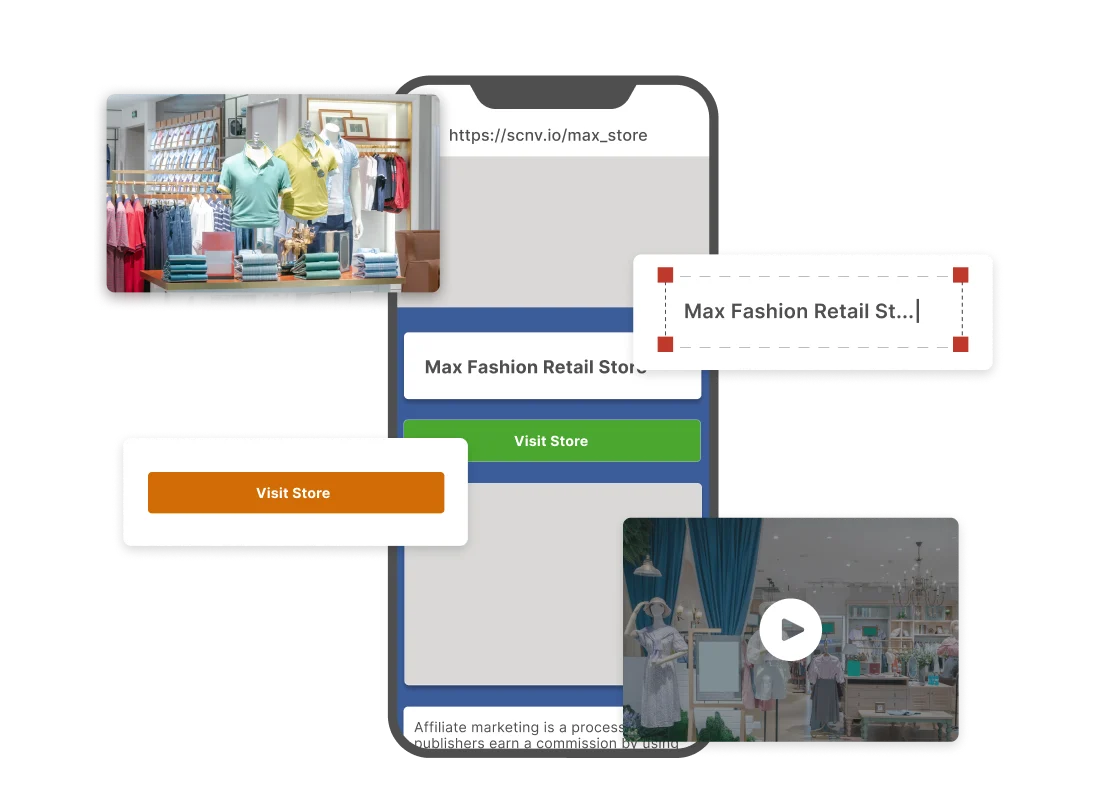
Create and deploy QR Codes across all locations at once
Scanova's bulk QR Code creation lets you generate different location-specific codes in one go.
This is useful for grocery chains deploying QR Codes across every store's produce section, or specialty retailers using QR Codes, giving each location its own scannable loyalty point.
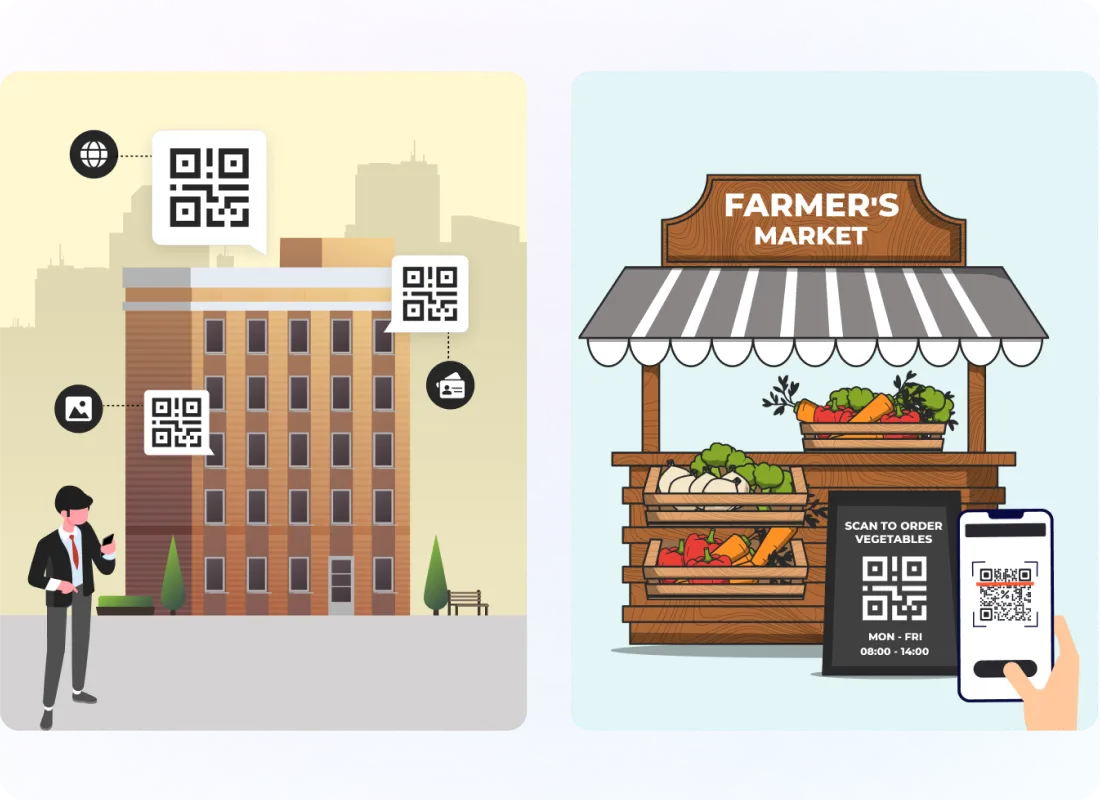
Design QR Codes that match your brand/store identity
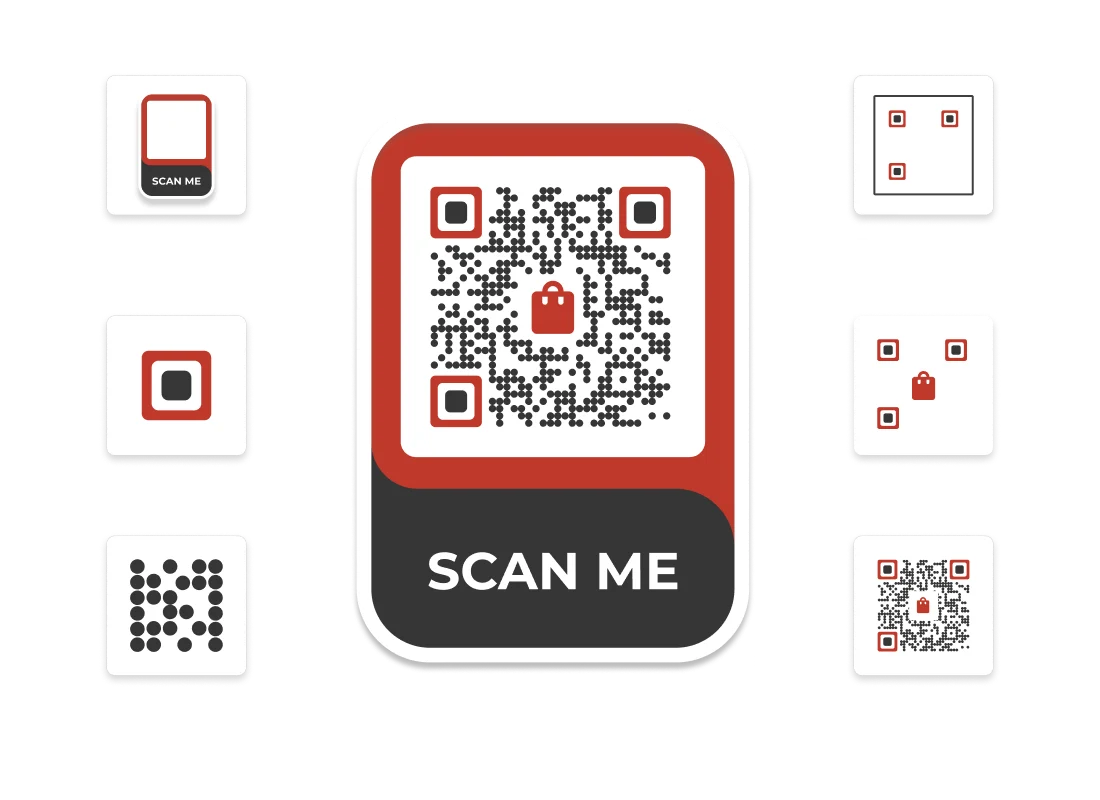
Retail companies can use Custom Page QR Code to add their brand/store logo, choose custom colors or an AI-generated design, edit eye and data patterns, and enclose the code in a branded frame.
When scanned, the code leads to a custom mobile landing page tailored to the campaign. A visually branded QR Code stands out on shelves and signage boards more than a generic black and white one.
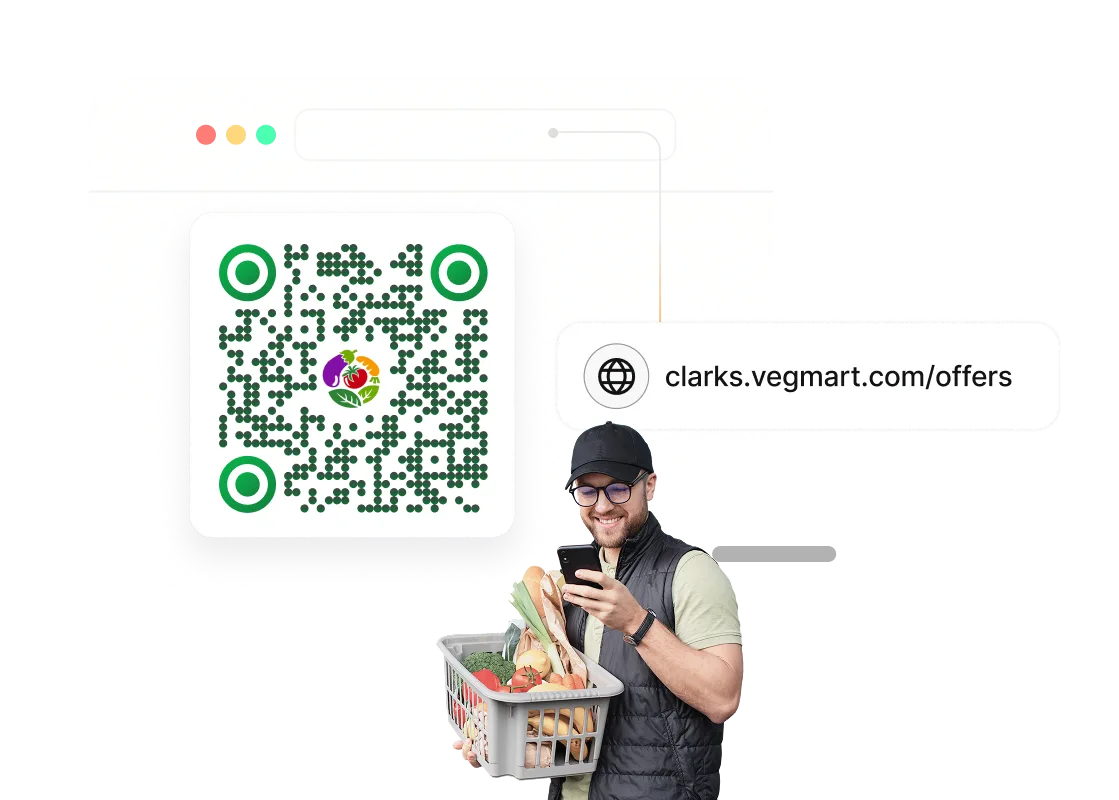
Show your own branded domain and page via scans
Using Scanova's white labelling service, every scan leads to your own branded mobile landing page with your own subdomain.
For example, when a shopper scans a shelf at a Walmart store, the page they see carries Walmart's URL, not Scanova's. For retail brands with strict brand standards, this instills brand trust at the point of sale.
Get your QR Codes GS1-ready before 2027
GS1 Sunrise 2027 requires retail POS systems globally to scan 2D barcodes, replacing traditional UPCs, by the end of 2027.
Pilots are underway in 48 countries. Scanova's GS1 QR Codes support means retail teams can start building compliant QR infrastructure now.
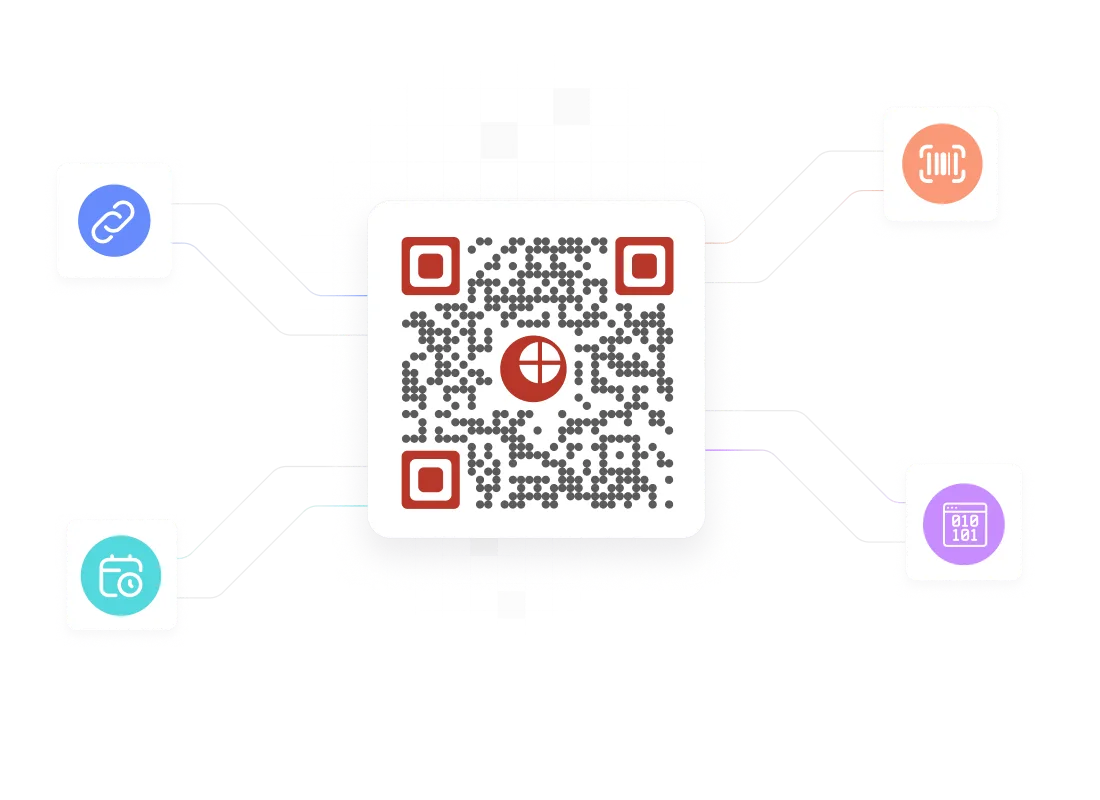
Track which shelf earned the sale
See what your customers do on your page after scanning the QR Codes displayed on your shelves, stands, or store windows. Ranking placements by revenue rather than scan volume helps you accurately gauge which codes generate genuine leads and are worth investing in.
Your security and privacy matters
Scanova prioritizes user data protection by adhering to stringent security standards, including ISO/IEC 27001:2022, GDPR, and SOC2


How retail teams use Scanova at scale
“The simplicity of this tool makes it easy for even non-tech users”
Easy to use and achieve successful outcomes with Scanova. The simplicity of this tool makes it easy for even non-tech users. Scanova solves the concern of tracking websites and data sheets efficiently.





How to create a QR Code for retail businesses

Choose your retail objective and QR Code category
Decide what you want the QR Code to do: drive traffic to your website, collect customer feedback, enable mobile payments, link to a product manual, or send customers to your loyalty app. Log In to Scanova. Click on Create QR Code and select a relevant category.

Add your content for the QR Codes in retail stores
Provide relevant content, like a product page URL, a custom landing page with offers, your app store link, a feedback form, or social media profiles. If you're creating QR Codes for multiple SKUs or store locations, use bulk creation to generate them at scale.

Activate retail-specific features to customize codes
Name your QR Code and tag it by store, campaign, or product line for easy tracking. If you choose a Dynamic QR Code, switch on advanced features like conditional redirection, lead generation forms, or campaign scheduling for time-bound promotions.

Personalize QR Code design, test, and download
Style your QR Code to match your brand identity by adding your logo, brand colors, and a clear call-to-action. Test the code before downloading. For shelf displays and packaging, export at print-ready resolution to ensure reliable scanning at any size.
Check out Scanova's categories for QR Codes in Retail


14-day free trial · No credit card required
See how AutoZone got 4.2M scans via ScanovaQuestions retail teams ask before getting started
How do I track the performance of QR Codes in retail stores across multiple locations?
Can I change where a QR Code points after it's already printed on shelf signage?
What's the minimum print size for QR Codes in stores that will scan reliably?
What is GS1 Sunrise 2027, and does it affect my retail QR Codes?
Can one QR Code work across different store locations, or do I need a separate code per location?
How do retail brands use QR Codes on packaging differently from in-store signage?
Are QR Codes better than traditional barcodes for retail?
Do customers actually scan QR Codes in stores?
How large should a retail QR Code be for shelf displays?
Can QR Codes track in-store customer engagement?
Discover how Scanova's QR Codes enhance the in-store shopping experience


Turn every shelf into a measurable touchpoint
14-day free trial. No credit card required. Trusted by retail across 105+ countries.
See how AutoZone got 4.2M scans via Scanova