Product QR Code
Encode detailed product information into a QR Code with Scanova's Product QR Code Generator. Upon scanning the QR Code, detailed product information will be shown to the user.
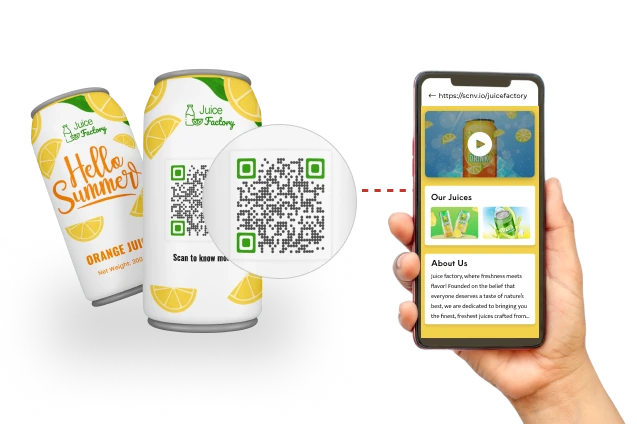
What is a Product QR Code?
A Product QR Code lets brands share detailed product information directly through product packaging or labels. When customers scan the QR Code, it opens a mobile-friendly page with product details, reviews, videos, manuals, or support links.
With Scanova's Product QR Code Generator, brands can update content anytime without reprinting, track scans, and customize QR Codes to match their branding.
Here's what you can do with Product QR Codes
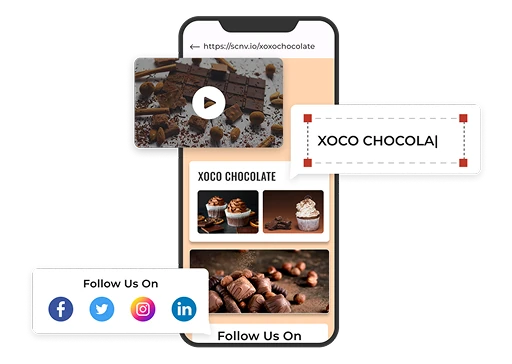
Easy landing page creation & editable product information
Product QR Codes also empowers brands to update linked content anytime, without reprinting. This ensures that customers always have access to the latest information.
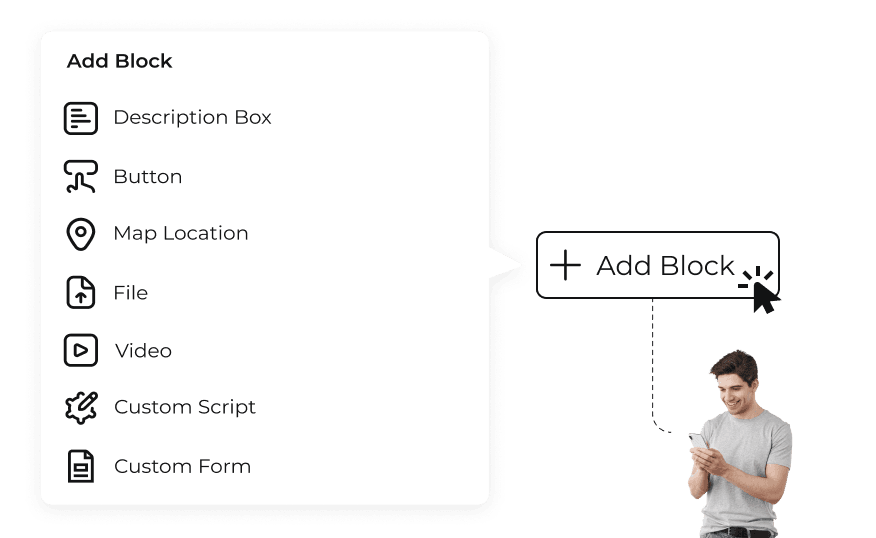
Interactive components for rich product info & reviews
For example, a QR Code could link to a video tutorial on product usage or a map showing the nearest store location.
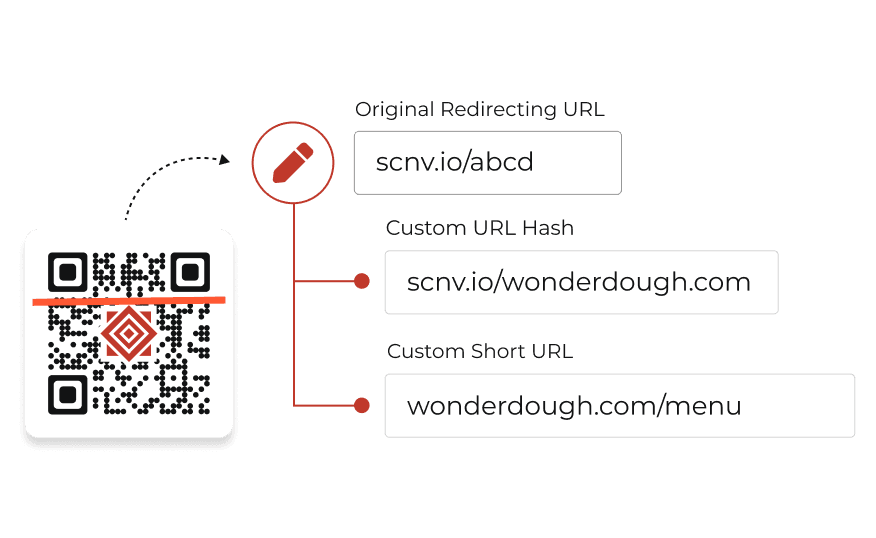
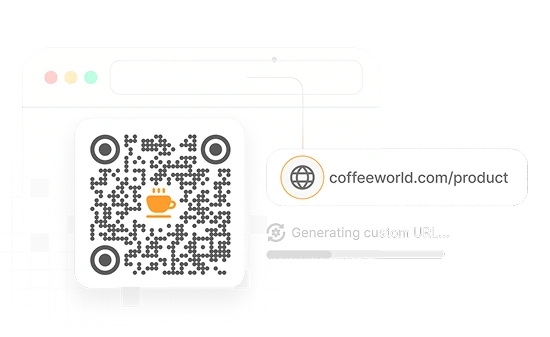
Branded short URLs for trusted product QR Codes
This reinforces brand identity and assures customers that they are interacting with a legitimate brand. Custom URLs are particularly effective in marketing campaigns as they help build credibility and encourage customer interactions. More on Custom Domain >
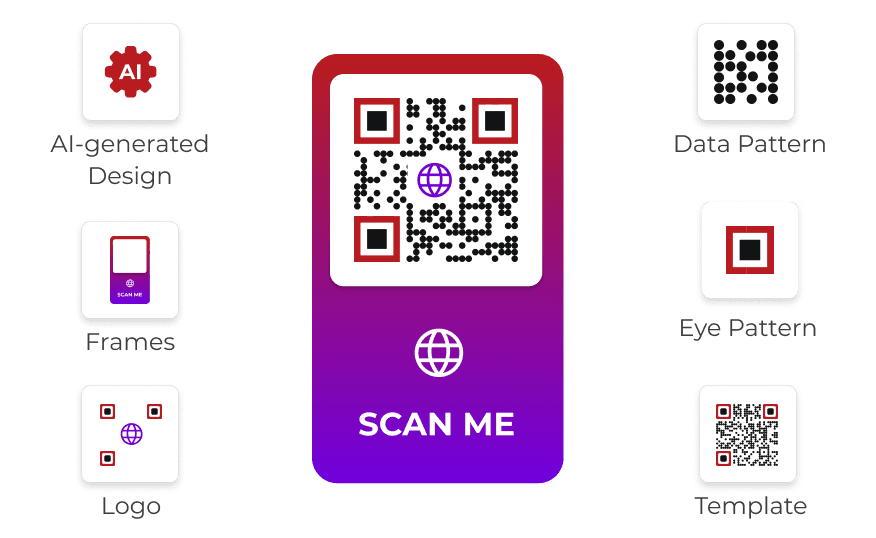
Custom QR Code creation for product packaging
Brands can leverage AI-generated design, logo design, and frames to craft unique QR Codes that stand out on the product packaging. This visual differentiation enhances brand loyalty as customers associate positive experiences with distinctive branding.
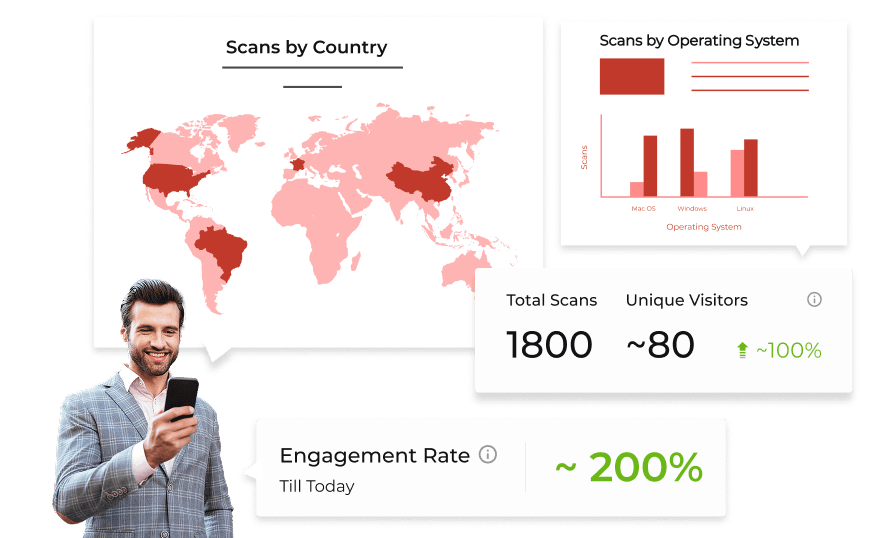
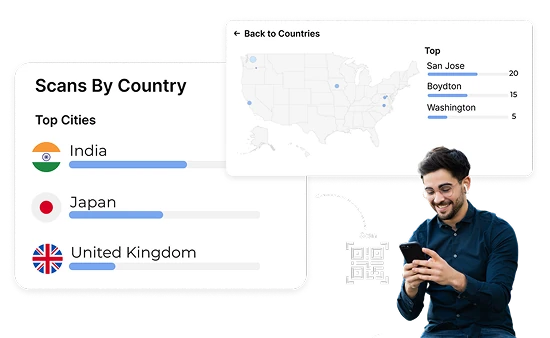
Scan analytics to optimize region-specific offers & engagement
Brands can track engagement and gather data on customer interactions. This information is valuable for enhancing customer engagement by tailoring content based on user preferences.
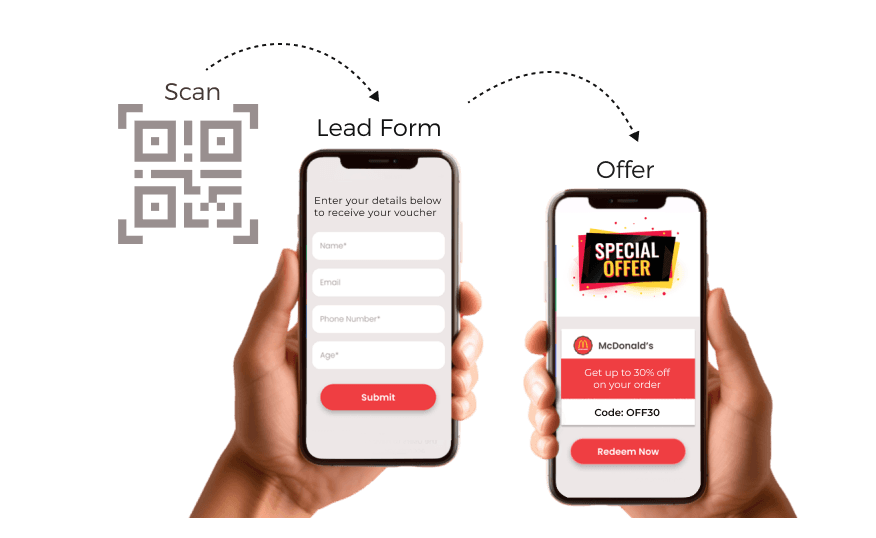
Lead capture & feedback collection via Product QR Codes
When customers scan a QR Code, they can be directed to forms or landing pages where they can provide their contact information or feedback. This process facilitates lead generation and fosters a connection between the brand and its customers.
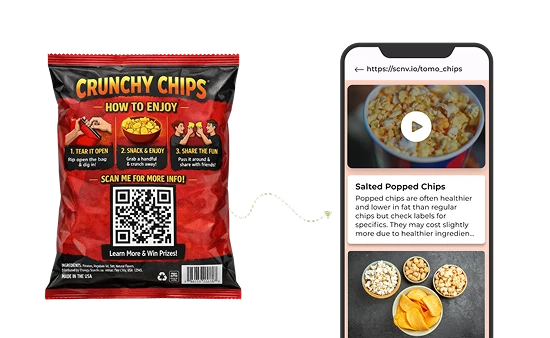
QR Code creation for product packaging at scale
This enables consistent branding across thousands of SKUs, faster rollout for large product lines, and improved shelf visibility—especially for QR Codes on food packaging and consumer goods.
Conditional redirection for region-specific experiences
For example, showing one version for users in Canada on Android mobile devices and another for tablet users in India.
This enables brands to deliver highly targeted experiences such as region-specific product offers or pricing or market-specific campaigns.
GS1 Digital Link support for retail and regulated products
A single GS1 QR Code can route users to different destinations based on context — product pages, compliance data, or inventory systems — aligning with the 2027 barcode sunset shift.
Tie a lead conversion back to the specific QR Code scanned
A single QR Code for multiple landing pages
Top choice of global brands like Amazon, AT&T, Nestle, and Walmart


How to create Dynamic Product QR Codes?
Follow these simple steps to make Product QRs
Pick Your Route
Log In to Scanova. Click Create QR Code, choose Build a Page, and pick Product.
Enter Content
Add text, images, videos, files, map location, custom form, buttons, social media links, and more. Once done, click on continue.
Create QR Code
Provide QR Code name and tags (optional). You can enable advanced settings like lead generation. Once done, click on Create Page.
Customize & Download
You can directly test and download your QR Code or customize the code as per brand requirement and then download it
Benefits of using Product QR Codes
Boost customer engagement by offering instant access to information and promotions directly from the product packaging
Enhanced customer engagement via product packaging
QR Code on product packaging offer customers instant access to videos, tutorials, images, detailed product information, and more. This immediate interaction captures attention and encourages informed purchasing decisions.
Dynamic content updates without reprinting labels
One of the standout benefits of Product QR Codes is their ability to link to content that can be updated anytime, without needing to reprint. As per Scanova's recent QR Code usage statistics, around 98% of QR Codes created are dynamic.
Actionable scan tracking & performance insights
Product Packaging QR Codes deliver valuable analytics by capturing scanning data. By examining this information, brands can uncover insights into customer behavior, preferences, and engagement trends—allowing them to optimize their strategies.
Simplified customer feedback collection from product labels
Product QR Codes enable brands to collect real-time data on the total number of scans, location of scans, and device details. This valuable information helps in making informed decisions to improve future campaigns.
Instant access to customer support from product packaging
Including Product QR Codes on product packaging allows customers to access support services immediately. Scanning the code can direct them to FAQs, live chat options, or customer service contact details.
Cost-efficient product communication
Using Product QRs can lead to cost savings. Brands can minimize costs by reducing reliance on printed materials. Also, QR Codes allow for easy updates without reprinting.
Where and how brands use Product QR Codes?
Easily connect customers to product details and promotions with QR Codes
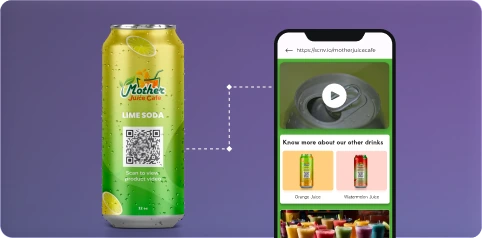
Product Packaging
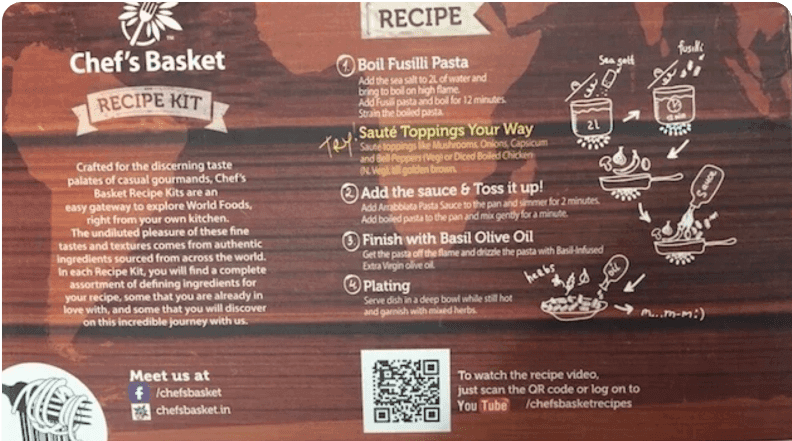
QR Codes on product packaging allow brands to link directly to product details, instructions, promotional content, and more. When scanned, these codes can direct customers to detailed information, enabling a more engaging experience.
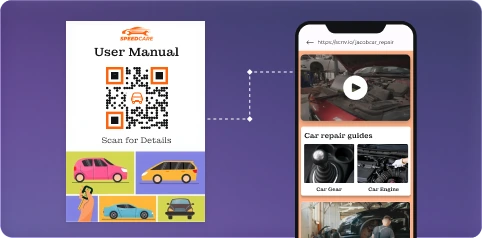
User Manuals
Product Manual QR Codes can be printed on the packaging or included in user manuals, providing customers instant access to digital manuals or assembly instructions. This eliminates the need for bulky printed materials.
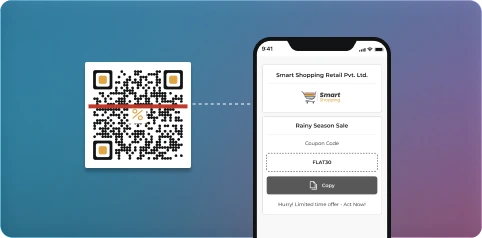
Promotional Materials
QR Codes for product information can enhance product-related coupons or promotional offers by directing customers to dedicated landing pages that provide detailed information about the offer—including T&C, how to redeem the coupon, etc.
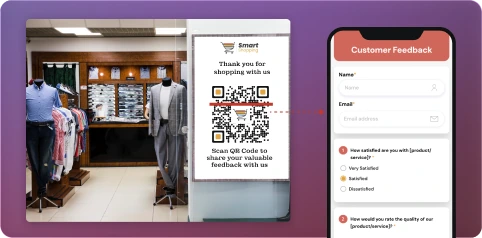
Store Displays
Retailers can place Product QR Codes on product displays or labels, directing customers to detailed product information, reviews, or special offers. This quick access informs purchasing decisions and encourages interaction.
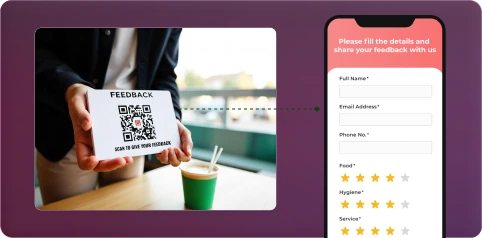
Customer Feedback
Brands can link feedback forms or surveys to QR Codes. By scanning the code, customers can quickly share their experiences and opinions. This allows brands to gather valuable insights for improving their products and services.

Loyalty Programs
Product QR Codes can facilitate easy enrollment in loyalty programs. Customers can scan the code to join programs instantly, enhancing their connection with the brand while driving repeat business via rewards and promotions.
Get desired results for your business with Scanova
Best brands in the world trust Scanova QR Code Generator
“The simplicity of this tool makes it easy for even non-tech users”
Easy to use and achieve successful outcomes with Scanova. The simplicity of this tool makes it easy for even non-tech users. Scanova solves the concern of tracking websites and data sheets efficiently.


Your security and privacy are important to us
Enjoy unparalleled data protection with ISO/IEC 27001:2022, GDPR, and SOC2 standards


Frequently Asked Questions
Get answers to popular questions about Product QR Codes
When should I opt for a Product QR Codes?
According to Scanova's internal data, there has been a whopping 851% growth in the number of scans received on QR Codes created using Scanova from FY21-22 to FY25-26.
Can I create Product QR Codes in my free trial?
Why should I customize redirecting URLs?
How can I add multiple URLs in one QR Code?
How do I scan a QR Code on a product?
What information should a Product QR Code contain?
Can I use one QR Code for multiple products?
Discover how Scanova's Product QR Codes can enhance your campaigns


Get started with Scanova
Create QR Codes as per your need with ease