Crafting Success, One Feature at a Time
Up your QR game with Scanova's cutting-edge QR Code features
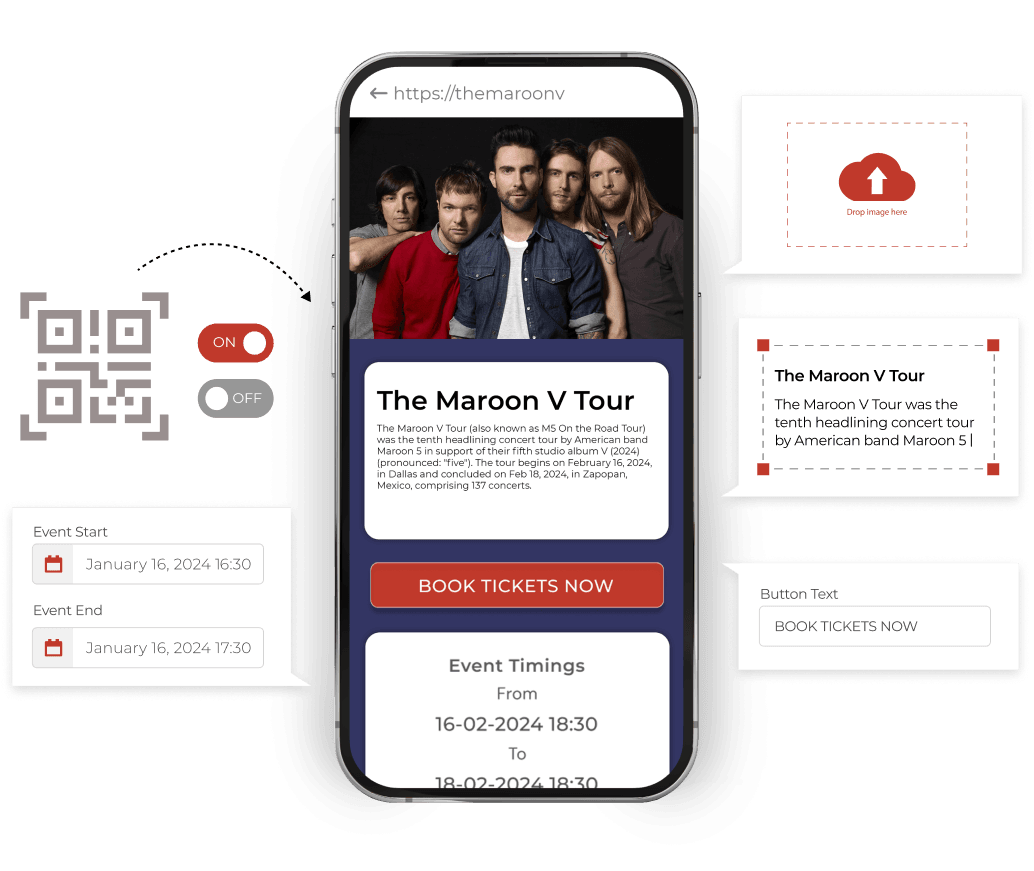
Dynamic QR Codes
Take complete control of your campaigns with Scanova's Dynamic QR codes
- Flexible content editing
- Track scanning activity
- Custom URLS
- Activate/deactivate QR Code automatically
- Tailored mobile landing pages
- Add password protection
- Lead generation
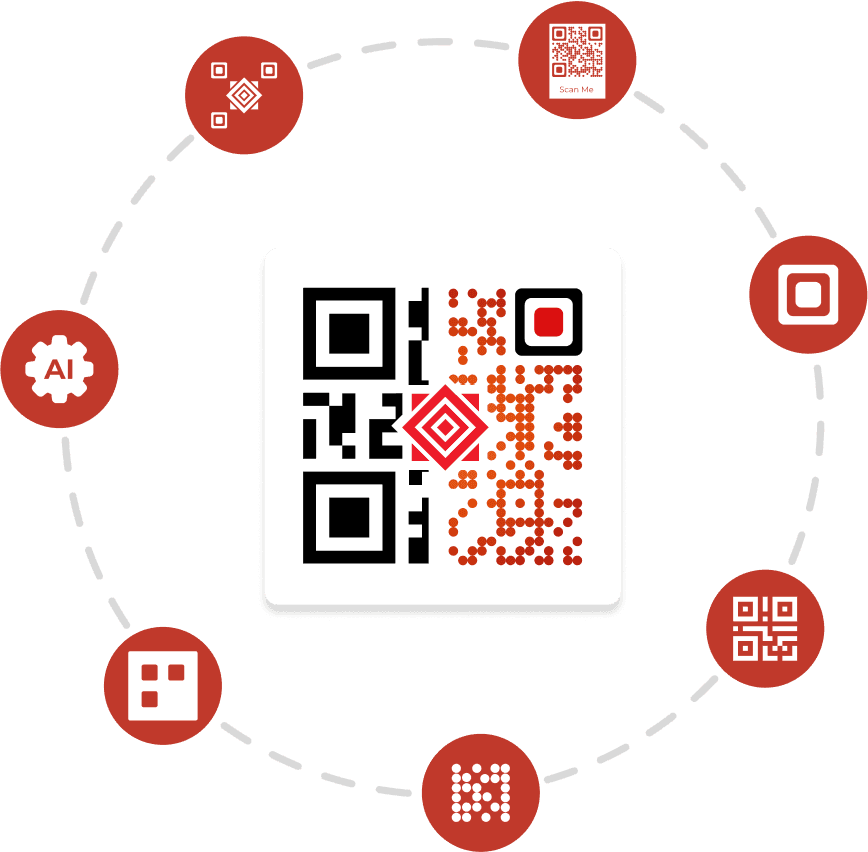
Custom QR Codes
Attract more scans from your target audience by creating personalized QR Codes with ease
- Choose from multiple design options
- Add logos, images, and frames. Edit color, eye pattern, and data pattern.
- Merge QR Code with background image
- Create AI-generated QR Code design
- Create transparent QR Codes
- Use readymade templates
- Save QR Code design as template
- Add error correction
- Choose from 30+ QR Code shapes
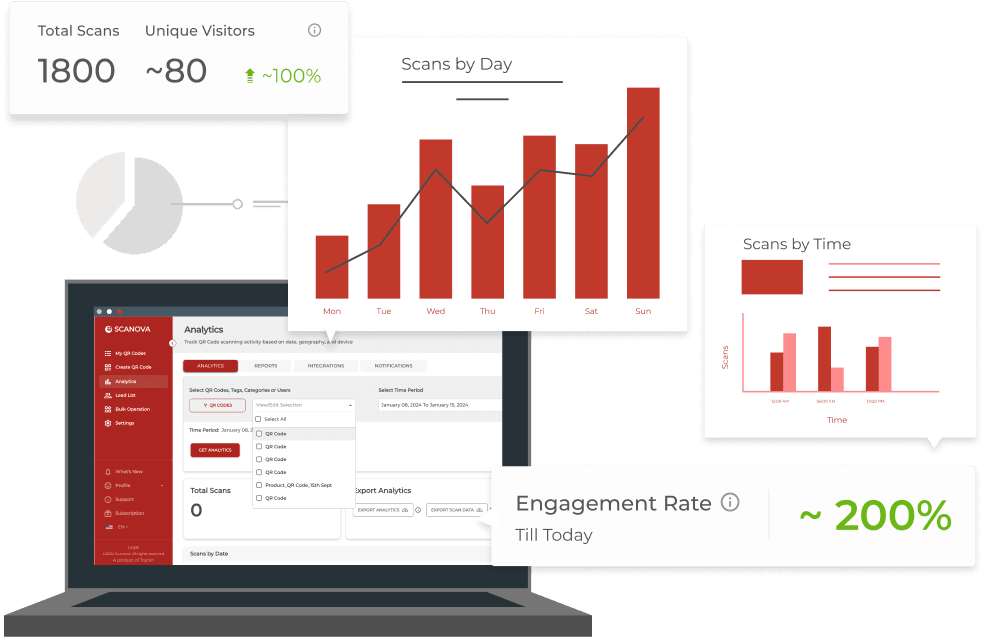
QR Code Tracking & Analytics
Get meaningful insights by tracking the scanning and engagement activity of your QR Codes
- Track scans by day, date, and time
- Track scans by geography (city, country)
- Get tag, user, and category-level analytics
- Track scans by exact GPS location
- Track scans by device information
- Get post-scan user activity via Event Tracking
- Export scans data and generate automatic reports
- Integrate with other tools
- Bot scan filtering to only count human scans
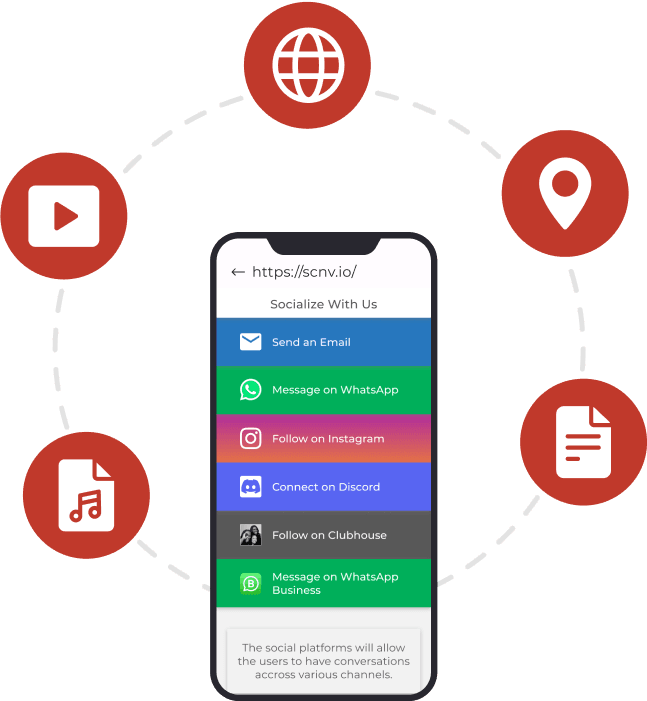
Engaging QR Code Content
Generate different types of QR Codes based on linked content or desired action
- Link to website, video, app, or social media pages
- Link to map location
- Host and link documents, images, video, and audio files
- Share contact information easily with digital business cards
- Create and link to custom-designed pages
- Try all 26 QR Code categories through 3 routes: Quick Code, Build a Page, or AI Studio

Mobile Landing Pages
Create, design, host, and link mobile-optimized landing pages for your QR Codes in just a few minutes, that too without a developer
- Start from an empty page and add only what it needs
- Build pages block by block and drag to reorder
- Start from a theme instead of styling each block
- Choose from banner, menu, form, and video blocks
- Edit text in place as you build
- Give each page its own title, description, and password
- Preview on mobile, tablet, and desktop before publishing
- Publish without a designer or developer
- Hold several linked pages behind one QR Code (Standard Plan and above)
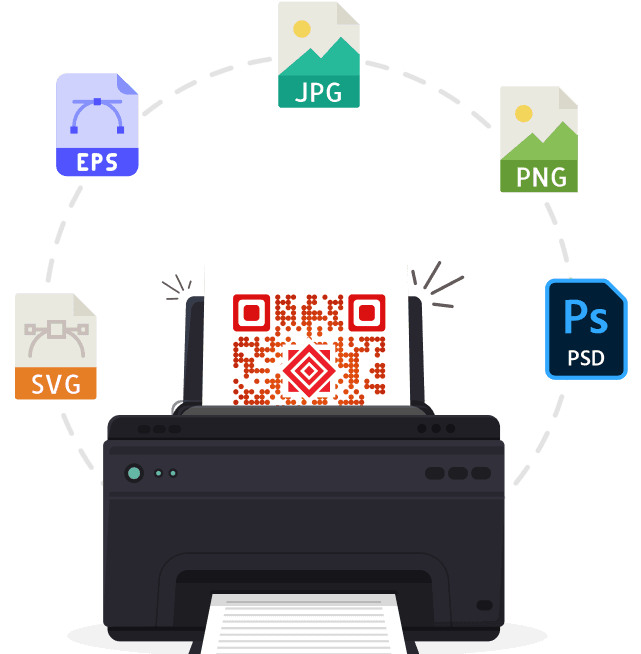
High-resolution QR Codes
Export QR Code images in high-resolution raster or vector formats in the size you need
- Export in popular raster formats—PNG and JPEG
- Export in popular vector formats—SVG, EPS, PS, and PDF
- Export in the exact dimensions you need in inches, cm, mm, or pixels
- Ensure high scannability
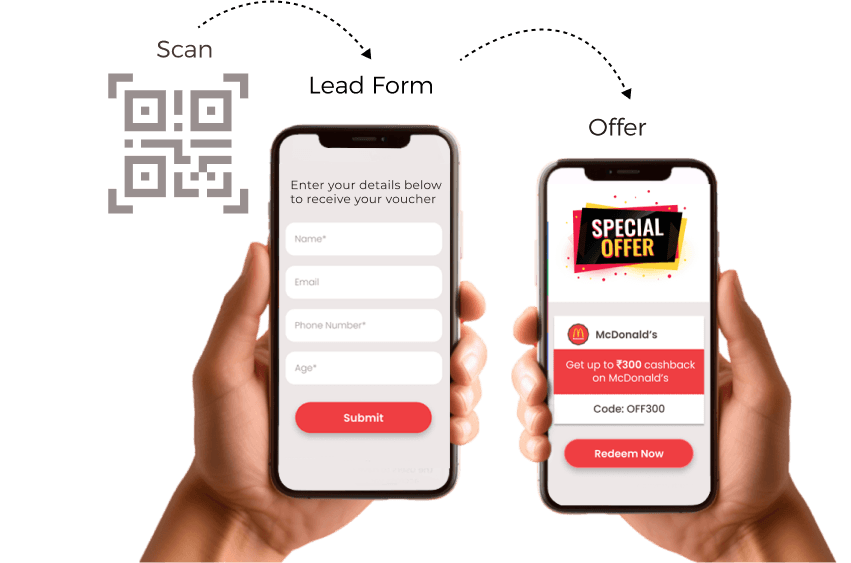
Lead Generation
Build lead lists by capturing contact information of people who scan the QR Codes
- Capture contact information and other user details
- Customize lead forms
- Export leads data in CSV/Excel format
- Get lead analytics
- Integrate lead acquisition with other tools
- Activate/deactivate lead generation anytime
Enterprise Features
Boost your QR Code campaigns with Scanova's advanced features
- Create as many QR Codes as you need
- Create a custom plan according to the features you will use
- Generate, update, and download Dynamic QR Codes in bulk
- Replace Dynamic URLs with your sub-domains
- Add teammates to manage the account
- Create custom user roles with selective permissions and assign to invited users
- Restrict invited users' access based on tags
- Manage compliance—data security and insurance
- Enforce and monitor Multi-Factor Authentication (MFA)
- With Single Sign-on (SSO) securely access your company's Scanova account
- Dedicated relationship manager
- White-labeled landing pages
- Add custom scripts
- Log In with a passkey using Face ID, Touch ID, or a device passcode

APIs
Use APIs to manage your QR Codes, users, and other tasks programmatically
- Create/delete/update QR Codes
- Activate/deactivate a QR Code
- Add/remove a user and manage their role
- Fetch analytics of single/multiple QR Codes
- Create and manage lead lists
- Dedicated Sandbox environment for testing
- Create multiple API keys simultaneously
- Multiple security features: role-based access, auto-expiration, and more
- Create, rename, and delete folders and fetch folder-level analytics
Conversion Tracking
See what people do after they scan your QR Code, from the first page view to a completed purchase
- Attribute every on-site action to the QR Code that drove it
- Track clicks, scrolls, and form submissions without any coding
- Send confirmed conversions straight from your backend
- Attach revenue to a scan and calculate real ROI
- Build your own funnel and see where visitors drop off
QR Code Health Center
See every broken QR Code on your account from one screen, ranked by the scan traffic each problem is costing you
- See your account's health in a single summary bar
- Work through every open issue in one filterable table
- Fix the costliest problem first, not the newest one
- See the 5 live underlying checks via Health monitor
- Refresh on demand and see how current the data is
Folders
Group your QR Codes by campaign, client, or team, and read the numbers folder by folder
- Group QR Codes by campaign, client, or department
- Drag one QR Code into a folder, or move a batch at once
- Send a whole bulk generation job into a chosen folder
- See analytics for every QR Code in a folder
- Rename and color-code folders at any time
- Available on the Pro Plan and above
Join 10,000+ brands who rely on Scanova for everything QR
Bulk QR Code Generation
Need a large number of Static QR Codes quickly? Use these solutions.
QR Batch
Get up to 100,000 Static QR Codes via QR Batch
QR API
Integrate QR Code Generation within your information system/mobile app using QR API
Our customers love us
Discover how customers have achieved success using Scanova's QR Code capabilities
“The simplicity of this tool makes it easy for even non-tech users”
Easy to use and achieve successful outcomes with Scanova. The simplicity of this tool makes it easy for even non-tech users. Scanova solves the concern of tracking websites and data sheets efficiently.

