Take complete control of all your campaigns with Scanova’s Dynamic QR Codes by leveraging their unmatched flexibility, real-time editing, and powerful analytics
A Dynamic QR Code is a type of QR Code that allows users to change the linked content even after the code has been printed or distributed. This flexibility enables businesses to update their campaigns without needing to generate new codes. Dynamic QRs can also track scanning data and provide valuable insights into user interactions. Based on Scanova’s 2026 QR benchmarks report, between 94.6% and 99.5% of live codes across 4 industries (CPG, Hotels and Resorts, Food and Beverages, and Manufacturing) are Scanova’s Dynamic QR Codes, underscoring their increasing demand.
You can also enhance your campaigns with Scanova's Dynamic QR Codes.

Dynamic QR Codes work by encoding a short URL (or redirection link) instead of fixed information. This allows you to change the content or destination of the QR Code without altering the physical code itself.
When the QR Code is generated, the QR Generator tool creates a unique short URL and stores it on a server. This short URL is what gets embedded in the QR Code pattern visible to users.
When a user scans the QR Code with their device, they are directed first to this short URL. The server then instantly redirects the scan to the current destination or content linked to that short URL, such as a webpage or document.
As the destination is managed on the server—not hardcoded into the printed QR Code—the content or URL linked to that QR Code can be updated at any time, even after the QR has been printed or distributed.
Follow simple steps to create Dynamic Codes using Scanova
Log In to Scanova. Click Create QR Code, then choose Quick Code, Build a Page, or AI Studio depending on what you want the scan to do.
After selecting a category, enter the required information like location, website URL, documents, and contact information. Click on continue.

Add QR Code name and tags (optional). Choose a QR Code type: static or dynamic. If you select Dynamic QR Code, you can enable advanced settings like password protection and lead generation. Once done, click on Create QR Code.
After QR Code creation, you can directly test and download it or customize the code as per branding needs and then download it.
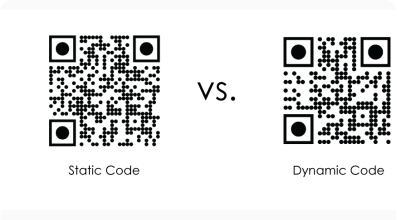
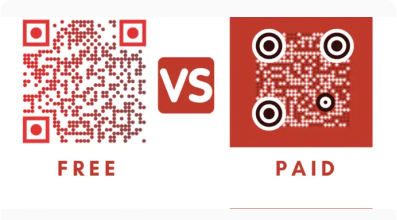
This comparison will help you understand the difference between Static and Dynamic Codes


Dynamic QR Codes are URL-based QR Codes that can be edited anytime as they don't store the target content directly. Instead, a redirecting URL is used to store the actual content. Linked content can be changed without reprinting the QR Code.
Static QR Codes are non-editable because they store the target content directly. Once generated, linked content cannot be edited.

Dynamic QR Codes are trackable. You can monitor and analyze crucial scan analytics metrics like number of scans.
Static QR Codes are non-trackable. This makes it difficult to analyze QR Code performance.

Dynamic QR Codes have several useful functionalities like lead generation, QR Code scheduling, and exact GPS location of scan
Static QR Codes do not provide any additional functionalities
Dynamic QR Codes will work only with an active subscription. See our Dynamic QR Code pricing to choose a suitable plan that meets your requirements. You can always try the 14-day free trial before choosing a plan.
Once generated, Static QR Codes don't require an active subscription to function. You can create Static QR Codes using Scanova’s Free QR Code Generator.
Note: You can’t create Static QR Codes during the 14-day free trial.
Dynamic QR Codes allow you to manage what your customers see and track what they do

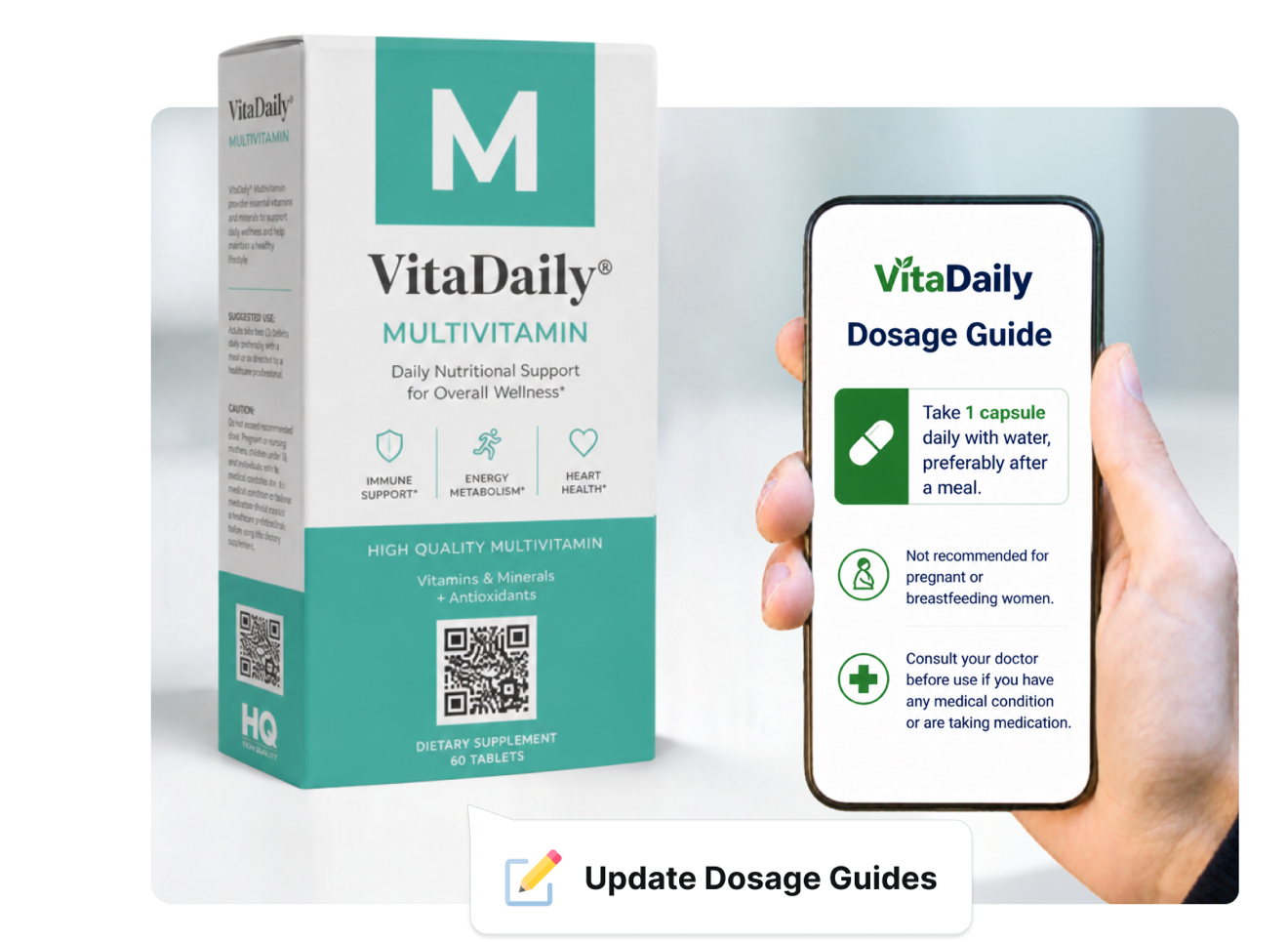
Update the content behind your QR Codes as often as needed without reprinting or redistributing materials. Share new promotions, documents, videos, or website links instantly, and save significantly on printing expenses.
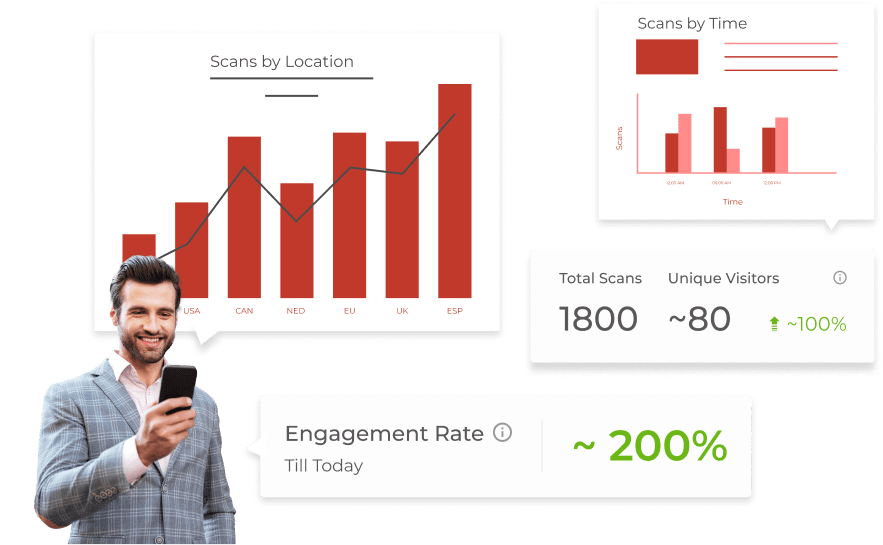
Gain deep insights into customer behavior by tracking every scan by date, time, location, device, browser, and operating system. Use actionable analytics to measure campaign success, identify trends, and refine your strategy for maximum impact.

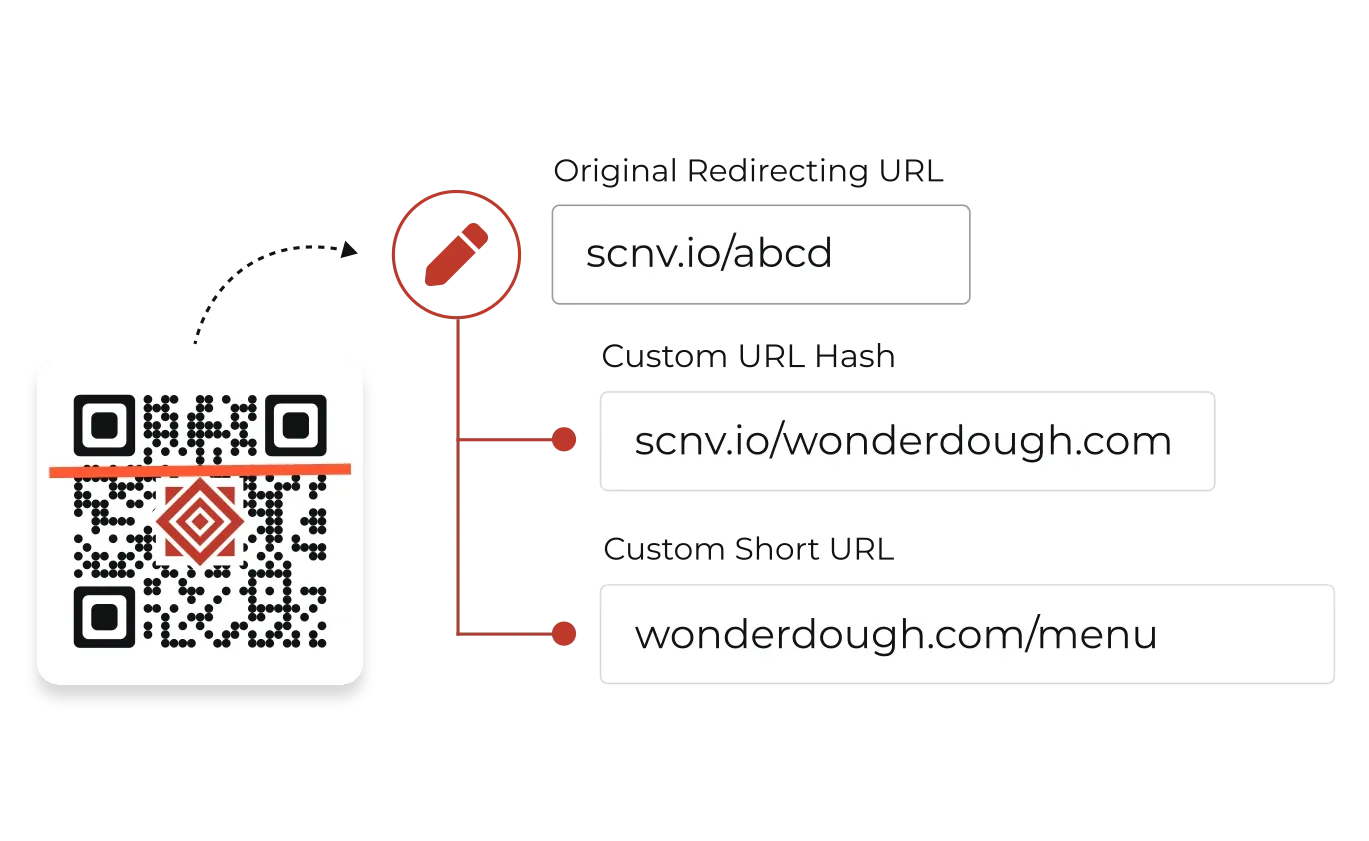
Customize the short URL your audience see when they scan a Dynamic QR Code. Using custom short URL, your QR Codes will be encoded with say https://wonderdough.com/menu instead of https://scnv.io/ABCD.

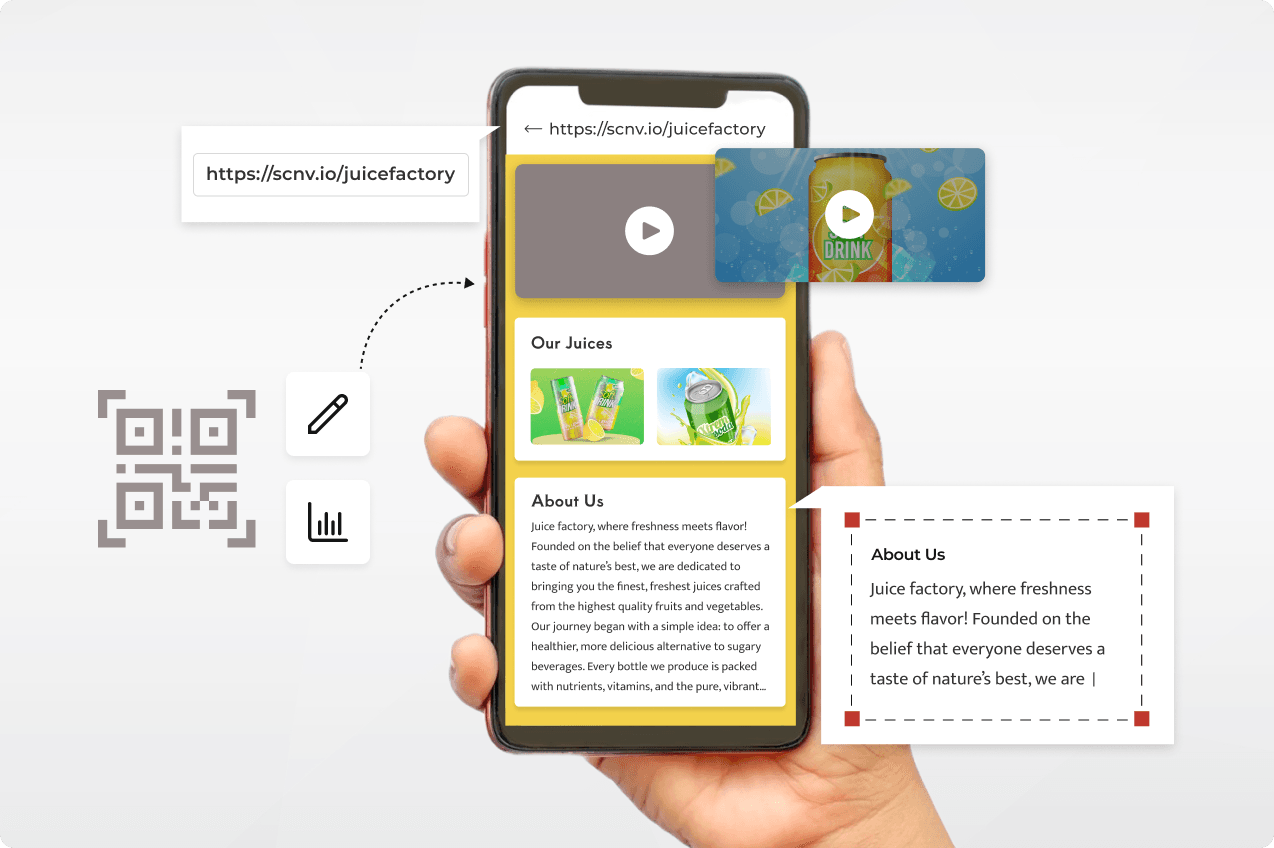
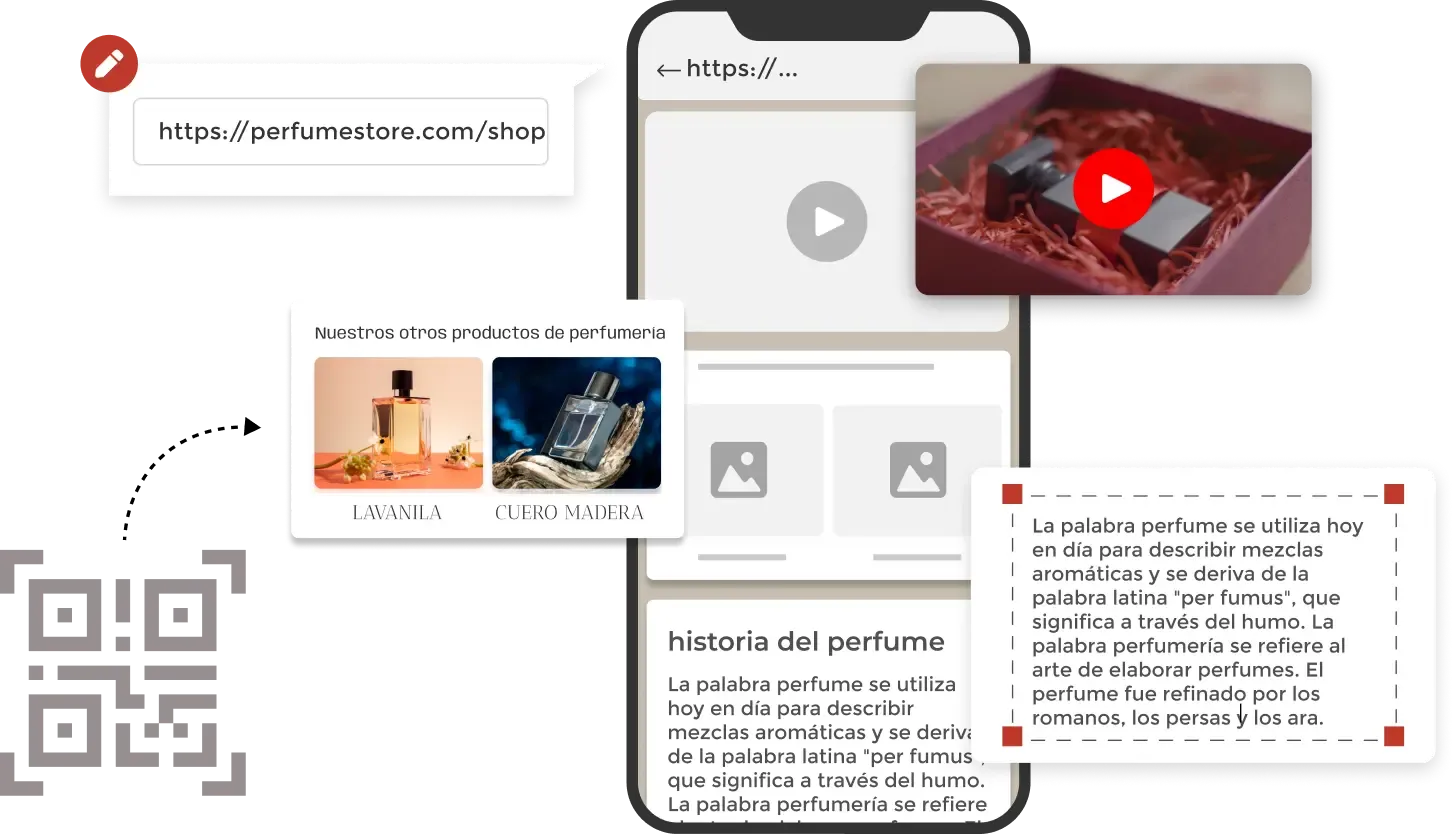
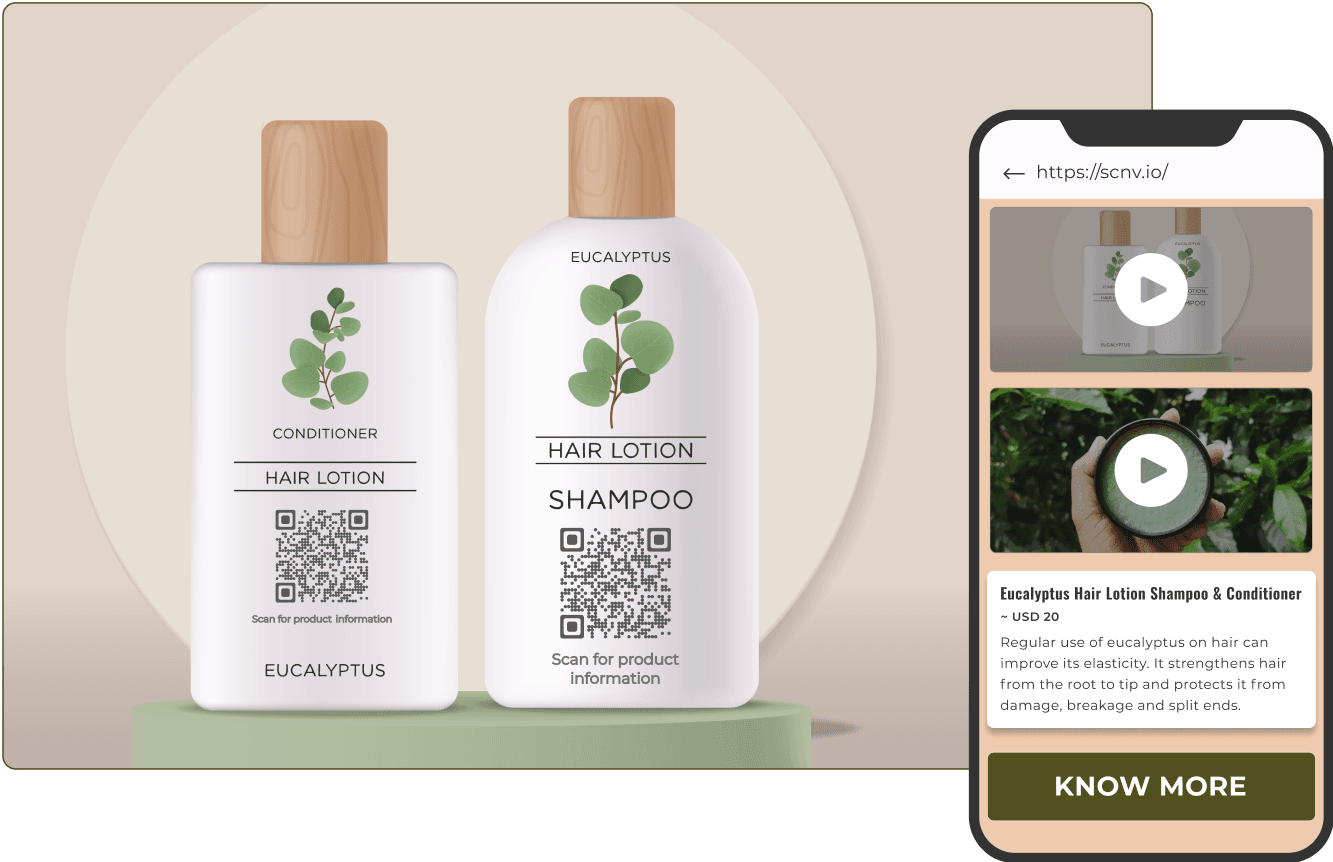
Create and link fully personalized, mobile-optimized landing pages directly to your QR Codes. Drive targeted engagement with pages designed for product launches, surveys, event sign-ups, lead capture, and more. Pages are assembled block by block, so the layout can change without rebuilding the page.
Effortlessly generate large volumes of Dynamic QR Codes, each with unique content, in one go. Whether you manage personalized promotions, employee IDs, product packaging, or event tickets, this feature automates and streamlines the process, saving you valuable time and effort.

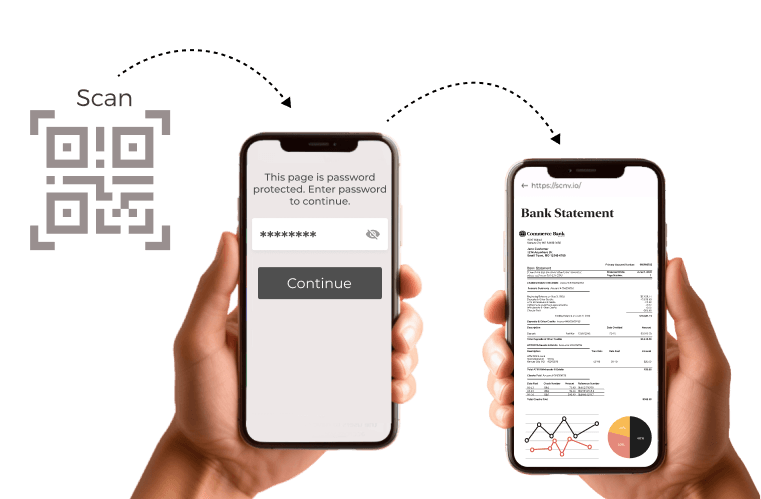
Keep your Dynamic QR Code campaigns protected with advanced security features. Add password protection to restrict access, ensuring only authorized users can view your content and safeguarding sensitive information from unwanted scans.

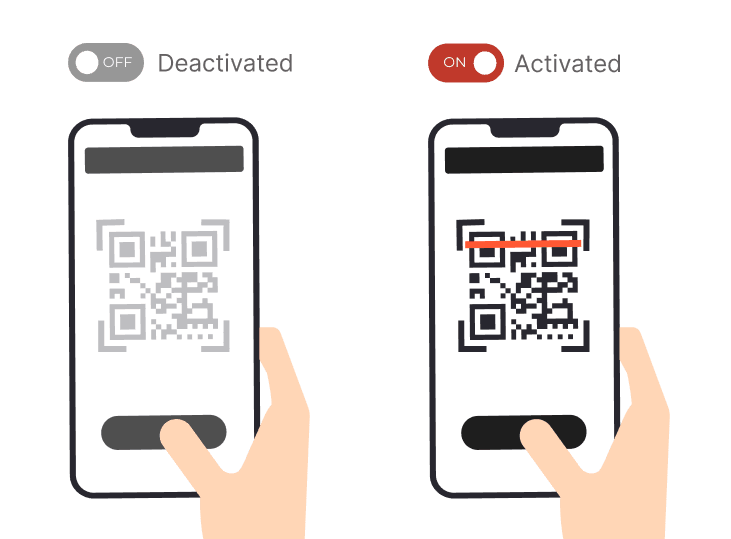
Automate your campaigns by scheduling Dynamic QR Codes to activate or deactivate at a set date and time, or after a set number of scans. Perfect for time-sensitive campaigns, limited-time offers, and event access without any efforts or checks. You can also reactivate them anytime.

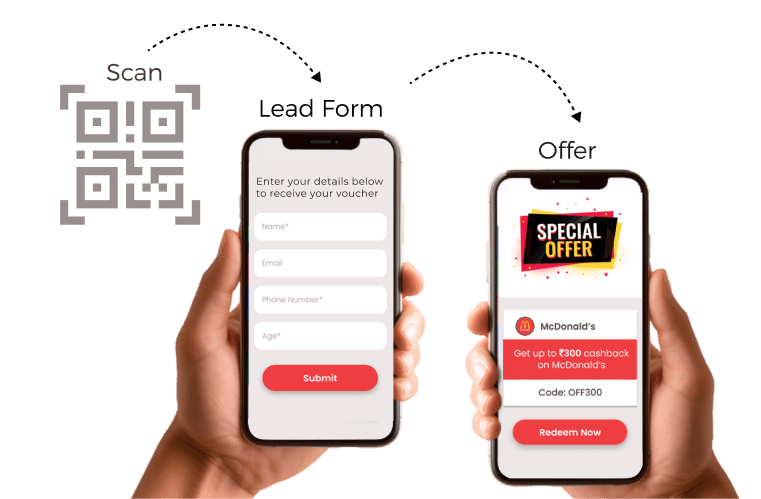
Collect quality leads from every scan with fully customizable forms linked to your QR Codes. Choose from 15 input types, match your branding with preset themes, customize styles, and get responses delivered instantly via email or Slack, along with built-in analytics to track conversions.

A Dynamic QR Code that has slipped past its schedule, lost its linked form, or is serving an unpublished draft still scans. However, it no longer functions or links to your content. Scanova's QR Code Health Center checks every code in your account and lists the ones needing attention, ranked by the traffic each problem affects.


Scanova’s internal data indicates a 300% growth in QR Code creation in recent times
Businesses of all sizes looking to gain insights into customer behavior, enhance strategies, and engage their customers better
Educators and institutions wanting to share interactive learning resources
Non-profits aiming to increase outreach and donations
Marketers looking to enhance their campaigns (both print and digital), engage with target audience, and generate leads
Easy to use and achieve successful outcomes with Scanova. The simplicity of this tool makes it easy for even non-tech users. Scanova solves the concern of tracking websites and data sheets efficiently.
Enjoy unparalleled data security with ISO/IEC 27001:2022, GDPR, and SOC2 compliance


One of the biggest advantages of Dynamic QR Codes is the ability to change content without reprinting the code. Use this flexibility to run A/B tests, update linked content or correct errors without additional printing costs.
Track how often, when, and where your Dynamic QR Codes are scanned. Use these insights to understand audience behavior, measure campaign performance, and optimize future engagement strategies.
Add UTM parameters to the URLs linked through your Dynamic QR Codes to help you identify exactly where your traffic is coming from. Track key details like campaign name, traffic source, medium, and more. This allows you to identify high-performing channels and refine your marketing efforts.
Protect sensitive content by enabling password protection. For time-sensitive campaigns, set expiration dates to disable access after a certain period, keeping your content fresh and secure.
Use brand colors, logos, frames, and more to enhance recognition while ensuring that the code remains easily scannable. Avoid overly complex designs that might interfere with QR Code readability.
Get quick answers related to Scanova’s Dynamic QR Generator
Unleash the potential of the best Dynamic QR Code Generator and witness its magic in action