


















Easily create a free Location QR Code for Google Maps. When scanned, the QR Code opens directions to the exact location without typing an address.

Enter a valid URL


Sign up to use AI-generated pages
Sign up to create product QR Codes
 Sign Up to design and personalize your QR Codes
Follow 3 simple steps to convert location to QR Code

Open Google Maps. Enter your location, and adjust the pin if needed. Click Share and select Copy Link. Paste this URL in the location field.

Select a template for your Static Google Maps QR Code. To enable advanced settings or customize your QR Code, log in to Scanova.

Scan and test your new QR Code created using free Location QR Code Generator. Once done, download the new code in PNG format.
Location QR Code is a type of code that redirects users to a specific location on Google Maps. When scanned by a QR Code scanner on mobile devices, it instantly directs users to the specified location. These are widely used to share event venues, help customers find stores or offices, guide delivery or logistics teams, mark points of interest on printed materials, and more.
Whether you are an individual or a business, a Location QR Code is an easy way to make navigation seamless. According to internal usage data from Scanova, Location QR Code is one of the most widely used QR Code categories.
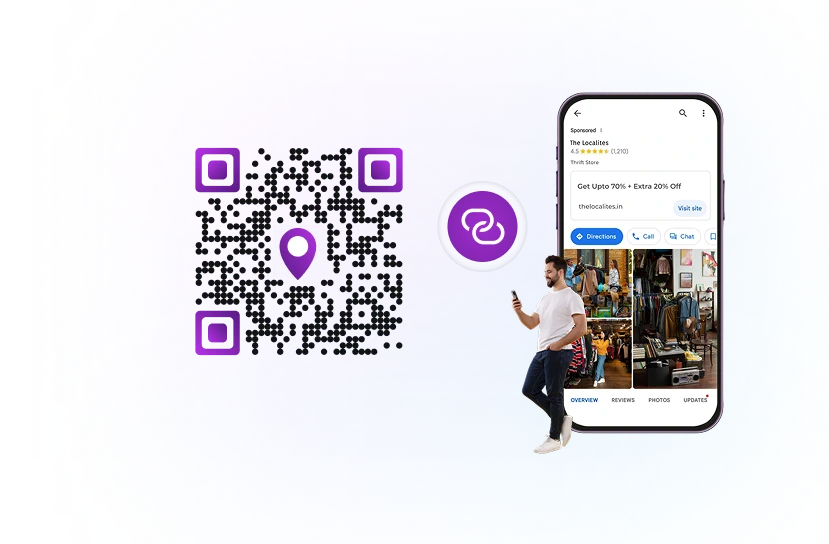

You can simply open the camera of your phone to scan the QR Code. If your camera doesn't support code scanning, you can use Google Lens or any free QR Code reader app.

Open the chosen app and point your smartphone's camera at the QR Code.

Tap the link to open it in the Google Maps app. If it isn't installed, you can view and navigate to the location using your mobile browser.
Scanova allows you to create both Static and Dynamic Location QR Codes.
Simplify navigation and do more with Location QR Code Generator
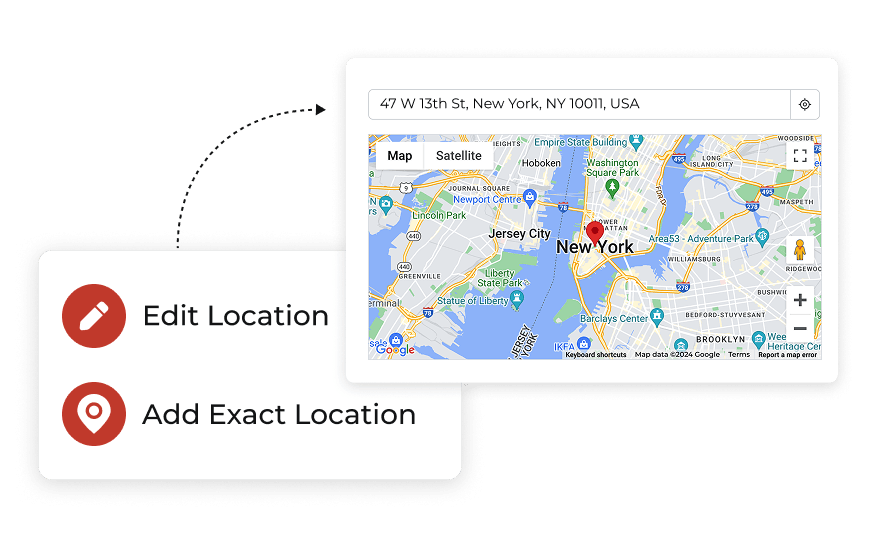
Creating a Location QR Code is straightforward. Users can either search for their desired location or use the location marker.
This flexibility allows for quick adjustments. If the location needs to be updated, users can easily edit the existing QR Code without having to reprint or create a new one.
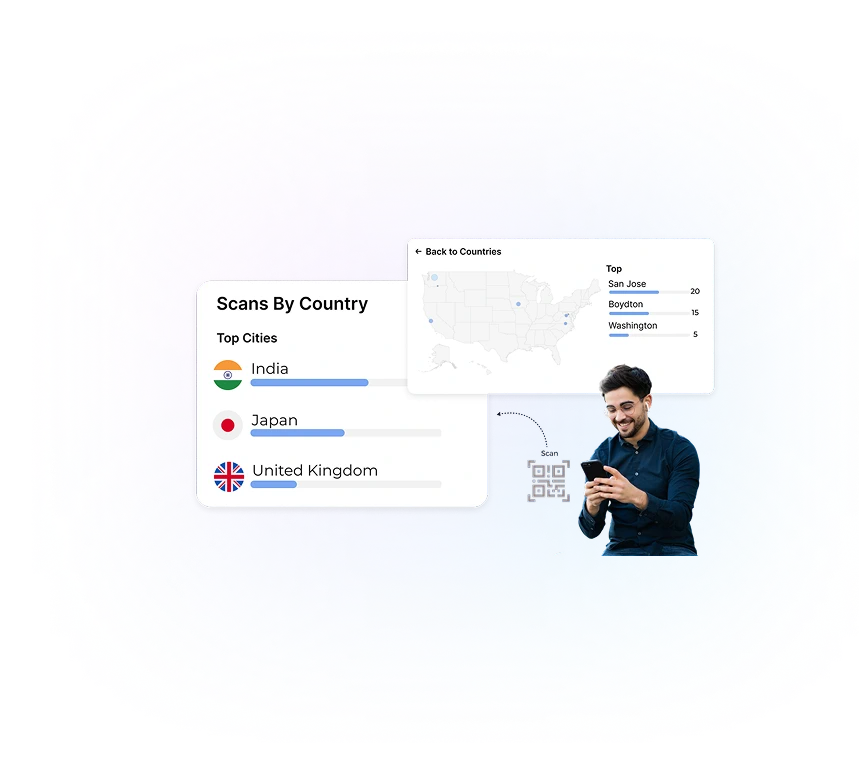
Restrict access to the QR Code's linked content based on the user's geographic location.
This means the QR Code will only work (or display specific content) when scanned within a defined area. Ideal for location-based promotions, in-store exclusive offers, or regional campaigns.
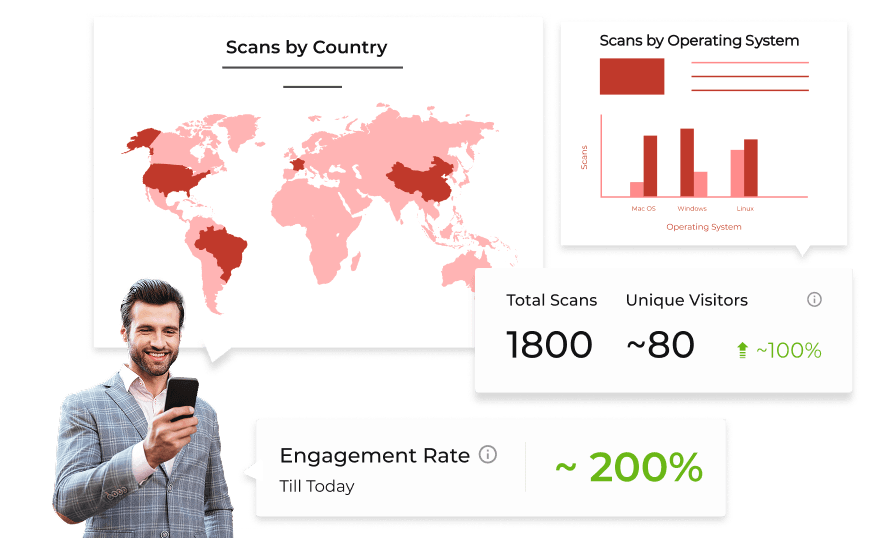
Advanced analytics feature allow you to track device details, exact GPS location, and much more.
By analyzing this data, businesses can gain insights into how often their QR Codes are scanned, which demographics are engaging with them, and where improvements can be made.
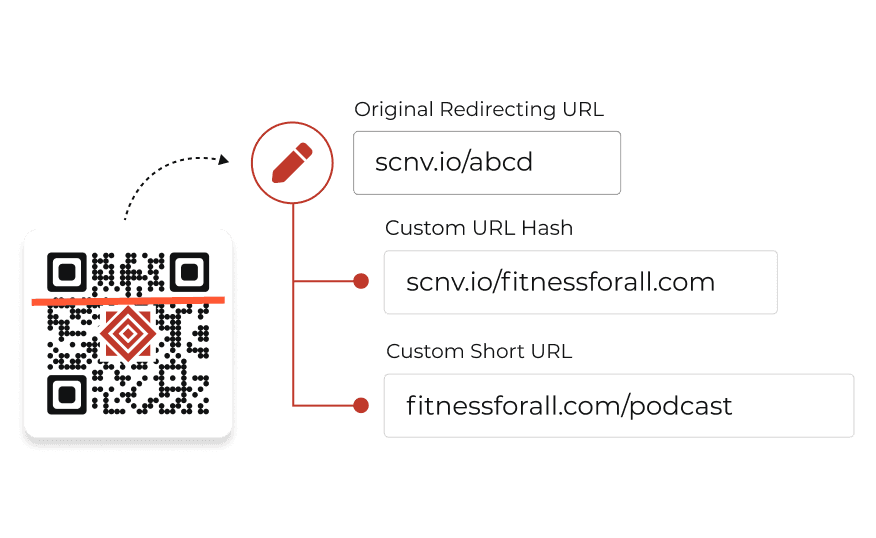
Personalizing the URL linked to your QR Code can enhance brand recognition and trust. Instead of using generic short links (like https://scnv.io/abcd), you can create a custom URL (like https://qr.tastytreats.com/location).
This not only makes the link more memorable but also reinforces your brand identity.
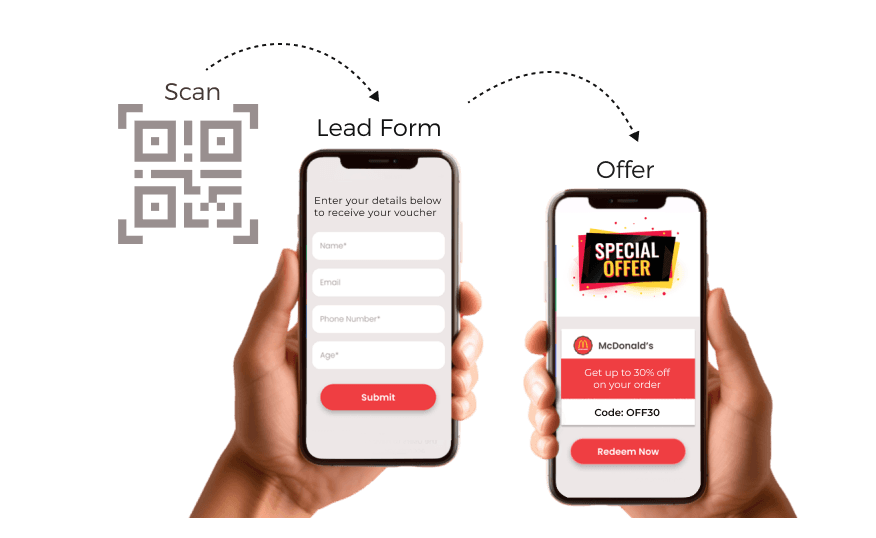
Location QR Codes can serve as powerful tools for lead generation. By simplifying access to your location, you increase the likelihood of customer engagement.
When users scan a QR Code, you can ask for relevant information via a custom form before directing them to your specified location.
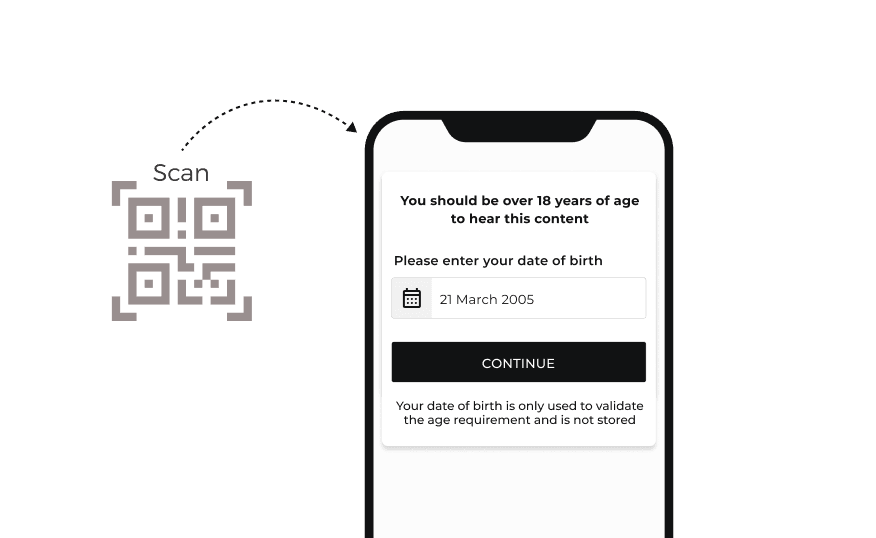
By requiring users to enter their date of birth before accessing location details, businesses can ensure that only those above a certain age can view the information.
This feature is particularly relevant for businesses operating in industries where age restrictions are legally mandated.
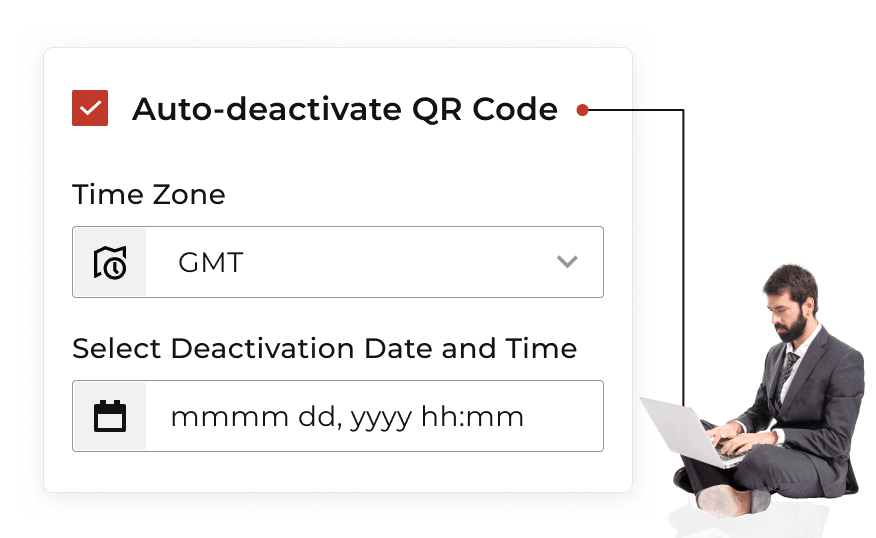
The ability to automatically deactivate a QR Code at a specified date and time is another excellent feature that enhances control over your marketing and promotional materials.
This ensures that customers do not access outdated information or promotions.


14-day free trial | No credit card required
Provide instant access to location-specific information
Location QR Codes simplify the process of finding directions to a specific place. Users can scan the code with their smartphones and instantly access Google Maps, saving time and reducing frustration when locating a venue.
By placing QR Codes on promotional materials, businesses can entice potential customers to take immediate action and visit the location. This enhances customer engagement and drives more visitors to their physical locations.
With Dynamic Google Maps QR Codes, businesses can track how often their codes are scanned and other scan metrics. Nearly 98% of QR Codes created using Scanova are dynamic. This underscores the growing demand for real-time tracking and analytics.
Businesses can customize QR Codes with their branding elements—such as specific colors that align with their brand, distinctive frames, and logos—reinforcing brand identity and increasing recognition among their customers.
By providing precise directions, Location QR Codes help eliminate the confusion often associated with traditional addresses, particularly in busy or unfamiliar areas. This is useful in locating unfamiliar areas where landmarks may be unclear.
Creating and using Google Maps QR Codes is inexpensive compared to traditional marketing methods. Also, location details linked to Dynamic Location QR Codes can be updated easily without reprinting or creating a new code.
Scanova provides unparalleled data protection with ISO/IEC 27001:2022, GDPR, and SOC2 compliance


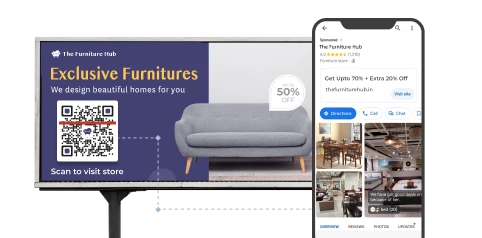
Location QR Codes can direct customers straight to business premises. Western Spirits, a leading beverage company, used our Dynamic QR Codes in marketing/print ad campaigns to guide customers to nearby stores.
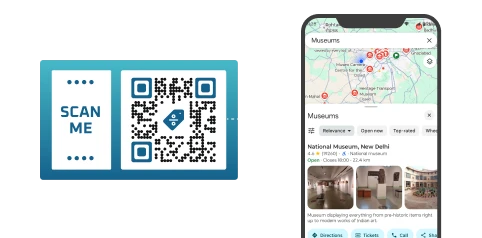
Travelers can scan codes to access tourist attractions, dining options, and historical sites. Travel With Us used Scanova's QR Codes in digital itineraries, providing tourists with updated tour information, venue details, and more.
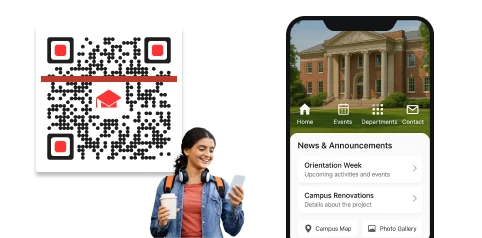
Location QR Codes are increasingly used in educational settings, particularly for campus tours. Prospective students can scan QR Codes placed at various points on campus to access information about facilities, programs, and more.
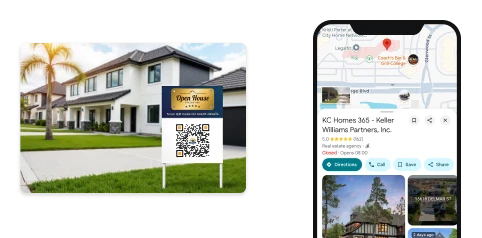
Real estate agents are leveraging Google Maps QR Codes on property signs to provide potential buyers with instant access to location details. Scanning the code can lead to the location of the property.
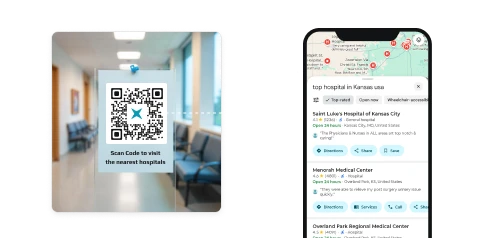
These QR Codes can be used to provide immediate access to emergency services information. By scanning a code placed at strategic locations, individuals can quickly obtain directions to the nearest hospital or police station.
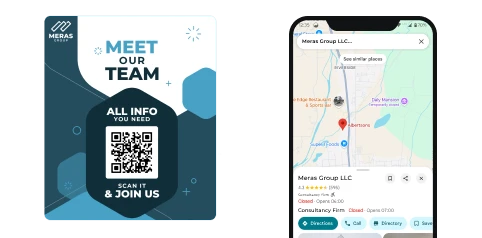
Event organizers can use Location QR Codes to improve attendee experiences by providing instant access to vital event information. Attendees can scan codes to view venue location, ensuring they can easily find their way around.
14-day free trial | No credit card required
See what our customers are saying about our online QR Code Generator
Easy to use and achieve successful outcomes with Scanova. The simplicity of this tool makes it easy for even non-tech users. Scanova solves the concern of tracking websites and data sheets efficiently.


Incorporate your logo, colors, and clear design elements into the QR Code. A visually appealing, branded QR Code attracts more than double the number of scans of a black-and-white QR Code. Avoid overdesigning. Maintain a strong contrast between the QR Code and its background. Ideally, a dark code on a light background.
Always ensure your Location QR Code points to the precise location on Google Maps. Double-check the pin or coordinates you use so that when users scan the code, they are guided to the correct destination, reducing confusion and delivering a seamless experience.
Pair your QR Code with a straightforward CTA, such as 'Scan to get directions'. This tells users exactly what to expect and encourages engagement, especially for audiences unfamiliar with the QR Code's use.
Test your code across multiple devices and QR scanners before launching. For printed materials, the QR Code should be at least 2 × 2 cm (about 0.8 × 0.8 inches) to ensure reliable scanning. Place it where users can easily see and scan, such as at eye level or in uncluttered areas.
For Dynamic QR Codes, use analytics to track scans and update the code as needed to keep information current and effective. This analytics data empowers you to assess which campaigns, designs, or physical installations drive the most engagement.
Get answers to popular questions about Location QR Code Generator
Create QR Codes as per your need with ease