Retail QR Codes
Scanova is the trusted choice of top retailers to acquire new customers, improvein-store experience, and build customer loyalty







QR Codes in retail industry
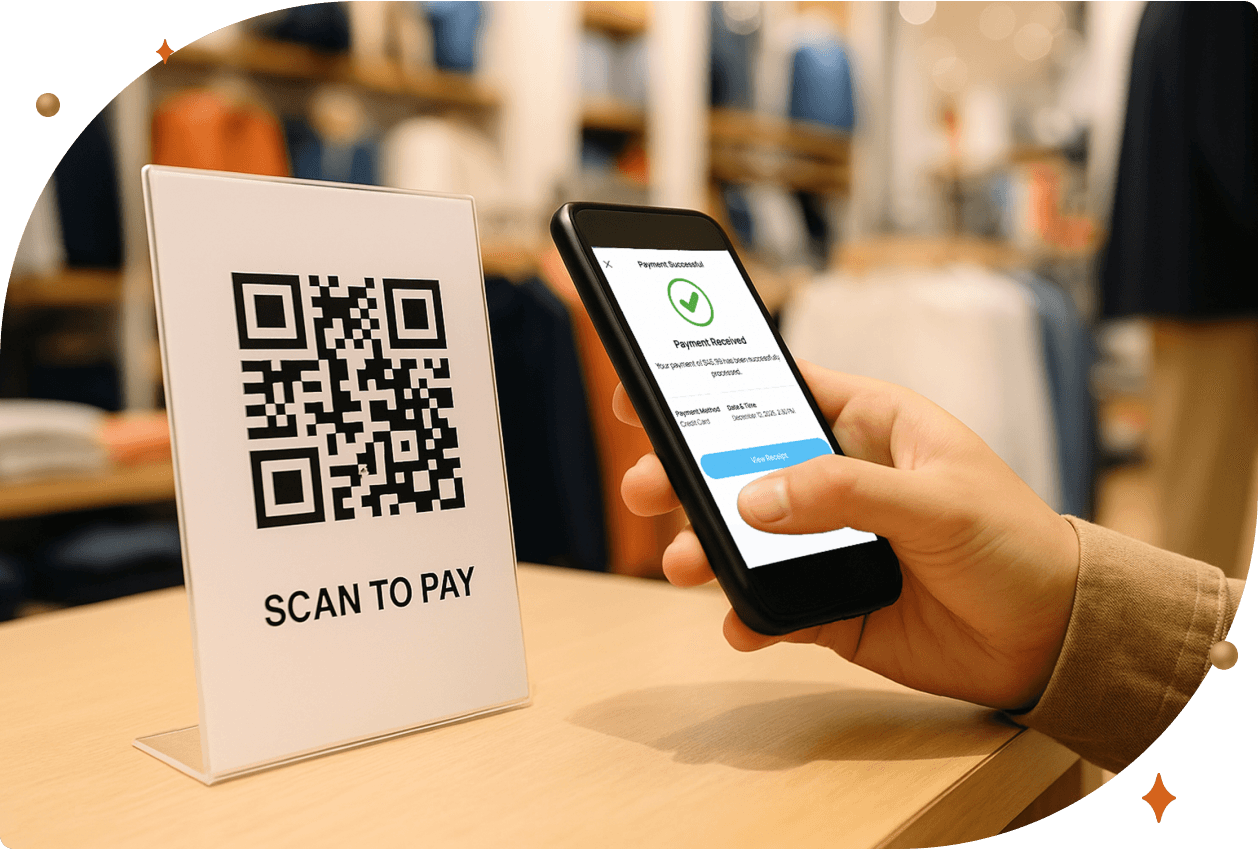
QR Codes have emerged as a transformative tool in the retail sector, enhancing customer engagement and streamlining various processes. It's used extensively in retail, allowing businesses to connect with customers innovatively. The use of QR Codes in retail has surged since COVID-19, as consumers want contactless solutions for shopping and payments.
-
 An eMarketer article revealed that more than two-thirds of in-store shoppers prefer using their smartphones to quickly access information, rather than approaching the store staff for assistance.
 -
 As per S&S Insider, the QR Code payments market was valued at USD 11.8 billion in 2023 and is expected to reach USD 45.9 billion by 2032, growing at a CAGR of 16.27% over 2024–2032.
 -
 One of Scanova’s retail clients achieved an impressive 4.9 million scans on a single QR Code over 2.5 years. This QR Code, strategically placed in retail outlets, directed in-store customers to an online rewards page.
You can also harness the power of QR Codes for your retail use case
QR Codes in stores can provide quick access to product
information, show discounts, and acquire customers

Boost Traffic
Customers can scan a QR Code to be directed straight to your site. This ease of access encourages more visitors to explore your offerings, boosting lead generation. Using Scanova’s Dynamic QR Codes, AutoZone has received over 12 million scans. Customers appreciated the quick access to information.
Customers can scan a QR Code to be directed straight to your site. This ease of access encourages more visitors to explore your offerings, boosting lead generation. Using Scanova’s Dynamic QR Codes, AutoZone has received over 12 million scans. Customers appreciated the quick access to information.

Provide User Manuals/Guides
Providing QR Codes that link to user manuals/guides directly related to the store's products allows customers to easily access detailed information about the product they are interested in. This enhances their shopping experience and encourages product usage.
Providing QR Codes that link to user manuals/guides directly related to the store's products allows customers to easily access detailed information about the product they are interested in. This enhances their shopping experience and encourages product usage.

Enhance Social Media Visibility
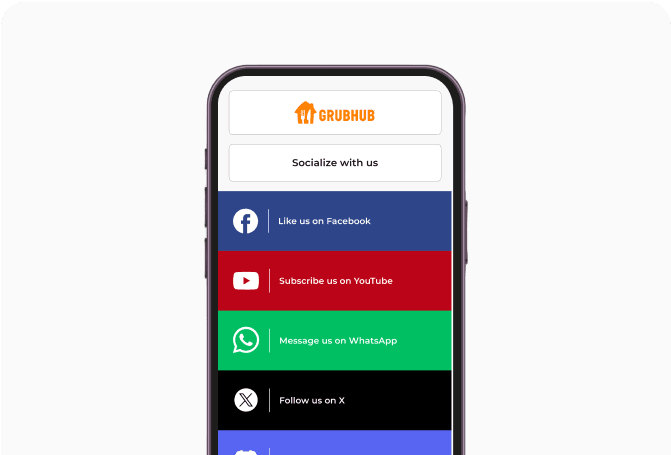
By leveraging QR Codes, retailers can encourage customers to engage with their social media profiles. Placing codes on product packaging, in-store displays, or promotional materials allows users to easily scan and connect with the brand on any social media platform.
By leveraging QR Codes, retailers can encourage customers to engage with their social media profiles. Placing codes on product packaging, in-store displays, or promotional materials allows users to easily scan and connect with the brand on any social media platform.

Drive App Downloads
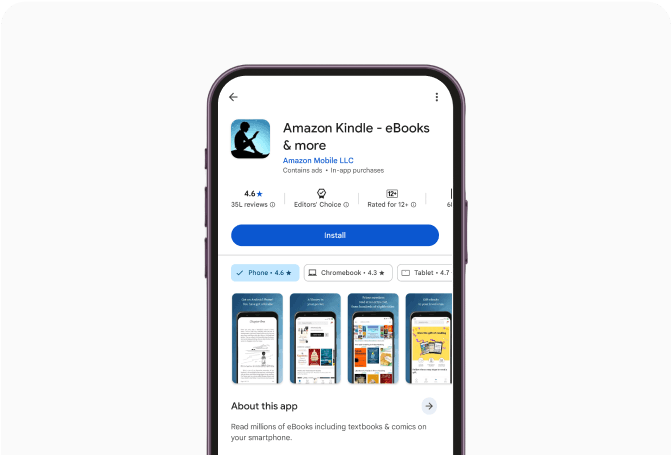
Retailers can use QR Codes to facilitate mobile app downloads by placing them in strategic locations such as store displays or receipts. When customers scan the QR Code, they are directed to the app store for easy installation. This streamlined process increases the likelihood of downloads.
Retailers can use QR Codes to facilitate mobile app downloads by placing them in strategic locations such as store displays or receipts. When customers scan the QR Code, they are directed to the app store for easy installation. This streamlined process increases the likelihood of downloads.

Run Personalized Campaigns
Retailers can create tailored experiences for existing and potential customers using conditional redirection. A QR Code can direct users to different landing pages or promotions based on device type, operating system, geographic location, etc. This helps deliver relevant content.
Retailers can create tailored experiences for existing and potential customers using conditional redirection. A QR Code can direct users to different landing pages or promotions based on device type, operating system, geographic location, etc. This helps deliver relevant content.

Offer Promotional Coupons
Retailers can leverage Coupon QR Codes by placing these QR Codes on product packaging, in-store displays, or marketing materials. Customers can easily scan them to access exclusive deals. This incentivizes purchases and encourages customer loyalty, as shoppers are more likely to return for future discounts.
Retailers can leverage Coupon QR Codes by placing these QR Codes on product packaging, in-store displays, or marketing materials. Customers can easily scan them to access exclusive deals. This incentivizes purchases and encourages customer loyalty, as shoppers are more likely to return for future discounts.

Get Feedback
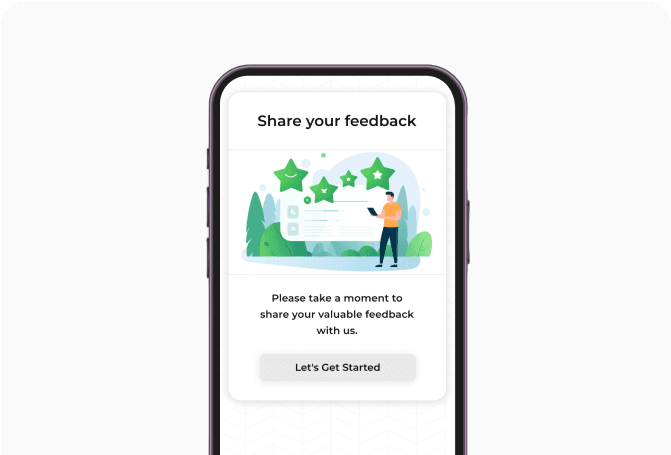
Linking custom feedback forms to QR Codes placed in-store, receipts, or product packaging simplifies the feedback process by eliminating the need for manual entry. AutoZone gained valuable insights into customer behavior and preferences through Scanova's QR Codes.
Linking custom feedback forms to QR Codes placed in-store, receipts, or product packaging simplifies the feedback process by eliminating the need for manual entry. AutoZone gained valuable insights into customer behavior and preferences through Scanova's QR Codes.

Provide Support
By scanning a QR Code, shoppers can access support resources like product ratings, FAQs, and more—reducing dependency on the in-store staff. Retailers can also use QR Codes on store displays or promotional displays, allowing potential shoppers to access product information or even make purchases online.
By scanning a QR Code, shoppers can access support resources like product ratings, FAQs, and more—reducing dependency on the in-store staff. Retailers can also use QR Codes on store displays or promotional displays, allowing potential shoppers to access product information or even make purchases online.
Improve customer experience with Scanova
Follow these steps to create QR Codes for your use case

Select Category
Log in to Scanova. Click on Create QR Code and select a category.

Enter Content
Provide required content like website URL, location, social media links, contact information, and more.

Create QR Code
Provide a name for the QR Code and add tags (optional). If you have opted for Dynamic QR Code, you can activate advanced features such as lead generation. After completing these steps, click on Create QR Code.

Customize & Download
Once done, you can directly test and download your QR Code. Additionally, you can also customize the QR Code design before downloading it.
Real-world applications of retail QRs

Walmart
The retail giant enables customers to scan the QR Code at checkout to complete their payment. Customers can link their credit or debit cards to the Walmart app, allowing them to pay by scanning a QR Code through the app's Walmart Pay feature. This proved to be quick and convenient.
The retail giant enables customers to scan the QR Code at checkout to complete their payment. Customers can link their credit or debit cards to the Walmart app, allowing them to pay by scanning a QR Code through the app's Walmart Pay feature. This proved to be quick and convenient.

Decathlon
The French sporting goods retailer implemented QR Codes on product tags as part of its Scan & Go app, allowing customers to skip long checkout lines by scanning the code and paying directly through the app. This reduced wait times and increased customer satisfaction.
The French sporting goods retailer implemented QR Codes on product tags as part of its Scan & Go app, allowing customers to skip long checkout lines by scanning the code and paying directly through the app. This reduced wait times and increased customer satisfaction.

Zara
Renowned fashion retail brand Zara added a QR Code to the price tags of their products. Scanning this QR Code leads to a landing page listing the product’s manufacturing details along with additional information like different colors and sizes available. This proved to be helpful for the customers.
Renowned fashion retail brand Zara added a QR Code to the price tags of their products. Scanning this QR Code leads to a landing page listing the product’s manufacturing details along with additional information like different colors and sizes available. This proved to be helpful for the customers.

Sephora
French retailer Sephora incorporated QR Codes on its products. Scanning these QR Codes directs customers to product information, tutorials, reviews, virtual try-on features, and more. This innovative approach increases customer satisfaction and fosters deeper connections with the brand.
French retailer Sephora incorporated QR Codes on its products. Scanning these QR Codes directs customers to product information, tutorials, reviews, virtual try-on features, and more. This innovative approach increases customer satisfaction and fosters deeper connections with the brand.
Get desired results for your retail business with Scanova
Leverage QR Codes to boost sales and acquire new customers
Build your QR Code strategy with Scanova's latest e-book on the usage of QR Codes in retail industry
Download Free E-book
Why retail giants like DFS and Sprouts Farmers Market use QR Codes
Superior Customization
Data Tracking & Analysis

Custom Landing Pages
Easy to Use
Your security and privacy matters
Scanova prioritizes user data protection by adhering to stringent security standards
including ISO/IEC 27001:2022, GDPR, and SOC2



Retail QR Code categories by Scanova
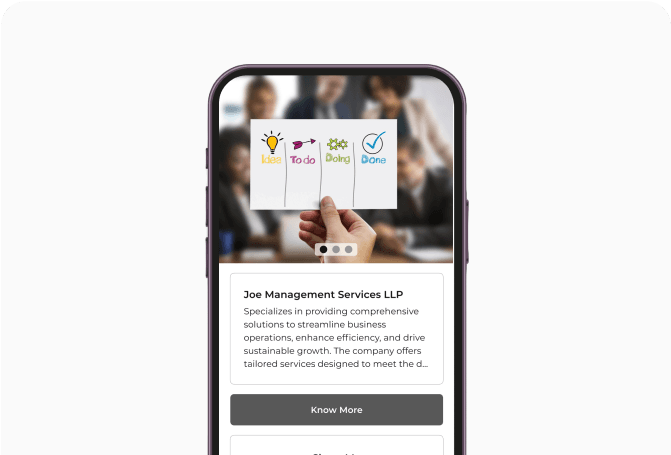
Best brands in the world trust Scanova
 Caitlyn DuffyLarge Format Sales District Leader, PepsiCo
“The simplicity of this tool makes it easy for even non-tech users”
Easy to use and achieve successful outcomes with Scanova. The simplicity of this tool makes it easy for even non-tech users. Scanova solves the concern of tracking websites and data sheets efficiently.
 David TaitPerformance Media Lead, Yourtown
“Scanova helps us quickly create QR Codes for multiple uses”
A quick and easy tool for QR Codes. The different QR Code types and features available, including the ability to customize a QR Code based on brand requirements, are impressive. It enables the team to access, manage, create, and download their QR Codes easily. Scanova helps us quickly create QR Codes for multiple uses.
 Daniela GutierrezCDW National Business Leader, Hitachi Vantara
"We have increased our leads by 10x with Scanova"
Scanova has been a wonderful addition to our marketing toolkit. It helps us boost lead generation easily. By introducing Scanova QR Codes in our keynote presentations and booths at conferences, we have increased our leads by 10x. Scanova also makes it easy to customize lead forms, presenting a slick view back to the end user.
 Mojtaba AbediExecutive Director, Finance Maxim Ltd.
“Scanova has proven to be an invaluable tool for our events and projects”
I am quite satisfied with Scanova's services and appreciate their effort in enhancing user experience. Scanova has proven to be an invaluable tool for our events and projects. The ease of use and the range of features have significantly contributed to the success of our initiatives. I particularly appreciate the efficiency of Scanova’s team—always ready to assist.
 Marie ZeccaAdvisory Board Chair, Colorado Women's Lacrosse Officials Association (CWLOA)
“Scanova allows us to gauge interest in multiple distribution areas”
We love that Scanova provides us with demographics/location information when we use their QR Codes in a magazine ad. This allows us to gauge interest in multiple distribution areas. Scanova allows us to access data that we can directly correlate with other analytics we have to help deliver customers with a more accurate ROI on the service.
 Muthaian PrakashDirector—Digital Technology and Solutions, Olam Information Services Private Limited
“The tool has easy-to-use templates for quick implementation”
A perfect QR Code Generator for Dynamic QR Codes. The best part of Scanova is its useful options to generate Dynamic QR Codes with brand identity by adding logos, brand colors, and more. Also, the tool has easy-to-use templates for quick implementation. We have printed Dynamic QR Codes in our consumer package products in the healthy snacks category.
 Brian MarshVP Operations, I DJ NOW
“I highly recommend Scanova”
We use Scanova for our brochures and catalogs as the pricing keeps changing. It’s terrific to send our clients to our website with an easy scan. We have also used Scanova on marketing postcards and backdrops for our booth at trade shows. We love looking at the analytics reports to see how many users visited our site or a webpage. I highly recommend Scanova.
5 best practices to double your scans
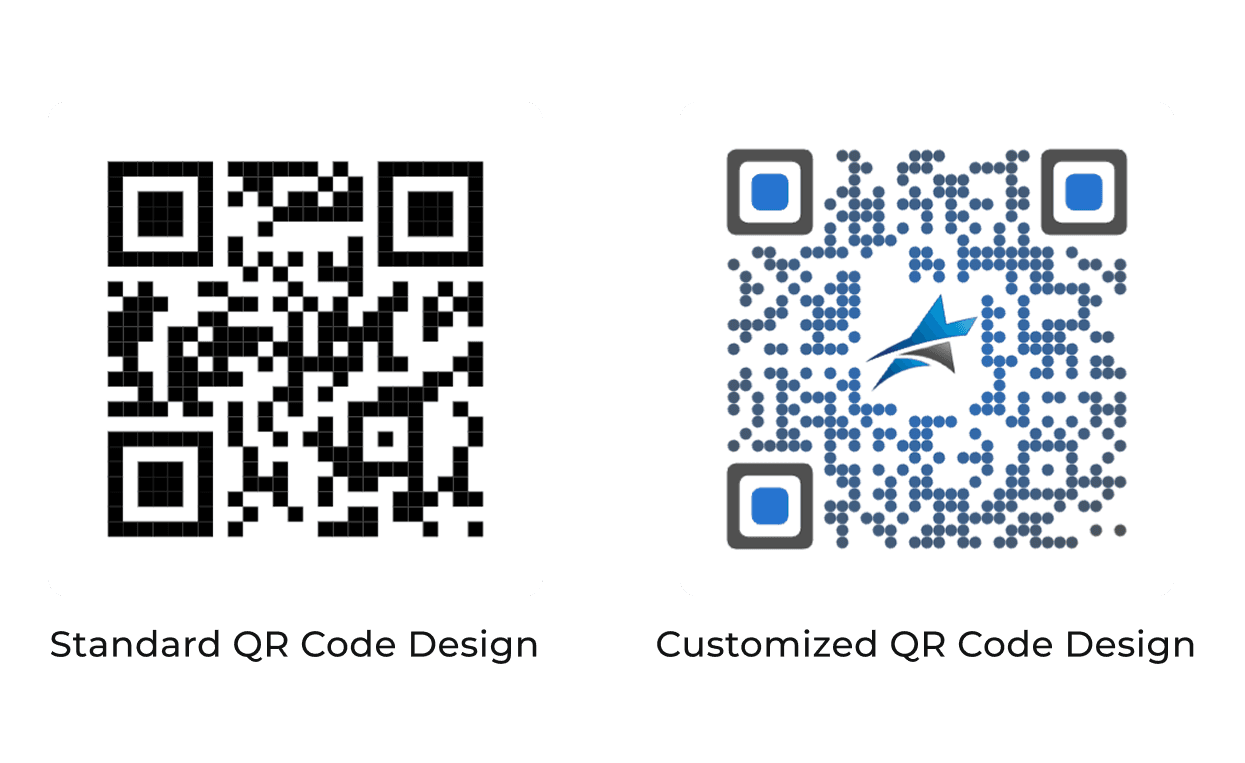
Customize QR Code design
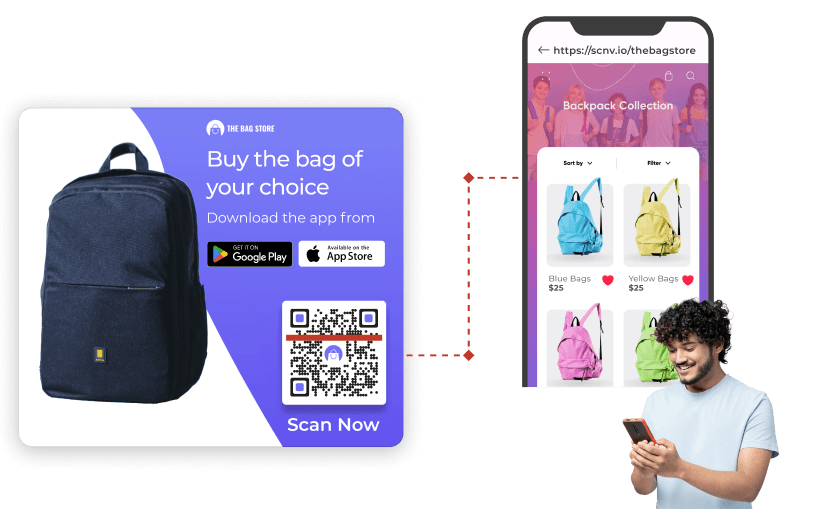
Add a call-to-action

Ensure scannability
-
 The minimum dimensions for a QR Code should be 1 inch or 3 cm or 115 pixels (in both width and height).
-
For colored QR Codes, opt for high-contrast combinations between the foreground and background colors.
-
Always maintain a ratio of approximately 10:1. For instance, if a QR Code needs to be scanned from 100 cm away, it should be at least 10 cm wide.
-
Ensure that the area around your QR Code is well-lit to facilitate successful scanning.
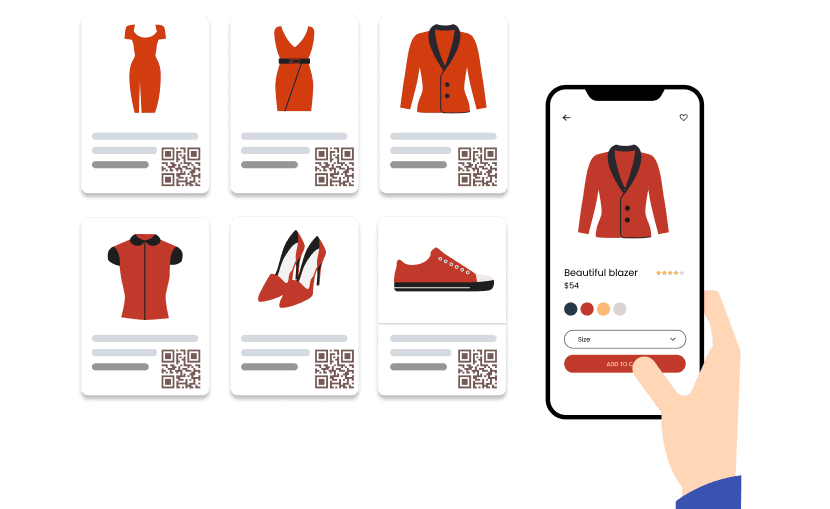
Make it accessible

Link to mobile-optimized content
Frequently Asked Questions
Get quick answers related to Scanova’s Retail QR Codes

How can QR Codes benefit my retail business?
QR Codes can significantly enhance customer engagement by providing quick access to your website, promotions, store location, social media handles, app download link, and much more. They simplify and enhance the shopping experience, allowing customers to interact with your brand effortlessly—ultimately driving sales and customer loyalty.
Can I customize my QR Codes with brand elements?
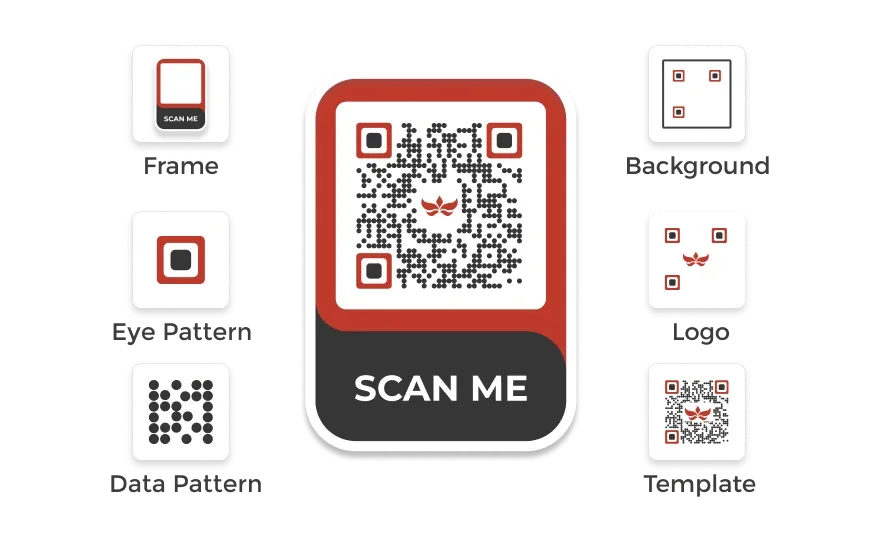
Yes. Scanova allows you to customize your QR Codes with brand colors, logos, patterns, and frames. This customization establishes brand identity and makes your QR Codes more appealing to customers.
What kind of analytics can I track with Scanova's QR Codes?
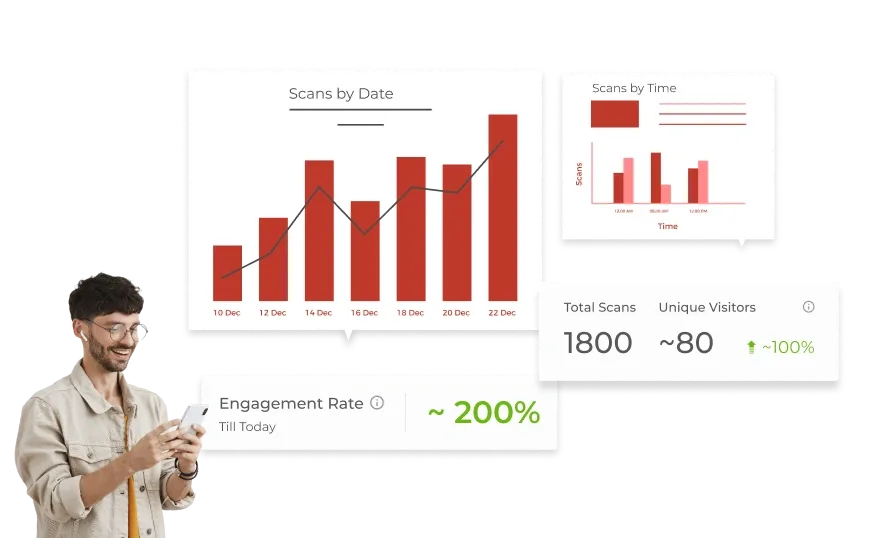
Scanova provides detailed tracking of scanning activity, allowing you to gain insights into customer behavior and measure the success of your campaigns. You can get exact GPS location of the scan (with user permission) along with number of scans by date, day, time, city, country, type of device, browser, operating system, handset, and much more.
Can I direct customers to different landing pages using the same QR Code?
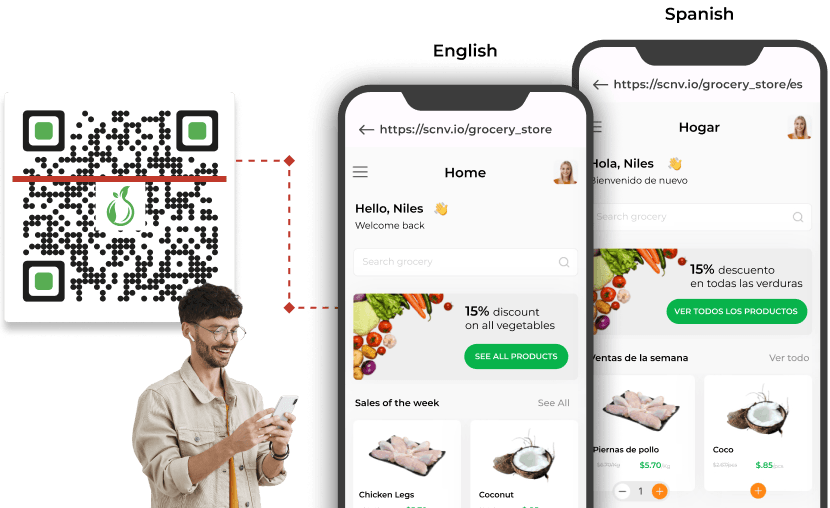
Yes. Scanova's conditional redirection feature allows you to configure a single QR Code to direct users to different landing pages based on their device type, operating system, or country/language preferences. This flexibility enhances user experience and maximizes engagement.