Venue QR Code: How to Use QR Codes for Event and Venue Marketing
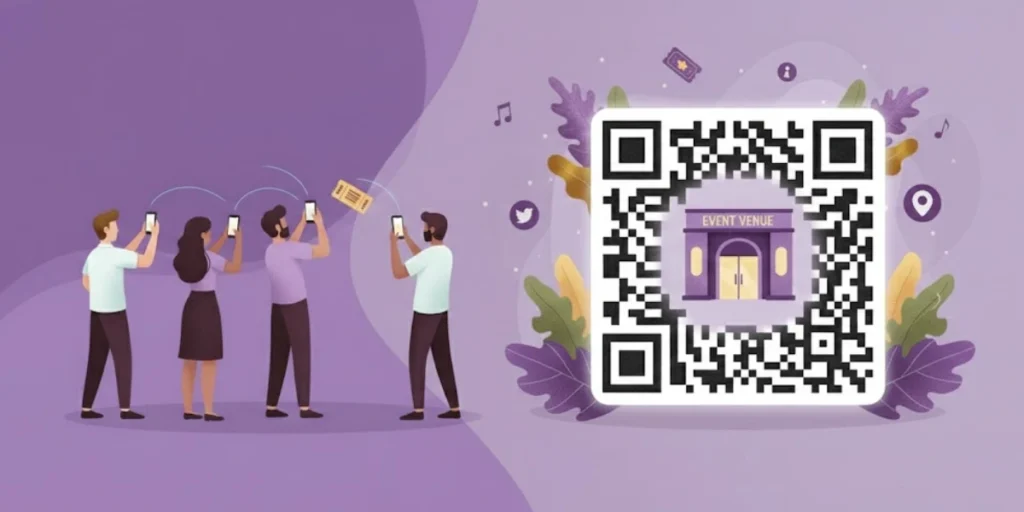
In a nutshell: A Venue QR Code is a scannable code that shares info about an event or place. In a single scan, it can display menus, tickets, promotions, or feedback. Venues use QR Codes for check-in, ordering, and marketing. Venue QR Codes make guest entry and ordering faster, and they provide marketers with data on engagement.
QR Codes are booming in events and venues. QR code scans reached significant milestones in 2025, with global totals hitting 41.77 million amid explosive growth. Source: barkorder
Usage surged by up to 433% over prior years, driven by smartphone adoption and contactless trends. Source: barkorder
Guests can get the information they need with a simple scan. The QR Code can then direct them to an event page, a digital menu, a contact form, a location map, or even the Wi-Fi login.
Event planners, marketers, and restaurant owners use these codes to go paperless and contactless. This tech boom means venues can run events faster and smarter than ever.
A. What is a Venue QR Code and how does it work?

A Venue QR Code is a special type of QR Code for a place or event. It is like a digital sign that anyone can scan. The code might link to a website, a map, an event app, or a registration page.
Behind the scenes, the QR Code stores encoded data, usually a URL. When scanned, the device decodes that information and redirects the user instantly.
If you use a dynamic Venue QR Code, you can even update the linked content later without reprinting the code. For example, you can change the event schedule, update the menu, or redirect to a new offer while keeping the same printed QR Code.
58% of businesses see growth from venue QR touchpoints; event marketers gain clear ROI metrics, such as peak scan times and device data. One event campaign yielded 4,478% ROI from 1,850 scans and $32,000 in revenue. Dynamic QR codes enable real-time updates for promotions in hospitality venues. Source: roller
B. How to create and implement a Venue QR Code?

Creating a Venue QR Code is easy. You do not need coding skills. You just need clear goals and the right setup.
Follow these detailed steps:
Step 1: Sign up or log in to Scanova
Go to the Scanova website and create an account.
If you already have one, log in.
Scanova offers a free trial. This lets you test your Venue QR Code before committing.
Once logged in, you will see the dashboard. This is where you create, edit, and track your QR Codes.
Step 2: Choose the right QR Code type for your venue
Now you must decide what your Venue QR Code should do.
Ask yourself:
- Do I want guests to book tickets?
- Do I want diners to see my menu?
- Do I want visitors to check in?
- Do I want people to download a brochure?
Scanova offers multiple QR Code types:
- Website URL QR Code – Best for event pages, ticket booking links, landing pages.
- Event QR Code – Perfect for conferences, concerts, seminars. You can add event name, date, time, and venue location.
- PDF QR Code – Good for brochures, seating plans, maps.
- Menu QR Code – Ideal for restaurants and cafés.
- vCard QR Code – Useful for instantly sharing venue contact details.
Choose the one that matches your venue goal.
Step 3: Add your venue or event details carefully
Now enter your information.
Be clear and complete. This is what guests will see after scanning.
For an event, include:
- Event name
- Date
- Time
- Venue address
- Ticket link
- Short description
For a restaurant, include:
- Menu link
- Special offers
- Happy hour details
For a marketing campaign, include:
- Landing page link
- Offer details
- Discount code
Double-check everything before moving ahead.
Mistakes here will affect guest experience.
Step 4: Make your Venue QR Code look branded and trustworthy
Now comes design.
Scanova allows you to customize your Venue QR Code.
You can:
- Add your venue logo in the center
- Change colors to match your brand
- Adjust QR pattern style
- Add a frame with text like “Scan for Menu” or “Scan for Tickets”
Why does this matter?
Because plain black-and-white codes look generic.
Branded QR Codes look official and safe.
Guests trust them more.
Higher trust means more scans.
Step 5: Select Dynamic QR Code (very important)
This step is critical.
Always choose Dynamic QR Code instead of static.
Here’s why:
If your event date changes, you can update it.
If your menu changes, you can edit it.
If your ticket link changes, you can fix it.
You do not need to reprint posters or menus.
This saves money.
This saves time.
This avoids guest confusion.
Dynamic Venue QR Codes also give you scan tracking and analytics.
Step 6: Download the high-quality file
Once your Venue QR Code is ready, download it.
Scanova gives you high-resolution formats suitable for:
- Large banners
- Posters
- Table cards
- Tickets
- Digital screens
Choose the right file type based on where you will use it.
Before printing 500 copies, test the code.
Scan it using different phones.
Make sure it loads fast.
Make sure the link works.
Step 7: Place your Venue QR Code strategically
Placement matters.
Do not hide your code in a corner.
Good placement examples:
- At event entry gates
- On event tickets
- On stage backdrop screens
- On restaurant tables
- Near the billing counters
- On flyers and brochures
- On social media graphics
Make sure the code is large enough to scan easily.
Add a short instruction like:
“Scan to check in.”
“Scan to view menu.”
“Scan to get 10% off.”
Clear instructions increase scan rates.
Step 8: Track performance using Scanova analytics
Your Venue QR Code is now live.
But your work is not done.
Go back to the Scanova dashboard and monitor:
- Total scans
- Scan location
- Date and time of scans
- Device type
This data helps you answer:
- Which event day had more engagement?
- Which table location gets more menu scans?
- Which poster design performs better?
You can also integrate with Google Analytics for deeper tracking.
For marketers, this data is powerful.
For event planners, this means better planning next time.
For restaurant owners, this means smarter decisions.
Step 9: Optimize based on real data
After a few days or weeks, review your results.
If scans are low:
- Move the QR Code to a more visible spot.
- Increase its size.
- Improve the call-to-action.
- Offer an incentive (a discount, a free drink, or early access).

C. How can venue QR Codes streamline events and marketing?
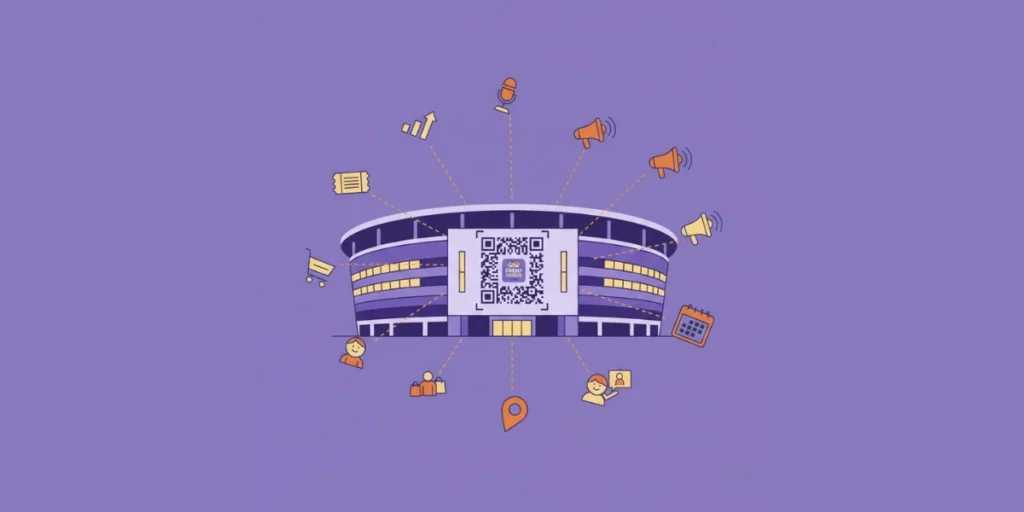
Venue QR Codes make events and marketing run smoothly. They cut down long lines and work for you 24/7.
Event planners use QR Codes on tickets or badges for fast check-in. No more printing paper tickets or searching emails. With a scan, the guest’s ticket is verified, and they enter quickly.
This streamlined check-in means faster entry and happier guests. Marketers also put QR Codes on posters or flyers. When people scan these, they can see event details or buy tickets on their phone.
A venue guest scans a code at the door to check in instantly. Each scan is logged, cutting down lines and staff effort.
Venue QR Codes also help track success. Since many scanners are on smartphones, codes can link to analytics.
Businesses see how many scans they get and where. As one guide notes, each QR scan is a “data gold mine,” giving insight into attendee behavior. Source: theeventscalendar
For instance, you can learn which events were most popular or which marketing material got the most scans. This data helps planners tweak their next event or marketing campaign.
This shows organizers are using codes more than ever to share info and coordinate guests.
D. How do venue QR Codes enhance customer experience?

Venue QR Codes improve the guest experience in many ways. They give people instant access to info on their phones. In restaurants, digital menus via QR Codes can speed up ordering.
Diners scan a QR Code on the table and see the menu on their screen. This means no wait for a paper menu and faster service. If a dish runs out, the menu online can update instantly.
Some venues even link QR Codes to payment pages: after dining, guests can scan to pay the bill and tip on their phone. Guests no longer wait for servers or handle menus.
A customer scans a restaurant’s menu QR Code on their table. This opens the phone’s digital menu for quick ordering.
The trend is clear in hospitality. 55% of customers prefer contactless ordering. Source: wifitalents.
Another survey shows 88% of restaurants considered switching to digital menus, and 92% have used QR Codes instead of paper menus. Source: restaurantdive
After the pandemic, these changes stuck because guests and businesses liked them. Venues also use QR Codes for maps and navigation.
For example, event halls might place QR Codes near entrances or on badges to show maps or session schedules. Guests scan them to see where to go next.
Hotels might have QR Codes in lobbies or rooms to share information or let guests easily join the Wi-Fi network.
25% industry adoption in restaurants/food services, with 94% scan success rate. Hospitality venues hybridize QR and print to suit preferences, enhancing loyalty integration. Stadiums report 65%+ growth in usage for safety and access. Source: qrbuild
E. What are common uses of a Venue QR Code?

Venue QR Codes have many creative uses. Here are some ways venues use them:
- Event tickets & check-in: QR Codes on tickets, badges, or apps let you scan to enter events with no lines.
- Digital menus: Restaurants share menus and take orders with QR Codes, cutting printing costs and wait times.
- Promotions & flyers: QR Codes on posters or table tents direct guests to special deals or event pages. Scanning might open a coupon or sign up for a newsletter.
- Surveys & feedback: Place QR Codes linking to quick surveys. Guests can fill themout on their phone to give real-time feedback.
- Lead generation: Embed QR Codes in marketing materials to capture emails and signups. Scans can directly grow your contact list.
- Wi-Fi access: Post a QR Code for Wi-Fi login. Guests just scan and connect to the network without typing a password.
- Event info & schedules: Codes in lobbies or halls link to detailed schedules or speaker bios. Visitors scan to access up-to-date info without bulky printouts.
- Digital signage & catalogs: QR Codes in digital or printed ads can open product pages or app downloads instantly.
These just go on to show that Venue QR Codes fit almost any marketing need. They turn static signs into interactive tools that engage customers.
F. Why should venue owners use QR Codes?

Venue owners and marketers adopt QR Codes because they deliver big benefits:
- Contactless convenience: Guests can use their own phones to get info or pay. This removes paper and speeds up service.
- Cost savings: No need to print menus, programs, or tickets repeatedly. QR Codes cut those costs and paper waste.
- Real-time updates: With dynamic codes, you can change the linked content instantly. If your schedule or menu changes, update the online info without new printing.
- Increased engagement: Codes link to any content – videos, polls, menus, or coupons. This keeps guests engaged. In one study, nearly 60% of people scan codes daily for info or deals.
- Lead generation: Embed QR Codes in marketing materials to capture emails and signups. Scans can directly grow your contact list.
- Data collection: Every scan is tracked. You see when and where people interact with your venue. This data (via analytics) is a “data gold mine” for planning.
- Security: QR Code tickets are harder to fake than paper. Each digital ticket can be unique. It also reduces shared physical items.
- Eco-friendly image: Guests see QR Codes as green tech. Less paper means a smaller environmental footprint.
- Easy marketing: QR Codes bridge physical ads to online content. A printed flyer can send people straight to a web page or app.
- Mobile-friendly: Almost every modern smartphone can scan. Since 2018, 91% of iPhones and 86% of Android phones have built-in QR scanning, so you meet customers where they are.
With all these benefits, Venue QR Codes help venues operate smarter. The usage stats show they work: QR Code adoption keeps rising in every sector.
G. FAQs: Venue QR Codes

1. Do I need a special app to scan a Venue QR Code?
No. Modern smartphones have built-in QR scanners. Just point your phone’s camera at the code and tap the notification. Only very old phones might need a separate QR scanning app.
2. Can I update the information in my Venue QR Code after printing?
Yes, if you use a dynamic QR Code service. Dynamic QR Codes store a short link on the code, which you can edit at any time.
So if event details or a menu item changes, simply update the linked page in the dashboard – you don’t need a new code. Your scans and stats also continue to work.
3. How to measure the success of a Venue QR Code?
Use analytics built into dynamic QR tools. Each scan is logged, so you can count scans and see scan locations and times. This tells you how many people used the code and where they were from.
You can also use campaign URLs or tracking codes on the linked page to see how many visitors or sign-ups came from the QR Code.
The key is using a QR platform that provides scan reports, so you have hard data on user engagement.
4. How big should I print a Venue QR Code?
Make it large enough to scan easily. Experts recommend printing at least 2 x 2 cm (about 0.8 inches) per side. In practice, larger is better, especially if guests will scan from a distance. For example, a poster code might be 10 x 10 cm. Always test the code with a phone before final printing to ensure it scans quickly.
5. Any design tips for Venue QR Codes?
Keep the QR Code clear and high-contrast. Use dark (black) code pixels on a light (white) background. Leave a quiet margin around the code.
Another creative way to display it is by turning the QR code into a high quality photo tile using platforms like wallpics. These tiles can be placed at entrances, tables, or counters, making the code easy to spot and scan.
You can add a small logo in the center to show it’s branded and safe. Also include a simple CTA or label like “Scan to see our menu” so people know what they get. These touches make users more likely to scan and trust the code.
Summing Up
A Venue QR Code connects your physical venue to a digital experience with a single scan. It speeds up check-ins, enables digital menus, tracks engagement, and reduces costs. For event planners, marketers, and restaurant owners, a Venue QR Code turns every guest interaction into measurable growth.
