Real World QR Code Campaigns

Explore real-world QR Code campaigns from businesses worldwide

See how brands leveraged QR Codes for marketing, engagement, and success

Get inspired for your next QR Code campaign's strategy
Real World QR Code Campaigns
Explore real-world QR Code campaigns from businesses worldwide
See how brands leveraged QR Codes for marketing, engagement, and success
Get inspired for your next QR Code campaign's strategy
Add filters to discover your perfect match
QR Code Campaigns

Nike By You QR
Nike

Nike enabled shoe customization via QR: codes on shoeboxes and posters led shoppers to the Nike By You online studio to design their own footwear

“Scan It. Circle It. Find It.”
Samsung (India)
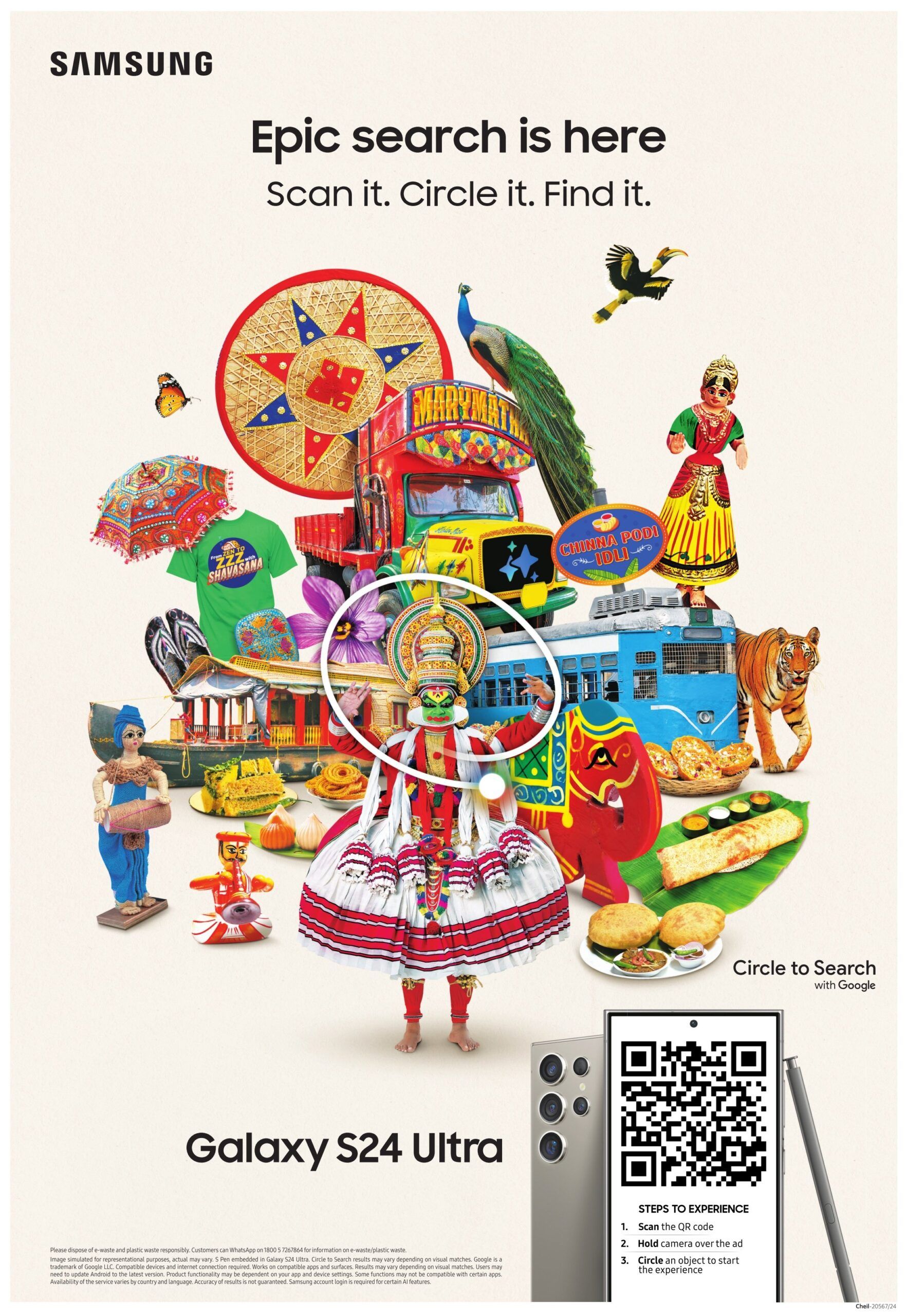
A print ad for the Galaxy S24 Ultra in Times of India let readers try its new “Circle to Search” feature.

Kindness Is All Around
Starbucks
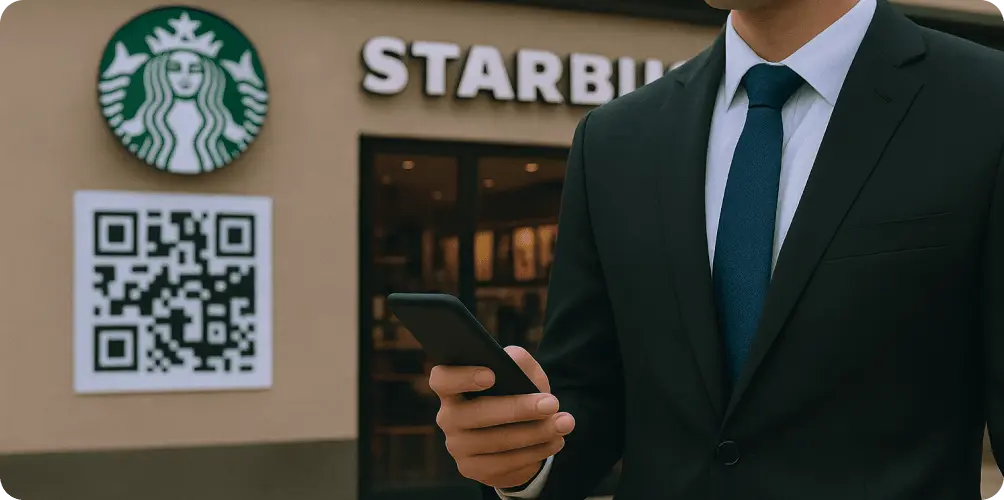
Nationwide in-store AR experience: scanning QR codes in 16K Starbucks let customers view floating “kindness” notes and share positive messages

Keep It Real Meals
Burger King
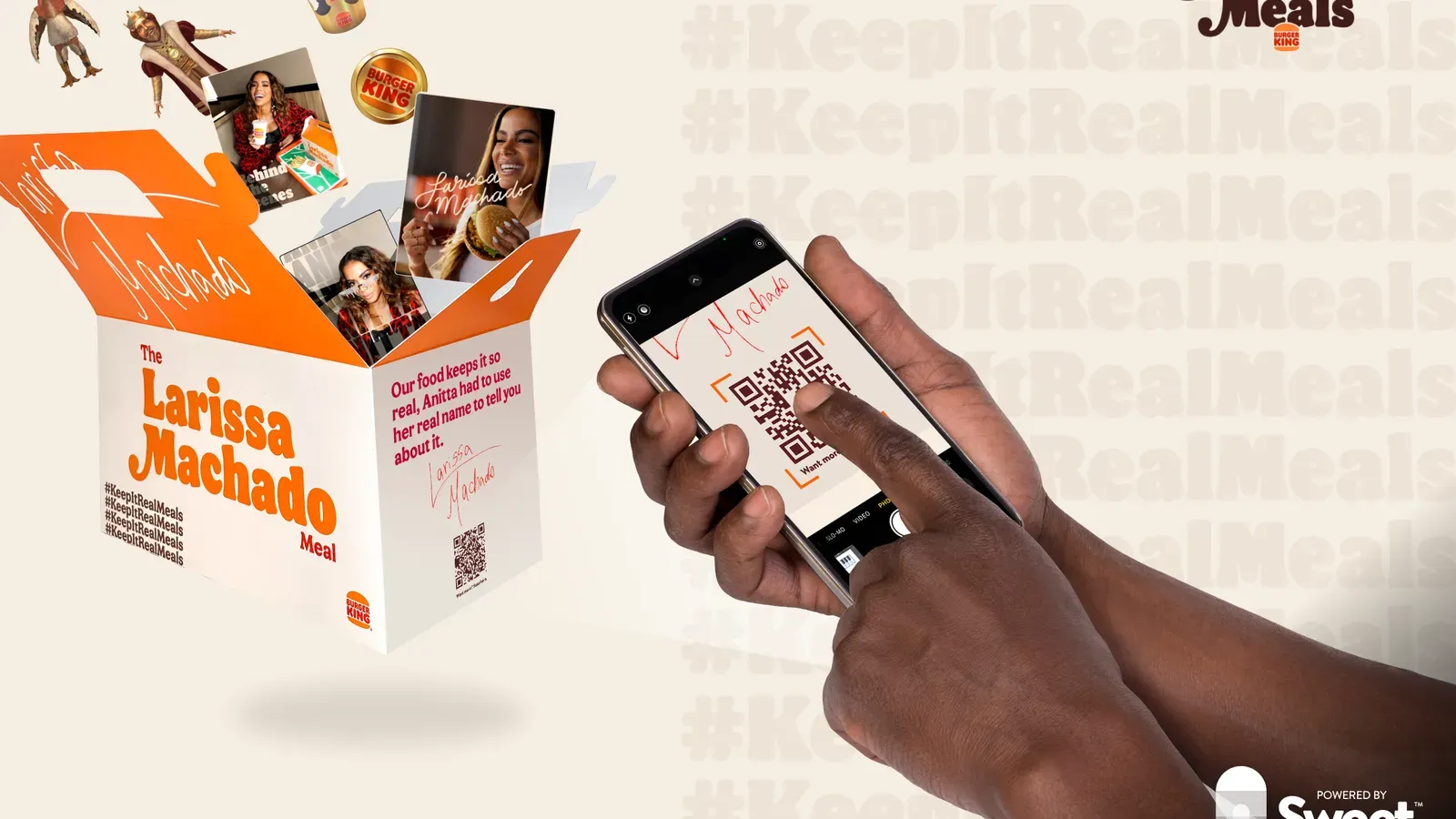
QR codes on 6M limited meal boxes unlocked collectible NFT game pieces, turning celebrity meal promo into an interactive NFT hunt

Starlight Cosmic Concerts
Coca-Cola

QR codes on space-themed “Starlight” Coca-Cola bottles launched a web-AR portal where a hologram pop star performed mini concerts in AR

WcDonald’s Anime Promotion
McDonald’s
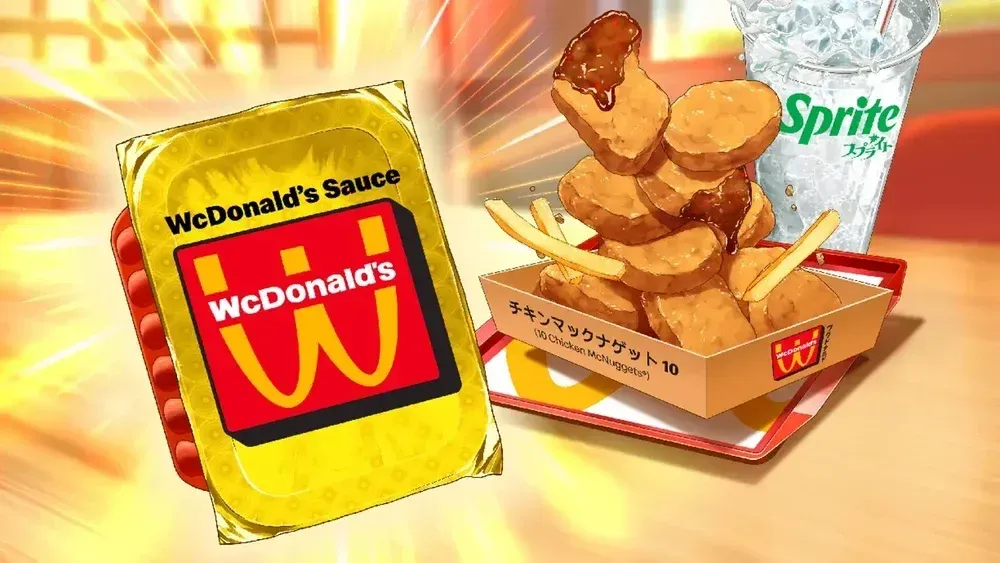
Limited-edition anime-themed packaging with QR Codes unlocked weekly digital manga chapters. Fans got exclusive story content via scans.

Ready to create your own success story?
Join thousands of businesses using Scanova to create engaging QR Code campaigns that drive real results.
What are QR Code campaigns?
QR Code campaigns use scannable QR Codes as interactive touchpoints that connect offline audiences with online content. These campaigns enable brands to seamlessly bridge physical and digital marketing by directing users to websites, videos, offers, apps, or contact forms with a simple scan.
Popular for their ease of use and tracking capabilities, QR Code advertising campaigns open new avenues for customer engagement and measurable results.
One of Scanova's clients in the marketing and advertising industry created over 29,000 QR Codes to power various campaigns for their clients. These QR Codes were used to drive traffic to websites, restaurant menus, digital business cards, and social media pages. This enhanced customer interaction and boosted brand visibility.

How to create a QR Code for your campaign?
Creating a QR Code for your campaign is straightforward with Scanova's user-friendly platform

Select a Category
Log in to Scanova. Click Create QR Code and select the relevant QR Code category. This decision should be based on what you want users to see after scanning—website, video, app download, coupon, or social media.

Enter Content
After finalizing a category, make sure to enter relevant content. This can include URL, contact details, app download links, images, document, coupon details, text, location, and more. Proceed to the next step.
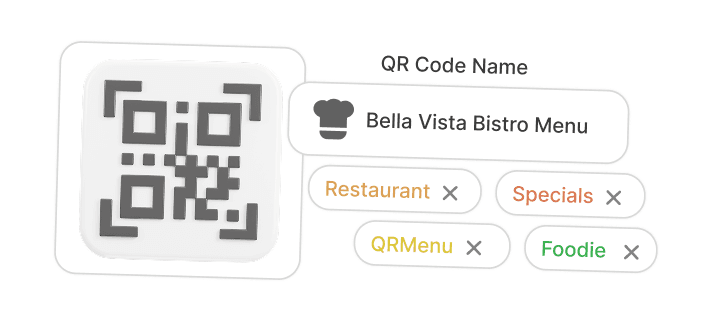
Create QR Code
Provide a name for the QR Code. You can also add tags (optional). Make sure to create a Dynamic QR Code. Enable advanced features like lead generation. After completing this, click on Create QR Code.
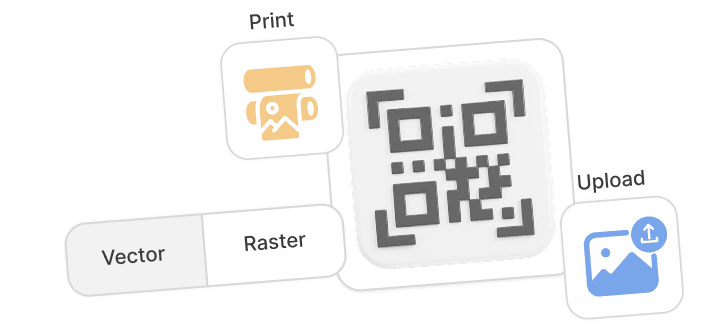
Deploy Your QR Code
You can also personalize the QR Code design before downloading it. Note: Always scan and test your QR Code before downloading it. Add it to print ads, packaging, signage, or digital media.
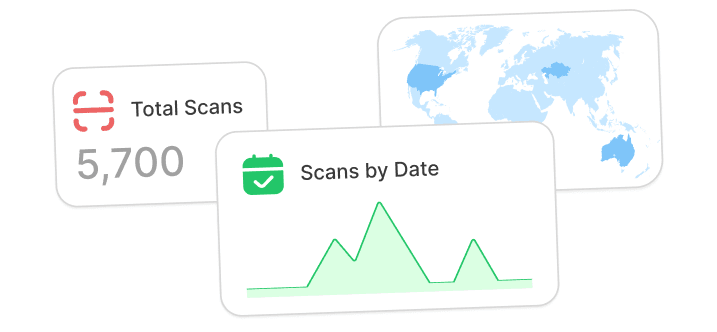
Analyze Performance
Use Scanova’s analytics dashboard to monitor scan data and optimize your campaign. Get data on the number of scans by date, day, time, city, country, type of device, browser, operating system, handset, and more.
Why brands of the future choose QR Codes?
Brands that want to stay ahead use QR Codes for marketing campaigns

Boost User Engagement

Instant Access to Information
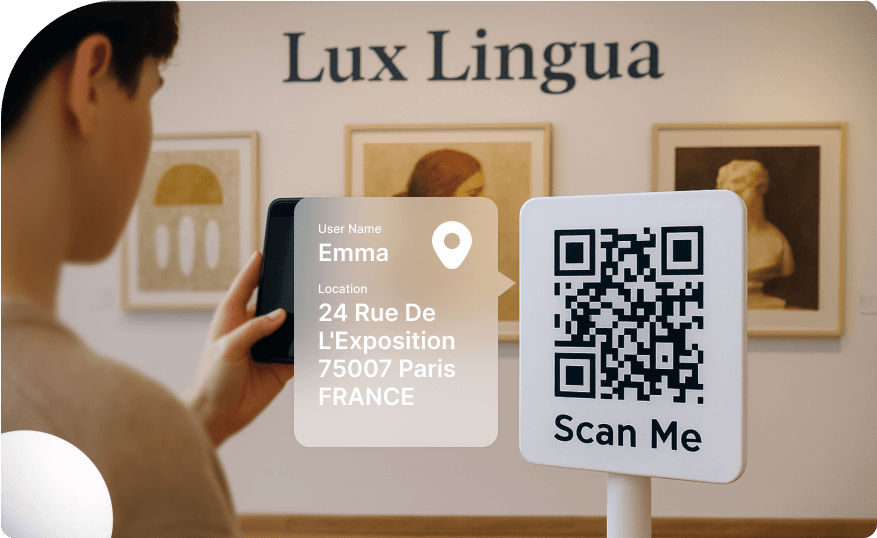
Trackable Performance
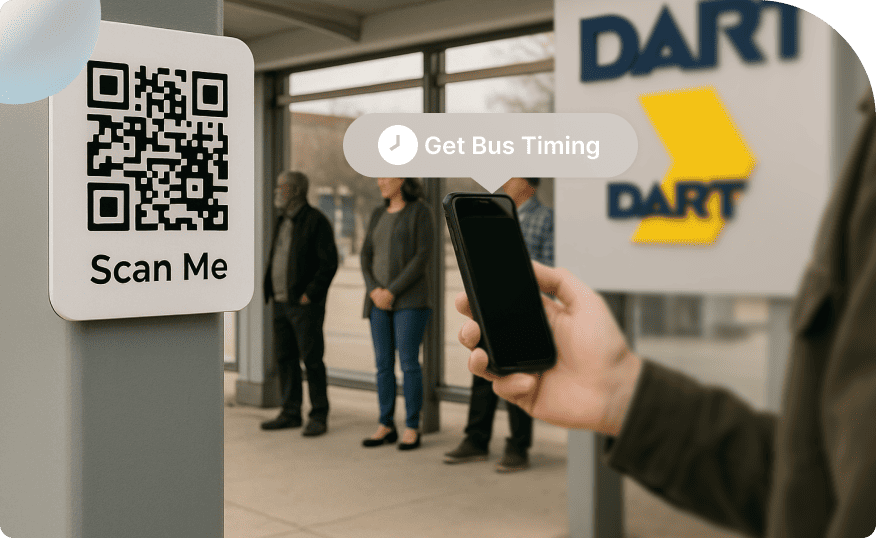
Versatile Placement
These advantages make QR Codes for marketing campaigns an essential choice for brands aiming to innovate, measure success, and deepen customer connections in the rapidly evolving marketplace.
Tips on how to create a successful QR Code campaign

Be Creative
Customize your QR Code with colors, logos, frames, patterns, and more. Go through QR Code advertising examples from leading brands to inspire your own campaigns. Make sure your QR Code stands out and reinforces your brand identity.

Use Dynamic QR Codes
Always opt for a Dynamic QR Code so you can update linked content anytime without reprinting the code. This flexibility ensures your content remain current and usable in the long run.

Make Your CTA Clear
Tell users exactly what happens when they scan. Explore QR Code campaign ideas, like Scan for Discounts or Scan to See Tutorial. Tip: If there is a shortage of space, add the CTA in the center of the QR Code.

Provide a Clear Incentive
To encourage more people to scan your QR Code, always offer a compelling reason such as a discount, exclusive content, or a special offer. Communicating the benefit motivates users to take action immediately.

Test the QR Code on Multiple Devices
Check scan performance in different lighting and distances. Scan the QR Code using both iOS and Android devices. This ensures compatibility and functionality. The QR Code should direct users to the desired destination.

Make it Accessible
Ensure the code is placed within an easy scanning distance and in a location with reliable mobile internet access. Avoid positioning QR Codes on moving vehicles, faraway billboards, flights, or underground stations.
Your security & privacy means the world to us
Experience uncompromising data security with ISO/IEC 27001:2022, GDPR, and SOC2 compliance



Best brands trust Scanova for successful QR Code campaigns
 Caitlyn DuffyLarge Format Sales District Leader,PepsiCo
“The simplicity of this tool makes it easy for even non-tech users”
Easy to use and achieve successful outcomes with Scanova. The simplicity of this tool makes it easy for even non-tech users. Scanova solves the concern of tracking websites and data sheets efficiently.
 David TaitPerformance Media Lead,Yourtown
“Scanova helps us quickly create QR Codes for multiple uses”
A quick and easy tool for QR Codes. The different QR Code types and features available, including the ability to customize a QR Code based on brand requirements, are impressive. It enables the team to access, manage, create, and download their QR Codes easily. Scanova helps us quickly create QR Codes for multiple uses.
 Daniela GutierrezCDW National Business Leader,Hitachi Vantara
"We have increased our leads by 10x with Scanova"
Scanova has been a wonderful addition to our marketing toolkit. It helps us boost lead generation easily. By introducing Scanova QR Codes in our keynote presentations and booths at conferences, we have increased our leads by 10x. Scanova also makes it easy to customize lead forms, presenting a slick view back to the end user.
 Mojtaba AbediExecutive Director,Finance Maxim Ltd.
“Scanova has proven to be an invaluable tool for our events and projects”
I am quite satisfied with Scanova's services and appreciate their effort in enhancing user experience. Scanova has proven to be an invaluable tool for our events and projects. The ease of use and the range of features have significantly contributed to the success of our initiatives. I particularly appreciate the efficiency of Scanova’s team—always ready to assist.
 Marie ZeccaAdvisory Board Chair,Colorado Women's Lacrosse Officials Association (CWLOA)
“Scanova allows us to gauge interest in multiple distribution areas”
We love that Scanova provides us with demographics/location information when we use their QR Codes in a magazine ad. This allows us to gauge interest in multiple distribution areas. Scanova allows us to access data that we can directly correlate with other analytics we have to help deliver customers with a more accurate ROI on the service.
 Muthaian PrakashDirector—Digital Technology and Solutions,Olam Information Services Private Limited
“The tool has easy-to-use templates for quick implementation”
A perfect QR Code Generator for Dynamic QR Codes. The best part of Scanova is its useful options to generate Dynamic QR Codes with brand identity by adding logos, brand colors, and more. Also, the tool has easy-to-use templates for quick implementation. We have printed Dynamic QR Codes in our consumer package products in the healthy snacks category.
 Brian MarshVP Operations,I DJ NOW
“I highly recommend Scanova”
We use Scanova for our brochures and catalogs as the pricing keeps changing. It’s terrific to send our clients to our website with an easy scan. We have also used Scanova on marketing postcards and backdrops for our booth at trade shows. We love looking at the analytics reports to see how many users visited our site or a webpage. I highly recommend Scanova.
Frequently Asked Questions
Get quick answer for all your questions
What makes a QR Code campaign effective?
Can I use QR Codes for all types of marketing campaigns?
What’s the difference between Static and Dynamic QR Codes in campaigns?
How do I track the success of my QR Code advertising campaigns?
Can I customize my QR Code design for branding?
How do QR Codes improve marketing campaigns?
Can QR Code campaigns increase customer engagement?