QR Code Generator: Create QR Codes for free
Quickly convert content into a QR Code with Scanova’s free QR Code Generator
Select Category
 Website URL
  Business Card
  Google Maps
  WiFi
WiFi  Document
  Social
  Product
  Custom Page
  Image
Image  Restaurant
 Event
Event  Wedding
  App
App  Audio
Audio  Feedback
  Coupon
  Phone
Phone  Email
Email  Calendar Event
  PayPal
  Text Message


Enter a valid URL
















 Search on Google Maps








 Upload Document(s)


New to QR Codes?
Here’s what you need to know
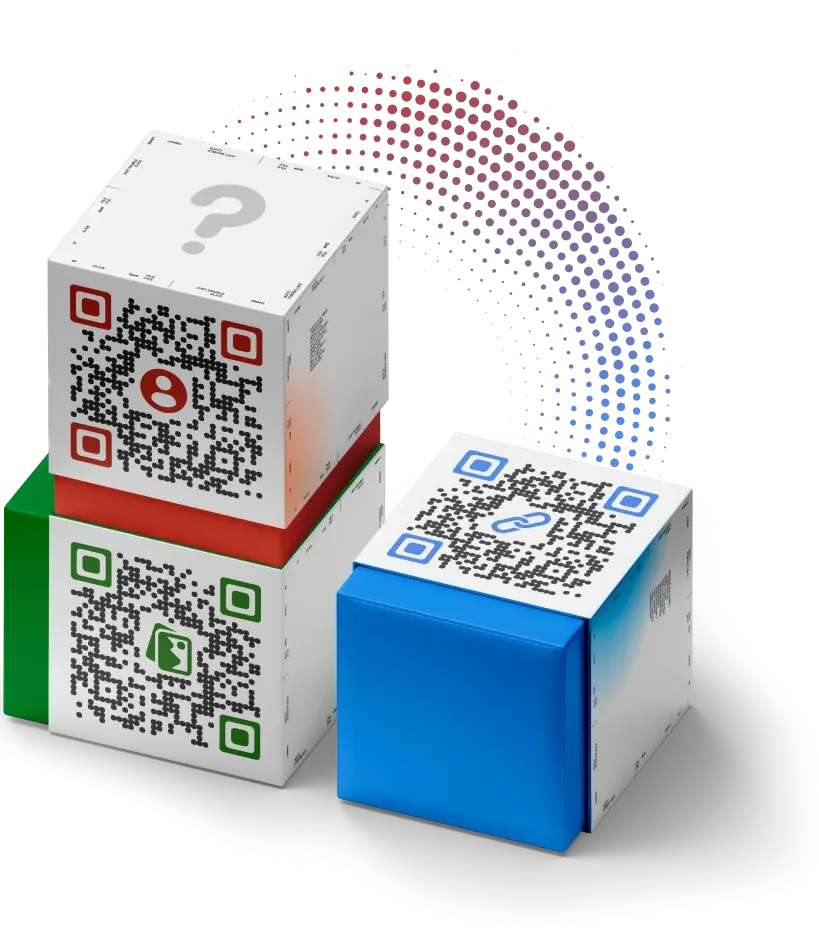
What is a QR Code?
A QR Code is a 2D barcode that is encoded with information and can be decoded using a QR Code scanning app on your smartphone. QR stands for Quick Response, which means you can quickly access information encoded in the code. The useful features of QR Codes makes it popular in marketing, payments, and authentication use cases. Typically, a QR Code image—encoded with a website link—is added to promotional material to engage target customers.
What is the difference between Static and Dynamic QR Codes?
Static vs Dynamic QR Codes—Static QR Codes work forever but are non-trackable and non-editable. Dynamic QR Codes allow you to edit linked content anytime and track scanning activity. They also allow you to access other advanced features like lead generation, conditional redirection, and auto-deactivation. Advanced QR Code Makers like Scanova can generate both Static and Dynamic QR Codes. With Scanova, you can personalize your QR Codes, generate leads, build mobile webpages, and much more.
How do I scan QR Codes?
QR Codes can be scanned using any generic QR Code scanning app or default QR Code scanning feature available in your smartphone. Depending on the handset, Android users can use their camera app, Google Lens, or any third-party scanning app. While iPhone users can use the camera app to scan. Most smartphones are now equipped with a QR Code scanning feature or app.
Can QR Codes expire?
Static QR Codes work forever, but they offer limited features. Dynamic QR Codes have greater utility but will work only till you have an ongoing subscription with the QR Code Generator service provider. See pricing for more information on Scanova’s subscription plans.
What are the different categories of QR Codes I can create using Scanova?
Scanova’s online QR Code Generator offers a total of 24 QR Code categories like Website, PDF, Image, Google Maps, Business Card, Social Media, Event, Restaurant, Product, Custom Page, Text Message, and more.
Using Scanova's free QR Creator is easy
Follow simple steps to create your QR Code in seconds



Choose Type


Enter Content


Check & Download
10,000+ brands use Scanova in Pro Mode
Get started by unlocking advanced capabilities of Dynamic QR Codes—editable content, custom design, and scan tracking
Build QR Code supremacy with Scanova
Make your job easier with Scanova's advanced features




High-resolution QR Codes
Export QR Code images in high-resolution formats for printing and digital use

Data Security
Enjoy uncompromising data security with ISO/IEC 27001:2022, GDPR, and SOC2 compliance

24/5 Support
Get timely and accurate support and guidance throughout your journey
Create QR Codes for free and experience Scanova for yourself
Create QR Codes tailored for your use case
Scanova’s QR Code Maker is used across 100+ industries

Quick information sharing
Simplify information access on print/digital media by linking or hosting mobile-optimized content—websites, menus, mobile apps, images, videos, documents, locations, event information, and much more
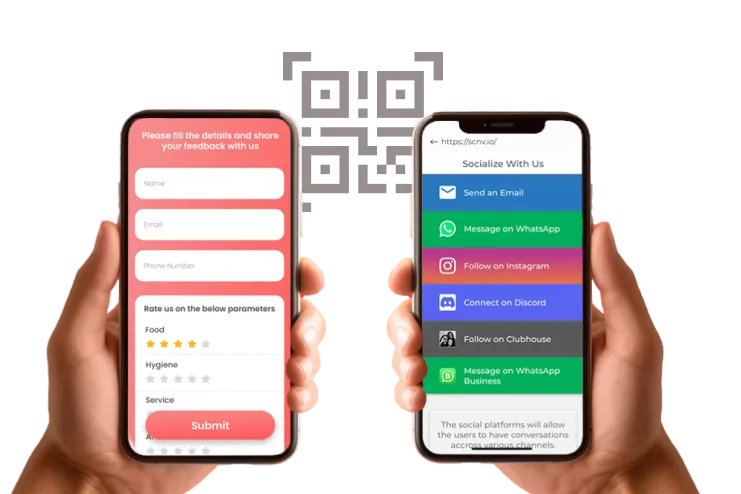
Boost customer engagement
Get your target audience to actively interact with physical media through QR Codes—fill forms, get feedback, get likes and follows, take surveys, get registrations, run promotional campaigns, and much more

Generate leads from physical media
Use lead generation to get contact details of people who scan QR Codes. Build long-term relationships and brand loyalty through remarketing campaigns.

Expand your network
Make it easy for people you meet to save your contact. Add a QR Code on business cards—eliminating the need for manual typing, risk of misplacing visiting cards, and chances of errors.
Build long-lasting customer relationships using Scanova QR Codes
Explore Scanova’s trending QR Codes
Scanova has a QR Code for every use case
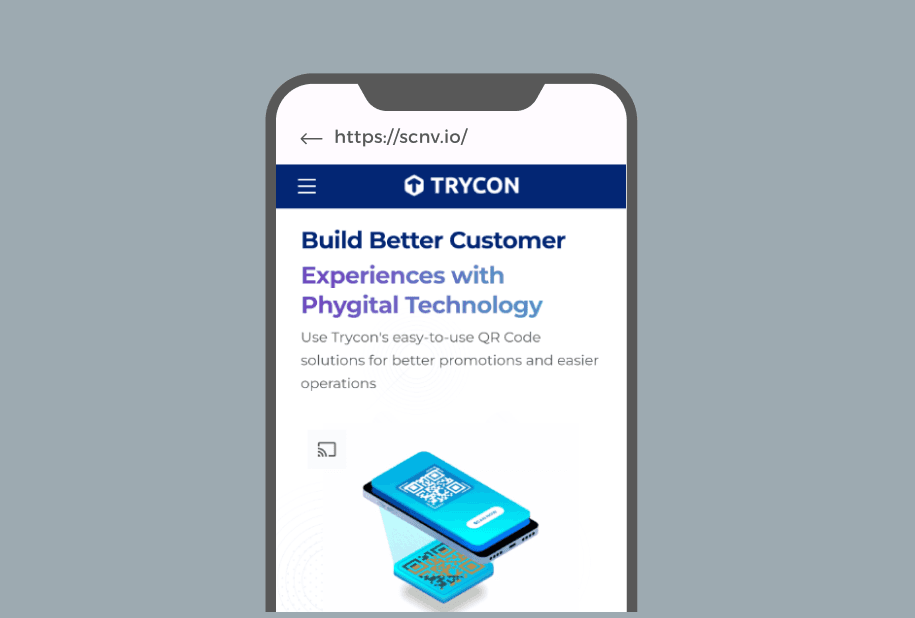
Website URL QR Code
When scanned, redirects user to a website
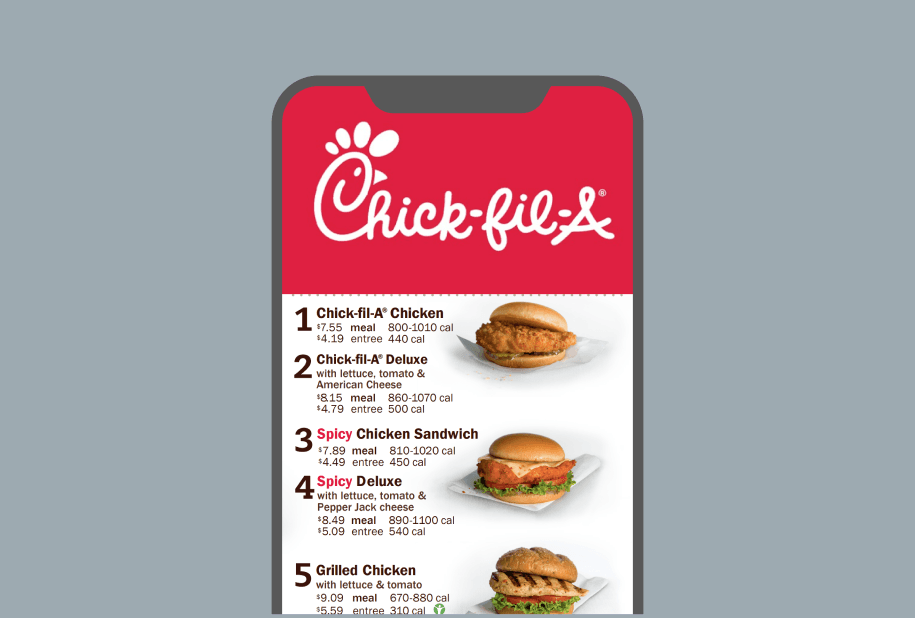
Document QR Code
When scanned, redirects user to uploaded document(s)
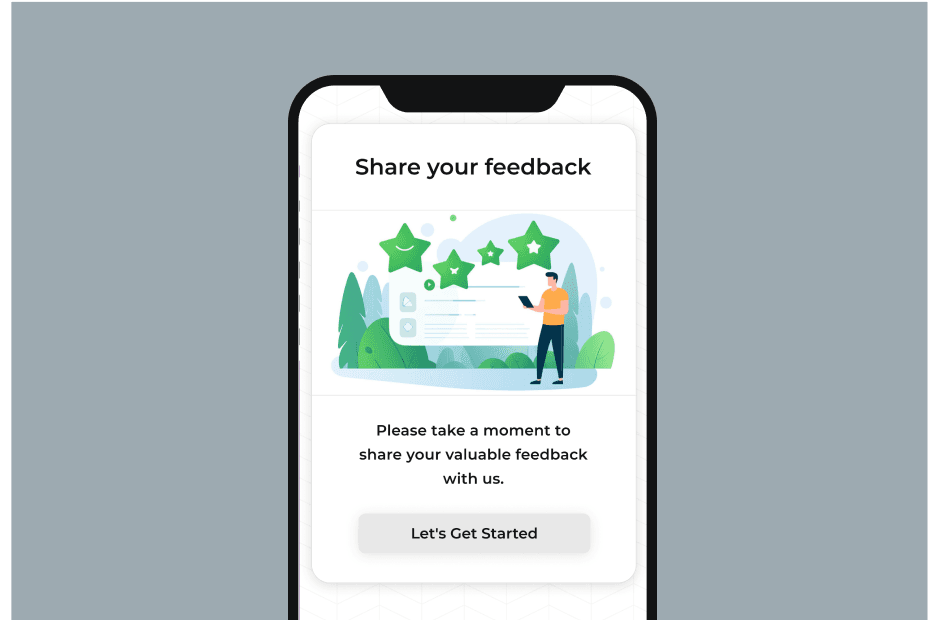
Feedback QR Code
When scanned, opens a custom-designed feedback page on the user’s smartphone

Google Maps QR Code
When scanned, displays a location on Google Maps
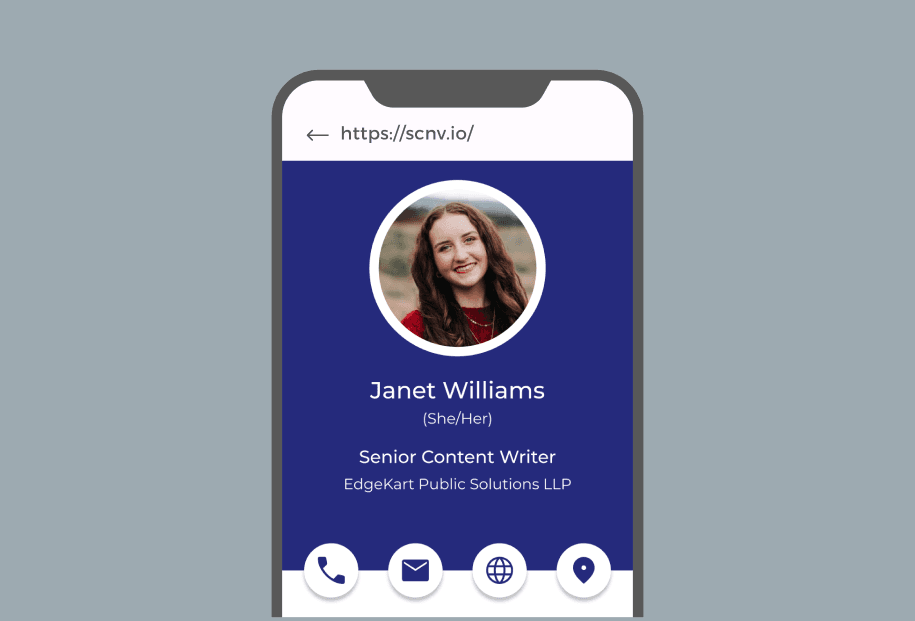
Business Card QR Code
When scanned, redirects user to a digital business card
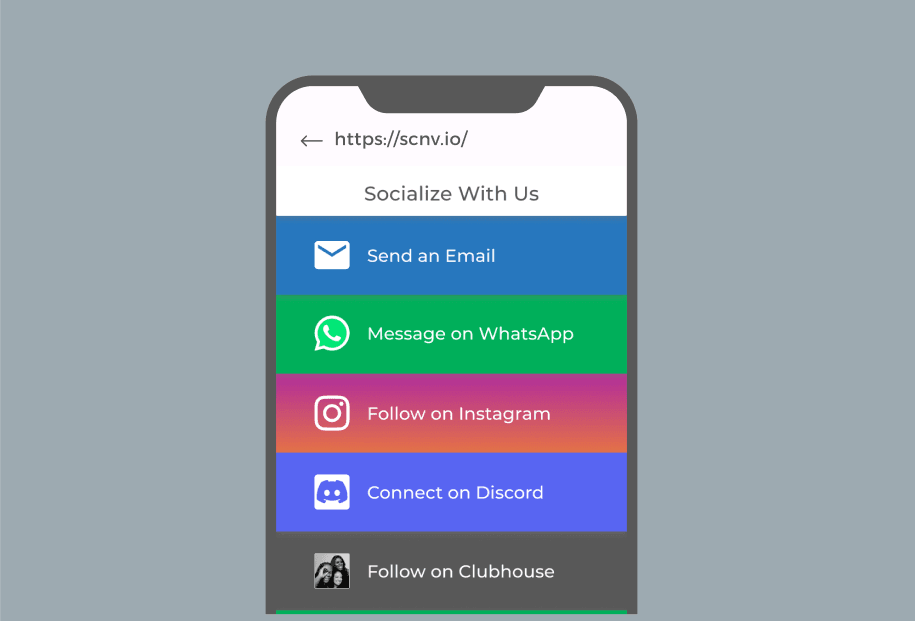
Social Media QR Code
When scanned, redirects user to a social media link tree
Scanova plans work for you
Discover feature-rich and cost-effective plans

Value for money—get started with what you pay for two cups of coffee

Designed for individuals, businesses, agencies, and enterprises

Pay on your terms—monthly or yearly

Customize your Enterprise Plan as needed

Upgrade or downgrade your plan anytime

Powered by Stripe—your payments are secure
Individuals to enterprises—all have grown with Scanova
 Caitlyn DuffyLarge Format Sales District Leader, PepsiCo
“The simplicity of this tool makes it easy for even non-tech users”
Easy to use and achieve successful outcomes with Scanova. The simplicity of this tool makes it easy for even non-tech users. Scanova solves the concern of tracking websites and data sheets efficiently.
 David TaitPerformance Media Lead, Yourtown
“Scanova helps us quickly create QR Codes for multiple uses”
A quick and easy tool for QR Codes. The different QR Code types and features available, including the ability to customize a QR Code based on brand requirements, are impressive. It enables the team to access, manage, create, and download their QR Codes easily. Scanova helps us quickly create QR Codes for multiple uses.
 Daniela GutierrezCDW National Business Leader, Hitachi Vantara
"We have increased our leads by 10x with Scanova"
Scanova has been a wonderful addition to our marketing toolkit. It helps us boost lead generation easily. By introducing Scanova QR Codes in our keynote presentations and booths at conferences, we have increased our leads by 10x. Scanova also makes it easy to customize lead forms, presenting a slick view back to the end user.
 Mojtaba AbediExecutive Director, Finance Maxim Ltd.
“Scanova has proven to be an invaluable tool for our events and projects”
I am quite satisfied with Scanova's services and appreciate their effort in enhancing user experience. Scanova has proven to be an invaluable tool for our events and projects. The ease of use and the range of features have significantly contributed to the success of our initiatives. I particularly appreciate the efficiency of Scanova’s team—always ready to assist.
 Marie ZeccaAdvisory Board Chair, Colorado Women's Lacrosse Officials Association (CWLOA)
“Scanova allows us to gauge interest in multiple distribution areas”
We love that Scanova provides us with demographics/location information when we use their QR Codes in a magazine ad. This allows us to gauge interest in multiple distribution areas. Scanova allows us to access data that we can directly correlate with other analytics we have to help deliver customers with a more accurate ROI on the service.
 Muthaian PrakashDirector—Digital Technology and Solutions, Olam Information Services Private Limited
“The tool has easy-to-use templates for quick implementation”
A perfect QR Code Generator for Dynamic QR Codes. The best part of Scanova is its useful options to generate Dynamic QR Codes with brand identity by adding logos, brand colors, and more. Also, the tool has easy-to-use templates for quick implementation. We have printed Dynamic QR Codes in our consumer package products in the healthy snacks category.
 Brian MarshVP Operations, I DJ NOW
“I highly recommend Scanova”
We use Scanova for our brochures and catalogs as the pricing keeps changing. It’s terrific to send our clients to our website with an easy scan. We have also used Scanova on marketing postcards and backdrops for our booth at trade shows. We love looking at the analytics reports to see how many users visited our site or a webpage. I highly recommend Scanova.
The QR tool trusted by industry leaders




























6 expert strategies to double your scans
Boost your scans easily using these strategies

Customize QR Code design
Your target audience can confuse plain black-and-white marketing QR Codes with non-customer-facing barcodes. Plus, a plain QR Code will mostly not align with the design of your marketing creative.
Add design and branding elements to make your QR Code visually appealing and attract 50-200% more scans than standard QR Codes.
Note: You cannot customize the QR Code design using the free QR Maker tool. Start a 14-day free trial to access advanced features like customization.

Add converting frames to QR Codes
According to an eMarketer report, the number of US smartphone users scanning a QR code will increase from 83.4 million in 2022 to 99.5 million in 2025. Hence, it's advisable to make your QR Codes stand out by adding elements like ready-made frames.
Frames are graphics that come in multiple designs and enclose the QR Code—enhancing the overall visual appeal of the QR Code.

Add a call-to-action
Inform your target audience about what the QR Code does. Some good examples of call-to-action (CTA) text are—Scan for Menu, Scan to Watch Tutorial, Scan to Donate, Scan to Read Full Article, and Follow on Instagram.
Tip: You can add CTA text in the center of the QR Code if you are short of space.

Ensure scannability
Users can find it frustrating when a QR Code doesn't respond. Scannability depends on size, color contrast, scanning distance, and lighting.
- The minimum size of a QR Code should be 1 inch or 3 cm or 115 pixels (both width and height).
- In case of colored QR Codes, it’s best to opt for high-contrast between foreground and background colors.
- Always maintain a ratio close to 10:1—if a QR Code is to be scanned from 100 cm away, it must be at least 10 cm wide.
- Ensure good lighting conditions around the QR Code for successful QR Code reading.
Tip: Use Dynamic QR Codes that shorten lengthy URLs to simplify the code.

Make it accessible
To make your QR Code accessible, you need to ensure both safe scanning distance and easy access to mobile internet.
Placing QR Codes on moving vehicles, distant billboards, or the bottom section of print material can reduce accessibility.
Limited network/Wifi areas, like flight or underground stations, can also affect scans.
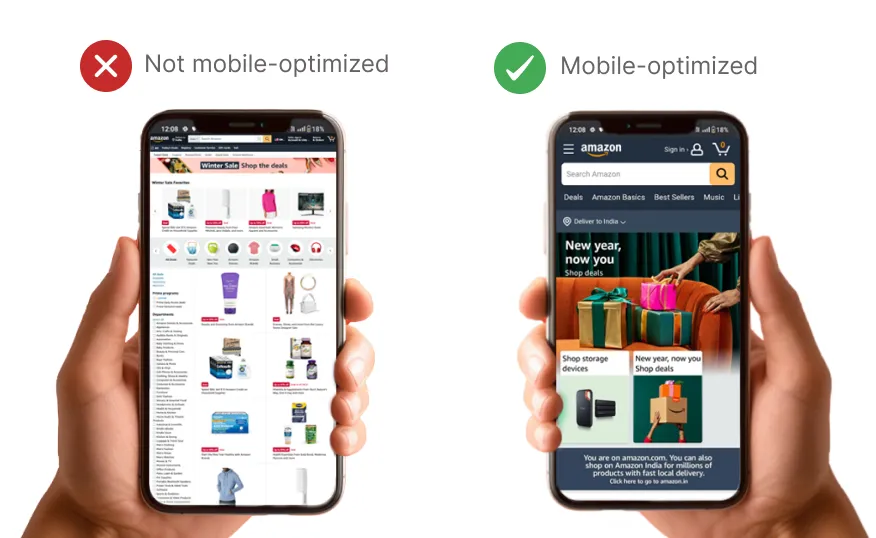
Link to mobile-optimized content
Whether you are using a premium tool or a free QR Code Builder, these codes are meant to be scanned by mobile devices. Hence, it's best to craft a smooth and mobile-friendly experience for the target audience.
Tip: You can easily create a custom mobile page using Scanova if you don't have one.