Amazon Wishlist QR Code: The Complete 2026 Guide

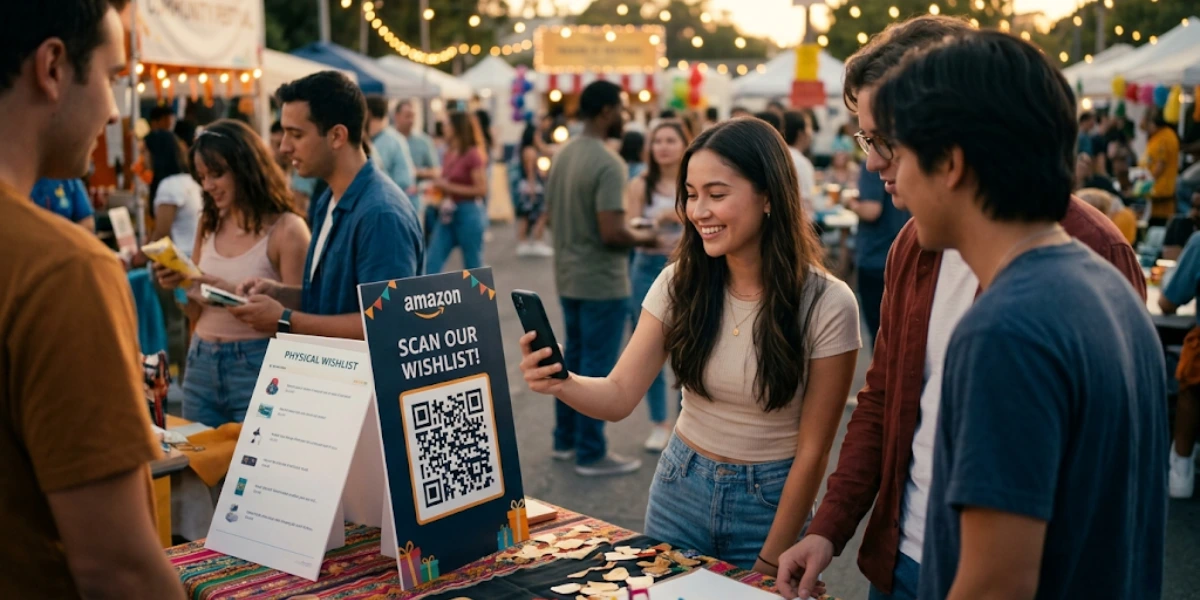
In a nutshell (TL;DR): About 53% of American adults open at least one unwanted gift each year. That’s roughly 140 million people and around $10.1 billion in wasted spending, per a Finder analysis. Most of it comes down to one thing: gift-givers don’t know what you actually want. An Amazon Wishlist QR Code closes that gap. One scan opens your curated list on a guest’s phone. This guide covers how QR Codes actually work, how to pick error correction levels, how the major generators compare, scenario-specific setups, what kills scan rates, and how to read the analytics.
A. What an Amazon Wishlist QR Code Actually Does?
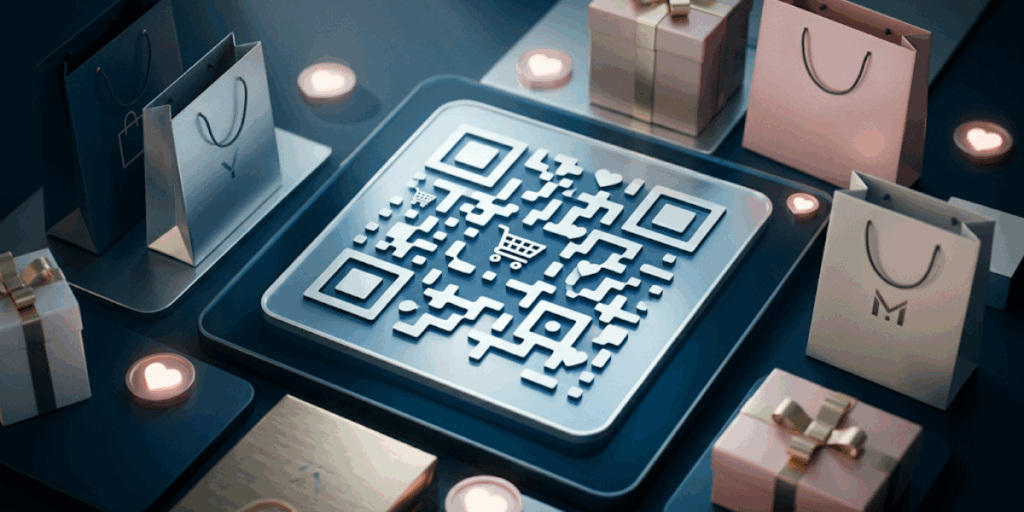
An Amazon Wishlist QR Code is a scannable square pattern that links to your Amazon Wishlist URL. When someone points a phone camera at it, the wishlist opens in their browser or the Amazon app. They browse, pick a gift, and order it.
The mechanics matter because they shape every design decision later.
A QR Code is a two-dimensional matrix of black-and-white squares, called modules. The smallest version is a 21-by-21 grid; the largest is a 177-by-177 grid. The three large squares in the corners are finder patterns that help phone cameras detect position and orientation.
Smaller alignment patterns correct for distortion. The rest of the area holds your encoded URL plus a layer of redundant data.
That redundant data is what lets QR Codes survive damage, dirt, or a logo placed on top. The math behind it is called Reed-Solomon error correction, the same algorithm used on CDs. Every choice you make later (size, color, logo, surface) interacts with that redundancy budget.
B. Why a QR Code Beats Other Sharing Methods?
Most people share their Amazon Wishlist in one of three ways. Each has friction. A pasted link in a group chat gets buried. An email forces guests to copy, paste, and switch apps. A typed-out URL invites typos.
A QR Code skips all of that. It works on paper, on screen, and in any messaging app. It also works for older relatives who struggle with copy-paste.
There’s another upside: a QR Code looks intentional. It signals you’ve thought about how guests will reach the list. That detail matters at events like weddings or baby showers.
C. What are the real use cases?
Each scenario has different priorities for size, surface, and tracking.
1. Wedding Registries
Print a small QR Code on save-the-dates, RSVP cards, or a table tent at the reception. Guests scan and see your registry without searching online.
Setup priorities: Dynamic code (URL might change between save-the-dates and reception). Error correction Q or H if adding a monogram. Matte paper.
2. Baby Showers
A wishlist QR Code on the invitation lets guests pick the exact bottle, stroller, or diaper brand you want. Parents can update the list as needs change.
Setup priorities: Dynamic code (you’ll add and remove items often). Shared privacy if the guest list is small; Public for wider invites.
3. Birthday Parties
Add the code to a digital invite or printed card. Friends scan and pick from your list, even if they can’t make it.
Setup priorities: Static is fine for one-off cards. Dynamic if you reuse the design year over year.
4. Holiday Gift Exchanges
Family group chats fill up with “what do you want?” texts each December. A single QR Code in the chat ends the loop.
Setup priorities: Dynamic, so you can repoint it each year without redistributing.
5. Teacher Classroom Wishlists
Teachers in the U.S. spend an average of $860 of their own money on classroom supplies each year. A QR Code on a Meet-the-Teacher card gives parents a frictionless way to help.
Set up priorities: Dynamic with a school-year naming convention. Higher error correction (Q or H) since cards travel through backpacks. Cardstock, not glossy.
6. Charitable Donation Drives
Nonprofits and shelters can create wishlists of items they need. A QR Code on a flyer lets donors give in under a minute.
Set up priorities: Dynamic with detailed analytics (you’ll need to report scans). Public privacy. Larger sizes for outdoor banners.
7. Group Gifts at the Office
A shared wishlist QR Code lets the team see options and split the cost.
Set up priorities: Shared privacy. Static is fine for a one-time team event.
8. Creator and Influencer Picks
Build a public list of recommended products. Drop the QR Code in your bio image, video description, or Story. With Amazon Affiliate links, you can earn a small commission.
Set up priorities: Dynamic with full analytics. Branded design. Test scans from screen to screen (followers scan from one phone to another).
D. How to Create an Amazon Wishlist QR Code in 4 Steps?
Step 1: Build the Wishlist (Or Tidy the One You Have)
Log in to Amazon and click “Accounts and Lists” at the top right. If you don’t have a wishlist, click “Create a List.” Give it a clear, specific name like “Sarah’s Baby Shower 2026” or “Mrs. Patel’s 4th Grade Supplies.”
Add items by visiting any product page and clicking “Add to List.” For gift registries, include a range of price points. Some guests want to spend $20. Others want to spend $200. Give them options.
Step 2: Set Your Wishlist to Public or Shared
This is the step most people miss. If your list is private, your QR Code links to a 404 page.
Click the three dots at the top of your list and pick “Manage list.” Switch the privacy to Public if you want anyone with the link to view it. Pick Shared if you only want specific people to see it. Save your changes.
Step 3: Copy the Wishlist URL
Click the “+ Invite” or “Send list to others” button. Amazon will generate a sharing link. Copy it.
That long link is what your QR code points to.
Step 4: Create Your QR Code on Scanova
Go to Scanova.io and click Create QR Code. Select Website URL as the QR code type and paste your Amazon wishlist link into the destination field.
Choose Dynamic QR Code so you can edit the destination URL later without reprinting, and give your QR code a name you’ll recognize (e.g., “Sarah Baby Shower 2026”).
Click Next to open the design editor. Here you can change colors, choose a shape style, and upload a logo to brand your event or classroom QR Code.
Once you’re happy with the design, click Generate and download your file. Use PNG for digital sharing and SVG for print materials.
E. What is the difference between Static and Dynamic QR Codes?

A static QR Code has the URL baked into its pixel pattern. To change where it points, you need a new code and a reprint.
A dynamic QR Code uses a short link in the middle. The pattern encodes the short link, which forwards to your wishlist on a server you control. You can change the destination from your dashboard at any time. The same printed code keeps working.
According to Wave Connect’s 2026 QR Code report, dynamic QR Codes account for about 65% of the market.
There’s a second reason dynamic is often better. Because dynamic codes encode a short link instead of a long URL, the resulting code is less dense.
Lower density means each module is larger at the same code size, which makes it easier to scan from a distance and more tolerant of damage. You also get more error-correction headroom when adding a logo.
Side-by-side breakdown:
|
Feature |
Static |
Dynamic |
|
Editable destination |
No |
Yes |
|
Scan analytics |
No |
Yes |
|
Encodes |
Full URL |
Short redirect link |
|
Density at same size |
Higher |
Lower |
|
Damage tolerance |
Lower |
Higher |
|
Cost |
Usually free |
Usually requires a paid plan |
|
Best for |
One-off cards |
Reusable, printed at scale, tracked |
Decision rule: For a one-time, throwaway use case, static is fine. For anything you’ll reuse, distribute widely, or track, pick dynamic.
“Most people assume a QR Code is just a link in a box. What they miss is that a dynamic code encodes a much shorter string, which means the module density is lower and scanning is more forgiving, especially if you’re adding a logo or printing small. For something like a wedding registry where the code might travel across 200 envelopes, that margin matters.” — Siddharth Pangtey, Product Manager, Scanova
F. Which QR Code Generator Should You Use for an Amazon Wishlist?
Most articles say “use a QR generator.” That skips the part where you decide which one. Here’s a practical comparison based on public pricing.
|
Tool |
Free Plan |
Dynamic Codes |
Analytics |
Best Use Case |
|
Bitly |
2 QR Codes/month |
Yes (with Bitly branding on free) |
Limited free; full on Core ($10/mo) |
Quick tests; teams using Bitly for short links |
|
QR Code Monkey |
Unlimited static |
Static only on free |
None |
Highly customized one-off codes |
|
Scanova |
Free trial |
Yes |
Full analytics on paid plans |
Long-running campaigns, branded design |
|
QR Tiger |
Limited free dynamic |
Yes (scan caps on free) |
Yes |
Short-term pilots |
|
Replug |
Free plan available |
Yes |
Yes |
Marketers wanting bio links plus QR plus retargeting |
Free tools work for one-off cards. The trade-off is no scan data and (often) the generator’s branding on the code.
For anything you’ll reuse, the $9-$10 entry plans on Scanova, Replug, or Bitly Core usually pay for themselves the first time you change a destination without reprinting.
I personally use Scanova. It doesn’t require a separate URL shortener, the design panel is clean, and the analytics break down by city, device, and time.
G. What Design Rules Keep an Amazon Wishlist QR Code Scannable?

A pretty QR Code that doesn’t scan is worse than no QR Code at all.
Keep contrast strong. Dark code on a light background is the safest combo. Black on white works every time. Light gray on white can look bad under poor lighting.
Don’t invert the colors casually. A white code on a black background can confuse some scanners. If you go inverted, test on at least three devices.
Leave a quiet zone. The empty space around the QR Code is called the quiet zone. Keep it at least the width of four QR modules. Without it, the camera struggles to lock on. This is the single most common reason a code fails.
Mind the size. For a code printed on an invitation, the minimum is 2 cm by 2 cm (about 0.8 inches). For a poster or banner, scale up. A useful rule: the code should be one-tenth the distance from which people will scan it. A code on a sign ten feet away should be at least one foot wide.
Test the logo placement. A logo over 25% of the code area is risky. Always scan a test print before producing 200 invitations.
Data from Scanova shows that QR Codes with a clear CTA see 40%+ more scans than those without. High-contrast designs (black on white) consistently outperform low-contrast ones, and removing the quiet zone significantly increases scan failures. — Scanova Research Team
H. What Should You Write Next to Your Amazon Wishlist QR Code?
A QR Code without a clear call to action gets ignored. Generic CTAs like “Scan me” hurt response rates because they don’t tell users what they’ll get. Specific lines work better:
- “Scan to view our wedding registry.”
- “Scan for our baby shower wishlist.”
- “Help our classroom: scan to see what we need.”
- “Scan for my birthday list.”
Keep the line under eight words. Place it directly above or below the code. Match the font to the rest of the design.
I. What Mistakes Kill Amazon Wishlist QR Code Scan Rates?
I’ve watched well-designed code fail because of small, fixable issues.
Mistake 1: The list is set to private. If your privacy is private, the QR opens to a “list not found” page. The most common failure I see.
Mistake 2: The code is too small to scan. A 1 cm code on a wedding invite looks elegant but won’t scan. Stick to the 2 cm minimum.
Mistake 3: The code is on a glossy or curved surface. Glossy paper reflects light. Curved surfaces (such as coffee mugs and water bottles) distort the pattern. Use matte paper and flat surfaces.
Mistake 4: There’s no CTA. A bare code on a card doesn’t tell people what they’ll get.
Mistake 5: The link wasn’t shortened or cleaned up. Long, ugly Amazon URLs (with /ref= and _ie=UTF8 parameters) make code denser and harder to scan. Dynamic generators handle this for you.
Mistake 6: Wrong error correction level. Level L on a printed card guarantees failures. Level M is the safe default; Q for logos; H for harsh environments.
Mistake 7: No quiet zone. Designers love to crop tight. The QR Code needs breathing room around it (at least 4 modules wide). Tight crops are the second-most-common failure I see.
J. How Do You Test an Amazon Wishlist QR Code Before Sharing It?
Don’t be the person who prints 300 invites with a broken QR Code. Run this checklist before you commit to print.
- Open your phone’s camera and scan the code. Confirm it opens your exact wishlist, not the Amazon homepage or a login page.
- Hand the code to a friend with a different phone. Test on both iOS and Android.
- Print a test copy at the size you plan to use. Scan from a normal reading distance.
- If using a dynamic code, log in to your dashboard and confirm the destination URL.
- Test under different lighting (indoor, outdoor, low-light).
- If the code is going on glossy stock, test the actual stock, not a draft printout.
- For long event windows, retest weekly. Privacy settings can change.
K. Is It Safe to Share Your Amazon Wishlist Publicly?
Sharing a wishlist publicly isn’t as risky as people think. The wishlist shows items, prices, and orders. It does not show your home address. When a guest buys you a gift, Amazon uses the shipping address you’ve added, but the buyer never sees it. Amazon shares only the city and state.
That said, don’t add personal notes to your wishlist that you wouldn’t share publicly. For tighter circles, use the Shared privacy setting. For wider campaigns (classroom, charity, creator), Public makes sharing easier.
L. Amazon Wishlist QR Code: Common Questions Answered
- Will the QR Code update when I add or remove items? Yes. The code links to the wishlist page, not a snapshot. Changes show up live.
- Can I make a QR Code for an Amazon baby registry? Yes. The process is identical.
- Do I need a paid generator? No, for one-off use. Free static codes work forever. For reusable codes, paid plans offer scan tracking and editing.
- Can I share one code for two wishlists? No. One code points to one URL. Make a separate code for each list.
- Can I redesign the code after printing? You can change the destination of a dynamic code, but the visual pattern is fixed once printed. A redesign needs a reprint.
- Can I reuse the same code year after year? Yes, with a dynamic code. Update the destination URL when your wishlist changes.
Final Thoughts
The point of a wishlist is simple: tell the people who care about you what you actually want. The point of a QR Code is to remove the friction between that wish and a gift on your doorstep.
You can build one in five minutes, update it forever, and track who’s interested. On the next birthday, baby shower, or holiday, you’ll spend less time explaining links and more time enjoying the moment.
If you’re ready, head to Scanova’s QR Code generator. Pick a URL QR Code, paste your wishlist link, customize the design, and download. Your guests will thank you.