Supercharge Your Workflow With QR Code Integrations

Scanova has powerful integrations with all the core tools you use every day. From analytics, ad platforms, design suites, automation apps, to AI workflows. Turn every scan into a measurable, automated action.

Supercharge Your Workflow With QR Code Integrations

Scanova has powerful integrations with all the core tools you use every day. From analytics, ad platforms, design suites, automation apps, to AI workflows. Turn every scan into a measurable, automated action.

Scanova's Complete QR Code Integration Suite

12+ integrations across five categories - analytics, automation, advertising, design, and AI. So your QR Codes fit into every part of your stack.

Can't find what you're looking for? Contact our support team.

A QR Code is the data touchpoint between online & offline

Every scan is a visible engagement. Scanova's Integrations let you capture that data

and connect it to the tools that power your business.

Frame 1984077803.svg
Measure Every Scan

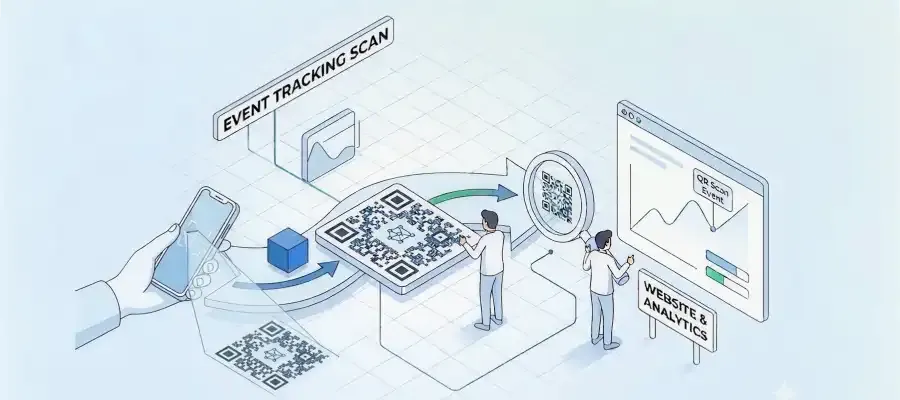
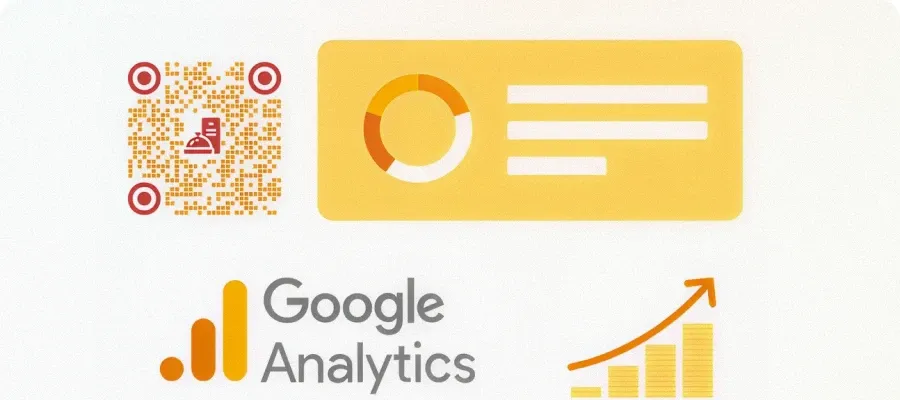
Know exactly when, where, and from which device your QR Codes were scanned. Track landing page clicks using Scanova's CMS. Push that data into your analytics platforms to prove campaign ROI with confidence.

Frame 1984077803 (1).svg
Automate Your Workflows

Let scan events trigger automated actions- update your CRM, notify your team, capture leads without writing a single line of code.

Frame 1984077803 (2).svg
Retarget High-Intent Audiences

Someone who scans your QR Code has already shown interest.
Retarget them across Google, Meta, Microsoft, and LinkedIn to turn that interest into action.

Frame 1984077803 (1).svg
Design Without Leaving Your Tool

Generate, style, and embed QR Codes without switching between
tools. Scanova works inside Canva, Adobe Creative Cloud, Microsoft 365, and Google Workspace.

Frame 1984077803 (3).svg
Powerful AI-Driven Workflows

Connect Scanova to AI agents and LLM-powered apps via
Model Context Protocol (MCP) to automate complex, large-scale QR campaigns end-to-end.

Frame 1984077803 (4).svg
No Silos. One Ecosystem.

Your QR Code data flows where it needs to be automatically.
Stop compiling multiple spreadsheets and start building connected, measurable campaigns.

Scanova QR Code Generator is the go-to choice of top brands like Amazon, AT&T, Nestle, and Walmart

Cisco logo
Hp logo
Amazon logo
Walmart logo
Nestle logo
AT&T logo
Zynga logo
Intel logo
Fujifilm logo
L’Oréal Paris's logo
Pepsico Logo
Cisco logo
Hp logo
Amazon logo
Walmart logo
Nestle logo
AT&T logo
Zynga logo
Intel logo
Fujifilm logo
L’Oréal Paris's logo
Pepsico Logo

Best brands in the world trust Scanova QR Code Generator

“The simplicity of this tool makes it easy for even non-tech users”

Easy to use and achieve successful outcomes with Scanova. The simplicity of this tool makes it easy for even non-tech users. Scanova solves the concern of tracking websites and data sheets efficiently.

How businesses build smarter
campaigns with Scanova Integrations

See how teams across industries combine Scanova's integrations to build automated, measurable, end-to-end QR workflows.

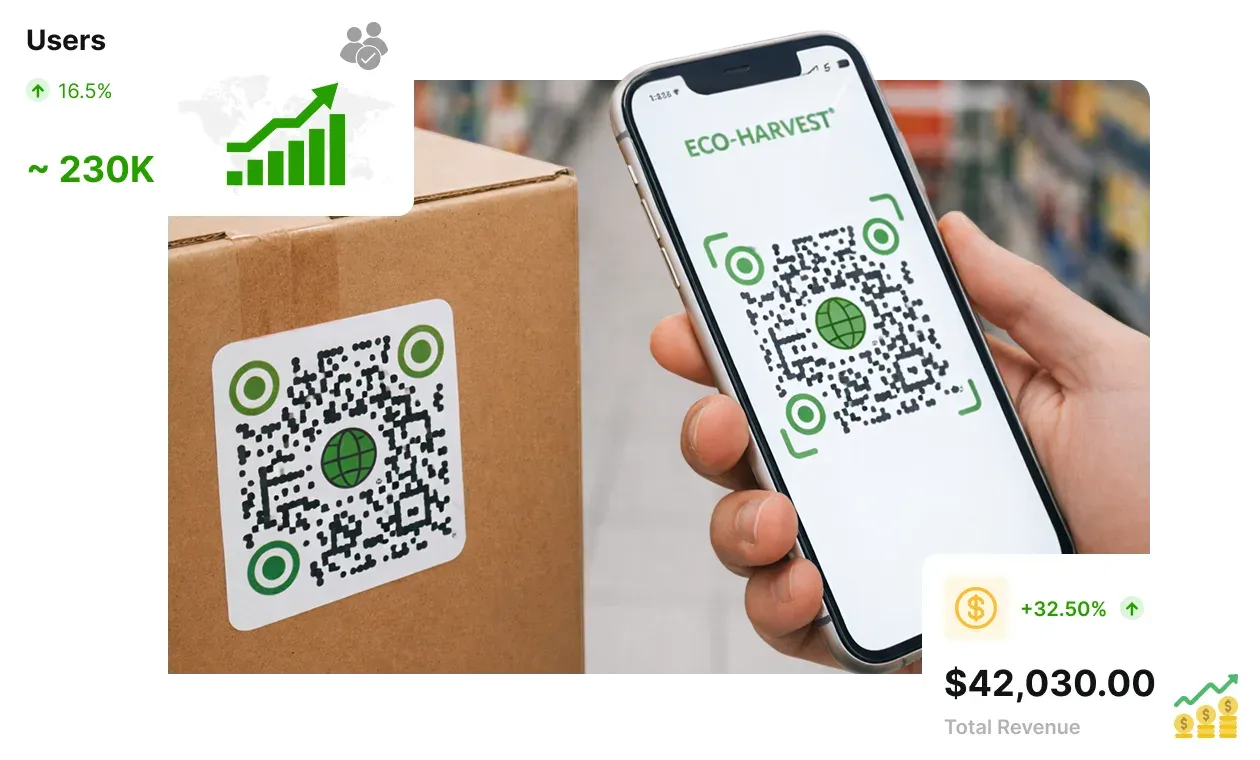
Person scanning product QR Code that connects to Google Analytics and retargeting campaignPerson scanning product QR Code that connects to Google Analytics and retargeting campaign

Turning store visits into measurable insights and retargeting funnels

A shopper scans a QR Code on product packaging.

Google Analytics logs the scan and attributes that scan to your campaign. Add Google Ads or Microsoft Meta Pixel adds the user to a Facebook Custom Audience. The shopper sees a retargeted product ad that evening, clicks, and converts.
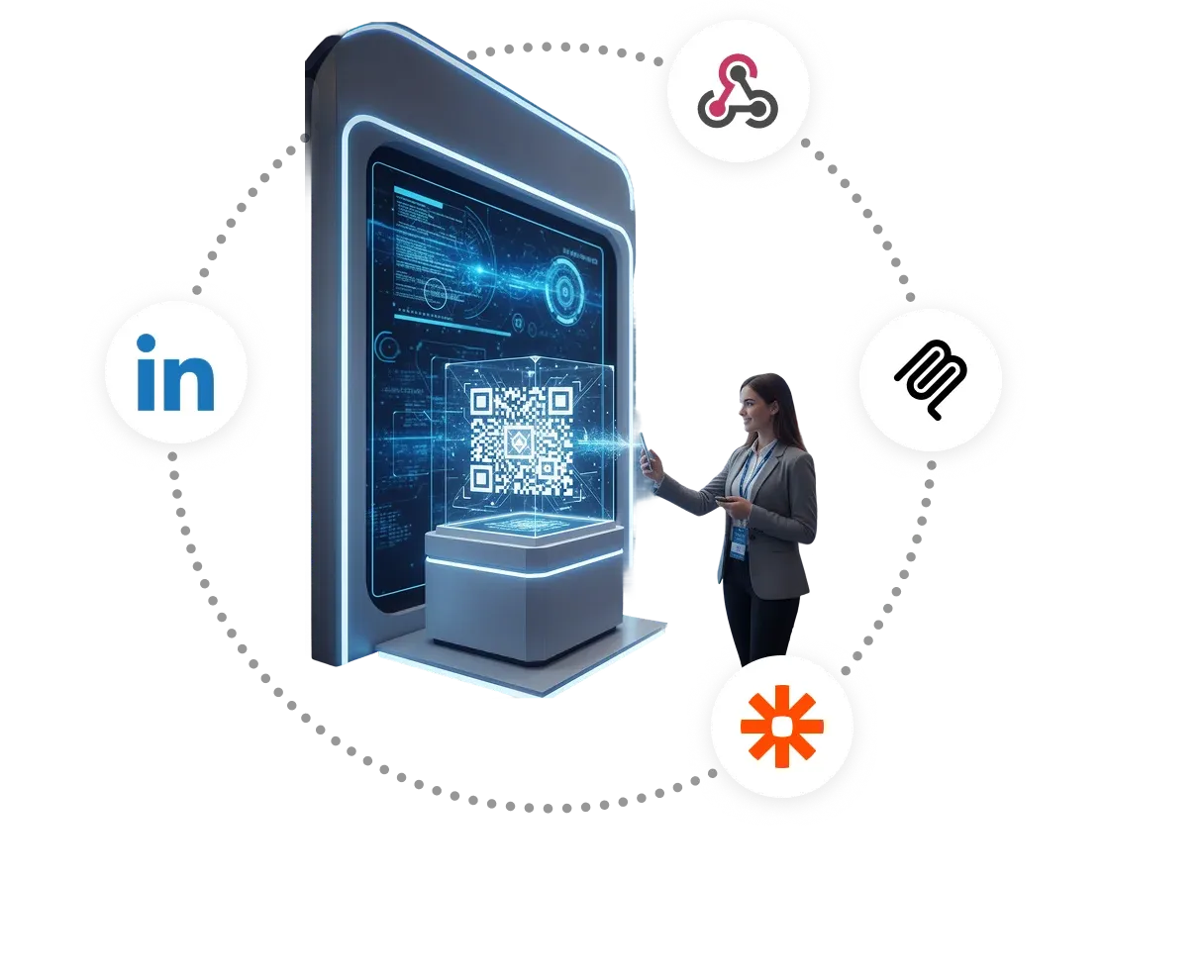
QR Code scan at a trade show booth syncing with LinkedIn, Webhooks, and Zapier integrationsQR Code scan at a trade show booth syncing with LinkedIn, Webhooks, and Zapier integrations

From trade show booth to LinkedIn pipeline

A visitor scans a QR Code at your conference booth.

The LinkedIn Insight Tag fires. Webhooks pushes lead data into Salesforce. A Zapier workflow notifies the account rep. The prospect sees LinkedIn Sponsored Content within 24 hours staying top of mind through deal close.
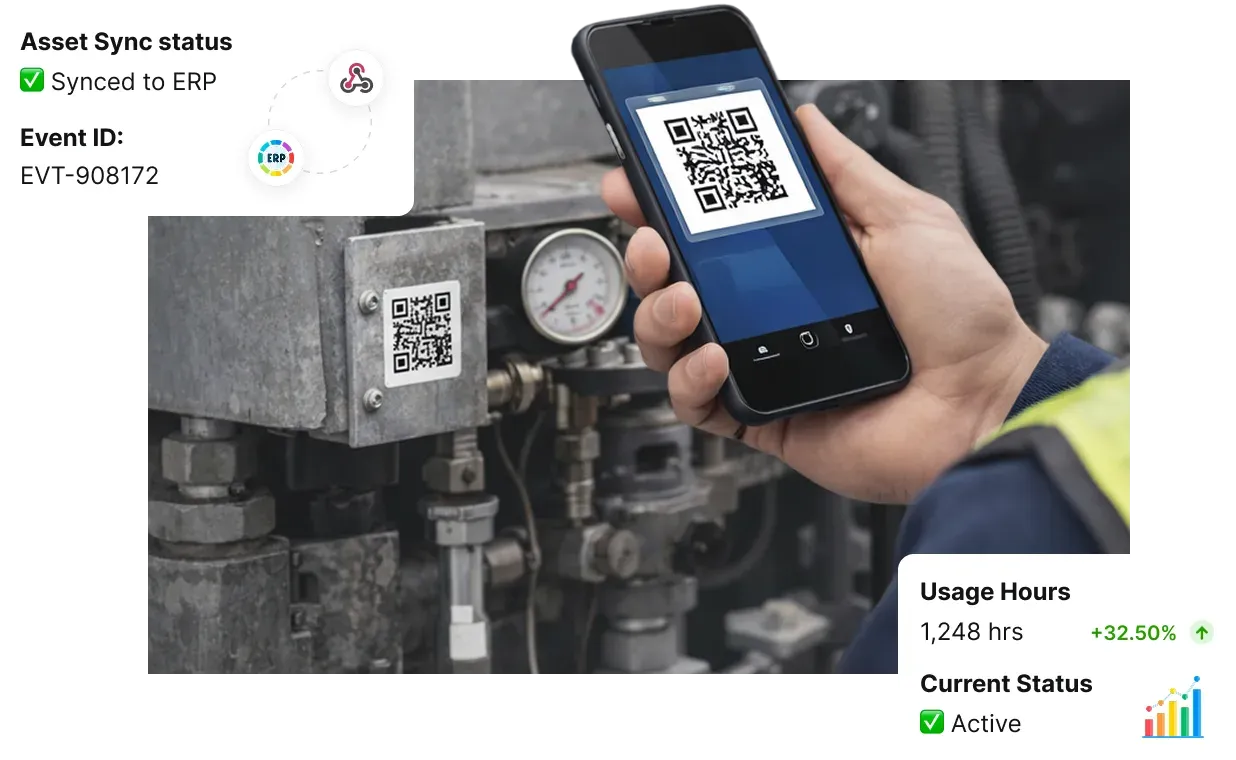
Field technician scanning asset QR Code with real-time ERP sync and usage data trackingField technician scanning asset QR Code with real-time ERP sync and usage data tracking

Asset tracking without spreadsheets

Field technicians scan equipment QR Codes on-site.

Scanova Webhooks push each scan event including location, device, and timestamp directly into the ERP system. Managers see real-time asset movement and usage data without manual data entry or spreadsheet reconciliation.
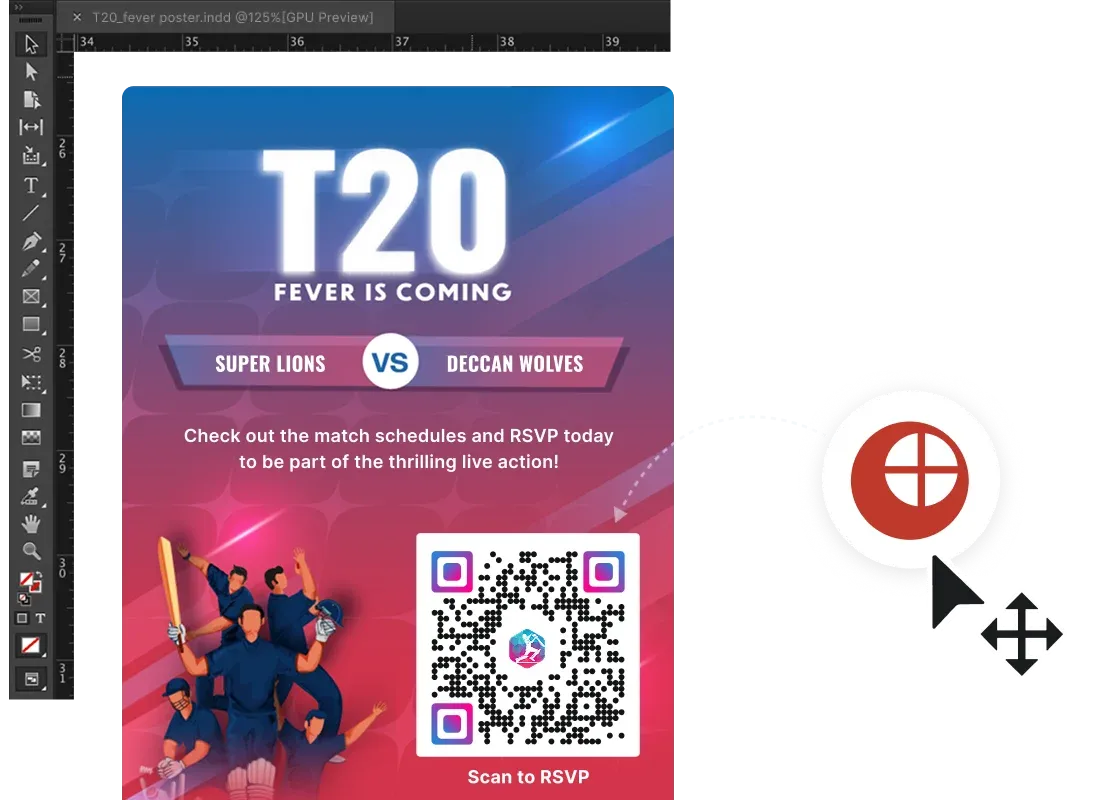
Designer embedding branded Dynamic QR Code into a T20 campaign poster inside Adobe InDesignDesigner embedding branded Dynamic QR Code into a T20 campaign poster inside Adobe InDesign

Delivering QR Codes without leaving creative tools

A designer builds a campaign poster in Adobe InDesign.

Using the Scanova plugin, they generate a Dynamic QR Code and embed it in the layout that is branded, sized, and print-ready. After the client approves a URL change, the destination is updated in Scanova. No reprinting required.
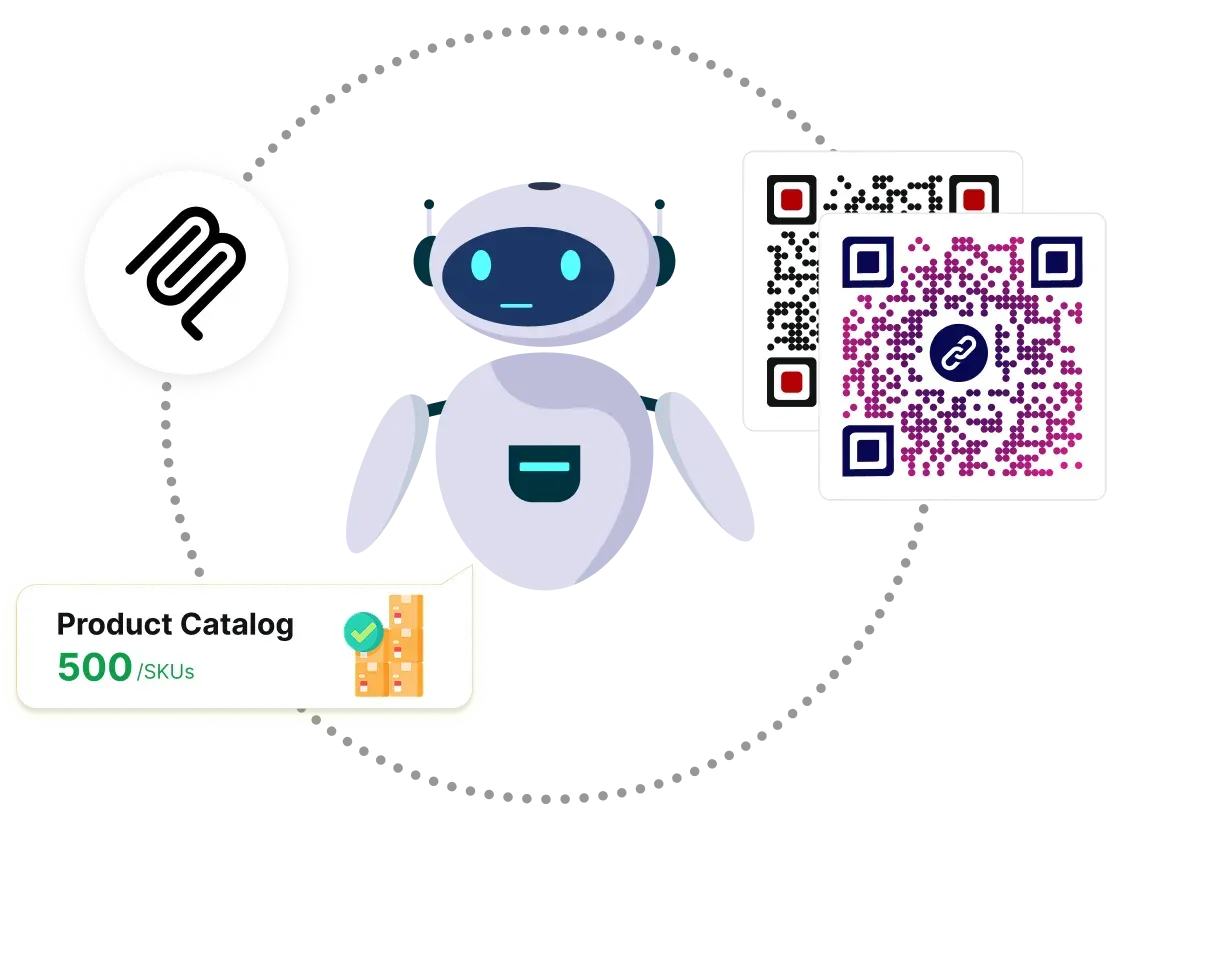
AI agent using MCP integration to bulk-generate Dynamic QR Codes for a 500-SKU product catalogAI agent using MCP integration to bulk-generate Dynamic QR Codes for a 500-SKU product catalog

Bulk campaign management with AI agents

An AI agent receives a product catalog of 500 SKUs.

Via Scanova's MCP integration, it generates a unique Dynamic QR Code for each product, stores the IDs, retrieves weekly scan analytics, and compiles a performance summary autonomously, without any human intervention in the Scanova dashboard.
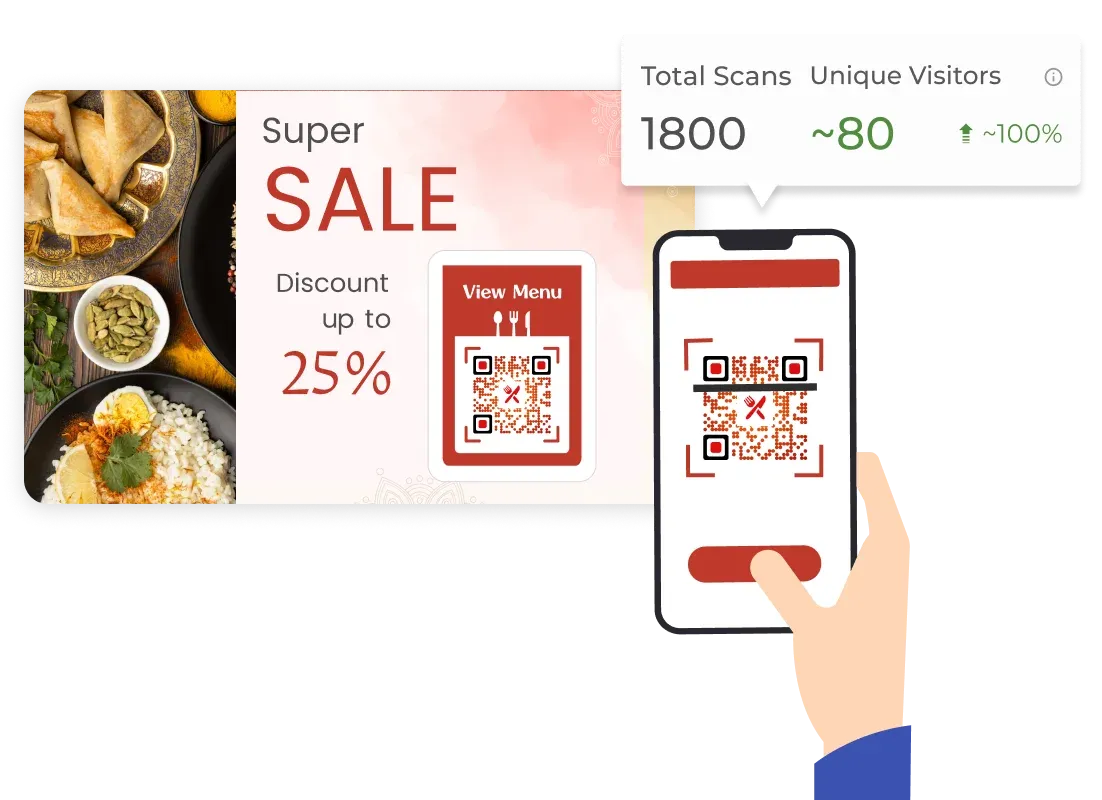
Guest scanning restaurant menu QR Code triggering personalized upsell offer tracked via Google AnalyticsGuest scanning restaurant menu QR Code triggering personalized upsell offer tracked via Google Analytics

From menu scan to personalized offer

A guest scans the QR Code on their table menu.

Zapier logs the scan and triggers a personalized upsell message via the hotel PMS. Google Analytics tracks which menu items generate the most engagement. The team uses that data to redesign the menu layout for higher conversions.
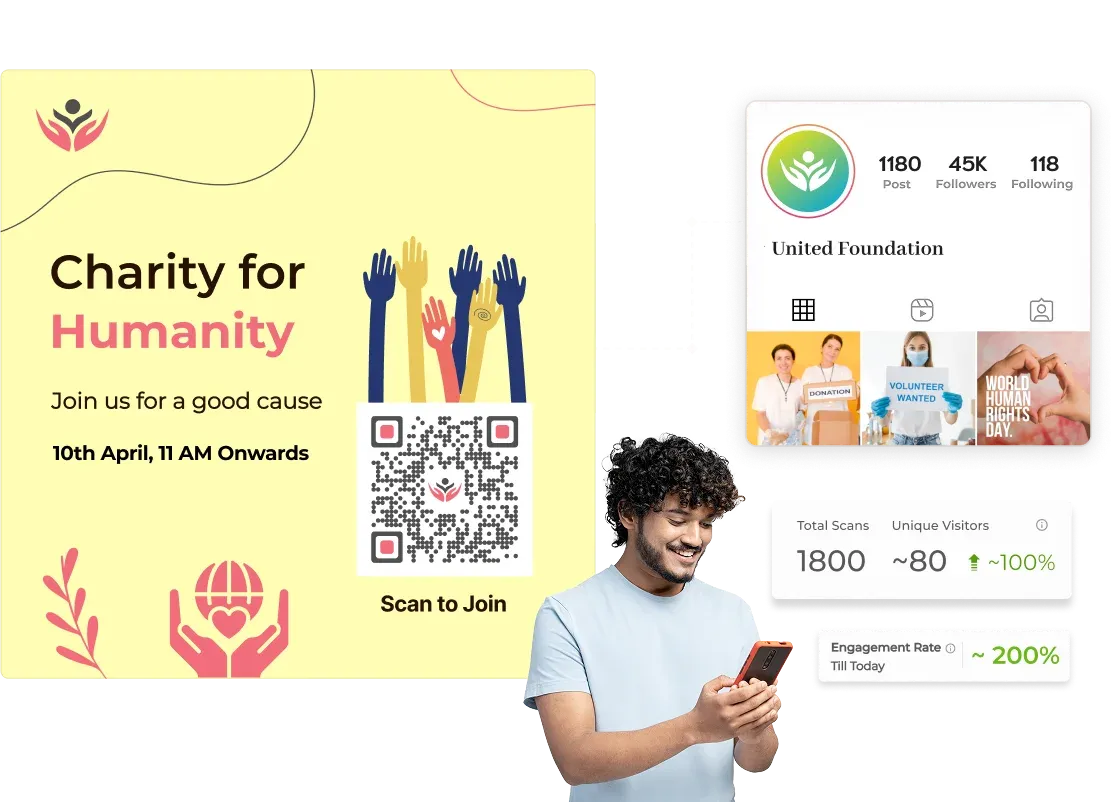
Supporter scanning charity flyer QR Code with donor analytics and Meta Pixel retargeting via Webhooks and Zapier Supporter scanning charity flyer QR Code with donor analytics and Meta Pixel retargeting via Webhooks and Zapier

Turning donor scans into sustained support

A supporter scans a QR Code on a fundraising flyer or event banner.

Webhooks/Zaps instantly log the scan to your donor management system. Meta Pixel fires adding them to a retargeting audience so your cause stays visible as they scroll social media.

A Zapier workflow triggers a personalised thank-you email. Google Analytics tells you which outreach channel from street poster, direct mail, or event booth is driving the most engagement, so every campaign dollar goes further.

Build powerful QR workflows backed by security that meets enterprise standards

Your Data Is Safe With Scanova

Scanova is ISO/IEC 27001:2022, GDPR, and SOC 2-certified. Built for businesses that can't afford to
compromise on security. Every QR Code, every scan, every integration runs on infrastructure you can trust.


ISO/IEC 27001:2022 badgeGDPR badgeSOC2 badge

Frequently Asked Questions

Get quick answers related to Scanova’s QR Code integrations

Do I need coding knowledge to set up Scanova integrations?

Most integrations including Zapier, Google Analytics, Meta Pixel, LinkedIn Insight Tag, Google Ads, and Microsoft Ads require no coding. You simply paste your tracking ID or API key into the Scanova dashboard and the integration activates. Webhooks require a destination URL from your IT team but no custom code on Scanova's side. The MCP integration is developer-facing and requires familiarity with MCP server configuration and AI agent tooling.

Can I track QR Code scans in Google Analytics?

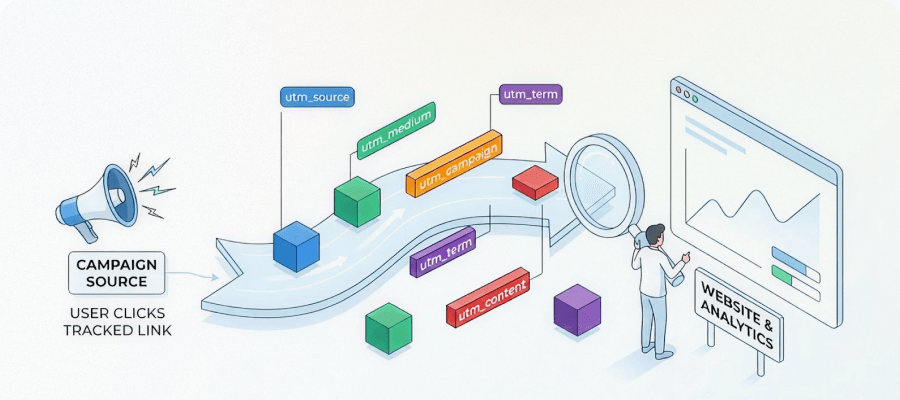
Yes. Scanova integrates with Google Analytics (GA4) via UTM parameters. Each QR Code can be assigned UTM source, medium, campaign, term, and content values. When a user scans the code and visits the destination URL, GA4 records the session with those parameters allowing you to see QR-driven traffic, behavior, and conversions directly in your analytics reports.

What is the difference between Webhooks and Zapier integration?

Webhooks send raw scan event data to a URL you control. Ideal for developers who want to pipe data directly into their own systems. Zapier is a no-code automation layer that uses Webhooks-style triggers under the hood but provides a visual workflow builder and pre-built connectors to 6,000+ apps. Use Webhooks for custom integrations; use Zapier if you want to connect Scanova to standard business tools without writing code. (Note: Highlight this text in a different color or highlighter stroke)

Can I use multiple integrations simultaneously on the same QR Code?

Yes. Scanova's integrations are not mutually exclusive. For example, a single QR Code can simultaneously fire a Google Analytics event, a Meta Pixel event, a LinkedIn Insight Tag event, and a Webhook notification all from the same scan. (Note: Highlight this text in a different color or highlighter stroke) This allows you to build comprehensive, multi-platform tracking and automation workflows from a single QR Code.

What is the Scanova MCP integration and who is it for?

The Scanova Model Context Protocol (MCP) integration exposes Scanova's API capabilities to AI agents and LLM-powered applications. It allows AI systems to create, update, and retrieve QR Code data through natural language-driven tool calls, without custom API integration code. It's designed for developers, AI engineers, and enterprises building AI-assisted marketing automation workflows.

Do Canva, Adobe, Google Docs, and Microsoft 365 add-ons support Dynamic QR Codes?

Yes. All of Scanova's design tool integrations Canva, Adobe Creative Cloud, Google Workspace, and Microsoft 365 support Dynamic QR Codes. This means you can update the QR Code's destination URL at any time in the Scanova dashboard without changing or reprinting the QR Code image itself. This is particularly valuable for printed materials where reprinting would be costly. (Note: Highlight this text in a different color or highlighter stroke)

Which ad platform integrations does Scanova support?

Scanova supports four advertising platform integrations: Google Ads (via Conversion ID), Microsoft Advertising (via UET Tag ID), Meta (via Meta Pixel ID), and LinkedIn (via LinkedIn Insight Tag). Each allows you to track QR Code scan events as conversion actions and build retargeting audiences from users who have scanned your QR Codes.

How do I get started with Scanova integrations?

Start a free 14-day trial (Add a hyperlink here) (no credit card required) and access integrations from your Scanova dashboard under (Path to Integrations). For analytics and ad platform integrations, paste your tracking ID and follow the setup prompts. For add-ons (Canva, Adobe, Google Workspace, Microsoft 365), install the Scanova add-on from the respective marketplace. Zapier and Webhooks are configured from the Integrations tab in your dashboard.

Take Your QR Codes From Static to Smart

Connect Scanova to your analytics, automation, ad, design, and AI tools. Start building smarter campaigns today.

14-day free trial · No credit card required · Cancel anytime