Bing QR Code Generator: What It Does and What It Can’t

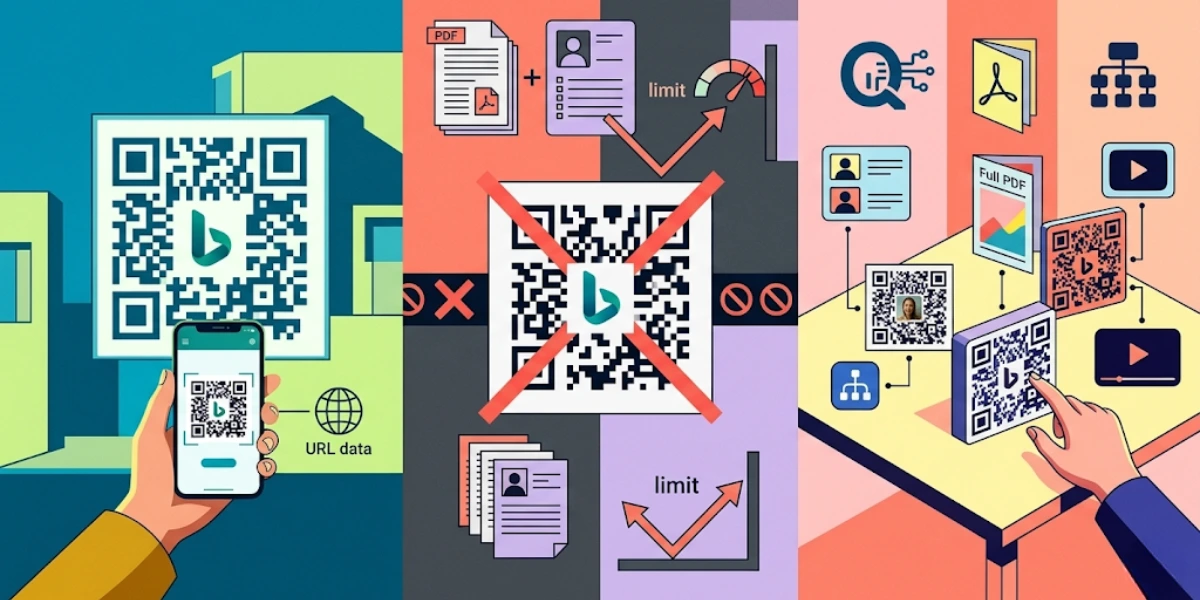
In a nutshell (TL;DR): Bing has a built-in QR Code feature (right inside Microsoft Edge) that lets you generate a static URL QR Code for any webpage in seconds, no sign-up, no app, no cost. It’s handy for quick personal use. But it only supports one QR type, can’t be edited after creation, offers zero analytics, and has no design options. If you’re using QR Codes for marketing, product packaging, events, or anything business-facing, you need a dedicated QR Code generator like Scanova, one that gives you dynamic QR Codes you can update, track, and brand.
Yes, Bing can generate a QR Code. And yes, it takes about three seconds. But before you print that QR Code on 10,000 product labels, there are a few things you should know about what Bing’s built-in QR feature actually does, and what it doesn’t.
This guide covers exactly how the Bing QR Code generator works, where it falls short, and what your options are when you need something more capable.
A. What Is the Bing QR Code Feature?

The Bing QR Code feature is a built-in utility in Microsoft Edge (and accessible via bing.com) that converts any webpage URL into a scannable QR Code. It’s not a standalone app or a dedicated QR platform; it’s a convenience shortcut baked into the browser for users who want to quickly share a web link.
When you right-click any webpage in Microsoft Edge, you’ll see an option labeled “Create QR Code for this page.” Click it, and within seconds, you have a QR Code pointing to that URL. You can download it as an image and share or print it.
Microsoft added this feature to Edge as part of a broader push to make the browser more useful for sharing and productivity tasks. Google Chrome has a similar feature for the same reason; both reflect the fact that QR Codes have gone from novelty to everyday utility.
B. How to Create a QR Code Using Bing?
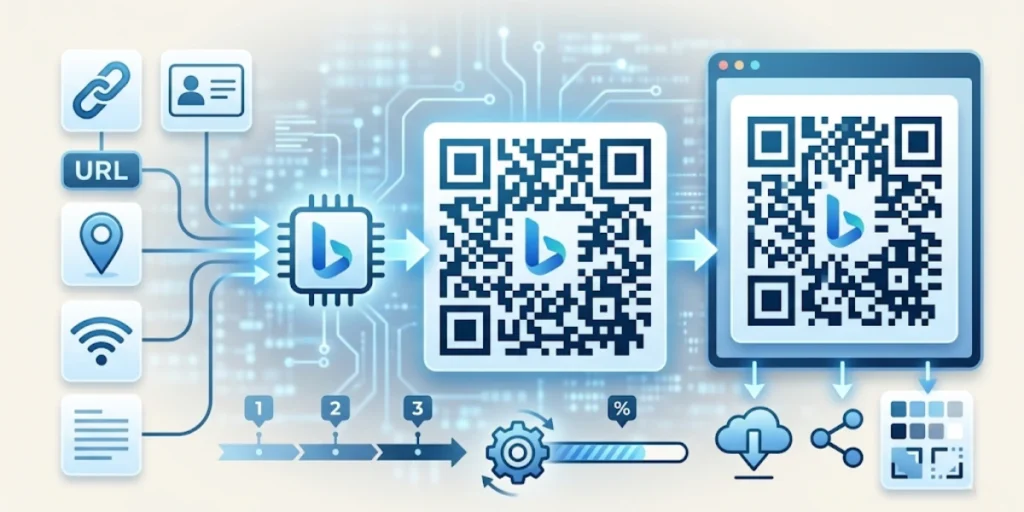
There are two ways to generate a QR Code in Microsoft Bing: via the Edge browser’s right-click menu or directly in the Bing search engine interface. Here’s how both work.
Method 1: Using Microsoft Edge Browser
- Open Microsoft Edge on your desktop or laptop.
- Navigate to the webpage you want to turn into a QR Code.
- Right-click anywhere on the page (not on an image or link).
- Select “Create QR Code for this page” from the context menu.
- A small QR Code panel appears. You can scan it directly or click “Download” to save it as a PNG file.
Method 2: Via bing.com
- Open your browser and go to bing.com.
- Search for the page or website you need.
- Navigate to the target page from the Bing search results.
- Once on the page, use the right-click method above to generate the QR Code.
That’s it. The process is frictionless and requires no account, software installation, or payment. The QR Code is ready for immediate use.
C. What Can Bing’s QR Code Do, and can’t?
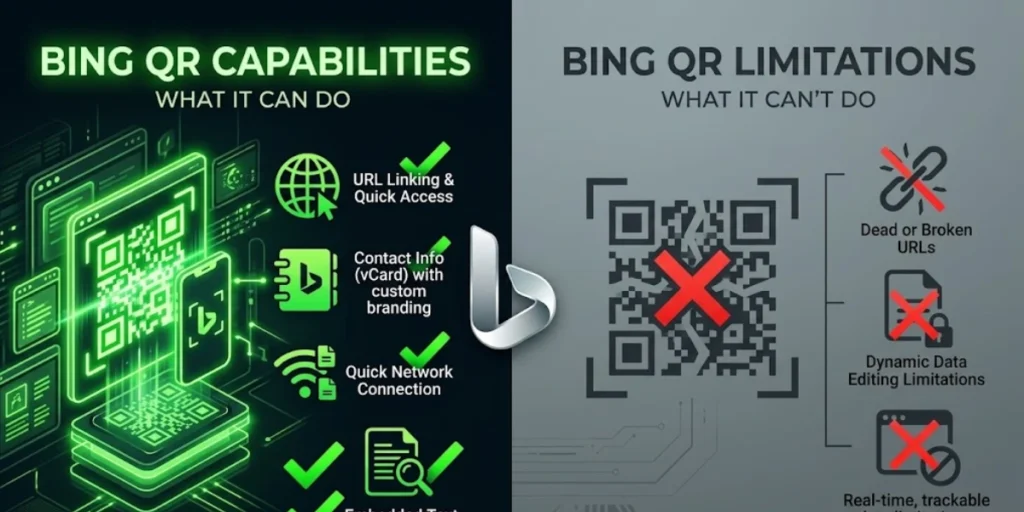
Understanding the boundaries of the Bing QR Code feature is critical before you decide to use it in any real-world scenario.
What it can do:
- Generate a static URL QR Code for any webpage in seconds
- Download the QR Code as a PNG image file
- Work directly inside Microsoft Edge with no third-party app needed
- Generate QR Codes at no cost with no account required
What it cannot do:
- Create anything other than a static URL QR Code — no vCard QR, PDF QR, Wi-Fi QR, social media QR, or app store QR
- Update the destination URL after the QR Code is generated (static codes are permanent — you’d have to create a new one)
- Track how many times the QR Code was scanned, where, or on what device
- Apply branding, no custom colors, logos, or design templates
- Generate QR Codes in bulk for multiple URLs at once
- Set expiry dates, password protection, or scan limits
- Connect to a campaign dashboard or marketing analytics stack
In short, Bing’s QR Code is a one-trick pony. That trick is useful, but only in very specific circumstances.
|
Feature |
|
Bing QR Code |
Scanova QR Code Generator |
|
Static URL QR Code |
|
✅ |
✅ |
|
Dynamic QR Code (editable URL) |
|
❌ |
✅ |
|
Scan analytics & location tracking |
|
❌ |
✅ |
|
Custom branding (logo, colours, design) |
|
❌ |
✅ |
|
Multiple QR types (PDF, vCard, Wi-Fi, etc.) |
|
❌ |
✅ (20+ types) |
|
Bulk QR Code generation |
|
❌ |
✅ |
|
Password protection / expiry dates |
|
❌ |
✅ |
|
Free to use (base tier) |
|
✅ |
✅ |
D. Static vs. Dynamic QR Codes: Why It Matters More Than You Think?
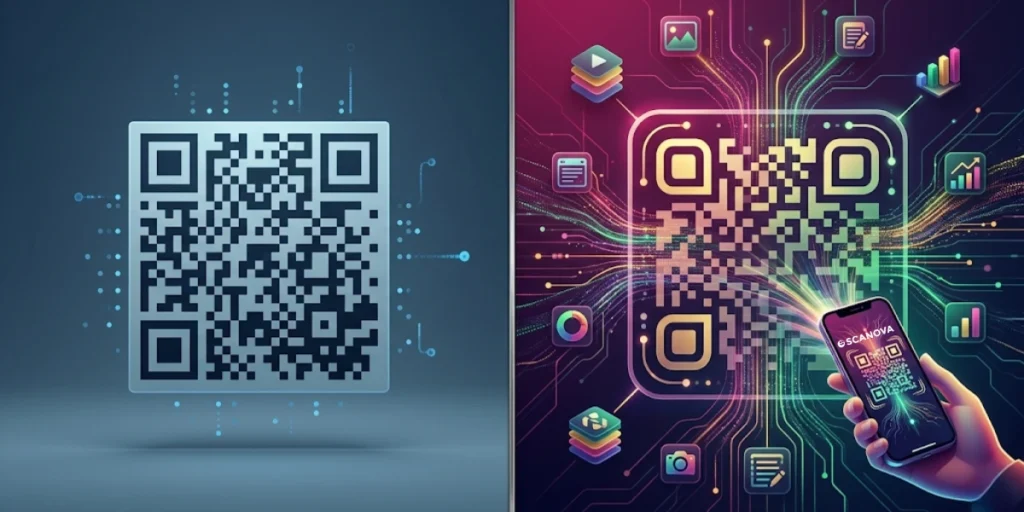
This is the single most important distinction to understand when evaluating any QR Code tool.
A static QR Code permanently encodes its destination directly into the code itself. Once printed, it cannot be changed. If the URL changes, breaks, or becomes outdated, the QR Code becomes useless, and you have to reprint all physical materials that carry it.
99.5 million US smartphone users scanned QR codes in 2025, with 102.6 million projected by 2026. Source: Statista / eMarketer via Wave Connect
A dynamic QR Code stores a short redirect URL instead. The actual destination is controlled through an online dashboard. This means:
- You can update the destination URL at any time without reprinting anything
- You get scan analytics: total scans, scan location, device type, scan time
- You can set the QR Code to redirect to different URLs based on the user’s device or language
- You can retire a QR Code or replace it with updated content mid-campaign
For personal use, sharing a link with a friend, printing a one-time poster for a community event, a static QR Code is perfectly fine. Bing’s built-in feature covers this use case adequately.
For any business use involving packaging, signage, product inserts, campaigns, or customer-facing materials, a static QR Code is a liability. A URL change means reprinting. A broken link means wasted scans. No analytics means you’re operating blind.
“Static QR codes made sense when QR codes were a novelty. Today, brands use them as live marketing channels to link to seasonal offers, updated menus, real-time inventory, and personalized landing pages. The moment you print a static QR code, you’ve locked yourself out of that flexibility. Dynamic QR codes are the default choice for any use case that expects to evolve.” – Siddharth Pangtey, Product Manager at Scanova
E. When Should You Use Bing’s QR Code Generator?

It’s only fair to give Bing’s feature credit where it’s due. There are genuine situations where the built-in browser QR generator is the right call:
- You want to share a webpage link with someone in the same room (e.g., during a presentation)
- You’re creating a one-off, low-stakes printout where the URL will never change
- You don’t have access to another QR tool and need something immediately
- You’re testing whether a QR Code format works before committing to a printed run
In these cases, the Bing QR Code feature is a perfectly adequate shortcut. It’s built-in, instant, and free.
The moment you move into business territory, campaign landing pages, product packaging, menus, event signage, and customer touchpoints, the limitations compound quickly, and a dedicated platform becomes non-negotiable.
F. Why Choose Scanova Over Bing’s Built-In QR Code Tool?
Scanova is built for business use, whereas Bing’s browser feature stops. The core differences come down to dynamic QR capability, analytics, and design control.
Scanova is a dedicated QR Code generator built specifically for business and marketing use. Here’s what using a purpose-built platform looks like in practice, compared to the Bing shortcut:
1. Dynamic QR Codes with Real-Time URL Editing
With Scanova, every QR Code you generate can be dynamic. Create the code once, print it on your materials, and update the destination URL anytime from your dashboard, no reprint required. This is especially valuable for seasonal campaigns, product launches, and menus that change frequently.
2. 20+ QR Code Types
A URL QR Code is just one of more than 20 QR Code solutions available on Scanova. Depending on your business need, you might use:
- vCard QR Codes to share digital business cards
- PDF QR Codes to link brochures or catalogs
- Social media QR Codes to direct scans to a profile or campaign
- App store QR Codes that detect the user’s device and route them to the correct download
- Wi-Fi QR Codes to let visitors connect to your network instantly
- Google Form QR Codes for event check-ins or surveys
3. Analytics Dashboard
Every dynamic QR Code on Scanova comes with scan analytics. You can see total scans, unique scans, scan location (city and country), device type (iOS vs Android), and time-of-day distribution. This data is essential for understanding which QR Codes are performing, which placements are driving scans, and whether your offline-to-online funnel is working.
4. Design Studio for Branded QR Codes
Scanova’s Design Studio lets you customize the look of your QR Code, change the foreground and background colors, add your brand logo to the center, choose from eye and data patterns, and download high-resolution versions suitable for print. A branded QR Code earns significantly more scans than a plain black-and-white code because it signals legitimacy and intent.
5. Bulk QR Code Generation
Need 500 QR Codes for product labels, event tickets, or retail inventory? Scanova supports bulk QR Code generation via CSV upload. Each row in the CSV becomes a unique QR Code, all generated simultaneously. This is a workflow that Bing’s browser feature simply has no answer for.
G. Frequently Asked Questions

1. Does Bing have a QR Code scanner?
No. Bing’s browser feature only generates QR Codes; it does not scan them. To scan a QR Code, you need your smartphone’s native camera app (which handles QR scanning on most modern iOS and Android devices) or a dedicated QR scanning app.
2. Is the Bing QR Code free?
Yes, generating a QR Code in Microsoft Edge via the right-click menu is completely free and requires no Microsoft account. However, it only generates static URL QR Codes. If you need a dynamic QR Code, analytics, custom branding, or QR Codes for content types beyond URLs, you’ll need a dedicated platform.
3. Can I edit or update a QR Code made in Bing?
No. Bing generates static QR Codes, meaning the destination URL is permanently encoded in the code itself. If the URL changes, the QR Code becomes outdated, and you’ll need to create a new one. For editable QR Codes, you need a dynamic QR Code generator like Scanova, where the destination can be changed any time from a dashboard, without generating a new code or reprinting.
4. What is the best alternative to the Bing QR Code generator for businesses?
For business use, a dedicated QR Code platform is the right choice. Scanova is built specifically for marketers, product teams, and businesses that need dynamic QR Codes, scan analytics, custom designs, and the ability to manage multiple QR Codes across campaigns. Unlike browser-based tools, Scanova gives you a full management dashboard alongside the ability to create 20+ types of QR Codes — not just URL codes.
5. Is a QR Code made in Bing permanent?
The QR Code image itself doesn’t expire; it will continue to work as long as the URL it points to remains active. However, since it’s a static QR Code, if the destination URL ever changes or goes offline, the QR Code will break, and there’s no way to update it without creating a new code. This is one of the key reasons dynamic QR Codes are preferred for any long-term or business-critical use.
6. Does Microsoft Bing offer any QR Code analytics?
No. The Bing browser QR Code feature provides no tracking or analytics of any kind. You won’t know how many people scanned the code, when, where, or on what device. For campaign measurement and scan data, you need a QR Code generator that supports analytics — such as Scanova’s Dynamic QR Codes, which include a full scan analytics dashboard.
Final Verdict: Is the Bing QR Code Generator Good Enough?
For a quick personal share? Absolutely. The Bing QR Code feature is one of the most frictionless ways to turn a webpage URL into a scannable code — no app, no account, done in three seconds.
For anything business-facing? It’s not the right tool. A QR Code that can’t be edited, tracked, or branded is a liability the moment it goes to print at scale. Every broken campaign, every outdated URL, every missed analytics data point is a cost that a static browser-generated QR Code builds in by default.
The good news: you don’t have to trade convenience for capability. Scanova lets you create your first dynamic QR Code in minutes, with a custom design, scan tracking, and a dashboard where every code you’ve ever created lives in one place.