Clickable QR Codes: All You Need To Know

In a nutshell: A clickable QR Code is just a regular QR image that you can tap like a link. It works on phones and desktops alike. When users see it in emails or on websites, they can either scan it with a camera or click it to open the link. This bridge between offline and online content is powerful – it boosts engagement and data collection.
Clickable QR Codes let people access links quickly without typing. You can treat a QR image like a button: tapping or clicking it opens the same URL it encodes.
This means that on a website or in an email, the QR Code is both a scan code and a hyperlink.
In practice, this bridges print and online marketing – you share one code everywhere. If needed, use a dynamic QR Code so you can change the link later without changing the image. The tech is simple, but the effect on user experience and analytics can be huge.
Imagine a customer opening your email newsletter. They see a QR Code image with a short message like “Tap the code below to learn more.”
On a desktop, they can click the image to go straight to your page. On mobile, they can also scan it with a camera app. This dual action cuts friction.
Anyone with a smartphone or computer can follow the link effortlessly. And behind the scenes, each scan or click can be recorded.
A. What is a clickable QR Code, and how does it work?
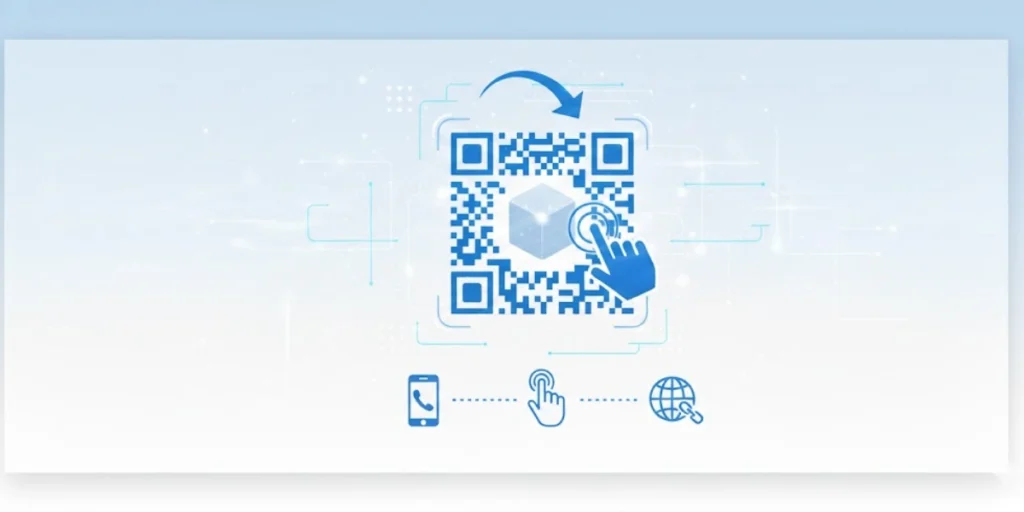
A clickable QR Code is a normal QR Code image used in digital content that acts like a link.
Normally, a QR Code is scanned with a phone camera to open its link. A clickable QR Code works the same way on desktop and mobile devices – users can tap or click the code image itself.
In other words, the QR Code image is also an active hyperlink. When someone clicks the image, the browser opens the URL behind it. This makes the code work like a big button.
On paper or posters, the QR Code is scanned with a phone. Online (like in emails, PDFs, or web pages), the same QR graphic can be wrapped in a hyperlink. In this usage pattern, one image serves both behaviors.
For example, a QR Code in a PDF slide can be clicked during a presentation, or scanned later from the screen. It’s still encoded with the same URL. The key difference is context: clickable QR Codes are used in interactive (digital) places.
Importantly, a clickable QR Code is not a new type of code – it’s how you use it. The encoding is the same as a regular QR Code.
You generate it with a URL destination, and anyone can scan or click it. As one guide puts it, “‘Clickable QR Code’ isn’t a new QR format, it’s a usage pattern”. In practice, that means any QR Code you embed on a screen can act as a link.
If your URL ever needs to change, you can use a dynamic QR Code – it lets you update the target without changing the image.
Otherwise, clickable QR Codes function like static ones: they always open the same link encoded.
Some QR campaigns have also used guerrilla marketing to ‘invade’ public spaces, placing QR Codes in unusual yet easy-to-spot locations. Source: websiteplanet
B. How do I make a QR Code clickable?
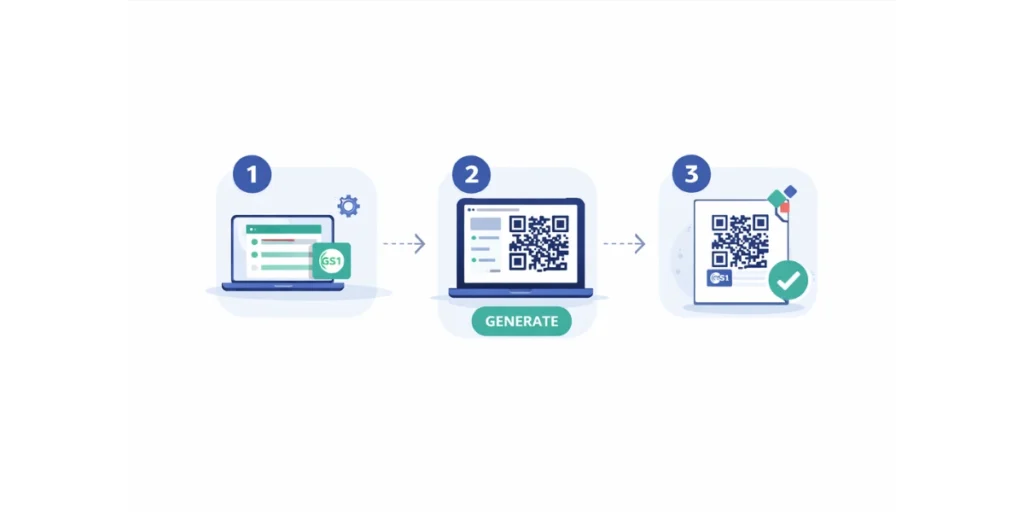
Making a clickable QR Code is easy. You basically generate a QR Code for your link, then put it into an HTML link or similar so it’s clickable on screen. Here are the steps:
Step 1: Sign up or log in to your Scanova account
- Go to https://scanova.io and click “Sign Up” (if you’re new) or “Login” if you already have an account.
- You’ll need to use a valid email address. A free trial is available, and dynamic QR Codes are included.
Step 2: Click “Create QR Code” from your dashboard
- After logging in, you’ll land on your dashboard.
- Look for the blue “Create QR Code” button, usually in the top right or center panel.
- Click this button to begin the QR creation process.
Step 3: Select the QR Code type – choose “Website URL”
- Scanova offers various QR Code content types like VCard, Email, PDF, Text, etc.
- For a clickable QR Code, select “Website URL” to generate a QR Code that links to a web page.
Step 4: Enter the destination URL you want users to visit
- Paste the full URL, including “https://” (e.g., https://yourwebsite.com/offer) into the input field.
- This is the link people will reach when they click or scan the QR Code.
- Because this is a dynamic QR Code, you’ll be able to edit the URL later, even after printing or publishing the code.
Step 5: Click “Next” to design your QR Code (optional)
- You’ll now see customization options:
- Add a logo or brand icon at the center
- Change the color scheme to match your brand colors
- Apply a CTA frame like “Scan Me” or “Tap to Visit.”
- These features enhance engagement but are optional. Choose “Next” once you’re satisfied
Step 6: Name and save your QR Code
- Enter a descriptive name (e.g., “Spring Promo Landing Page”) so you can find it later in your dashboard
- Then click “Save QR Code.”
Step 7: Download the QR Code image
- After saving, you’ll be taken to a page with download options
- Choose PNG for digital use or SVG if you need a scalable version (great for responsive websites)
- Click Download to save the image file to your device
Step 8: Make the QR Code clickable in your digital content
- Now, embed the QR Code image in your email, webpage, or digital document like this:
<a href=”https://your-dynamic-link.scanova.io/abc123″>
<img src=”dynamic-qrcode.png” alt=”Tap or scan to visit”>
</a>
- Replace https://your-dynamic-link.scanova.io/abc123 with your actual dynamic QR Code URL, and dynamic-qrcode.png with your file name or path
- This makes the image act as a clickable link, so users can tap or click to open the same destination as scanning
Step 9: Track performance and edit the URL anytime
- Go back to your Scanova Dashboard, click on the QR Code you created.
- You’ll see:
- Scan analytics: number of scans, locations, device types.
- Edit options: change the destination URL without regenerating the image.
- This is the true power of dynamic QR Codes; update or optimize your campaigns even after publishing.
C. What are the benefits of clickable QR Codes?
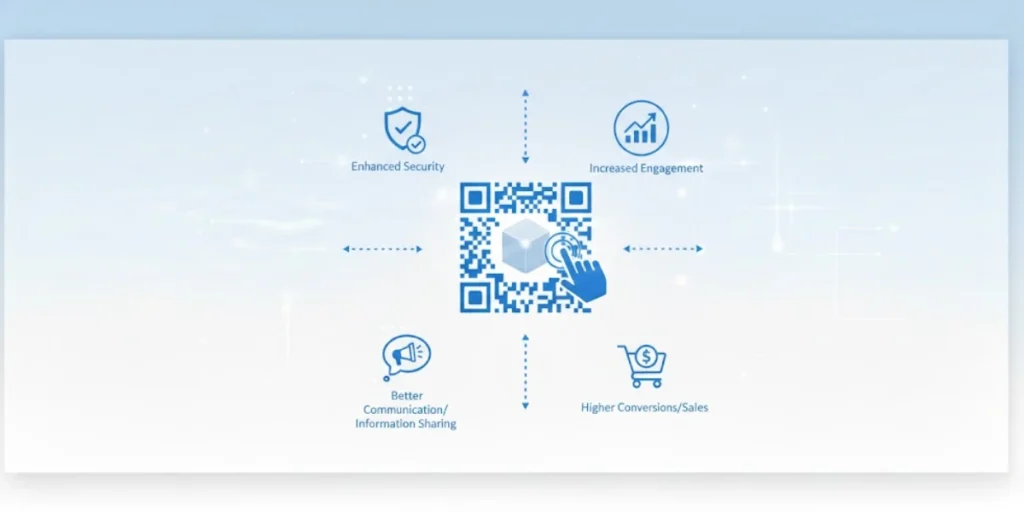
1. Convenience
Users won’t have to manually type long URLs. Instead, they can tap or click the QR Code to access the content immediately.
This simplicity tends to boost engagement. Clickable elements naturally attract more user interaction, and a study found that clickable links improve the user experience.
2. Reach
Clickable QR Codes also extend your reach. Because they work on any device, they fit into more contexts. Desktop users can click them; mobile users can scan them.
This flexibility means your link is accessible whether someone sees it in an email on their laptop or on a website on their phone.
One benefit is that clickable QR Codes give easy access without a scanning app and work on both computers and smartphones. In short, they create a unified call to action for everyone.
3. Trackable
From a business perspective, clickable QR Codes are trackable and data-rich. Every scan or click can be logged in your analytics.
If you use a QR Code platform, you can see the number of scans, the date and time, and even the location and device type.
This data is gold for marketing. It lets you measure campaign success and learn about customer behavior.
For example, you can see whether users prefer scanning a brochure or clicking a link in an email. Having these insights is like having a direct feedback loop from your audience.
4. Boosts conversions
Moreover, clickable QR Codes can boost conversions. By making it frictionless to reach a landing page or promotional offer, they drive more actions.
For instance, instead of copying a promo code, a customer can tap the QR Code and be taken directly to your sale page.
This clear call to action can increase clicks and sales. Clickable QR Codes also project a modern image – they show your brand as tech-savvy and user-friendly.
5. Flexibility
Other perks include cost savings and flexibility. QR Codes (clickable or not) are cheaper to produce than many printed materials, and you can update a dynamic QR Code’s destination anytime without reprinting.
You can put clickable QR Codes on social media posts, digital ads, or slides – anywhere a clickable image is allowed. This versatility means one QR image can serve multiple channels, unifying your campaign.
In short, clickable QR Codes offer a seamless, trackable bridge between digital and real-world marketing with a clear payoff in engagement and data.
D. How can I use clickable QR Codes effectively?
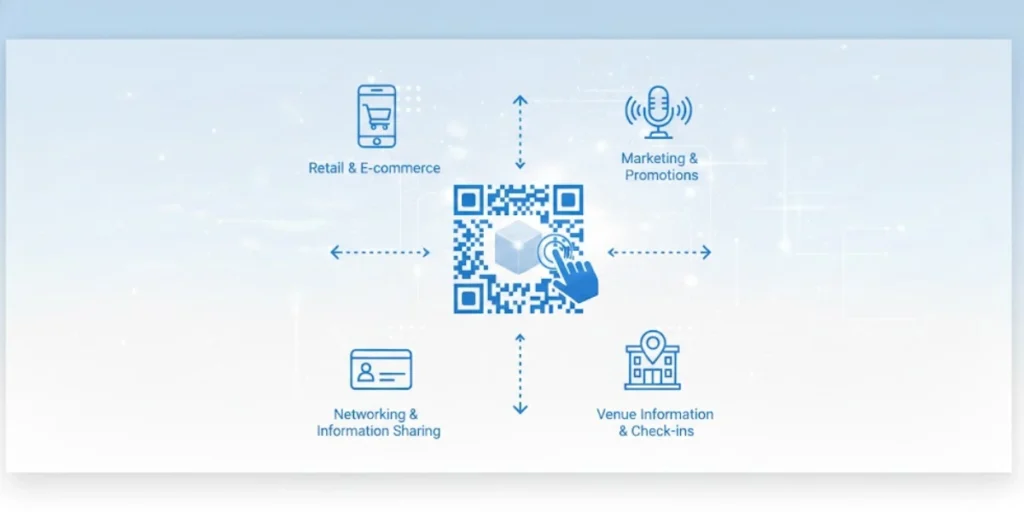
To get the most from clickable QR Codes, follow some best practices.
1. Make the purpose clear
Add a call to action near the code, such as “Click or scan for our menu” or “Tap to join the contest.” A clear prompt explains why users should interact. Without guidance, people might ignore the code.
2. Design for recognition
Keep the QR Code visually distinct. Use a recognizable pattern or logo so users know it’s a code. Ensure high contrast between the code and background.
A cluttered or faint code might confuse users or cause the scanner to fail. Consistent branding and an eye-catching design will invite clicks.
3. Embed in the right content
Put clickable QR Codes where it makes sense to click them. Good places include emails, newsletters, websites, digital presentations, and social media posts.
For example, in an email, you can insert the QR image and link it to a landing page; users can then click it or scan it on their second device.
Since your campaign’s success depends on the message actually reaching the recipient, it is wise to perform a free email deliverability test to ensure your email doesn’t get flagged as spam due to the included links or images
Avoid using clickable QR Codes in static print; use plain scannable codes instead.
4. Test on all devices
Before you launch, try scanning and clicking the code yourself on different phones and computers.
Make sure the link opens properly every time. If something breaks, fix it and retest. Testing is crucial because even a small error (like a typo in the URL) can ruin the experience.
5. Use dynamic codes for flexibility
If possible, create the QR Code as dynamic. That lets you change the destination later or edit the content if needed, without having to redesign the code image.
It also provides built-in analytics for scans and clicks. Dynamic QR platforms often provide dashboards to see how your code is performing.
6. Integrate with your campaign
Treat clickable QR Codes as part of your messaging. Pair them with enticing offers or exclusive content. For example, a digital poster might say, “Tap the code for 10% off.”
In a webinar slide, a QR Code might link to feedback forms. By embedding the code in interactive content, you make clicking a natural action for the user.
Many Fortune 500 companies, such as Nike, Google, and Amazon, have also jumped on the QR trend to drive engagement. Source: websiteplanet
E. FAQs: Clickable QR Codes

1. What is the difference between static and clickable QR Codes?
Static and clickable QR Codes use the same basic technology. A static QR Code is an image you can scan anywhere, printed or digital. A clickable QR Code is just a static QR Code image placed in digital content and linked.
In practice, “clickable” means you’ve placed a QR code on a website or in an email and made it a clickable link. The QR itself still contains a URL just like any other QR Code.
2. How can I scan a clickable QR Code?
You scan it just like any QR Code. If you have a clickable QR Code on a phone screen or paper, you can open your camera or a QR app and scan it.
It will show the encoded link, which you can then open. At the same time, clickable QR Codes allow you to click them directly in digital content.
In other words, users have two options: either use their camera to scan the code or simply click or tap the image link. Both ways take the user to the same destination.
3. Can I use clickable QR Codes in printed materials?
No. A clickable QR Code only works online or in digital files. In print, users have no mouse or touchpad to “click” the code.
If you need a QR Code on a flyer, poster, or brochure, use a normal (non-clickable) QR Code that people will scan with their phones.
4. How do I track a clickable QR Code’s performance?
When you make a clickable QR Code, tracking depends on your tools. If you used a dynamic QR Code service, it will show you analytics (such as the number of scans or clicks, time, and location).
Even with static code, you can still see clicks if the link points to a trackable URL (e.g., a short link or a specific landing page).
Many platforms record how many people scanned or clicked the code.
For example, a clickable QR Code will log each access, giving you data on scan counts, devices, or locations. You can use this data to gauge engagement and campaign success.
5. Are clickable QR Codes and dynamic QR Codes the same?
Not exactly. “Clickable” refers to how you use the QR Code (embedding it as a link). “Dynamic” refers to a feature of the code itself.
A dynamic QR Code is one where the destination link can be changed later. You can make a clickable QR Code, either static or dynamic.
If you use a dynamic QR Code generator, you’ll be able to update the target URL anytime without making a new image. This is handy if you want to change your offer or correct a link later on.
Summing up
Clickable QR Codes make access easier by letting users scan or click the same code across devices. This reduces friction in emails, websites, and digital documents, while keeping the call to action consistent.
When paired with dynamic QR Codes, they also offer flexibility and tracking, letting you update links and measure engagement over time. Simple to use and highly effective, clickable QR Codes are an easy win for modern, screen-first marketing.