QR Code Frames
Make your QR Code stand out with Scanova's extensive range of eye-catching QR Code frame templates
Creative and converting QR Code frames

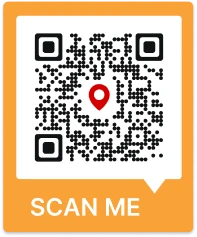
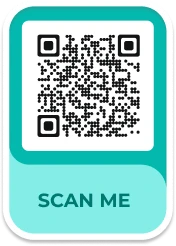
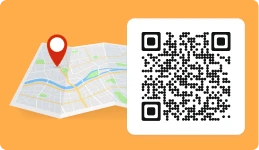
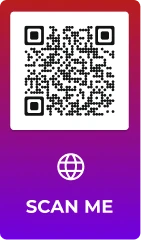
What is a QR Code Frame?
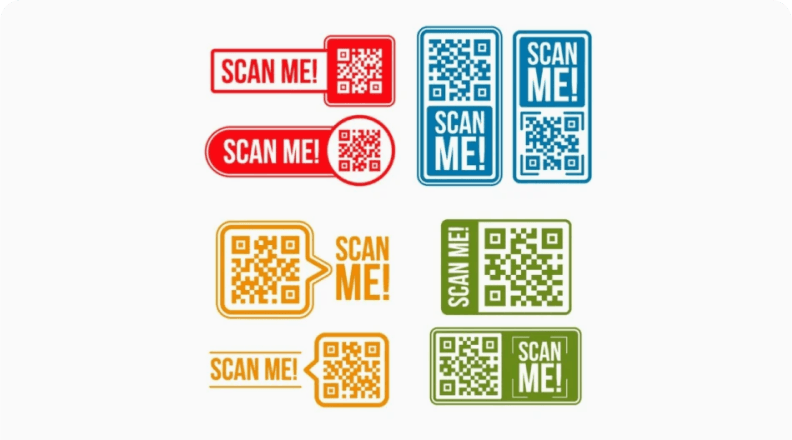
Frame QR is a QR Code that includes a customizable frame enclosing it. It can be flexibly used to insert text (such as a 'Scan Me' QR Code frame) and other design elements without interfering with the QR Code's readability and scanning functionality.
According to Future Market Insights, the global QR Code market was valued at USD 1.8 billion in 2025 and is projected to reach USD 4.1 billion by 2035, registering a compound annual growth rate (CAGR) of 8.7% over the forecast period. QR Codes have become increasingly common on billboards, print ads, and product packaging as brands use them to connect with customers and boost engagement.
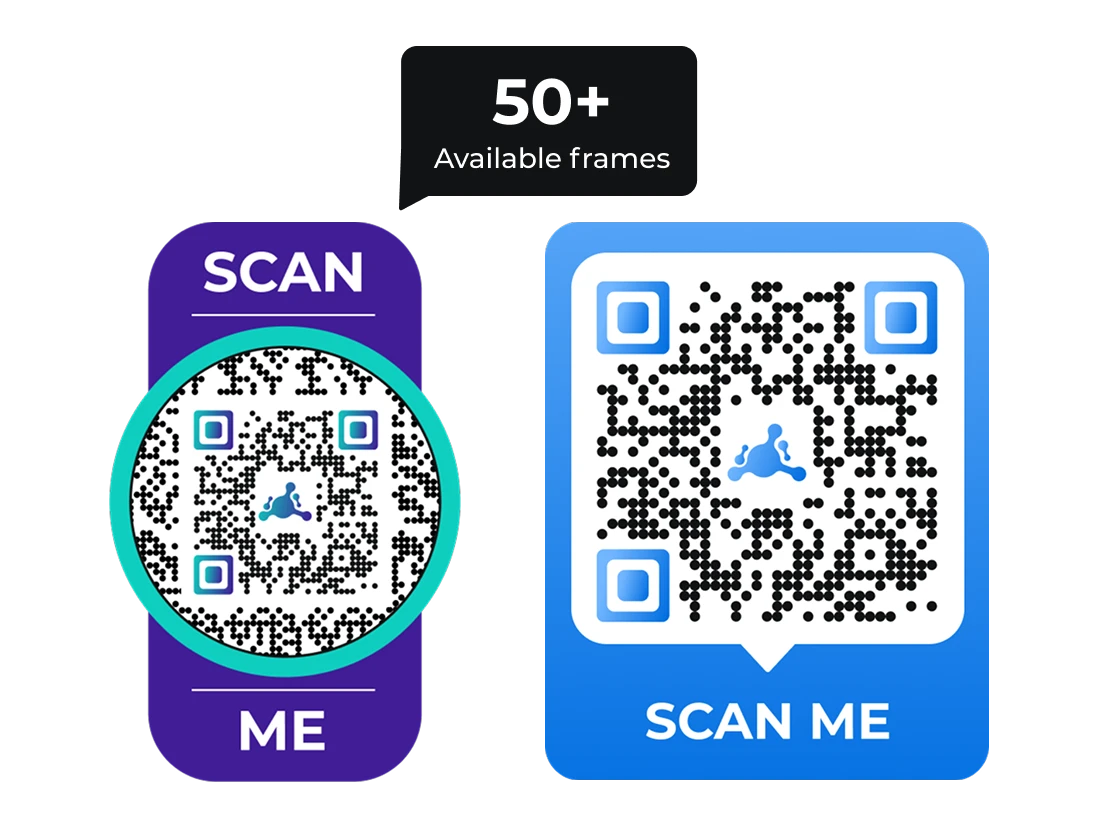
How to create a Frame QR Code design?
Follow 4 simple steps to add a frame to your QR Code
Enter content and create QR Code
Choose a QR Code type and add required content (website URL, text, contact info) and simply click on Create QR Code
Choose a QR Code frame template
Browse and select from 70+ ready-made QR Code frame templates that suit your business, events, products, or personal projects
Customize colors, logo, and background
Personalize the QR Code frame color, background color, and add your logo to ensure the design aligns with your brand identity
Check and download
Scan and test your QR Code and download the image in high-resolution formats
Frame-tastic: The power of QR Code Frames
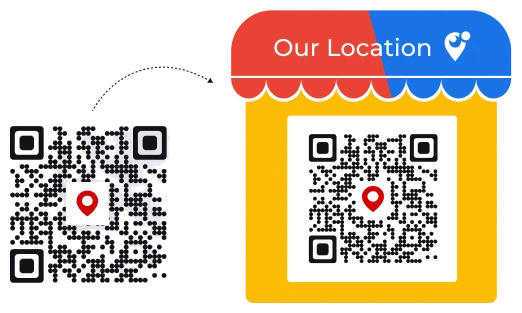
Elevated visual appeal
Scanova offers a range of decorative frames that enclose your QR Codes to make them stand out.
By enclosing your QR Codes in these stylish frames, you can significantly increase their visibility and attract attention from the target audience—resulting in more scans.
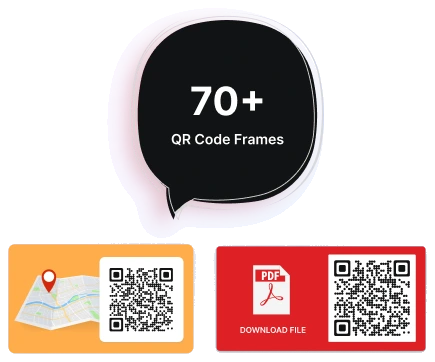
70+ QR Code frame templates
70+ customizable QR Code frames for every use case. Whether it's a professional setting or a fun project, find the perfect frame to enhance your visual impact.
Each design option is crafted to enhance the overall visual impact of your QR Code.
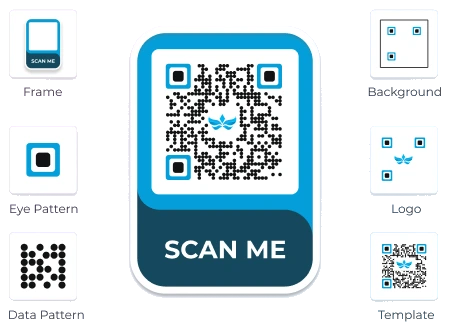
Brand colors and logo support
You can set the main color and QR Code background color to enhance brand recognition.
By tailoring these elements, you can easily create a cohesive look that reinforces your brand identity and makes your QR Code instantly recognizable.
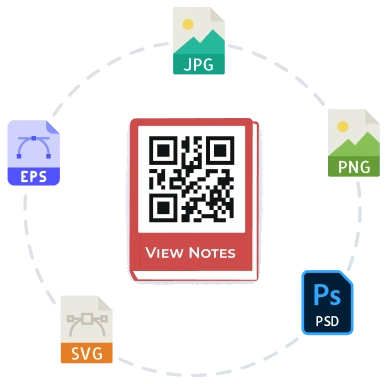
High-resolution for print and digital
QR Code frames can be generated in various sizes and formats.
This ensures that your QR Codes can be effectively used across different print materials (like posters and product packaging) as well as digital media like websites and social media platforms.
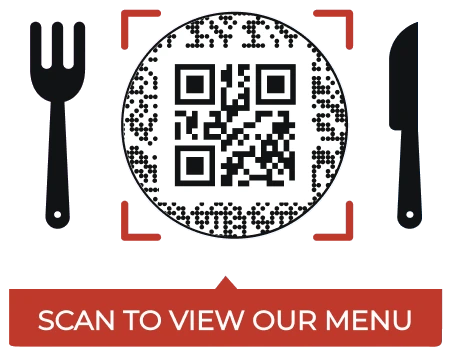
Add CTA text to drive scans
A frame design can include a CTA text or graphic, offering clear guidance to the user and prompting them to scan the code.
This clear guidance prompts users to scan the code by providing an enticing reason to do so, like 'Scan for Exclusive Offers'.
Join 10,000+ businesses that use the best QR Code Generator


Where can Frame QR Codes be used?
Frames can be used in numerous ways to improve both functionality and aesthetic appeal
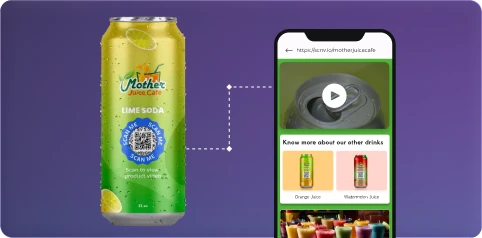
Product information accessibility
In the case of product packaging use cases, QR Code frames can prompt customers with 'Scan to Learn More' or 'Discover Ingredients'. This directs users to product details, usage instructions, or nutritional information without cluttering the packaging design.
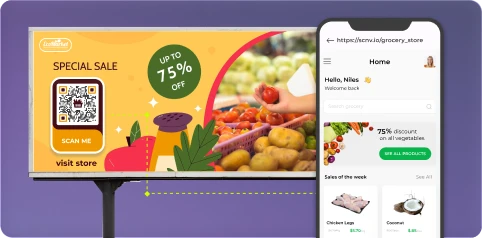
Marketing campaigns
Include framed QR Codes in flyers, posters, or newspaper ads with action-based messages like 'Get 10% Off' or 'Scan for Details'. The frame helps the QR Code stand out in a cluttered layout and increases the likelihood of scans from offline audiences.
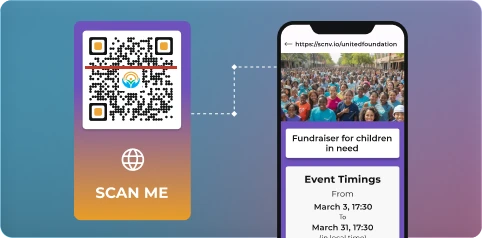
Event promotions and tickets
Use framed Event QR Codes on event tickets, brochures, or banners to allow attendees to easily check schedules, register online, or save event details. A clear CTA in the frame ('Scan to RSVP' or 'Add to Calendar') boosts conversions and streamlines the user journey.

Loyalty programs and customer rewards
Retailers and service providers can use QR Code frames that say 'Join Loyalty Program' or 'Redeem Rewards' to encourage customers to participate. The frame draws attention and clearly communicates the action, increasing program adoption.
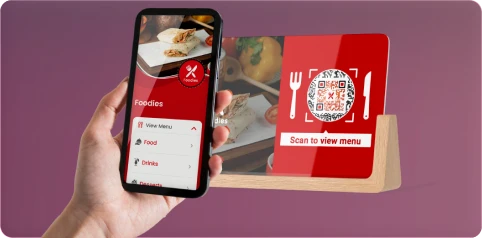
Digital menus and contactless services
Display framed Restaurant QR Codes on tables, counters, or food packaging in restaurants with messages like 'Scan for Menu'. These CTAs improve usability and reduce contact points, making the experience more convenient and hygienic for customers.
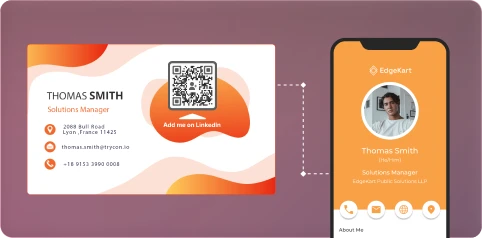
Business cards and networking
Add a framed QR Code to your business card with a prompt like 'Scan to Save Contact' or 'View Portfolio'. The frame makes the code more visible and increases the likelihood that prospects will take action, helping you make a lasting impression.
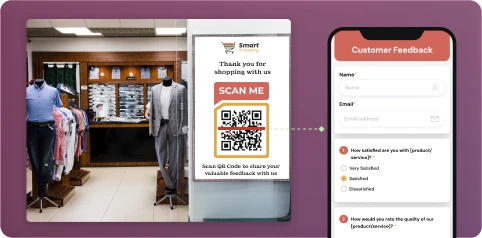
Customer feedback collection
Place framed Feedback QR Codes in-store, on receipts, or after-service documents to collect feedback. Use a CTA such as 'Leave a Review' or 'Rate Your Experience' to encourage quick responses and improve your customer insights.

Social media engagement
Use framed Social Media QR Codes on posters, packaging, or digital screens that lead users directly to your Instagram, Facebook, or LinkedIn page. A CTA like 'Follow Us' or 'Scan to Connect' can drive higher engagement across your social platforms.
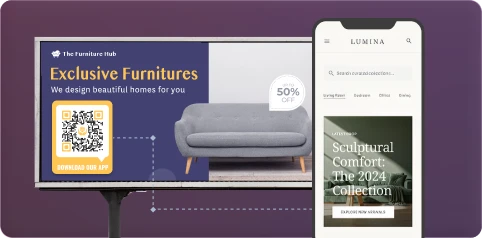
Instant app downloads
Promote mobile apps with framed App Store QR Codes printed on brochures, signage, or screens. Add a CTA like 'Scan to Download' to direct users to the App Store or Google Play, making app adoption easier and faster.
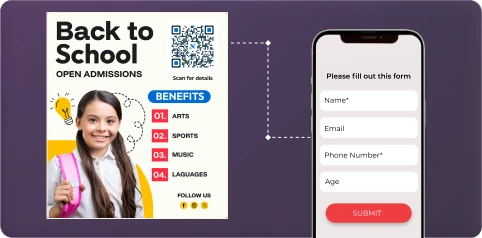
Education and training materials
Add framed QR Codes to textbooks, handouts, or classroom posters with CTAs like 'Scan to Watch Tutorial' or 'Access Study Resources'. The customized frame makes the code visually appealing on printed materials, encouraging students to engage with supplementary digital content.
Get desired results for your business with Scanova's Frame QR Generator
Your security and privacy matters to us
Scanova adheres to rigorous standards like ISO/IEC 27001:2022, GDPR, and SOC2


Best brands in the world trust Scanova QR Code Generator
“The simplicity of this tool makes it easy for even non-tech users”
Easy to use and achieve successful outcomes with Scanova. The simplicity of this tool makes it easy for even non-tech users. Scanova solves the concern of tracking websites and data sheets efficiently.


5 QR Code frame design tips that improve scans
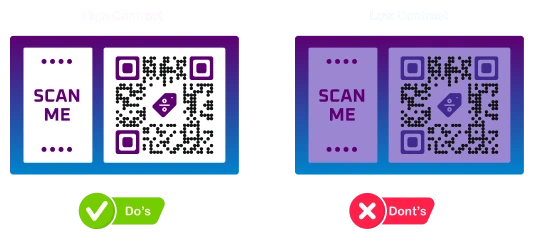
Increase contrast for easy scanning
Ensure there is enough contrast between the QR Code, background, and frame. This improves scannability.
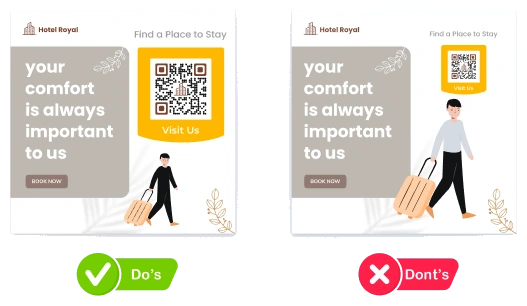
Choose appropriate size for better visibility and scans
The QR Code should be large enough to be scannable and draw attention. The frame should be proportionate to the size of the QR Code and the overall design.
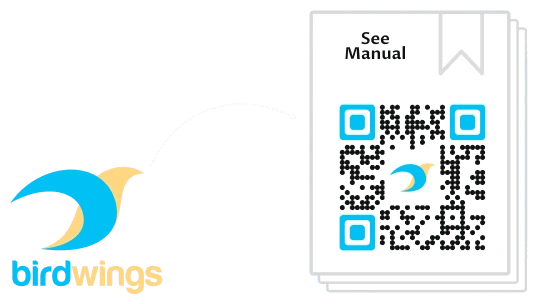
Align frame design and color with your brand identity
Incorporate your brand's colors, fonts, and logo into the frame design. Ensure that these branding elements don't overshadow the QR Code.
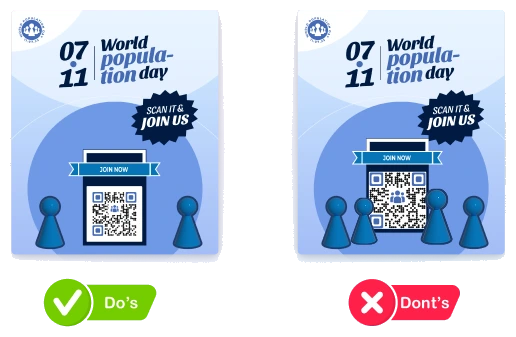
Include whitespace for clarity
Use whitespace effectively to separate the QR Code from other design elements. This enhances clarity and prevents clutter.
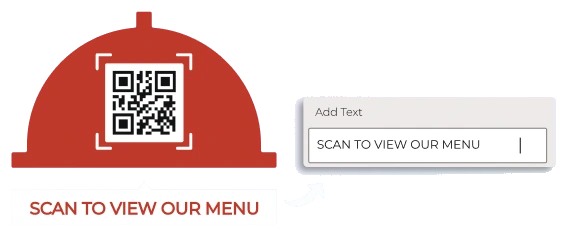
Include clear CTAs to prompt scans
Include a clear call-to-action near the QR Code to instruct users on what to do. This can increase the likelihood of engagement.
Frequently Asked Questions
Get quick answers related to Scanova's QR Code frames
Know more about Frame QR Codes
Our expert guides will help you elevate your projects
Take your QR Codes from static to smart
Connect Scanova to your analytics, automation, ad, design, and AI tools. Start building smarter campaigns today.