Google Review QR Code Card Generator
Convert your Google review link into a scannable QR Code card that helps customers leave reviews in seconds. Use Scanova's free Google Review QR Code Generator to create a review card by simply adding your Google review page link.
- You can upload only one image at a time
- Each file shouldn't be greater than 5 MB
- Only .png and .jpg file formats allowed


How to create a QR Code for Google reviews?
Follow these simple steps to create a QR Code for Google reviews
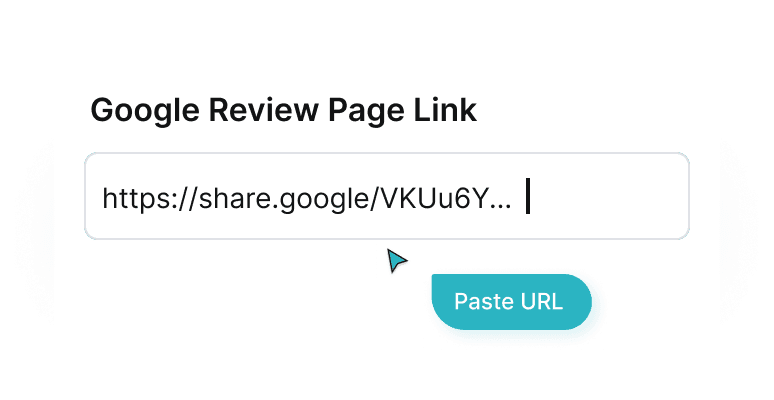
Add Google Review Link
Paste your Google Business review link, Google Maps review link, or search-based review URL
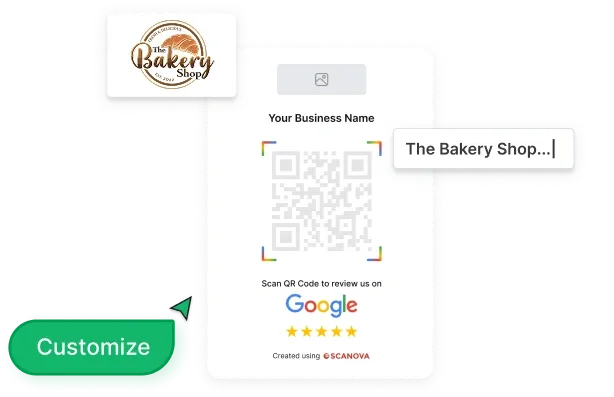
Customize Review Card
Upload your logo and preview the Google Review QR Code
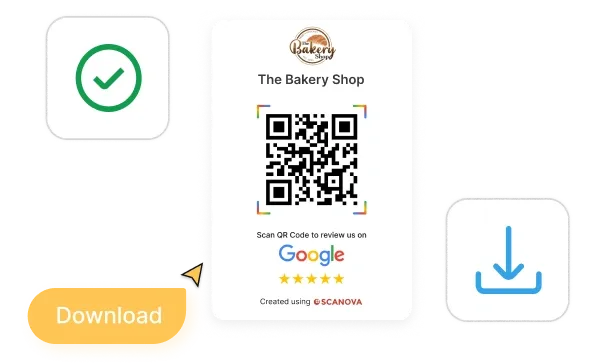
Test and Download
Download the review card image and print or share it
What is a Google Review QR Code?
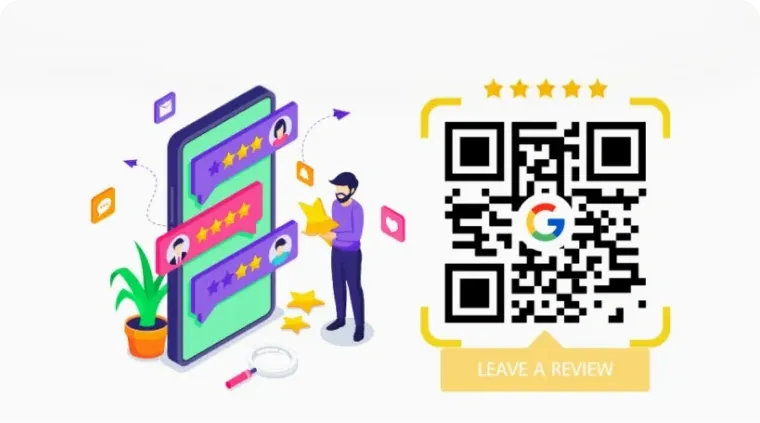
A Google Review QR Code links directly to your Google Business review page. When scanned, it opens the Google reviews interface where customers can quickly rate your business and leave feedback.
This removes friction from the review process. No searching, no typing, just scan and review. Most smartphones today can scan QR Codes using the native camera app.
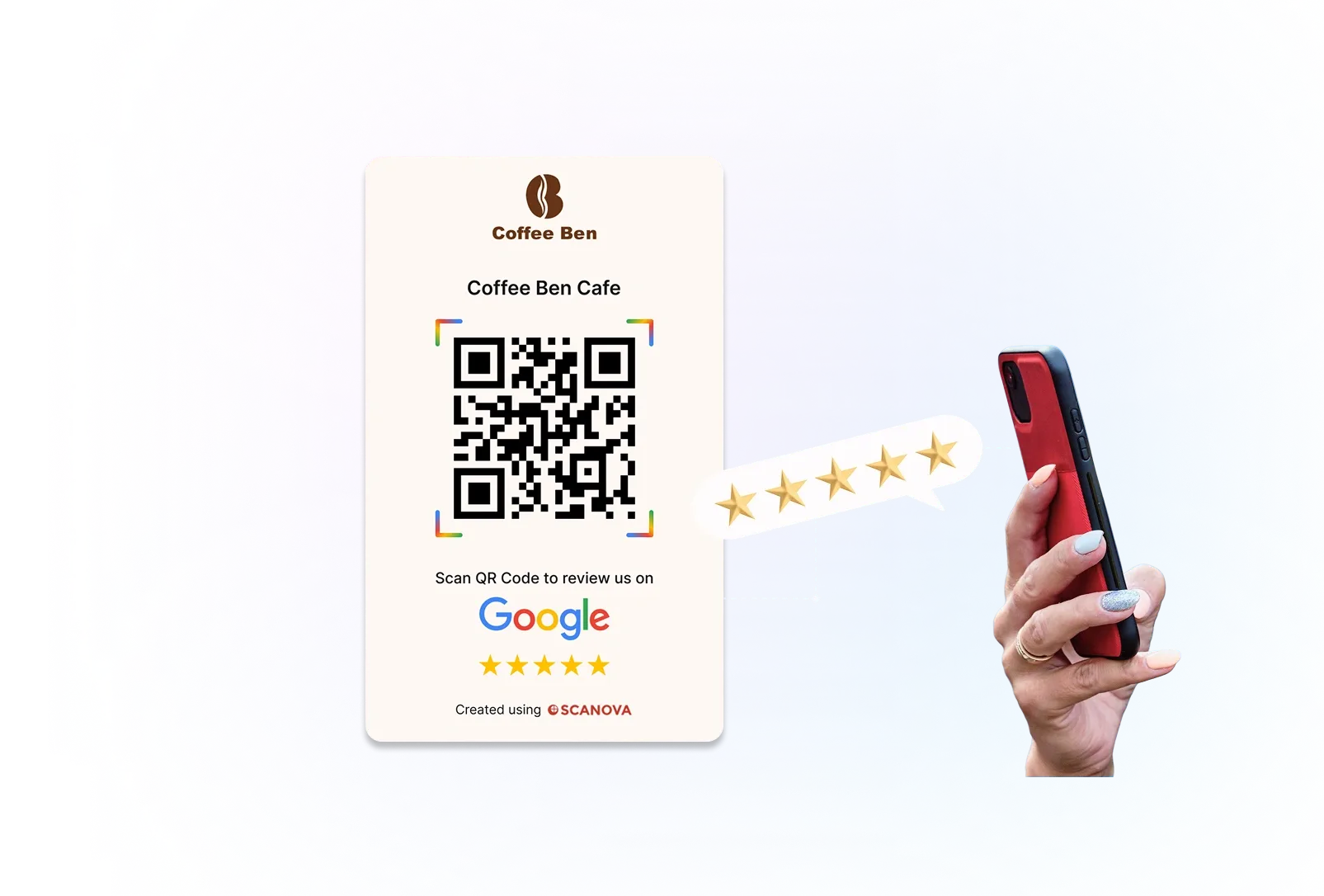
How to scan QR Code for Google reviews?

Step 1
Open your phone’s camera or Google Lens

Step 2
Point it at the Google Reviews QR Code

Step 3
Tap the notification to open the Google review page and submit a rating
What is the difference between Static
and Dynamic Codes for URLs?
Scanova allows you to create both Static and Dynamic Google Review QR Codes

5 proven ways to double your scans
Maximize the impact of your Dynamic QR Codes with these strategies
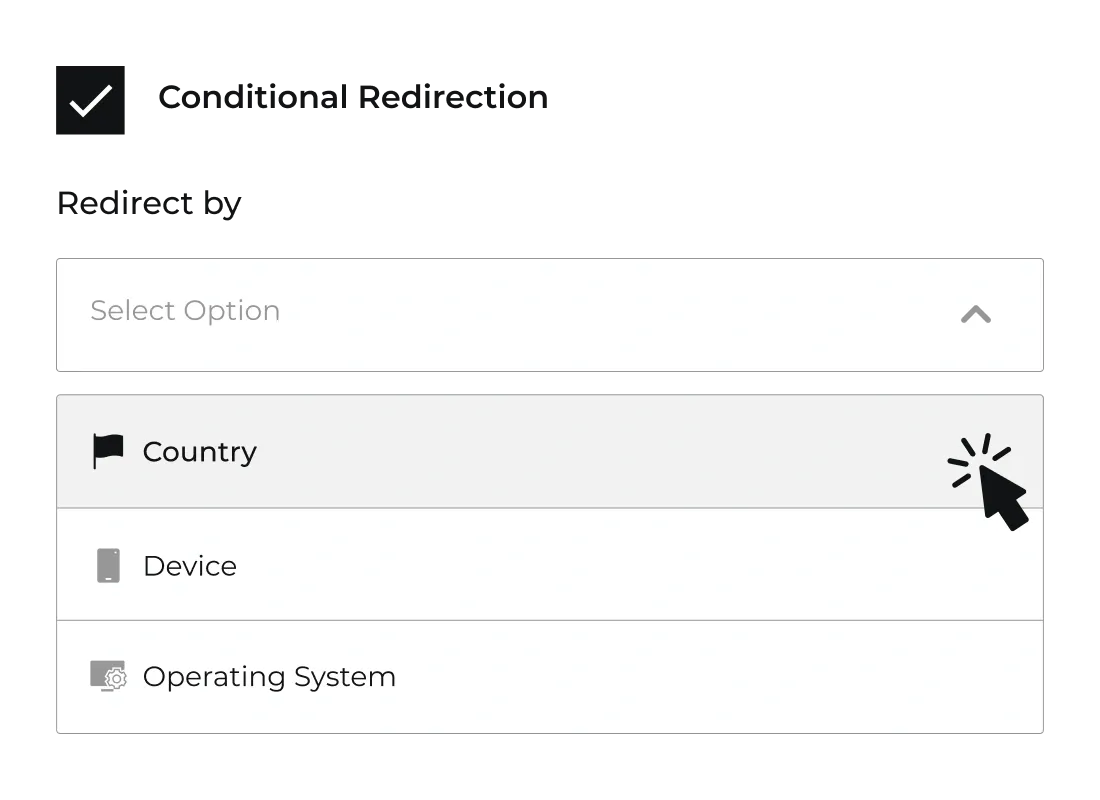
Conditional Redirection
Use conditional redirection in Dynamic Codes to send users to different review or feedback flows based on country, device, or operating system. For example, you can redirect some users to your Google review page while sending others to a separate feedback form or local listing variant. This ensures every customer lands on the most relevant experience, improving the chances of receiving high‑quality reviews.
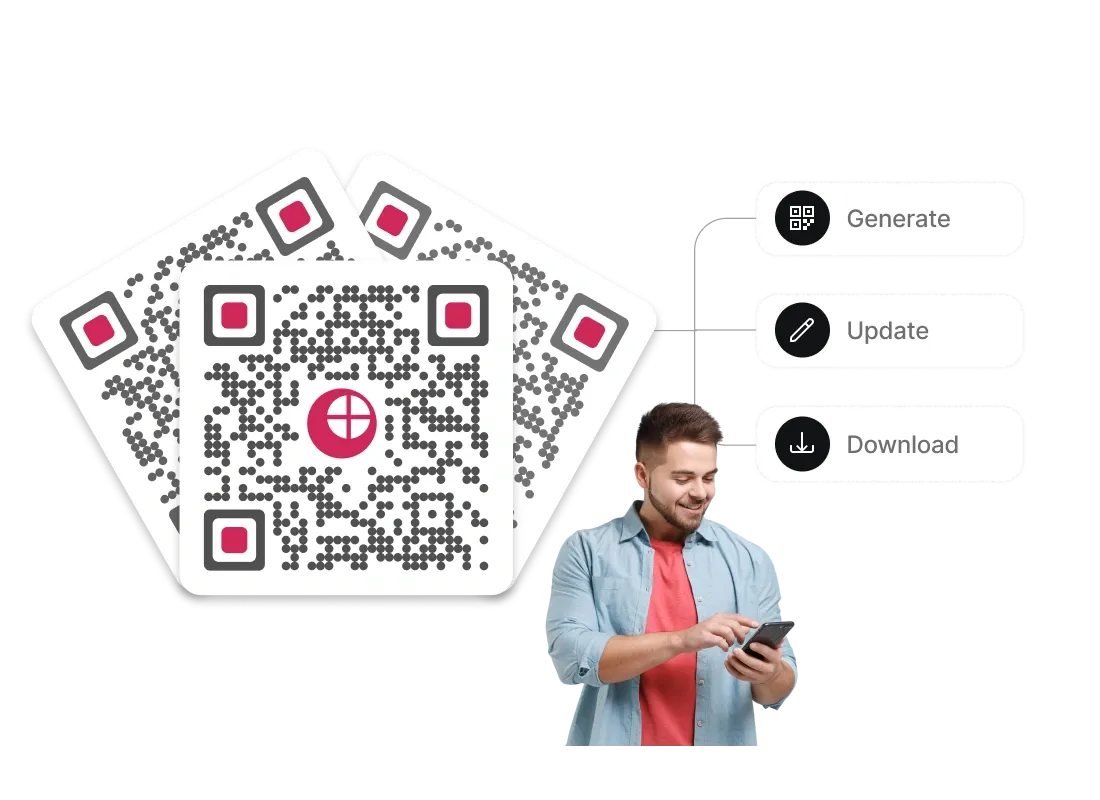
Bulk Operations
Generate, update, or download large batches of Google Review QR Codes for multiple outlets or franchise locations using Scanova’s bulk operations. Upload a spreadsheet with store details and links, and manage all review codes in one place to streamline brand‑wide reputation campaigns. This is ideal for large retail chains, hospitality groups, or enterprises with many Google Business profiles. Available in Pro and Enterprise Plans.
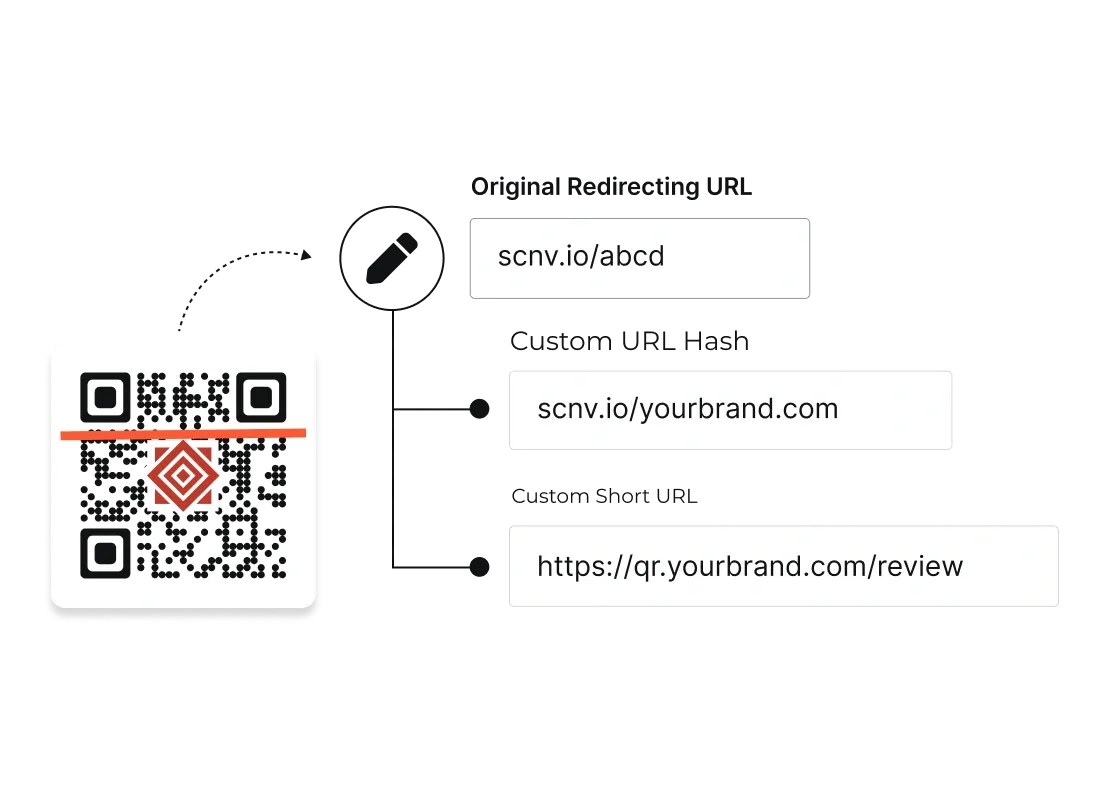
Customize Short URL
Replace generic short URLs (such as https://scnv.io/abcd) with branded domains (like https://qr.yourbrand.com/review) in Dynamic Google Review QR Codes. Branded links build trust, improve click‑throughs for customers who view the URL, and reinforce your brand identity across all review touchpoints.
More on Custom Domain
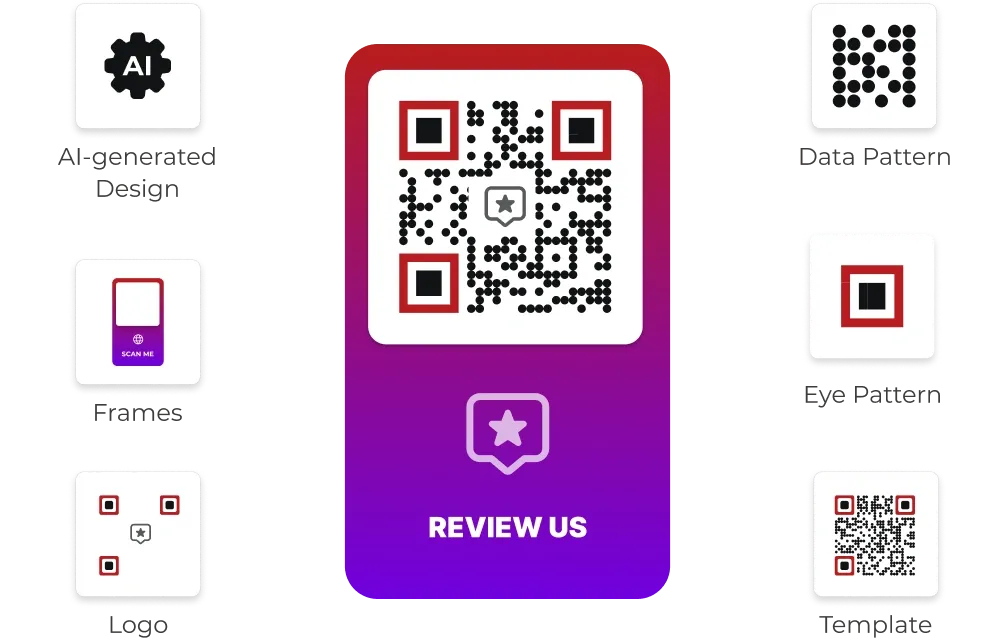
Superior Customization
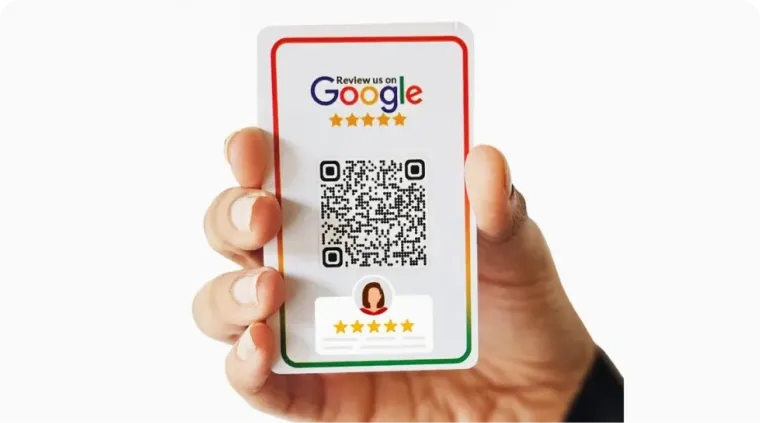
Customize your Google Review QR Code by adding logos, brand colors, AI‑generated designs, and frames with CTAs such as 'Review us on Google'. On‑brand, visually appealing review prompts stand out on counters, table tents, and posters, encouraging more customers to scan and leave feedback.
In-Depth Analytics
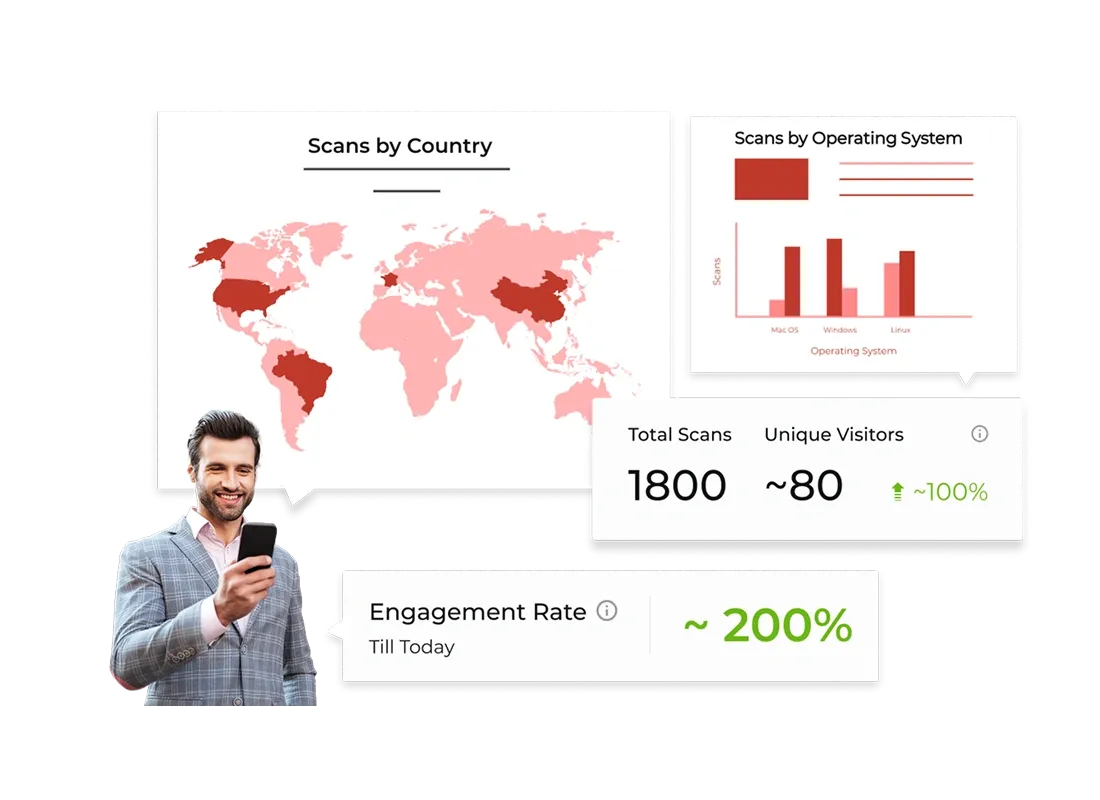
Access detailed analytics for Dynamic Google Rating QR Codes, including scan count, device type, location, and time of scan. These insights help you understand when and where customers are most likely to review you, so you can refine placement, messaging, and offers.
Capture Leads and Feedback
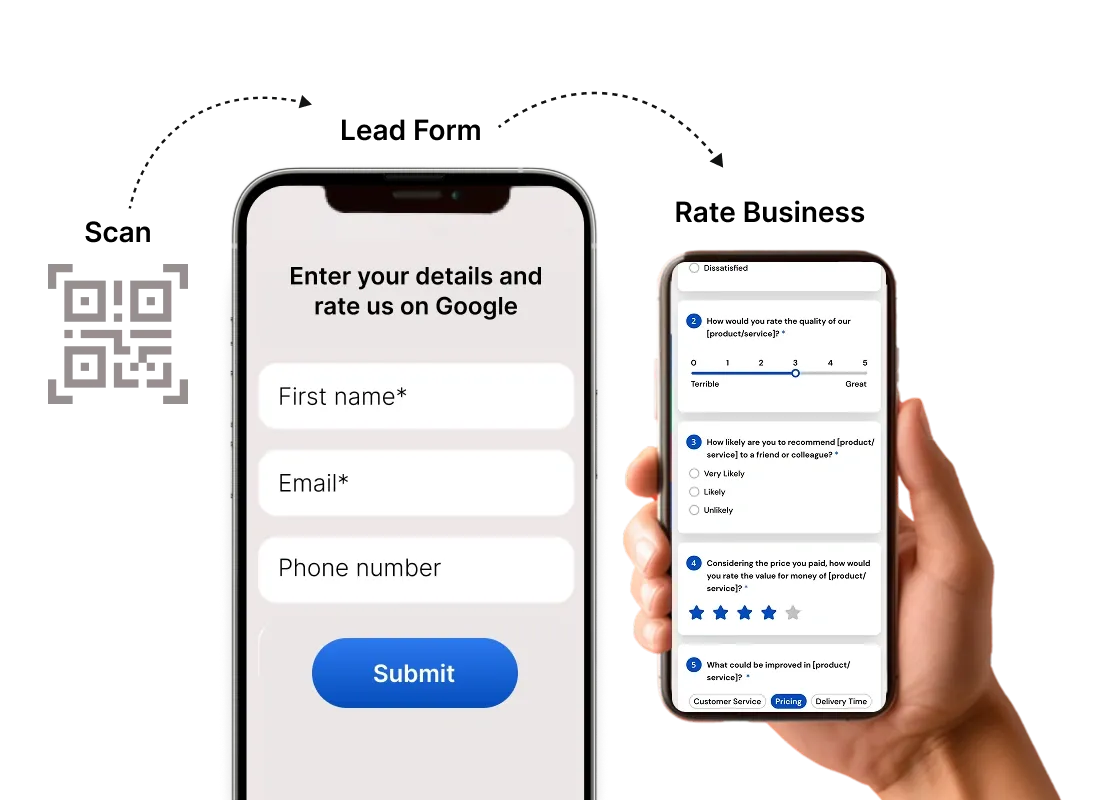
Complement your Google review journey with optional lead capture or feedback forms using Scanova’s Dynamic QR Code capabilities. You can collect names, emails, or additional feedback alongside public reviews, turning happy customers into subscribers and repeat buyers.
Top choice of global brands like Amazon, AT&T,Nestle, and Walmart


14-day free trial | No credit card required
What are the benefits of using Dynamic Google Review QR Codes?
Google Review QR Codes offer numerous advantages for local businesses, restaurants, service providers, and enterprises

Instant Access to Review Page
Customers no longer need to search for your business or type long names on Google; one scan takes them directly to the review dialog. This frictionless experience dramatically increases the likelihood of getting frequent Google reviews.

Increased Engagement and Social Proof
Placing "Review us on Google" QR Codes on table tents, receipts, or post‑purchase emails encourages customers to engage with your brand beyond the point of sale. More reviews mean stronger social proof, higher star ratings over time, and better click‑through rates.

Analytics data to optimize your campaigns
By using Dynamic QR Codes, you can track how often and where your review codes are scanned, and on which devices. These insights help you identify high‑performing locations and campaigns, and inform future marketing and customer experience strategies.

Cost-Effective Marketing
Dynamic Google Review QR Codes can be reused even when you update your review strategy, URL, or campaign parameters. This saves reprinting costs and allows you to optimize content continuously; Static QRs should be reserved for unchanging links.

Enhanced Customer Experience
Customers can share their experience in‑the‑moment, while they are still at your restaurant, store, or clinic, leading to more authentic feedback. A simple “Scan to review us on Google” prompt shows that you value their opinion, improving satisfaction and loyalty.

Versatile Use Cases
Use Google review QR Codes for restaurants, salons, gyms, hotels, clinics, retail stores, events, and more—across print and digital channels. From table cards and bill folders to email signatures and packaging inserts, you can encourage reviews.
Scanova cares about your security and privacy
Experience unmatched data protection with ISO/IEC 27001:2022, GDPR, and SOC2 compliance


How are businesses using Google Review
QR Codesto boost engagement?
Restaurants and Cafés
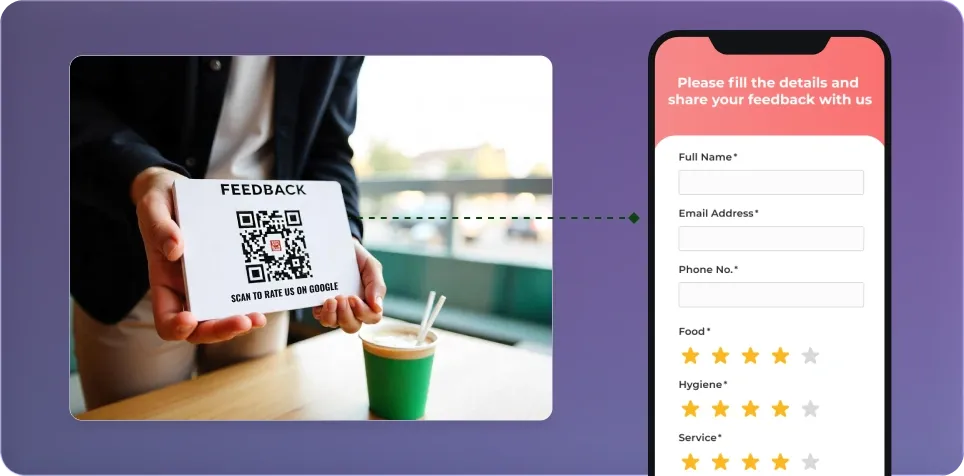
Place Google Review QR Codes for restaurant on table tents, bills, or takeaway packaging to prompt guests to rate their dining experience before they leave. This consistent, gentle reminder leads to more frequent reviews and helps eateries rank higher in local search.
Retail Stores and Salons
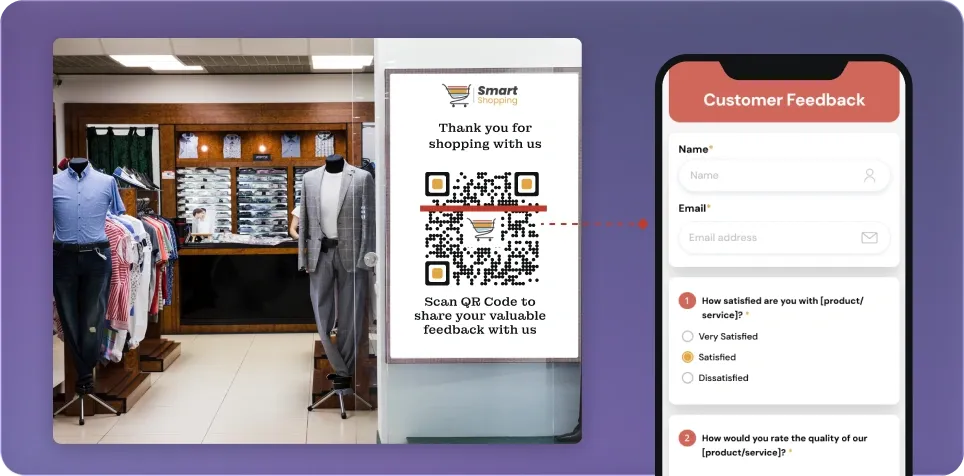
Salons and Retail stores can add QR Codes for Google reviews at checkout counters, mirrors, and receipts so customers can quickly share feedback about products and service. Over time, a steady flow of positive reviews attracts more walk‑ins and online bookings.
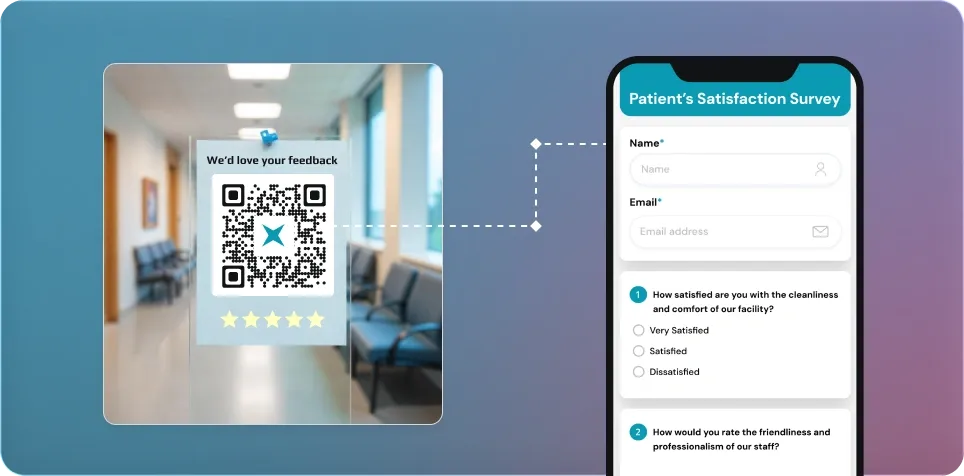
Hotels, Clinics, and Service Businesses
Hotels, clinics, and professional service providers can display Google Maps review QR Codes at reception, in rooms, or in waiting areas. Guests and patients can scan and leave reviews immediately after their stay or appointment, increasing review volume and credibility.
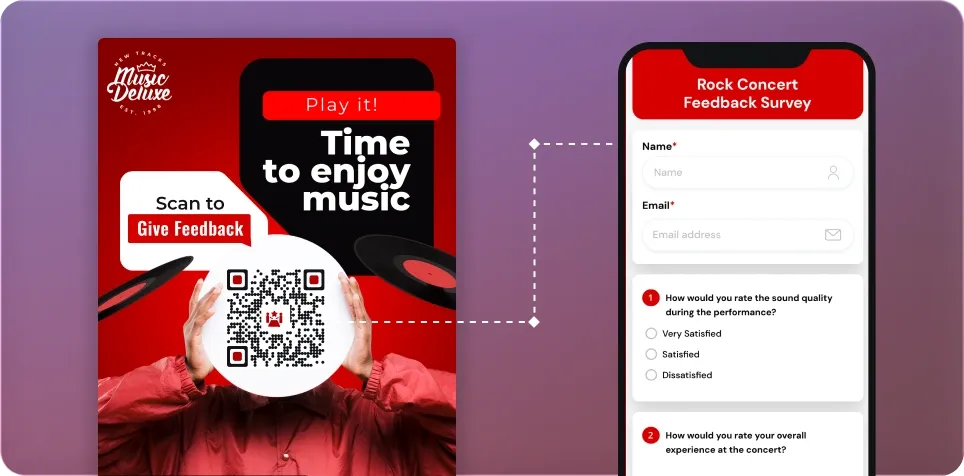
Events and Workshops
Event organizers can place Google Review QR Codes on badges, banners, or slides, asking attendees to rate their overall experience. This helps drive more public reviews for the organizer’s brand and future events, while also surfacing improvement areas.
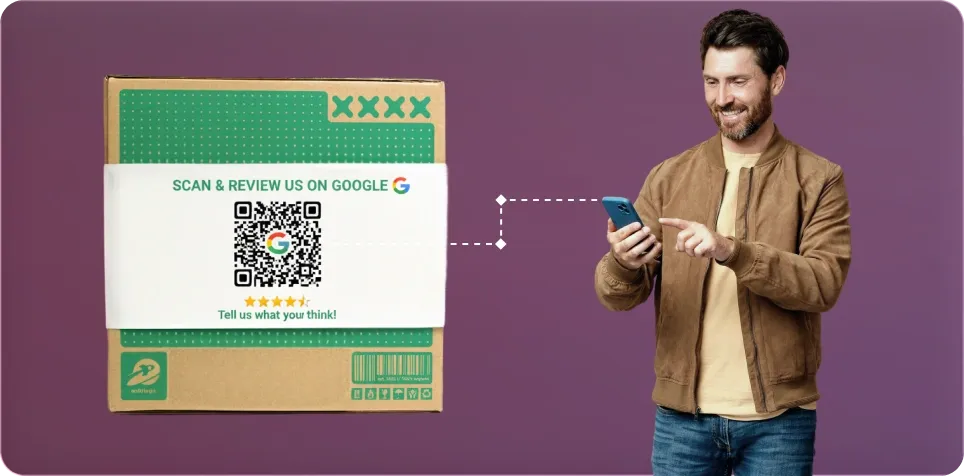
Takeaways and Deliveries
Brands can add Google Review QR Code cards inside delivery bags or takeaway boxes with a clear “Review us on Google” CTA. This not only creates a direct digital touchpoint post‑purchase but also nudges happy customers to share positive feedback online.
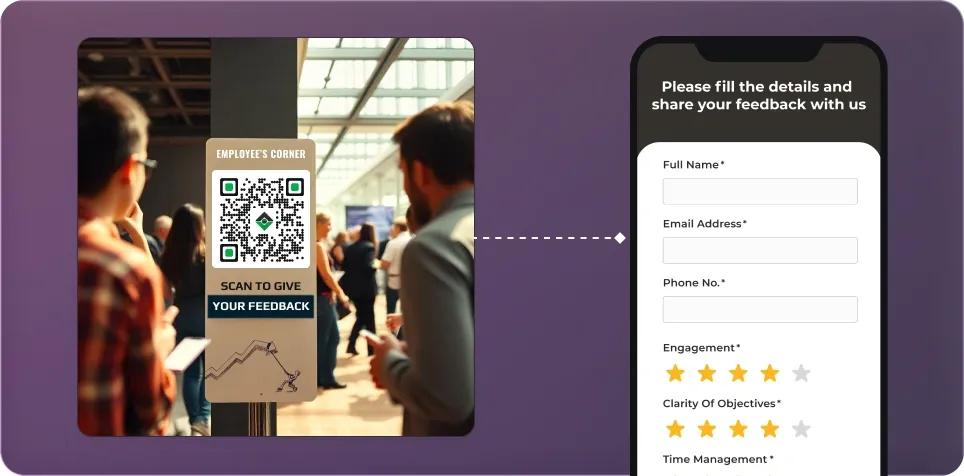
Service Professionals and Local Businesses
Freelancers, agencies, repair services, trainers, and local professionals can share Google Review QR Codes on business cards, invoices, and follow‑up emails. This makes it easy for clients to support them publicly, strengthening word‑of‑mouth and search visibility.
Get desired results for your business with Scanova
14-day free trial | No credit card required
Best brands in the world trust Scanova QR Code Generator
See what our customers are saying about our online QR Code Generator
“The simplicity of this tool makes it easy for even non-tech users”
Easy to use and achieve successful outcomes with Scanova. The simplicity of this tool makes it easy for even non-tech users. Scanova solves the concern of tracking websites and data sheets efficiently.


5 tips for creating effective Google Review QR Codes

Ensure high contrast for easy scanning
Maintain a strong contrast between the Google Review QR Code and its background (ideally a dark code on a light surface). Avoid low‑contrast colors or busy patterns that can reduce scannability in real‑world lighting conditions.

Align with your brand, but keep it clear
Use your brand colors, fonts, and logo in the card design, but avoid covering the QR modules, corner squares, or quiet zone. Clarity should come first so customers can scan quickly and leave a review without friction.

Choose the right QR Code size for print
For printed materials, keep your Google review QR Code at least 2 x 2 cm (about 0.8 x 0.8 inches) for reliable scanning. Increase size for longer scanning distances. For example, posters on walls versus cards on tables.

Test across multiple devices and scanners
Test your review QR Codes with different smartphones, operating systems, and QR scanning apps before mass printing. Check performance in varied lighting conditions to ensure customers can easily scan in real environments like dimly lit restaurants.

Add a clear “Review us on Google” CTA
Always pair your review us on Google QR Code with a direct call‑to‑action such as “Review us on Google” or “Scan to rate your experience”. Setting expectations boosts scan rates and helps customers understand exactly what will happen after scanning.
Frequently Asked Questions
Get answers to popular questions about the Google Review QR Code Generator.
How do I create a QR Code for Google reviews?
How does a Google Review QR Code work?
Can I change the review link after creating the QR Code?
How to print a QR Code for Google review?
How to share Google Review QR Code?
How can customers scan the QR Code for Google reviews?
What file formats can I download my Google Review QR Code in?
Will my Google Review QR Codes expire?
How to find your Google review link?
Is the Google Review QR Code free?
Discover how Scanova's Google Review QR Codes can boost engagement

Get started with Scanova
Create QR Codes as per your need with ease
14-day free trial | No credit card required