Real World QR Code Campaigns

Explore real-world QR Code campaigns from businesses worldwide

See how brands leveraged QR Codes for marketing, engagement, and success

Get inspired for your next QR Code campaign's strategy
Explore real-world QR Code campaigns from businesses worldwide
See how brands leveraged QR Codes for marketing, engagement, and success
Get inspired for your next QR Code campaign's strategy
Add filters to discover your perfect match
QR Code Campaigns: 1-12 of 60

Nike By You QR
Nike

Nike enabled shoe customization via QR: codes on shoeboxes and posters led shoppers to the Nike By You online studio to design their own footwear
“Scan It. Circle It. Find It.”
Samsung (India)
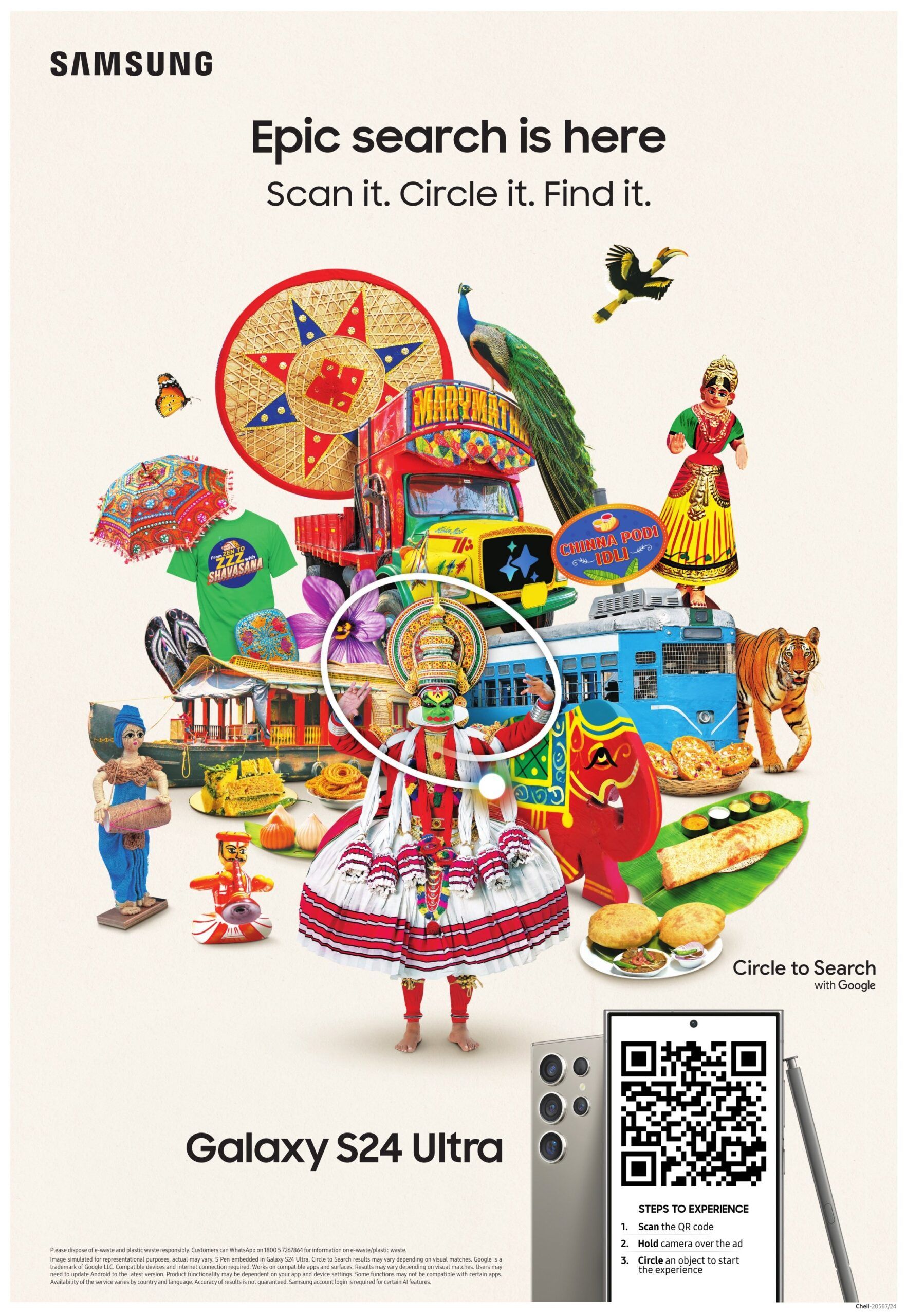
A print ad for the Galaxy S24 Ultra in Times of India let readers try its new “Circle to Search” feature.

WcDonald’s Anime Promotion
McDonald’s
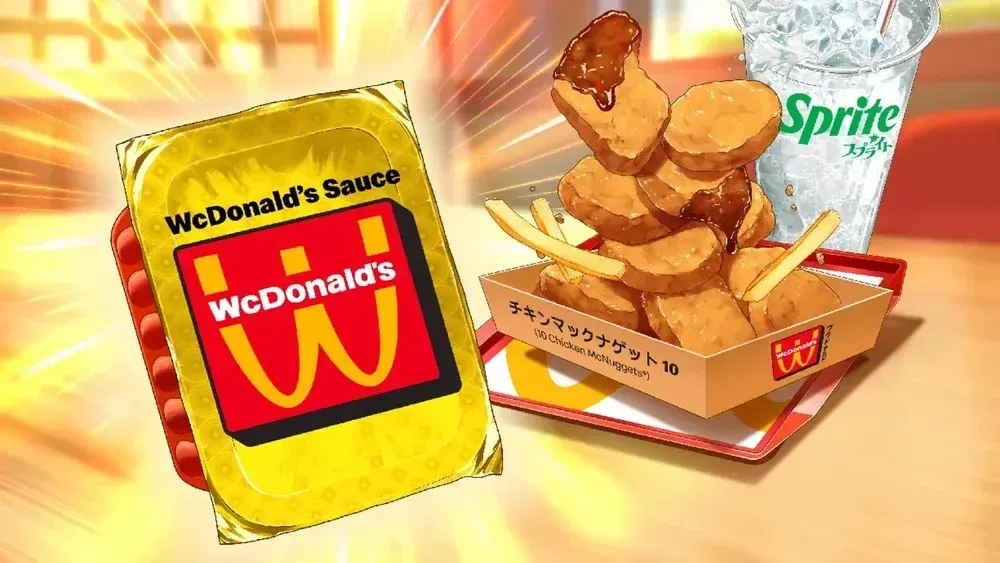
Limited-edition anime-themed packaging with QR Codes unlocked weekly digital manga chapters. Fans got exclusive story content via scans.

Kindness Is All Around
Starbucks
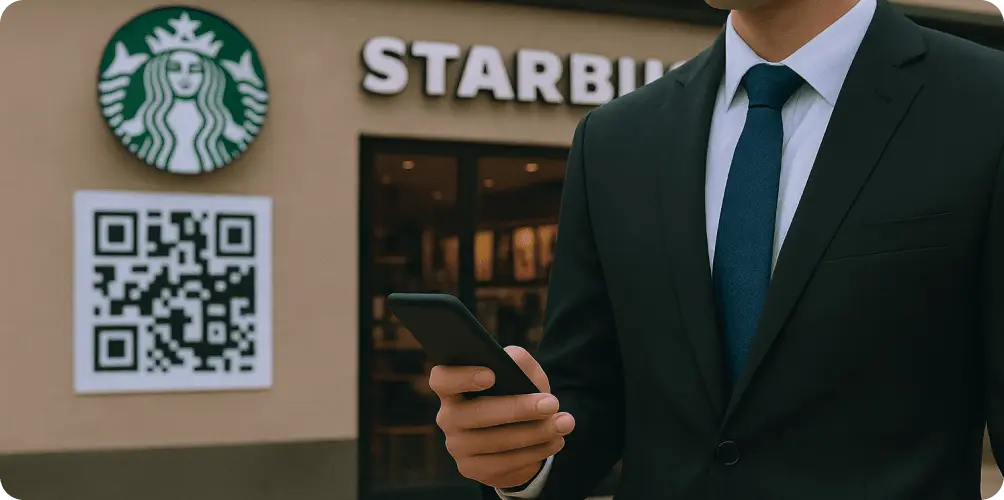
Nationwide in-store AR experience: scanning QR codes in 16K Starbucks let customers view floating “kindness” notes and share positive messages
Keep It Real Meals
Burger King
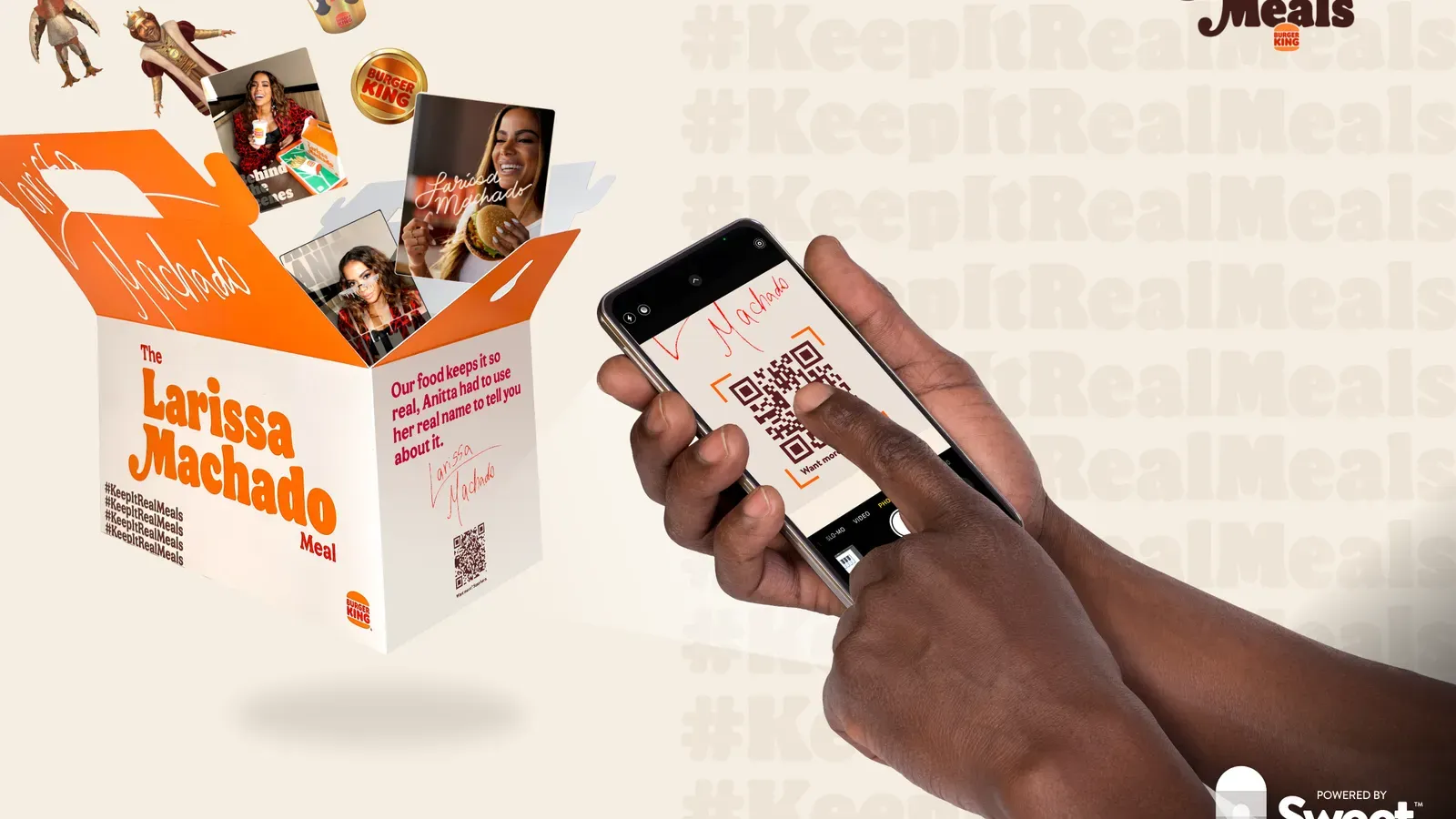
QR codes on 6M limited meal boxes unlocked collectible NFT game pieces, turning celebrity meal promo into an interactive NFT hunt
Starlight Cosmic Concerts
Coca-Cola
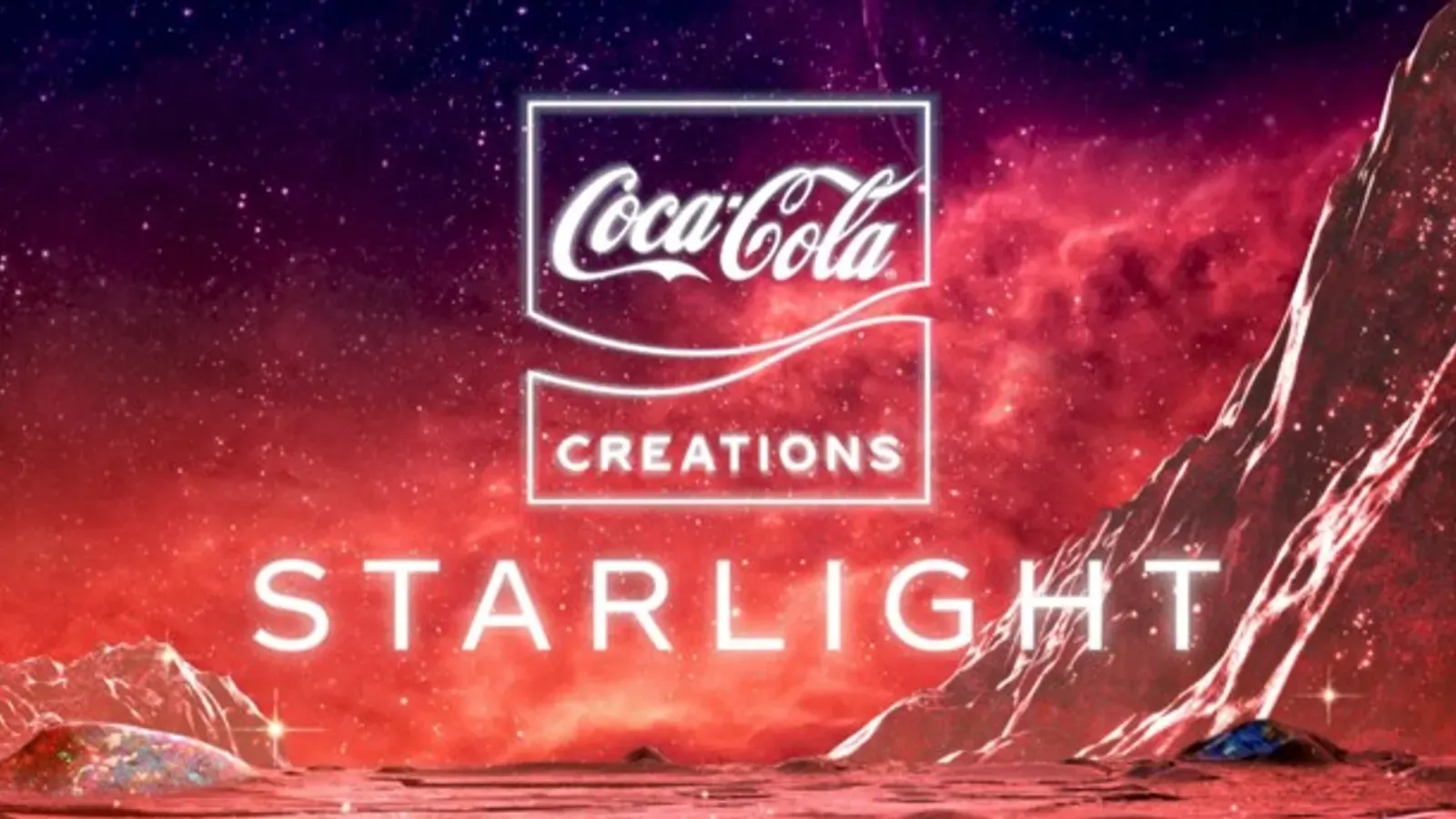
QR codes on space-themed “Starlight” Coca-Cola bottles launched a web-AR portal where a hologram pop star performed mini concerts in AR

“Gotham’s True Face” QR Easter Egg
Warner Bros. Discovery – The Penguin TV Series

Hidden QR Code on a subway flyer in Episode 1 led fans to a secret site. New clues posted each week kept viewers scanning and speculating.

WcDonald’s Anime Promotion
McDonald’s
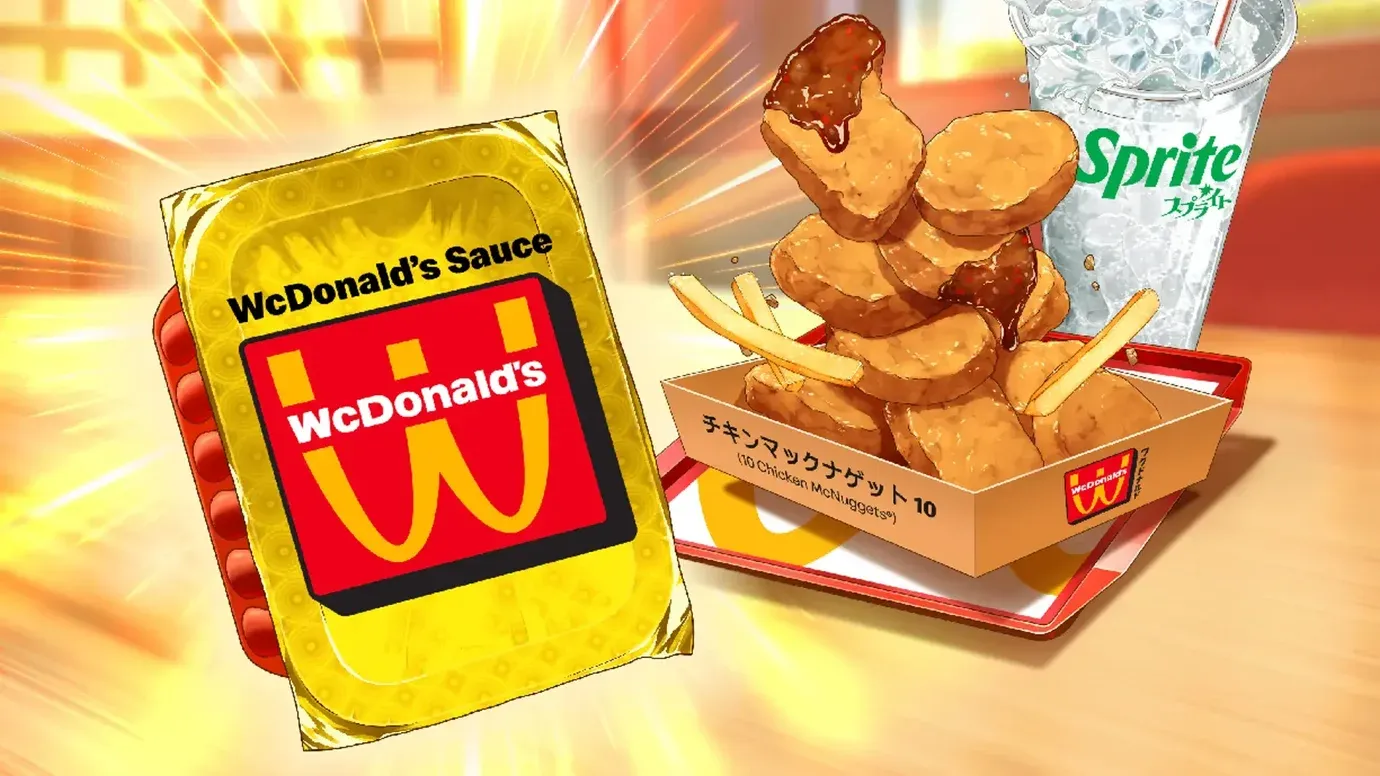
Limited-edition anime-themed packaging with QR Codes unlocked weekly digital manga chapters. Fans got exclusive story content via scans.

“Make It Avocado” ChatGPT Ad
Avocados from Mexico
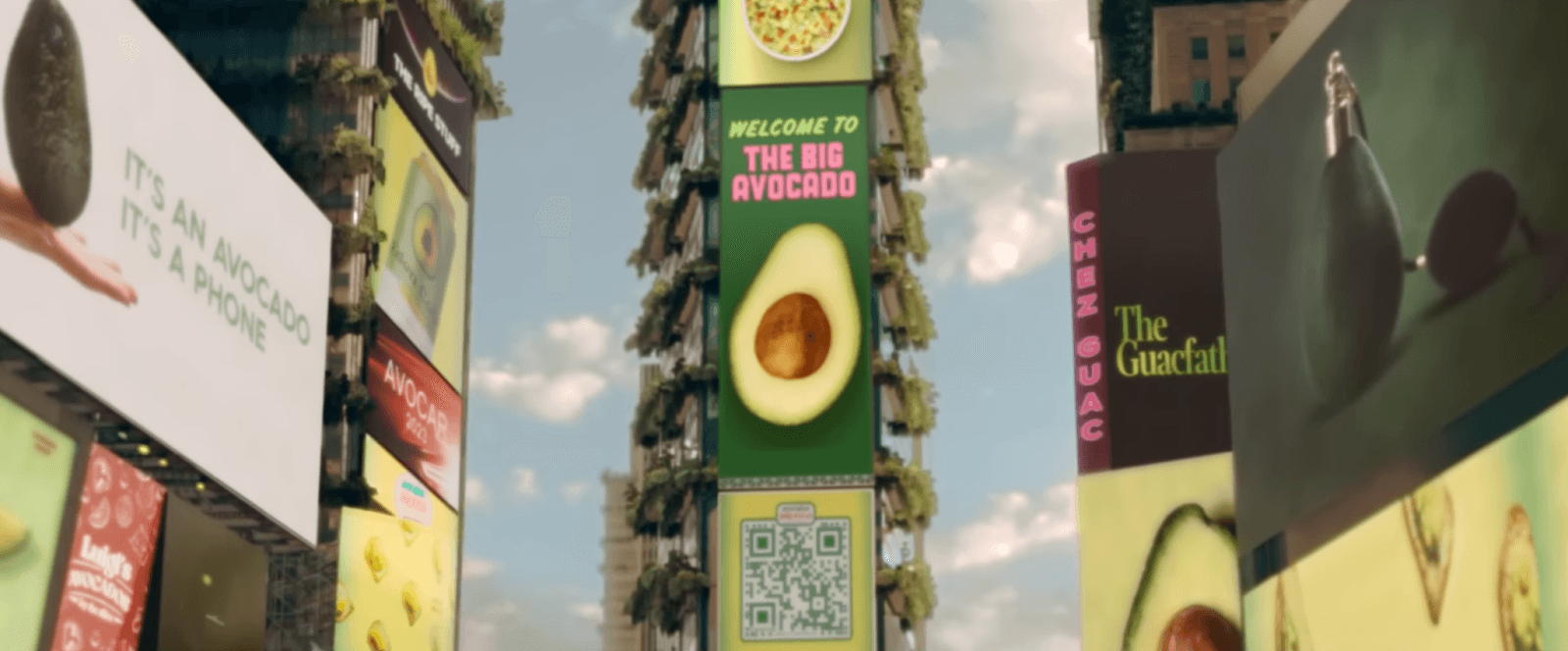
Super Bowl LVII ad placed a QR code on a Times Square billboard in an alternate “Big Avocado” city. Scanning let viewers generate a custom tweet via ChatGPT.

DigiDaigaku NFT Free Drop
Limit Break

A 30-second Super Bowl ad showed only a giant “Scan Now” QR code. Scanning rewarded viewers with one of 10,000 free NFTs for a new Web3 game.
He Gets Us
Servant Foundation
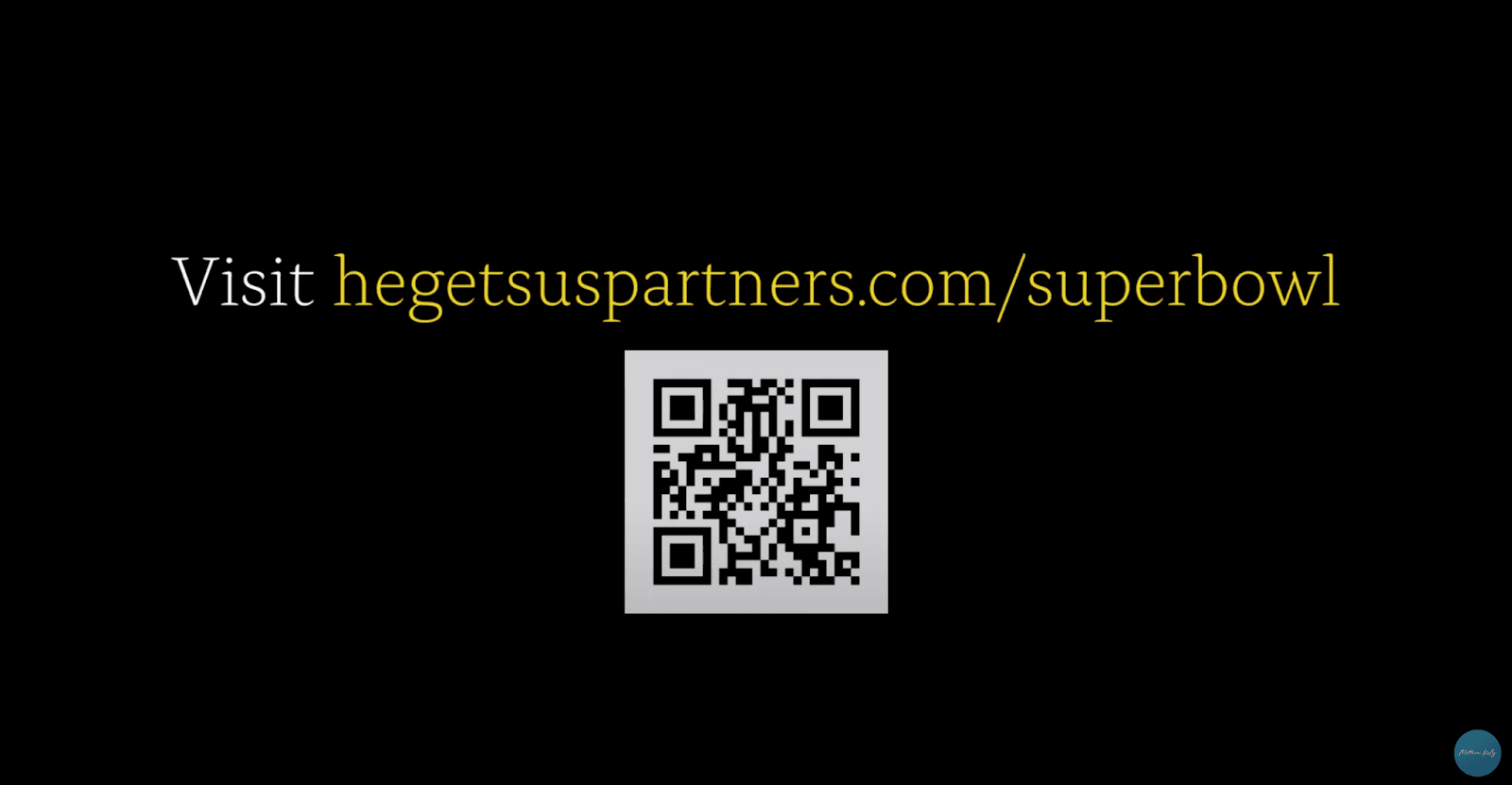
Two Super Bowl ads for the Christian “He Gets Us” campaign ended with a QR code prompt. Scanning led to a site offering Bible study tools and ways to connect with churches.
College Team Cans Sweepstakes
Bud Light
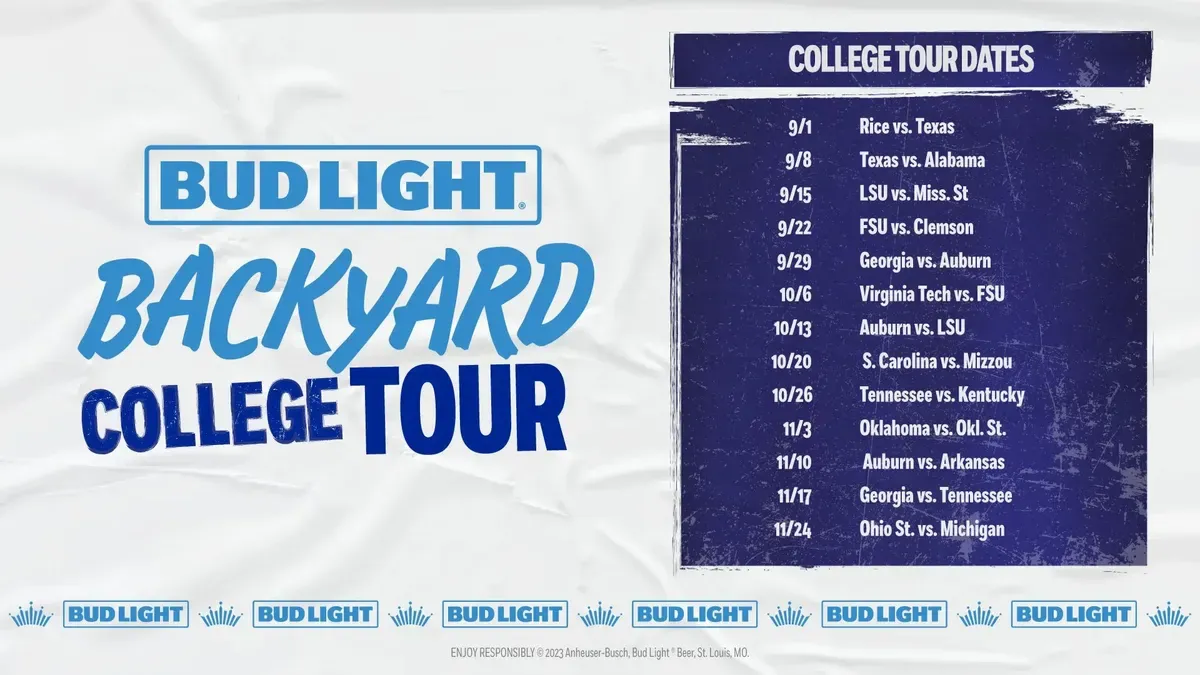
Limited-edition NFL team beer cans in 2023 carried QR codes. Scanning let fans enter to win prizes (away-game jet ride, merch), tying the brand to college football excitement.
Ready to create your own success story?
Join thousands of businesses using Scanova to create engaging QR Code campaigns that drive real results.
14-day free trial | No credit card required
What are QR Code campaigns?
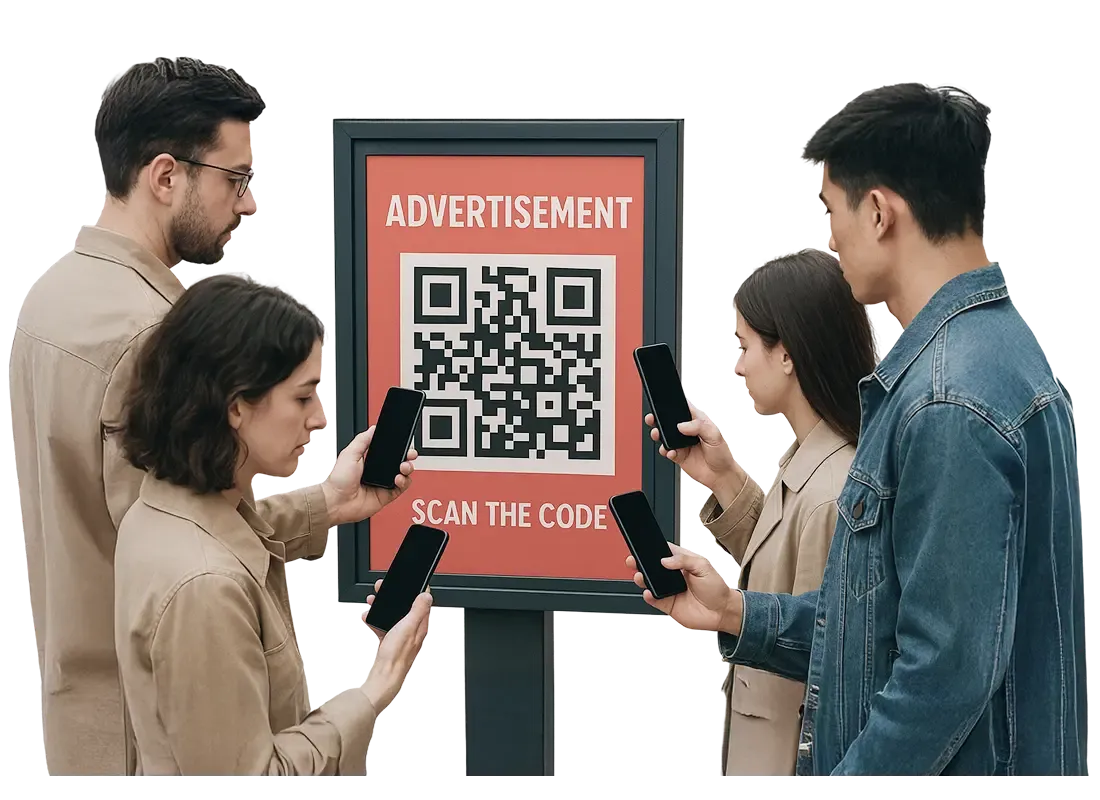
QR Code campaigns use scannable QR Codes as interactive touchpoints that connect offline audiences with online content. These campaigns enable brands to seamlessly bridge physical and digital marketing by directing users to websites, videos, offers, apps, or contact forms with a simple scan.
Popular for their ease of use and tracking capabilities, QR Code advertising campaigns open new avenues for customer engagement and measurable results.
One of Scanova's clients in the marketing and advertising industry created over 29,000 QR Codes to power various campaigns for their clients. These QR Codes were used to drive traffic to websites, restaurant menus, digital business cards, and social media pages. This enhanced customer interaction and boosted brand visibility.
How to create a QR Code for free?
Follow 5 simple steps to make a QR Code using Scanova's QR Builder
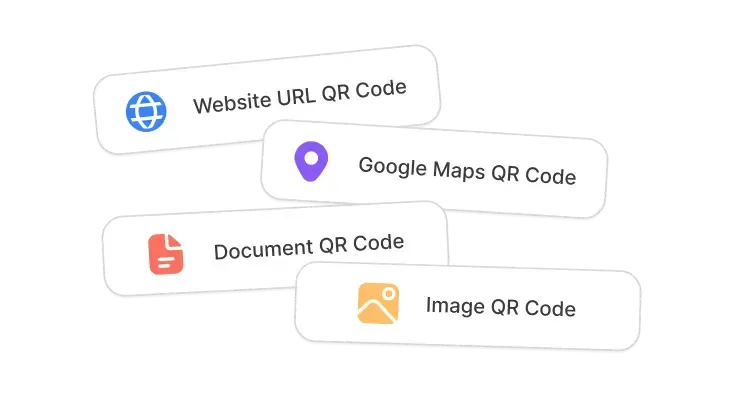
Select a Category
Log In to Scanova. Click Create QR Code and select the relevant QR Code category. This decision should be based on what you want users to see after scanning—website, video, app download, coupon, or social media.
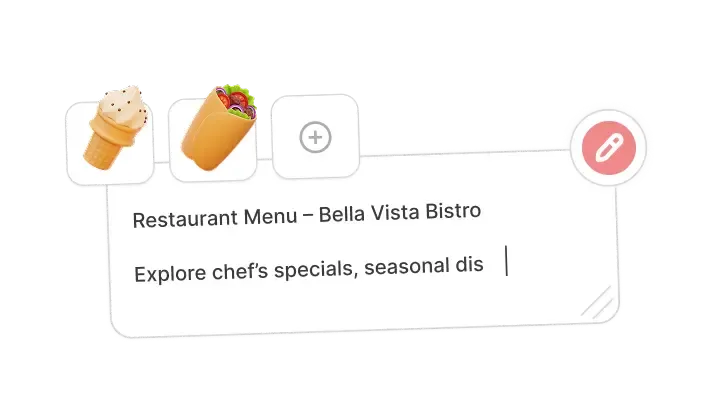
Enter Content
After finalizing a category, make sure to enter relevant content. This can include URL, contact details, app download links, images, document, coupon details, text, location, and more. Proceed to the next step.
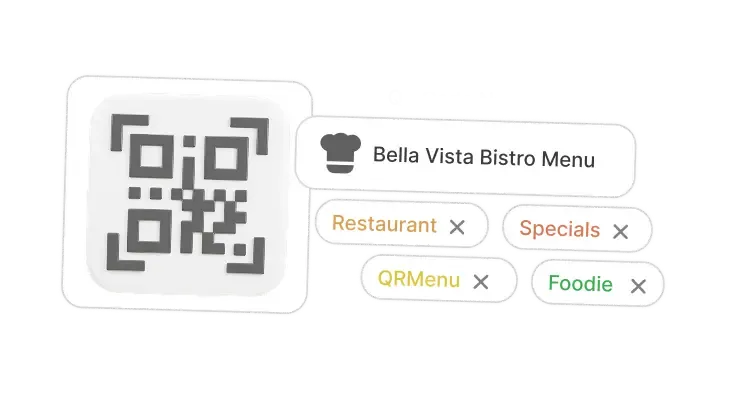
Create QR Code
Provide a name for the QR Code. You can also add tags (optional). On the Pro Plan and above, you can also pick a folder here so the code is filed with its campaign from the start. Make sure to create a Dynamic QR Code. Enable advanced features like lead generation. After completing this, click on Create QR Code.
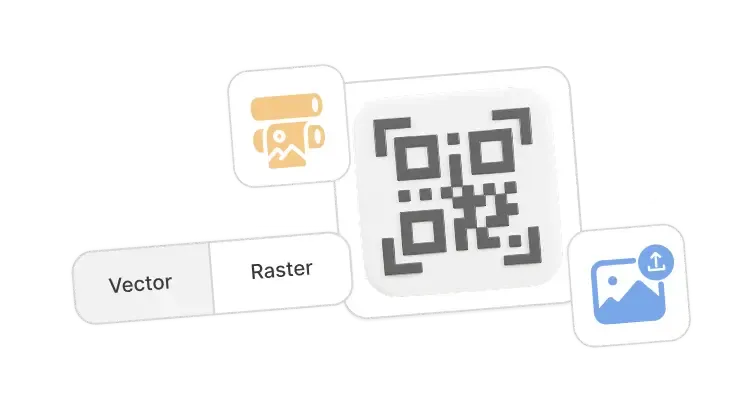
Deploy Your QR Code
You can also personalize the QR Code design before downloading it. Note: Always scan and test your QR Code before downloading it. Add it to print ads, packaging, signage, or digital media.
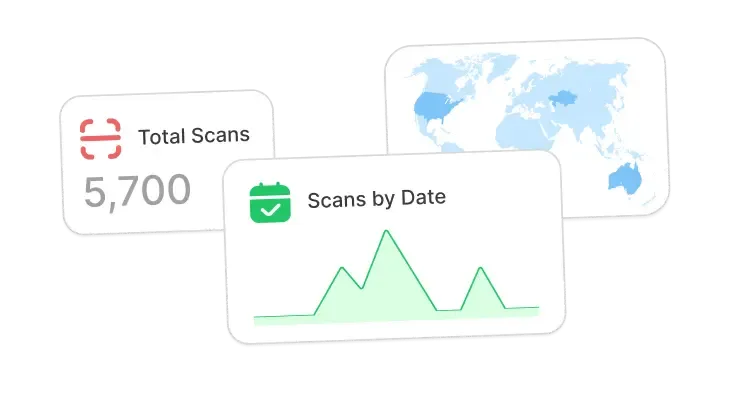
Analyze Performance
Use Scanova’s analytics dashboard to monitor scan data and optimize your campaign. Get data on the number of scans by date, day, time, city, country, type of device, browser, operating system, handset, and more.
Why brands of the future choose QR Codes?
Brands that want to stay ahead use QR Codes for marketing campaigns
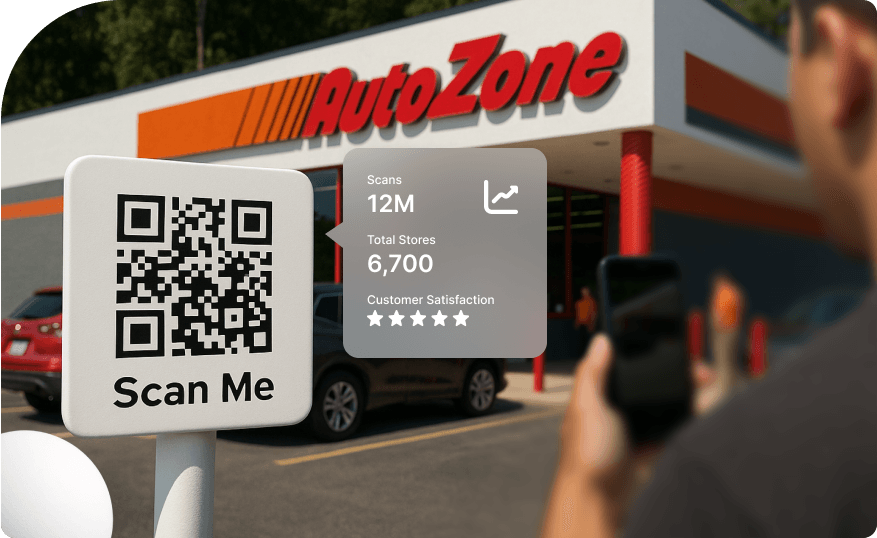
Boost User Engagement
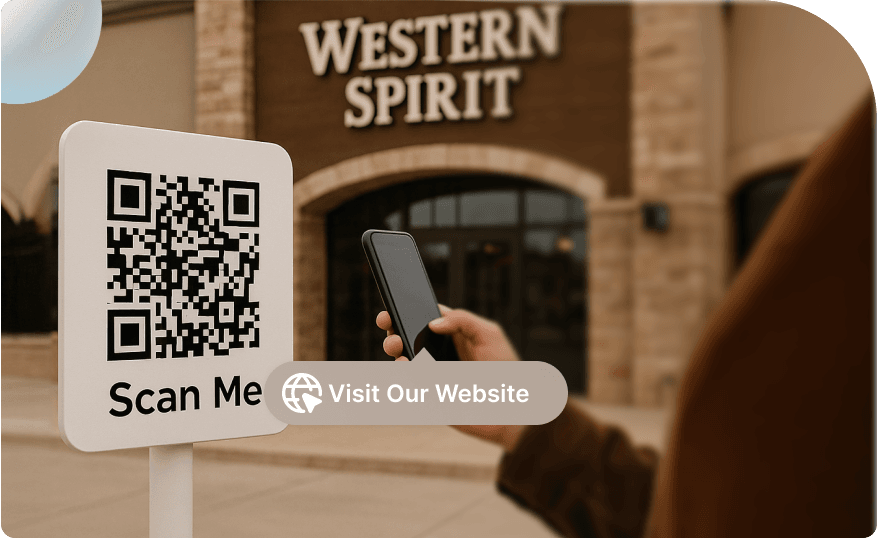
Instant Access to Information
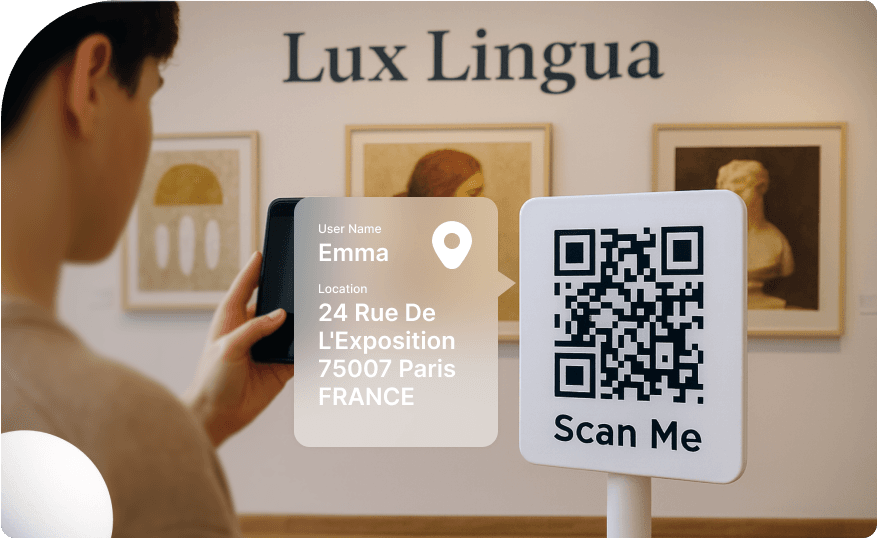
Trackable Performance
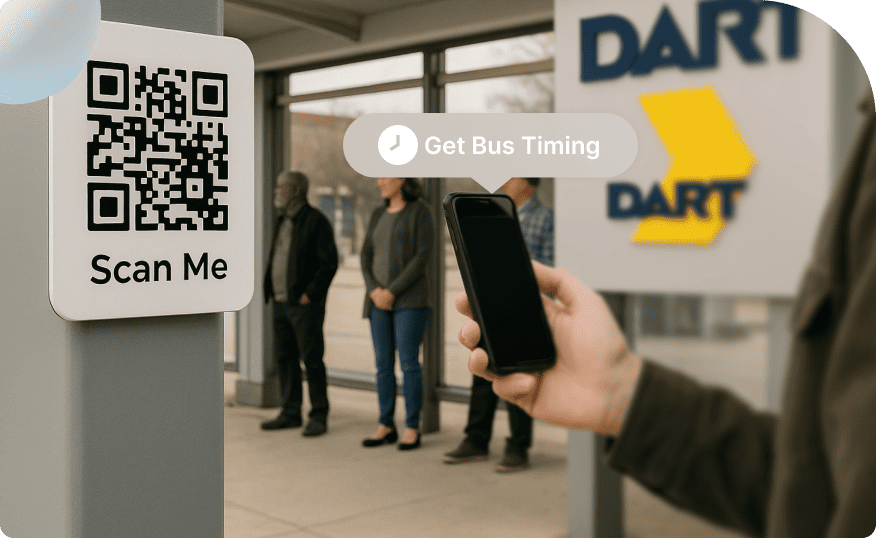
Versatile Placement
These advantages make QR Codes for marketing campaigns an essential choice for brands aiming to innovate, measure success, and deepen customer connections in the rapidly evolving marketplace.
Tips on how to create a successful QR Code campaign

Be Creative
Customize your QR Code with colors, logos, frames, shapes, patterns, and more. Go through QR Code advertising examples from leading brands to inspire your own campaigns. Make sure your QR Code stands out and reinforces your brand identity.

Use Dynamic QR Codes
Always opt for a Dynamic QR Code so you can update linked content anytime without reprinting the code. This flexibility ensures your content remain current and usable in the long run.

Make Your CTA Clear
Tell users exactly what happens when they scan. Explore QR Code campaign ideas, like Scan for Discounts or Scan to See Tutorial. Tip: If there is a shortage of space, add the CTA in the center of the QR Code.

Provide a Clear Incentive
To encourage more people to scan your QR Code, always offer a compelling reason such as a discount, exclusive content, or a special offer. Communicating the benefit motivates users to take action immediately.

Test the QR Code on Multiple Devices
Check scan performance in different lighting and distances. Scan the QR Code using both iOS and Android devices. This ensures compatibility and functionality. The QR Code should direct users to the desired destination.

Make it Accessible
Ensure the code is placed within an easy scanning distance and in a location with reliable mobile internet access. Avoid positioning QR Codes on moving vehicles, faraway billboards, flights, or underground stations.
Your security & privacy means the world to us
Experience uncompromising data security with ISO/IEC 27001:2022, GDPR, and SOC2 compliance


Best brands trust Scanova for successful QR Code campaigns
“The simplicity of this tool makes it easy for even non-tech users”
Easy to use and achieve successful outcomes with Scanova. The simplicity of this tool makes it easy for even non-tech users. Scanova solves the concern of tracking websites and data sheets efficiently.


Frequently Asked Questions
Get quick answer for all your questions