Offline QR Code Generator: Make Codes That Work Without Internet

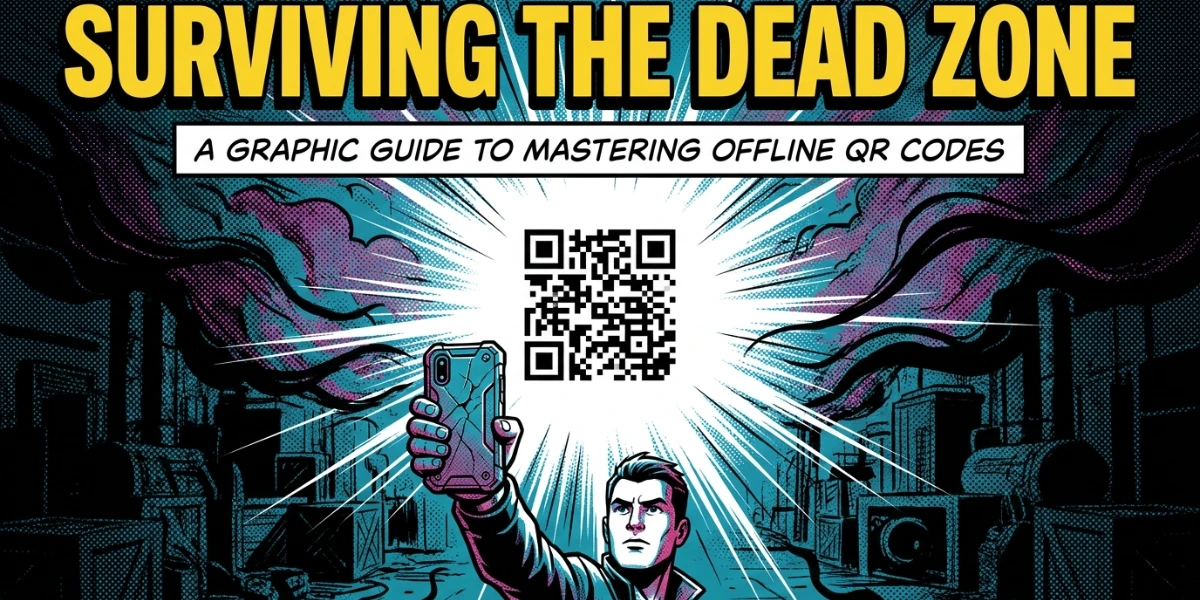
In a nutshell (TL;DR): An offline QR Code generator helps you create QR Codes whose content works without an internet connection. These are static QR Codes. They store the data directly in the code pattern, so a scanner reads it instantly without a network call. Text, Wi-Fi, contact cards, and phone numbers are the most common offline types. The term also covers privacy-first tools that run on your device without an internet connection. We make both easy. Read on to learn which type fits your job and how to create one in minutes.
A. Why offline QR Codes still matter in a connected world?
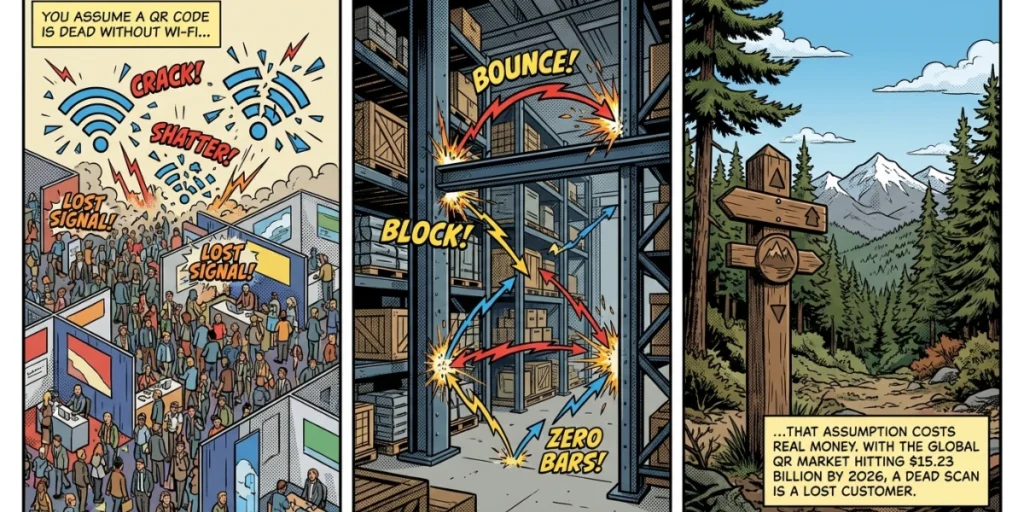
Most people assume a QR Code is dead without Wi-Fi. That assumption costs businesses real money. A printed code on a warehouse shelf, a hotel room card, or an event badge is often scanned when the signal is weak or absent. If you picked the wrong code type, the scan fails. The customer walks away.
Here is the good news. Some QR Codes do not require an internet connection at all. The data lives inside the black-and-white pattern.
The scanner pulls it out on the spot. This guide shows you what an offline QR Code generator does, which codes work without a connection, and how to make one that never lets you down.
The stakes are bigger than a single scan. According to Mordor Intelligence, the global QR Code market reached 15.23 billion dollars in 2026.
QR Codes now sit on packaging, menus, badges, and signs everywhere you look. Knowing when a code needs internet access and when it does not is now a basic business skill.
B. What is an offline QR Code generator?
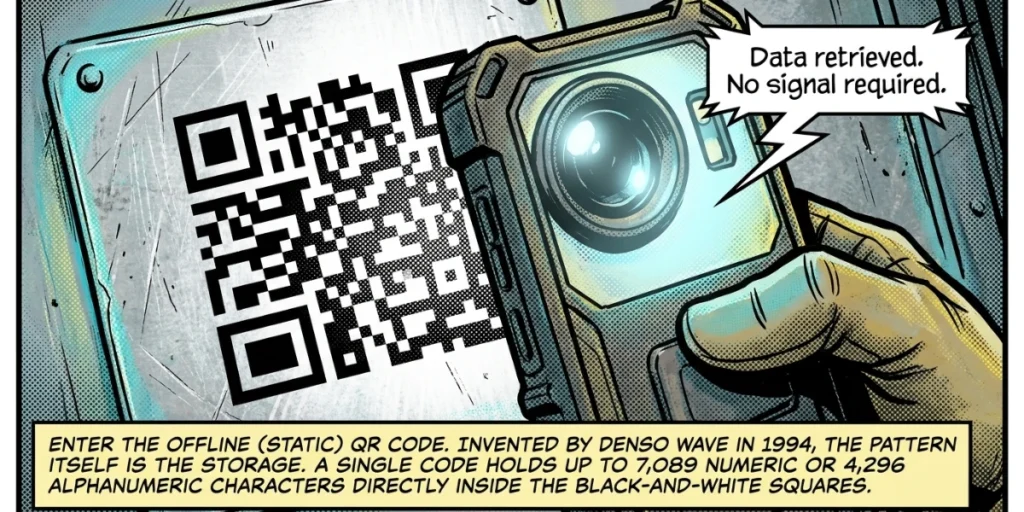
An offline QR Code generator is a tool that creates QR Codes whose content can be read without an internet connection. The data is baked into the code itself. These are called static QR Codes.
The phrase has a second meaning, too. Some people search for a tool that runs locally on their device without an internet connection. These privacy-first apps and browser extensions generate codes without sending any data to servers. Both meanings point to the same goal: control, reliability, and independence from a live connection.
Here is the simple rule. A static QR Code stores data directly. A dynamic QR Code stores a short redirect link that points to a server. The first works offline. The second requires an internet connection to resolve its link.
We support both at Scanova, so you never have to compromise on the right tool for the job.
C. How do QR Codes work without the internet?
A QR Code is a tiny container for data. When you create a static code, the generator writes your information straight into the pattern of squares. No link. No server. Just data.
When someone scans it, their phone camera reads the pattern and decodes the information on the device.
As Denso Wave, the company that invented the QR Code in 1994, explains, a single code can hold up to 7,089 numeric characters or 4,296 alphanumeric characters. That is plenty of room for a phone number, a short message, or a full contact card, all stored offline.
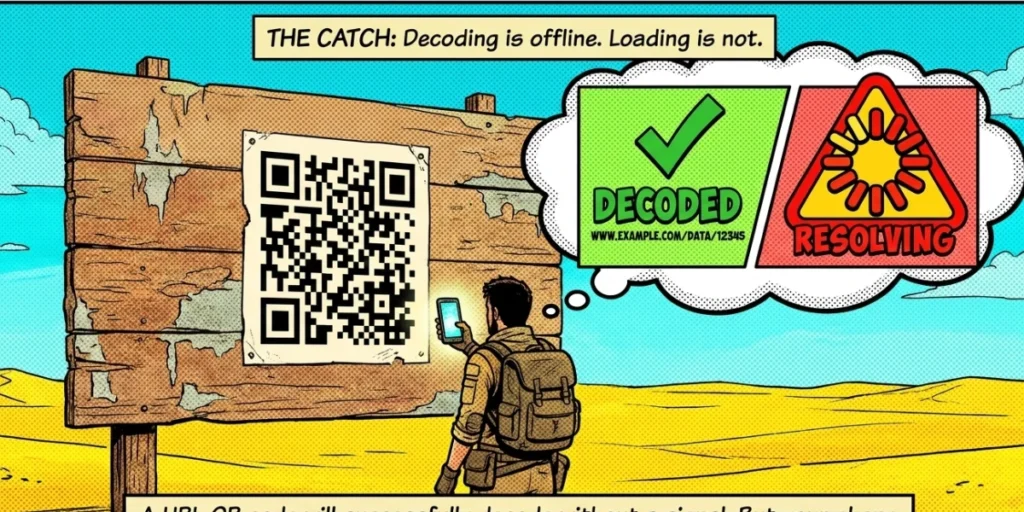
There is one catch worth knowing. If a static code contains a website link, the scanner will still read that link even without an internet connection. But the phone needs a connection to actually open the webpage. The decode is offline. Loading a web page is not.
Dynamic codes are different. They always store a redirect URL. The scanner reads the short link offline, but the phone must reach the server to determine where it points. No internet means no destination. That trade-off is the heart of choosing the right code.
D. Static vs dynamic QR Codes: which one works offline?
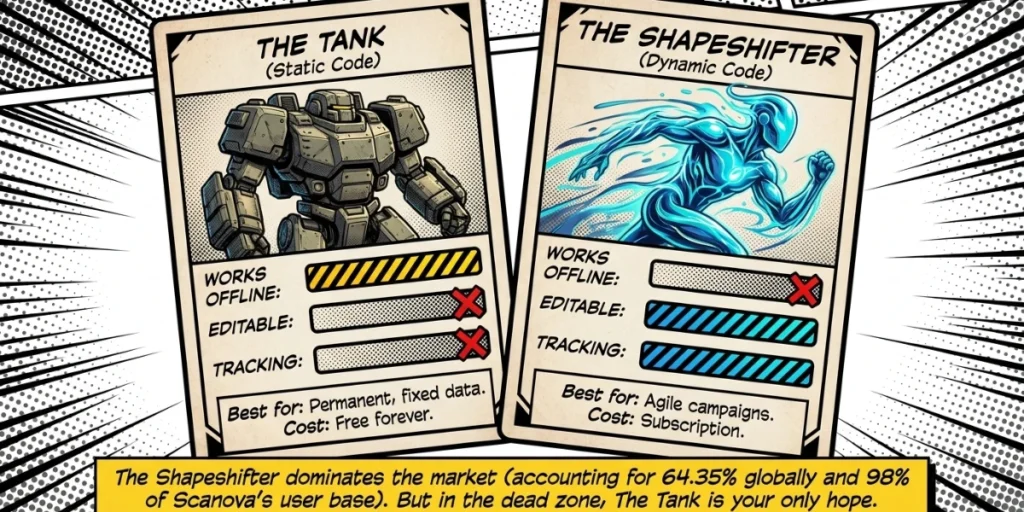
This is the most important decision you will make. The table below cuts through the noise.
|
Feature |
Static QR Code |
Dynamic QR Code |
|
Works fully offline |
Yes, for non-URL data |
No, needs a server |
|
Editable after printing |
No |
Yes |
|
Scan tracking and analytics |
No |
Yes |
|
Best for |
Permanent, fixed data |
Campaigns and content that change |
|
Cost |
Free forever |
Subscription |
Static codes win on reliability and price. They are free, they never expire, and they work in airplane mode. Dynamic codes win on flexibility. You can edit the destination and track every scan.
The market has voted clearly. According to Mordor Intelligence, dynamic codes account for 64.35 percent of global QR Code implementations and are growing fast.
Our own numbers run higher: based on Scanova’s internal usage data, around 98 percent of the codes our users create today are dynamic. Yet static codes hold firm where offline access is the whole point.
Sujata Kawale, who has reviewed QR Code tools at G2, captures the balance well, calling Scanova “the best Static and Dynamic QR Code Generator.” The right choice is not about which type is better. It is about which type fits your scan environment.
E. Which QR Code types work offline?
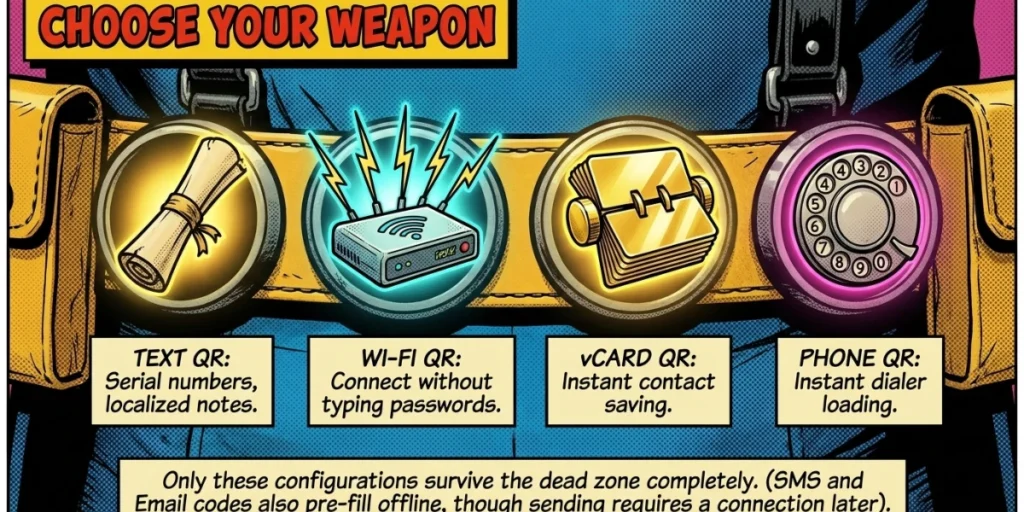
Not every static code is equal. The ones that work fully offline store data in a format that’s readable offline. Here are the offline-friendly types we support:
- Text QR Code. Shows a block of text on scan. Great for serial numbers, instructions, or short notes. No internet needed.
- Wi-Fi QR Code. Joins a network automatically. Perfect for cafes, hotels, and meeting rooms. The phone connects without typing a password and without the internet to read the code.
- vCard QR Code. Saves a contact instantly. Ideal for business cards and conference badges where the signal is unreliable.
- Phone QR Code. Loads a number into the dialer, ready to call. Useful on flyers and posters.
- SMS and Email QR Codes. Pre-fill a message or an email draft. The draft appears offline, though sending it needs a connection.
URL QR Codes are a special case. The code decodes offline, but the page only loads with an internet connection. If guaranteed offline access matters, keep your data inside the code, not behind a link.
F. When should you use an offline QR Code?
Offline codes shine in places where you cannot count on a signal. We have seen this pattern across many real campaigns. Here are the strongest use cases:
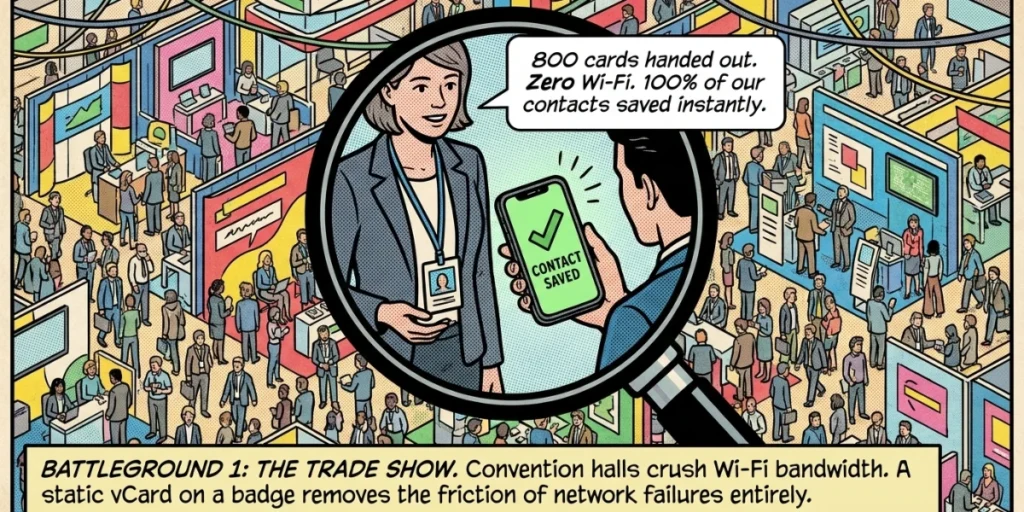
Trade shows and events. Convention halls crush Wi-Fi when thousands of phones fight for bandwidth. A static vCard on a badge always shares contact details, signal or not.
Warehouses and manufacturing. Asset tags, bin locations, and equipment IDs need to be scanned deep inside buildings where cell coverage dies. Static text codes carry that data on the metal itself.
Hospitality. A static Wi-Fi code in a hotel room lets guests connect with a single scan. Nothing to type, nothing to load.
Healthcare and safety. Printed emergency instructions and equipment labels must work during outages. Static code never depends on a server that might be down.
Remote locations. Trail markers, rural signage, and field operations often sit far from any tower. Offline codes deliver the data regardless.
The common thread is simple. When reliability matters more than tracking, a static offline code is the safer bet.
Picture a three-day trade show. Your team hands out 800 business cards, but half the booth visitors never enter the details. A static vCard QR Code on each badge fixes that.
Visitors scan once, the contact saves to their phone, and it all happens even when the hall Wi-Fi buckles under the crowd. No app, no signal, no friction. That is the quiet power of an offline code: it removes the single point of failure that kills so many scans.
Education is another strong fit. Teachers can print a static text QR Code on a worksheet that reveals an answer key or a short instruction on scan. Students access it in a classroom with patchy Wi-Fi, and the school pays nothing because static codes are free.
The same logic applies to museums, where a text code beside an exhibit can share a fact without any network at all.
G. How to create an offline QR Code?
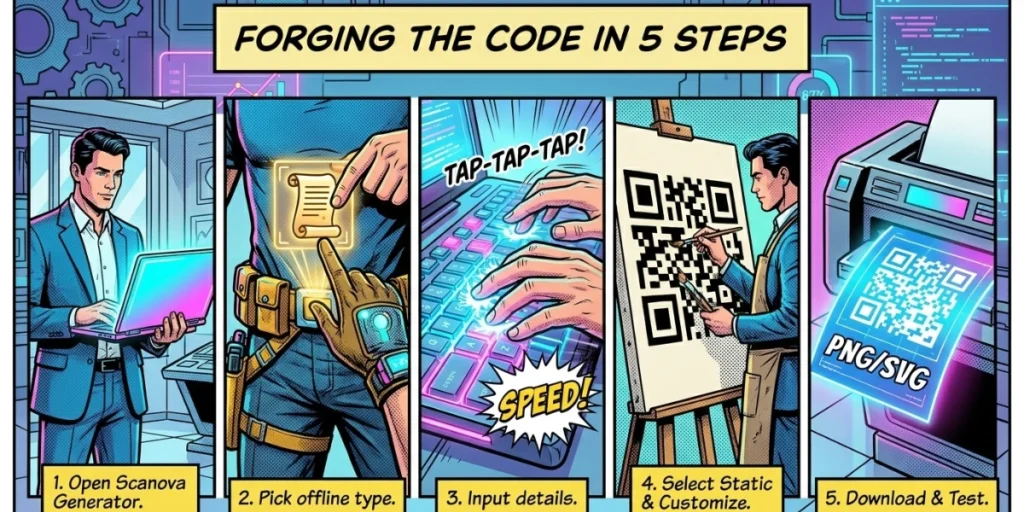
Making an offline code takes only a few minutes. Here is the process we recommend:
- Go to Scanova’s QR Code Generator in any web browser. You can start creating simple static code right away, without even signing up, making it easy to test before you commit.
- Pick the Text QR Code type. From the list of QR Code types on the screen, select Text. This type stores your information in the code itself, rather than pointing to a web page, so it works without an internet connection.
- Enter your details. In the text box, type or paste the information you want the code to hold. This could be a short message, a set of instructions, a product code, a serial number, or any plain text you want people to read when they scan. There is no link involved, so whatever you enter is exactly what the scanner will see.
- Review what you typed. Read your text over once for spelling, spacing, and line breaks. Since static QR Codes cannot be edited after they’re generated, check the text through a grammar checker to catch writing mistakes and improve clarity before creating the final code. A static code locks the data in permanently once it is generated, so you cannot edit the text later. A quick check now saves you from reprinting the whole batch over a small typo.
- Select Static. Choose the Static option rather than Dynamic. This tells the tool to store the data directly inside the code so it works offline. Static code contains the text within its pattern, so there is no live link to load, and no internet is needed when someone scans it.
- Customize the design. Change the foreground and background colors to match your brand, add your logo in the center, and apply a frame with a short call to action, such as “Scan me,” to draw attention. Maintain a strong contrast between the dark pattern and the light background, as low contrast is one of the most common reasons code fails to scan.
- Download in high resolution. Save the code as a high-resolution PNG or SVG file. Pick PNG for everyday use on screens or small prints, and choose SVG if you plan to print it large, like on a poster or banner, since SVG stays perfectly sharp at any size.
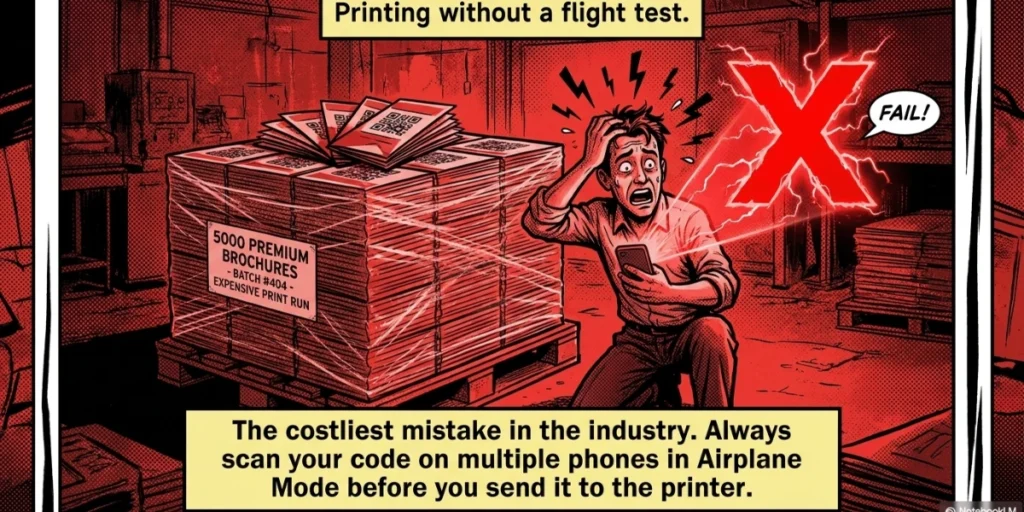
- Test before you print. Scan the finished code with two or three different phones set to airplane mode to confirm it reads correctly without an internet connection. That last step is the one most people skip and later regret. A 30-second test saves a costly reprint.
H. How offline and dynamic codes work better together
Here is a tactic many teams miss. You do not have to choose only one type for a whole campaign. Smart deployments mix both.
Use static codes for offline reliability rules, such as Wi-Fi cards and asset tags. Use dynamic codes when you need to edit content or measure results, such as in printed marketing materials that link to a landing page. With Scanova, you manage both from one dashboard, so your offline and online assets live side by side.
This matters because the cost of the wrong choice is real. A static URL code printed on 5,000 brochures becomes useless if that link changes.
A dynamic code fixes the same mistake in your dashboard in seconds, with no reprint. Match the code type to the job, and you avoid both dead links and dead scans.
I. Why choosing the right tool pays off
The tactics in this guide are not just our opinion. They reflect what gets content and codes noticed.
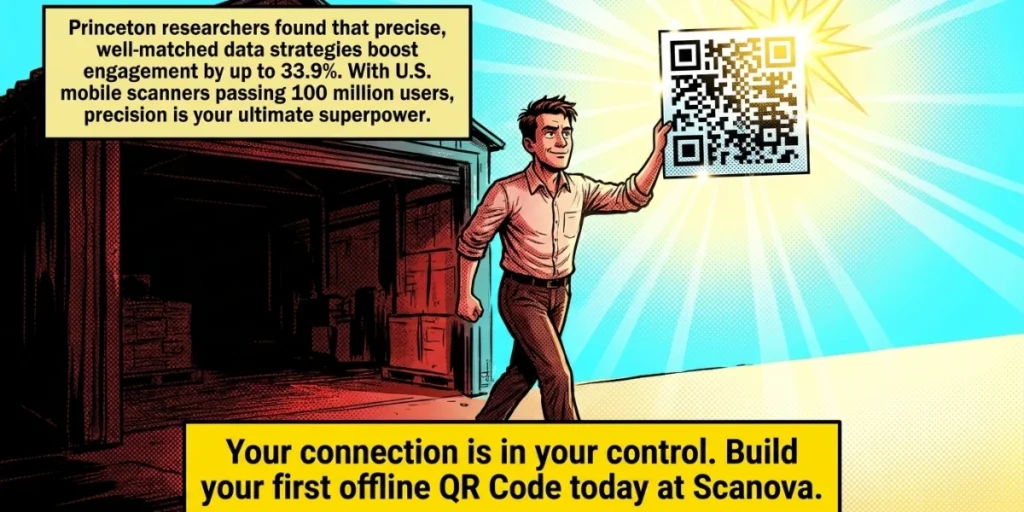
A widely cited Princeton and Georgia Tech study on generative engine optimization found that adding clear data and named sources increased the frequency with which AI engines cite sources by up to 33.9 percent.
The same principle applies to QR strategy: precise, well-matched choices outperform guesswork.
Adoption keeps climbing. Statista projects that mobile QR Code scanners in the U.S. will reach 100 million users, meaning more eyes on every code you print.
A code that fails to scan offline is a missed connection you cannot get back. The fix is to plan for the scan environment before you generate, not after.
J. Common offline QR Code mistakes to avoid
Even a simple static code can go wrong. These are the slip-ups we see most often, and how to dodge them.
Using a URL code when you need true offline access. A website link decodes offline but will not open without an internet connection. If your scan happens where there is no signal, store the data itself, not a link to it.
Packing in too much data. A static code can hold a lot, but the more you add, the denser and harder to scan it becomes. Keep text short. For long content, a dynamic code that links to a page is the better path.
Skipping the scan test. Printing before testing is the costliest mistake of all. Always scan your code on more than one phone, in airplane mode, before it goes to print.
Shrinking the code too much. A tiny code on a small label can fail at scan distance. Keep a quiet margin around the pattern, and size it for where people will scan.
Choosing a low-quality export. A blurry or pixelated code scan is hard to read. Download in a vector format like SVG for print, so the code stays crisp at any size.
Avoid these five, and your offline codes will scan the first time, every time.
K. FAQs
1. Can a QR Code be scanned without the internet?
Yes. Any QR Code can be decoded offline because the scanner only reads the pattern. Whether you can use the content depends on the type. Static code with text, Wi-Fi, or contact data works fully offline. Codes that store a website link can be decoded offline, but require an internet connection to open the page.
2. What is the difference between an offline and a dynamic QR Code?
An offline, or static, QR Code stores data directly in the pattern and works without a server. A dynamic QR Code stores a redirect link and requires an internet connection to reach its destination. Static is best for permanent data; dynamic is best for content you want to edit or track.
3. Is a static QR Code generator free?
Yes. Static QR Codes are free to create and never expire. With Scanova, you can generate static codes without a subscription, while dynamic features are available only with a paid plan.
4. Which QR Code type is best for offline use?
Text, Wi-Fi, vCard, and phone QR Codes are the best for offline use because their data is fully readable without a connection. Avoid URL codes when guaranteed offline access is the priority.
5. Do offline QR Codes expire?
No. Static QR Codes have no expiry because the data lives in the pattern itself. As long as the printed code stays legible, it will keep scanning for years.
Make your first offline QR Code today
Offline QR Codes are simple, reliable, and free. They work in airplane mode, never expire, and put you in full control of your data. The trick is matching the code type to where it will be scanned.
Ready to build one that always works? Create a free static QR Code with Scanova’s QR Code Generator and test it in minutes.